Terra – Plant Shop E-commerce Web Application
Responsive e-commerce plant store with live search, shopping cart, checkout, admin dashboard, and LocalStorage-based data persistence.
Preview Gallery
5 media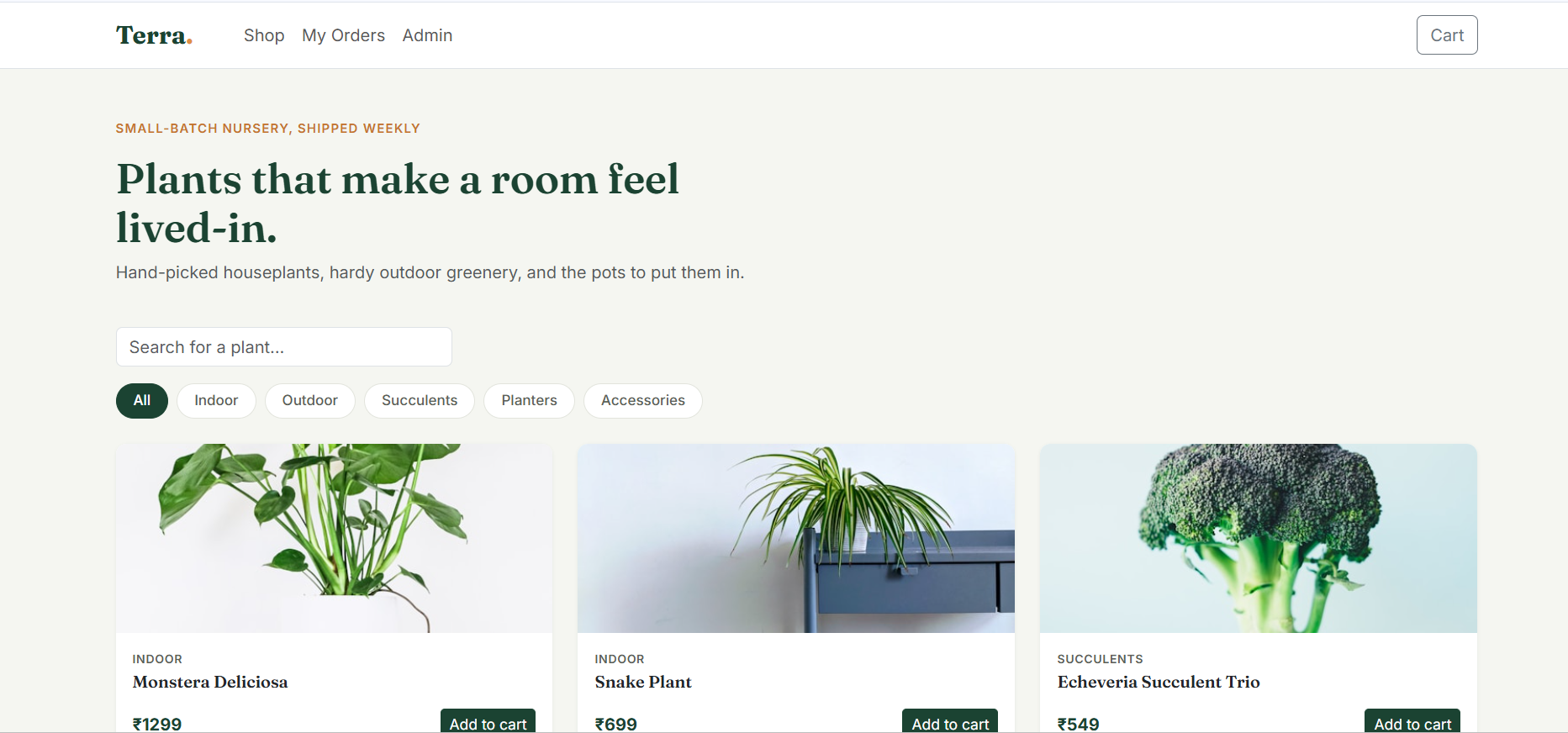
Technologies & Skills
Tags
Download at no cost
What's Included
Support & Customization
Resource Links
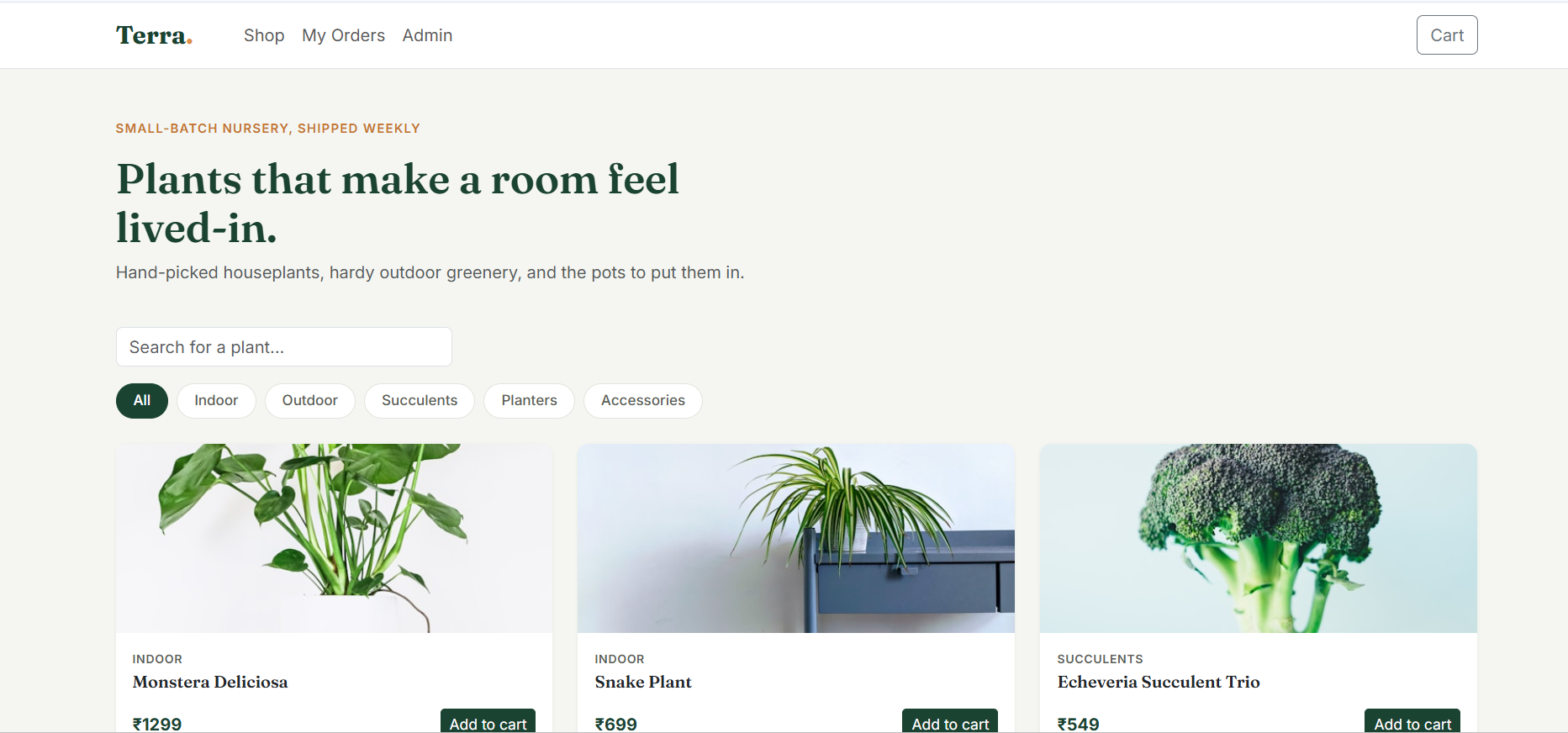
Terra is a responsive front-end e-commerce web application developed using HTML5, CSS3, JavaScript (ES6), and Bootstrap 5. The application simulates a complete online plant store experience without requiring a backend server.
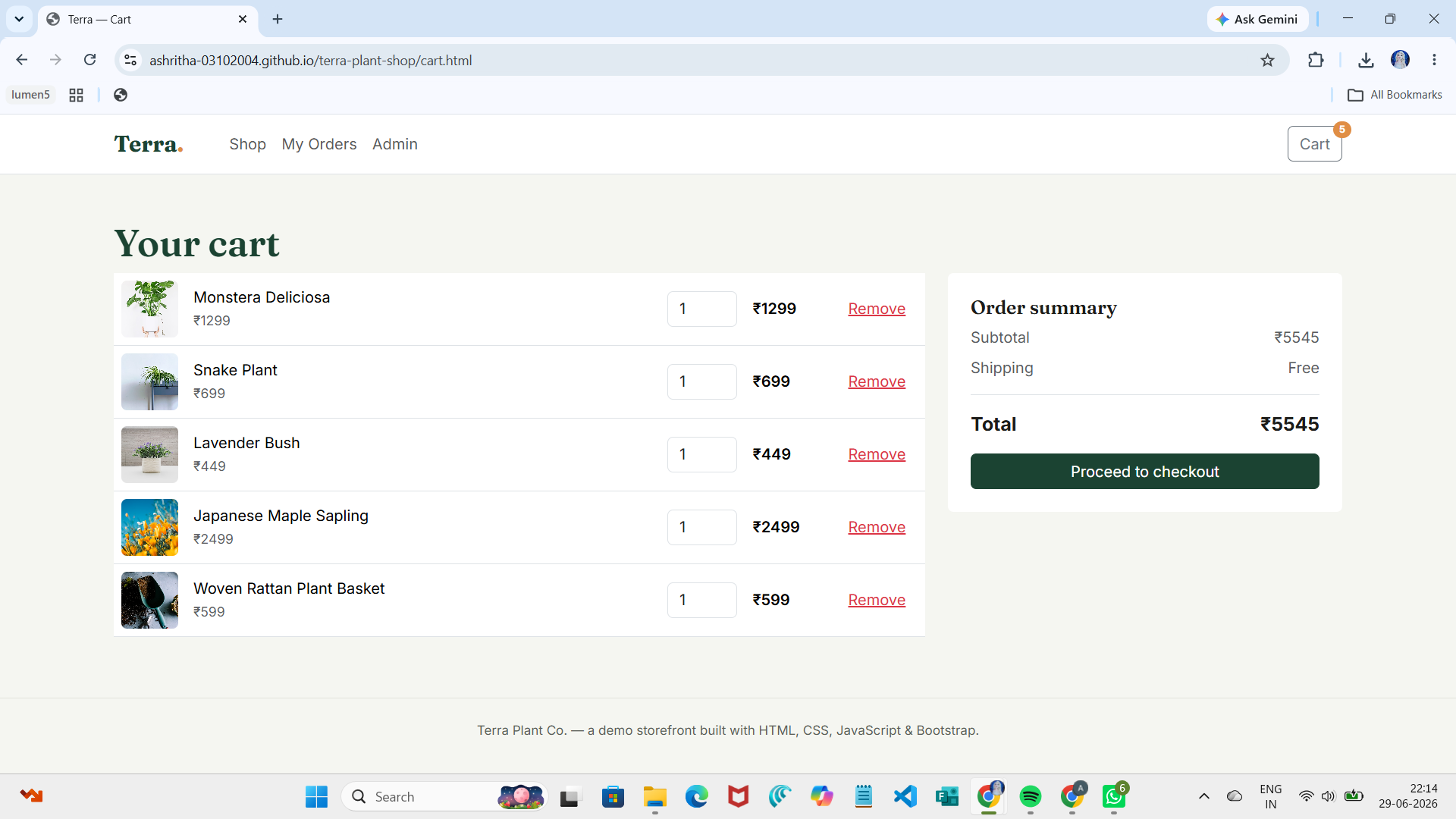
Users can browse products, search by keywords, filter by categories, view product details, manage their shopping cart, and complete purchases with stock validation. The application stores data using the browser's LocalStorage, allowing product and cart information to persist between sessions.
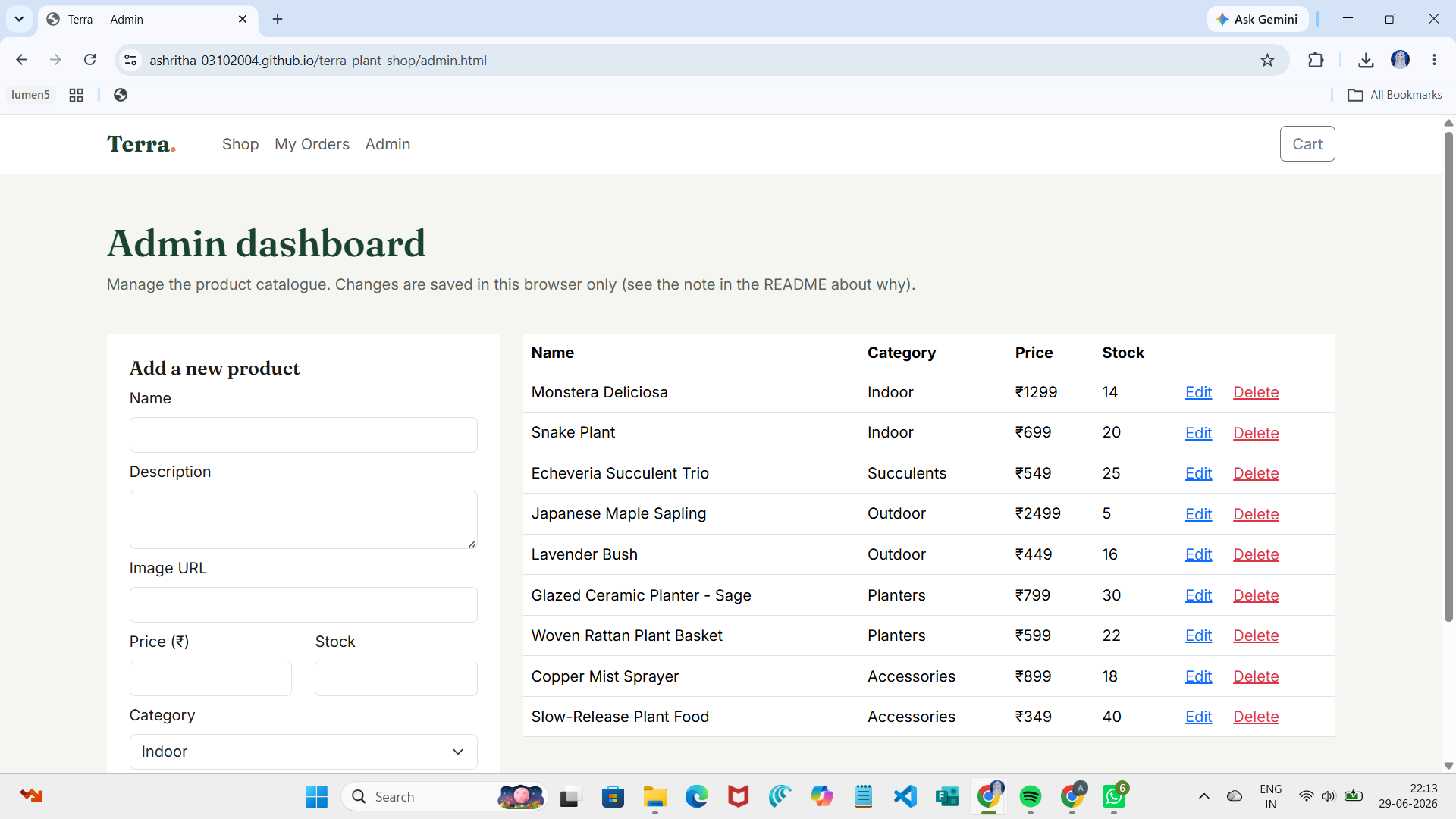
An integrated admin dashboard enables product management through add, edit, and delete operations. The project follows a modular JavaScript structure, separating storage logic from UI rendering to improve maintainability and code organization.
This project demonstrates practical frontend development skills including responsive design, DOM manipulation, client-side state management, CRUD functionality, and browser-based data persistence.
Future Enhancements
• User authentication and authorization
• Backend integration with a database
• Online payment gateway
• Product reviews and ratings
• Wishlist functionality
• Order tracking
• Product sorting and pagination
• Responsive dark mode
Known Issues
• Data is stored only in the browser using LocalStorage.
• Clearing browser storage resets the application data.
• No user authentication or payment gateway integration.
• Admin dashboard is intended for demonstration purposes.
Installation
1. Download and extract the project archive.
2. Open the project folder.
3. Open index.html in a modern web browser, or run the project using the VS Code Live Server extension.
4. No installation, backend server, or database configuration is required.
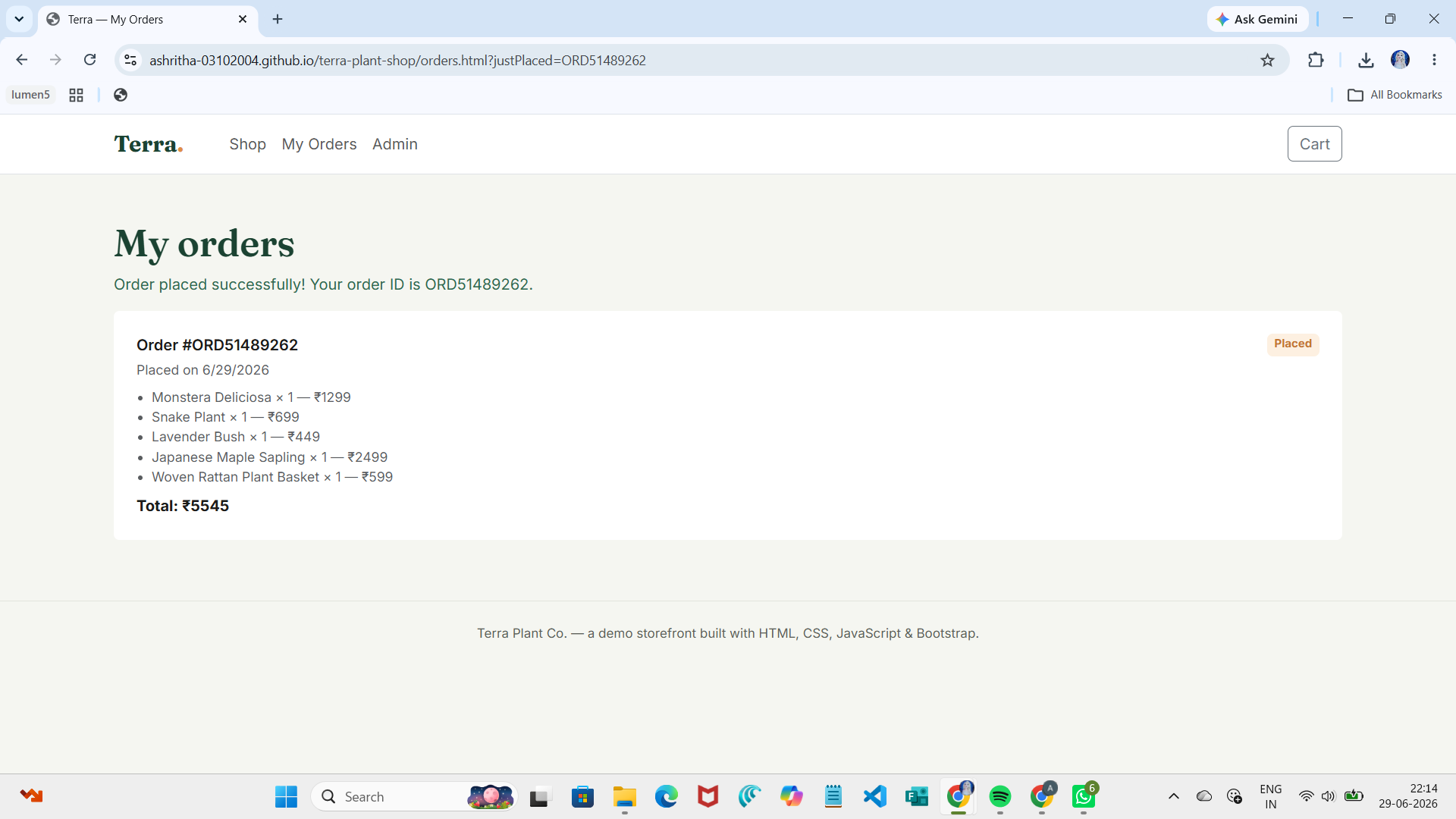
5. The application uses LocalStorage to persist products, cart items, and order history.
Usage
Browse products from the homepage, search and filter items, view product details, add items to the cart, complete checkout, view order history, and manage products through the Admin Dashboard. All application data is stored using the browser's LocalStorage.
System Requirements
• Modern web browser (Chrome, Edge, Firefox)
• No backend server required
• No database required
• No additional software installation required
Slides Open in New Tab
For better readability, slides are opened directly. Documents remain preview-only with secure backend rendering.
Showing preview pages only. Purchase for full access to all pages and complete source package.
Login for Full AccessNo Q&A available yet
Be the first to ask a question!
Ask a Question
Customer Reviews
Write Your Review
No reviews yet
Be the first to review this project!
Similar Projects
You might also be interested in these projects
 website Development
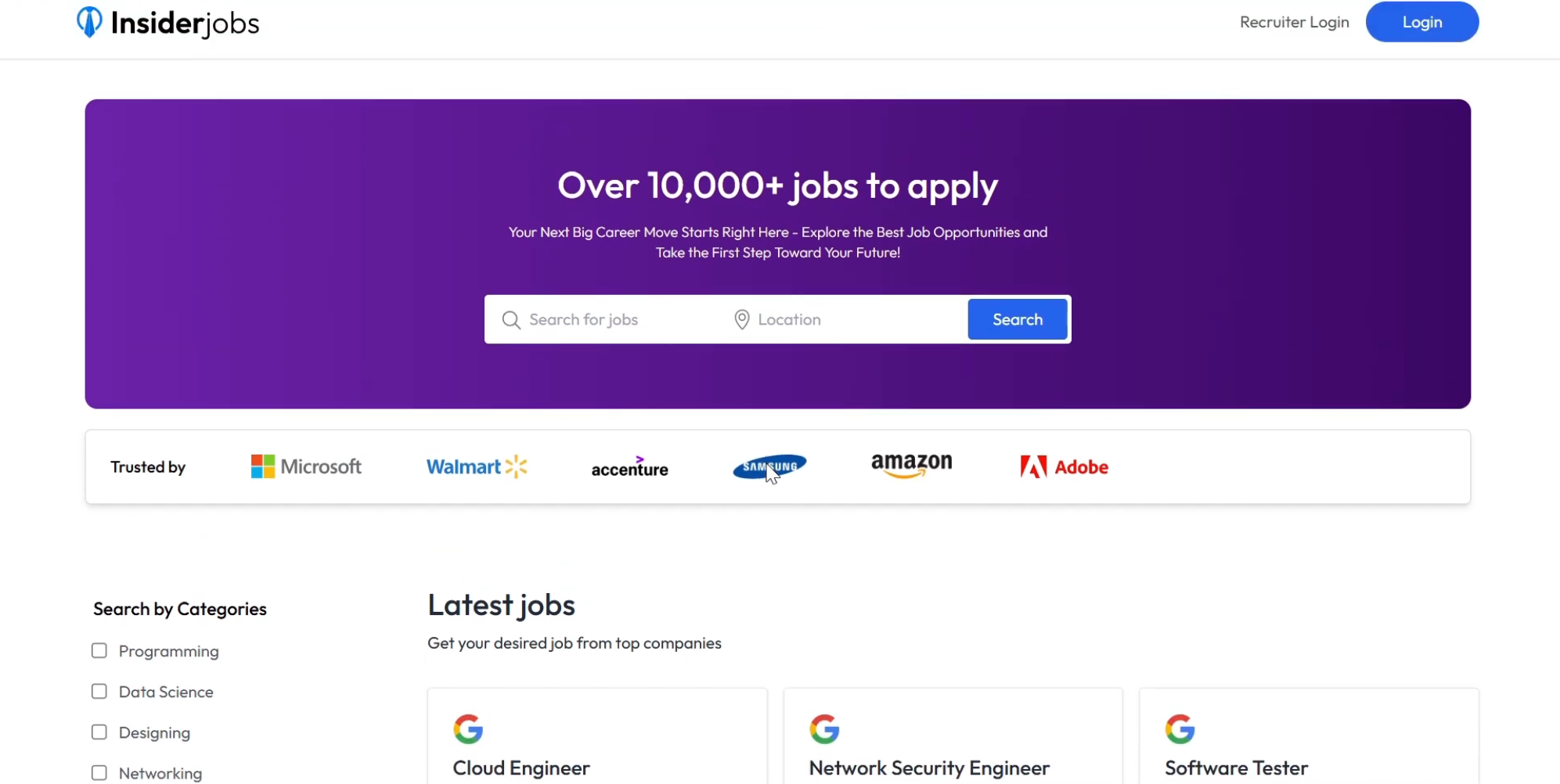
InsiderJobs – Full-Stack MERN Job Portal Platform
Production-ready MERN job portal with recruiter and candidate dashboards, Google authentication, job management and application tracking.
 website Development
Quiz Web based application
It contains a application where children and adults also everyone can play games and build their confidence.
 website Development
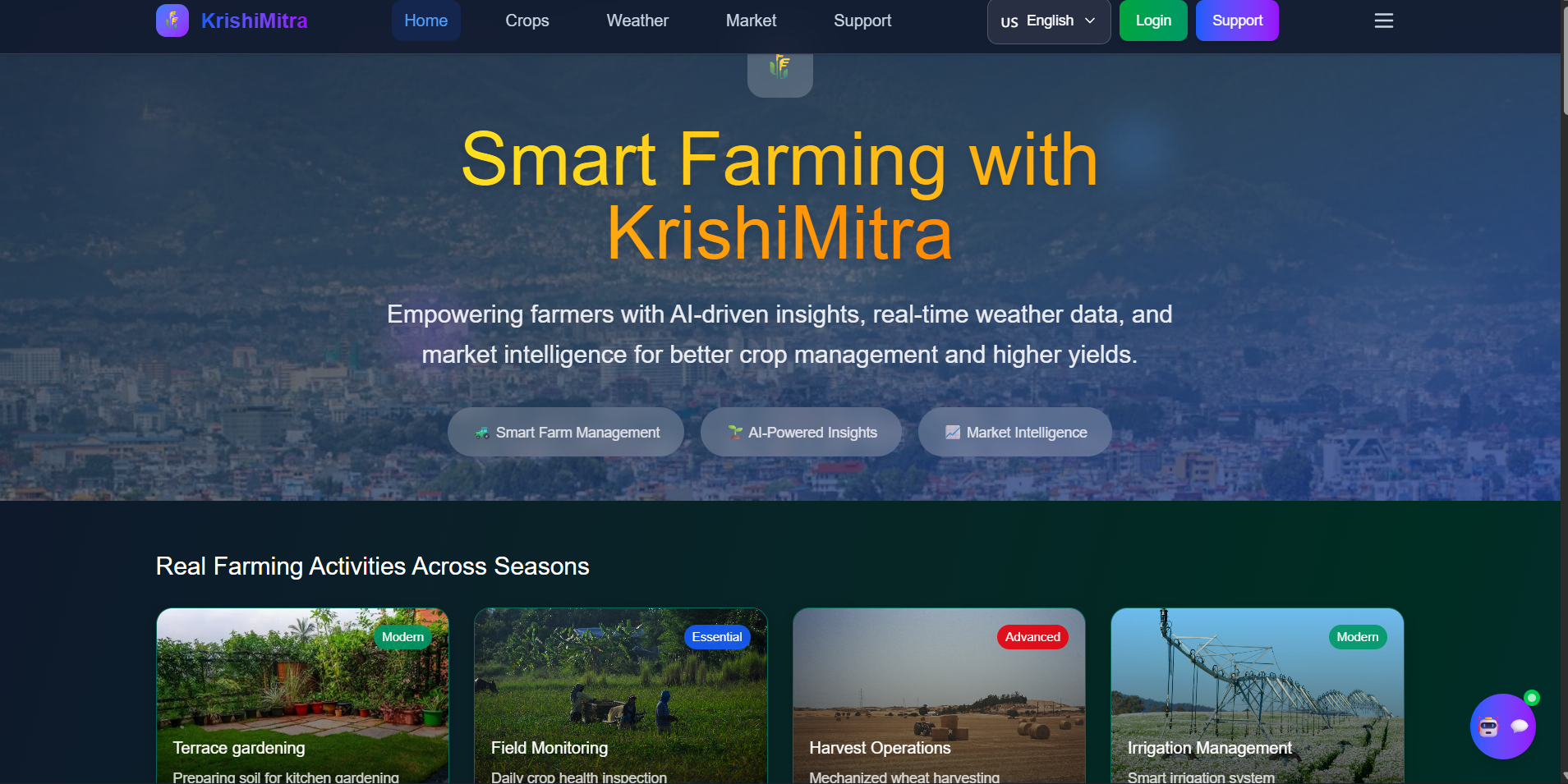
KrishiMitra – AI-Powered Smart Agriculture Platform
AI-powered smart agriculture platform using NASA data for crop recommendations, irrigation planning, flood alerts, and farming insights.
 website Development
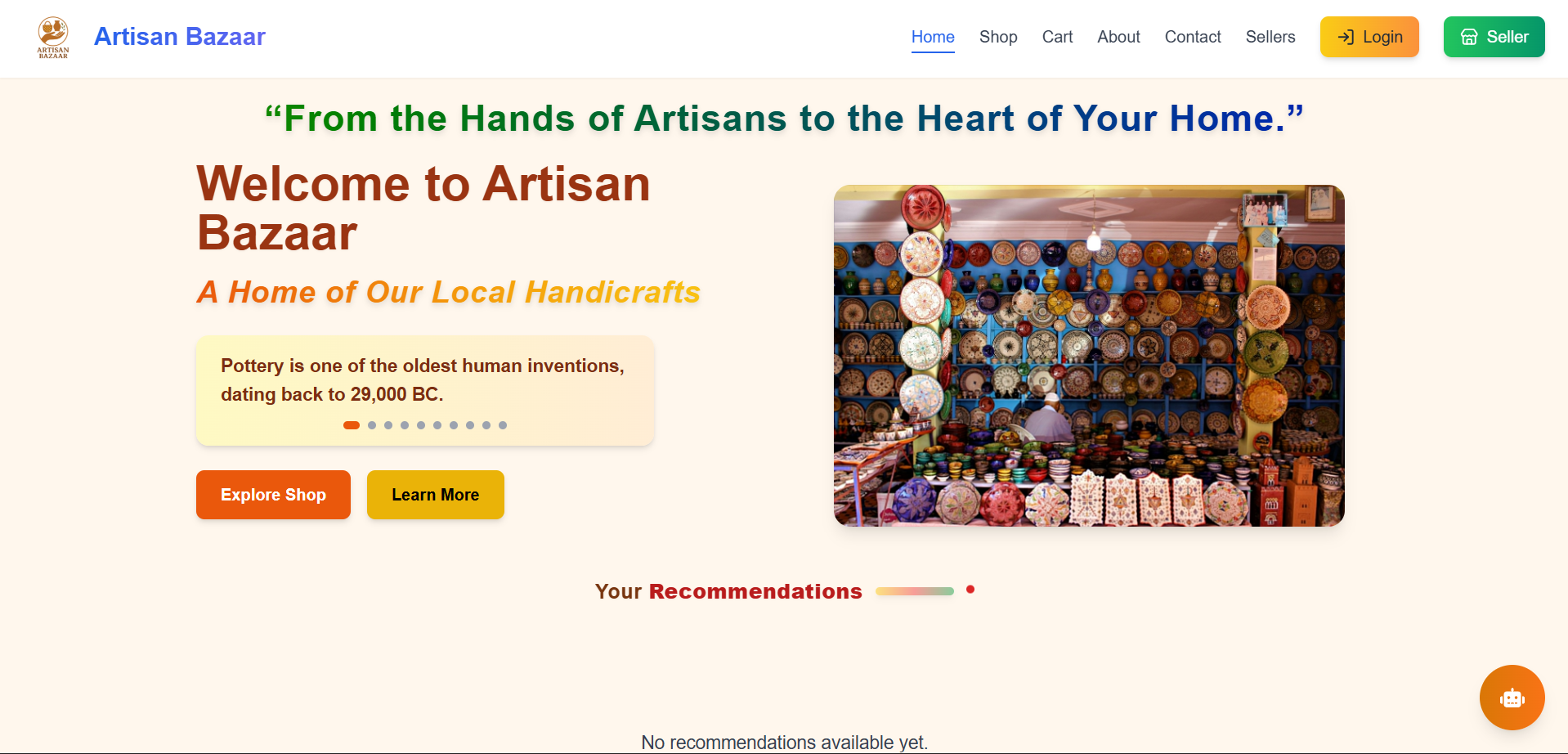
Full-Stack E-Commerce website with MERN
Artisan Bazaar is a full-stack e-commerce website designed to connect local artisans with digital shoppers.