Full-Stack Ecommerce website using React
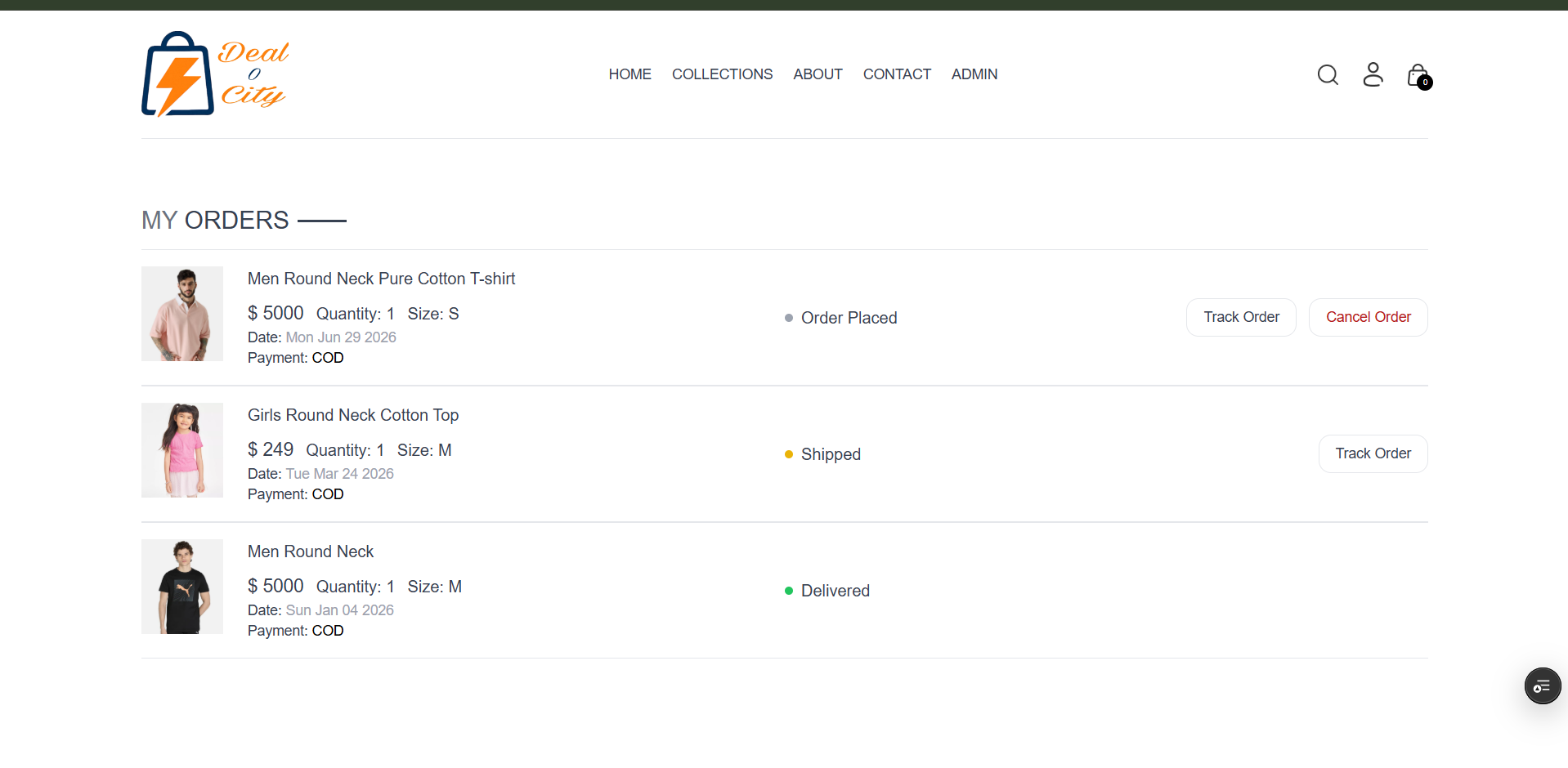
Deal-O-City is a full-stack, trend-driven fashion e-commerce platform built using the MERN stack (MongoDB, Express.js, React.js, Node.js).
Preview Gallery
6 media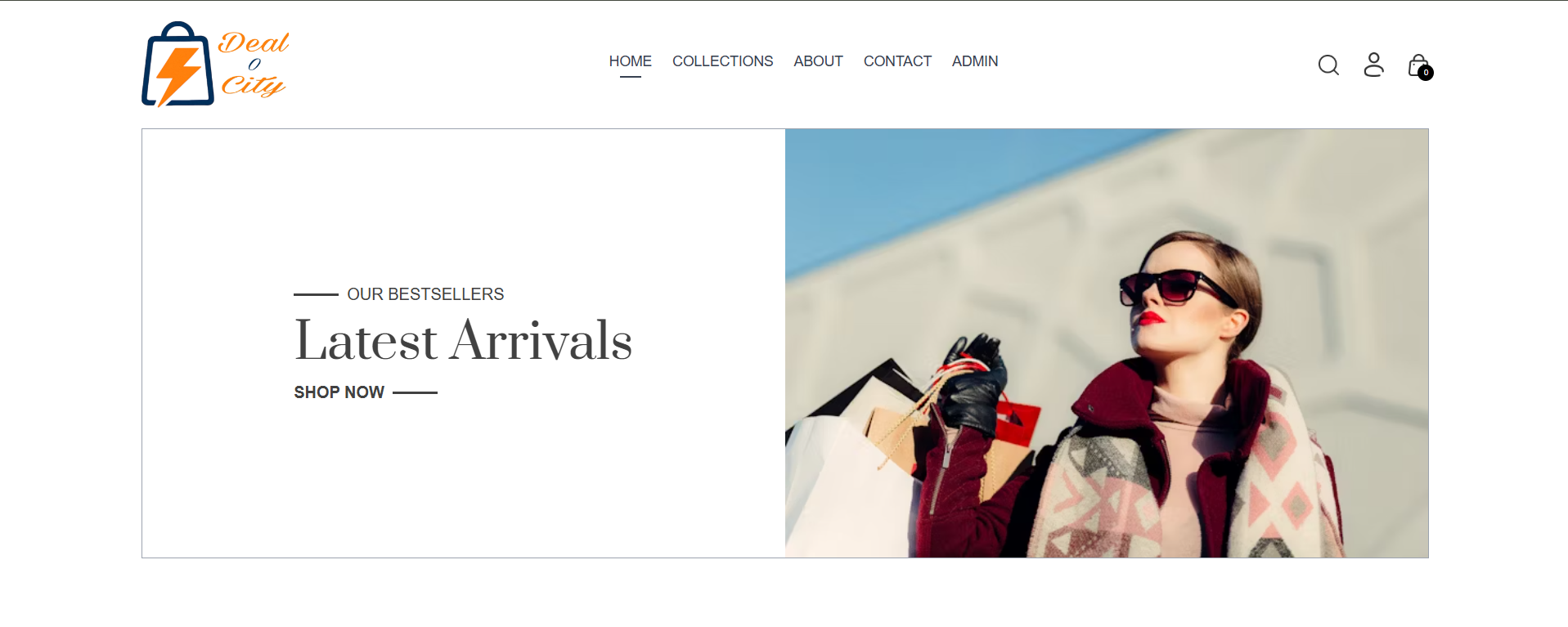
Technologies & Skills
Tags
Limited time offer
In this price buyer will get the source code and 2 future updates and buyer have to pay additional for the resources required for development like database charge, payment gateway integration and etc.
What's Included
Support & Customization
Customization available as per the buyer needs but buyer have to pay for it based on the customization.
Resource Links
Purchase this project to unlock source and premium resources. Document/report remain secure preview-based on this page.
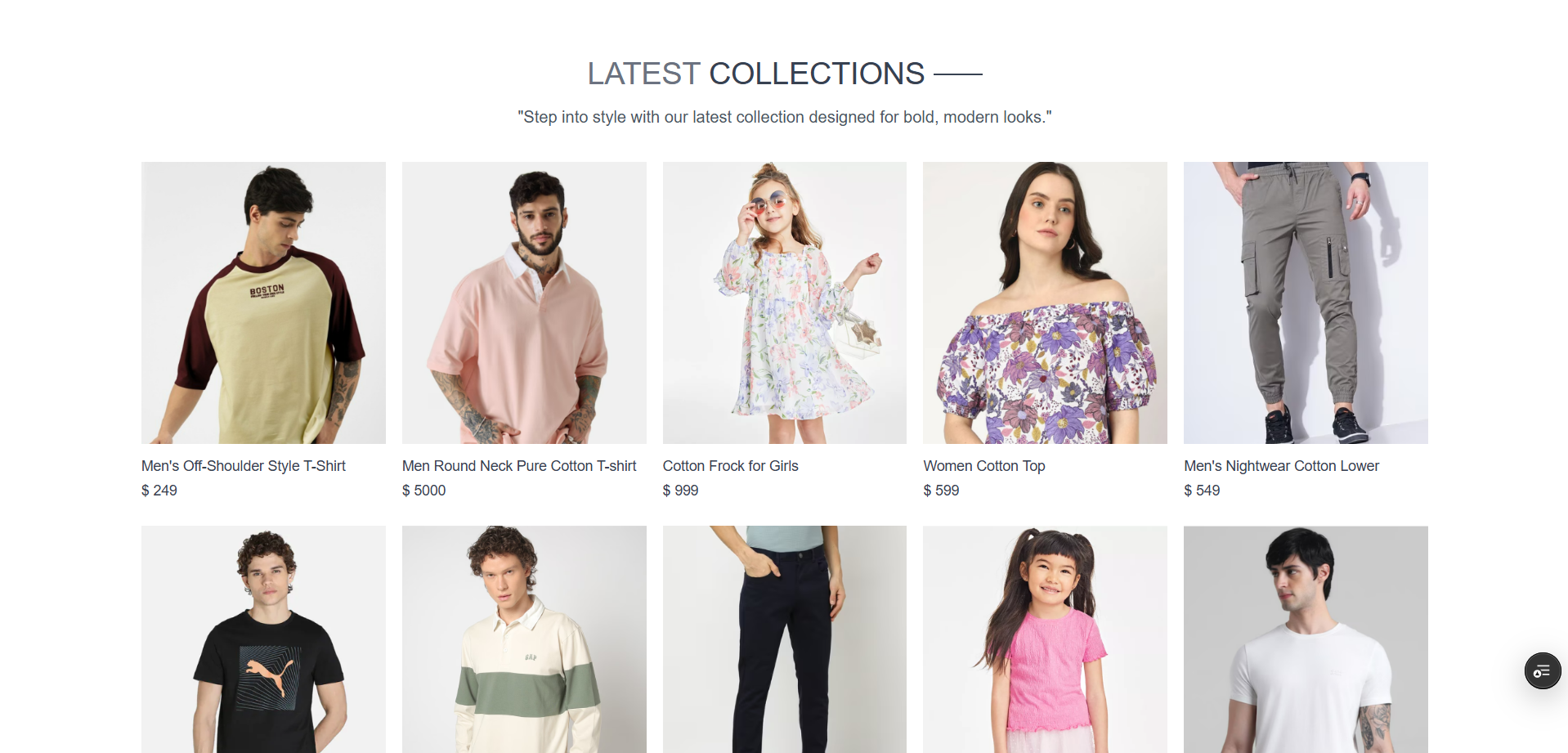
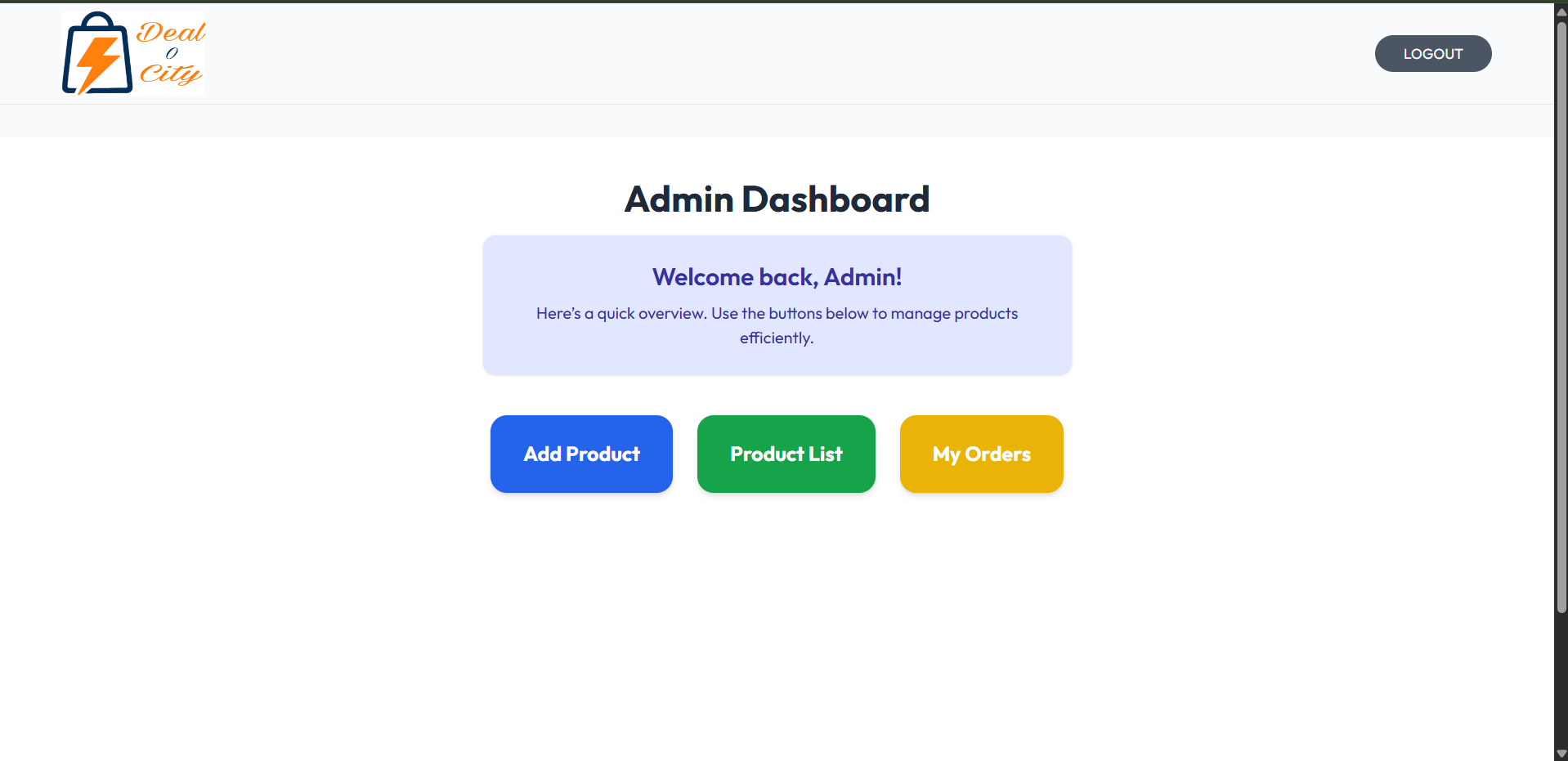
Deal-O-City is a full-stack e-commerce marketplace built using the MERN stack (MongoDB, Express.js, React, and Node.js). The platform is explicitly designed as a fast-paced, modern trend-driven fashion portal that connects clothing vendors and designers directly with retail consumers. By bridging the gap between rapidly shifting fashion trends and digital retail, the website provides an immersive shopping experience while empowering apparel merchants with the tools they need to run an independent digital storefront. On the frontend, the application features a highly responsive, visually appealing user interface built with React.js, allowing customers to seamlessly filter clothing items by size, color, brand, or price, manage a dynamic shopping cart, and navigate a secure checkout process. To protect user data and maintain marketplace trust, the platform includes a secure authentication system with completely separate dashboards for shoppers, fashion vendors, and system administrators. The backend architecture, powered by Node.js and Express.js, relies on a collection of clean RESTful APIs to manage data flow smoothly. Vendors can use their specialized dashboard to handle essential inventory tasks—including uploading new style catalogs, updating variant stock counts, and tracking their total fashion sales. All product details, user credentials, and transaction histories are stored securely in a flexible MongoDB database, showcasing a complete implementation of secure data management and real-world e-commerce workflows.
Future Enhancements
Virtual Try-On Room (AI/AR Integration): Integrate an Augmented Reality (AR) module allowing buyers to preview how clothing items, sunglasses, or accessories would look on their body structure using their smartphone camera before finalizing a purchase.
Smart AI Recommendation Engine: Build a Machine Learning recommendation model using Python and custom tracking logic to suggest unique style combinations and clothing alternatives to buyers based on their past browsing patterns, search history, and favorite brands.
Flash Sales & Dynamic Pricing Module: Develop backend scheduling microservices to run automated, time-sensitive "Deal of the Day" flash sales that adjust prices dynamically based on stock velocity and shopper demand.
Automated Logistics & Order Fulfillment: Connect the backend architecture with real-time third-party logistics APIs (such as Delhivery or Shiprocket) to automatically generate shipping labels for fashion vendors and provide buyers with interactive, live package-tracking links.
Progressive Web App (PWA) Capabilities: Convert the React frontend into a PWA so the platform can run smoothly on mobile devices even under weak or unstable internet connections, using push notifications to alert shoppers of sudden price drops or back-in-stock items.
Known Issues
Installation
Step 1 (Clone the Repository): Open your computer's terminal or command prompt window and download the project code files from your online repository to your local system.
Step 2 (Navigate to the Project Folder): Move your terminal path directly into the main project root folder that was just created.
Step 3 (Enter the Backend Directory): Change your folder directory to go inside the dedicated backend folder.
Step 4 (Install Backend Dependencies): Run the package installer command to automatically download and configure all necessary Node.js server packages and libraries.
Step 5 (Create the Environment File): In the root of your backend folder, create a new text file and save it exactly under the name .env.
Step 6 (Configure Environment Variables): Open the newly created environment file in a text editor and define your variables by entering the server port number, your MongoDB database connection string, and a secure text key for user authentication tokens.
Step 7 (Start the API Server): Run the start script to initialize your database connection and launch the server application. Keep this terminal window open so the backend stays active.
Step 8 (Open a New Terminal Window): Launch a completely fresh, separate terminal or command prompt window without closing the one running your backend server.
Step 9 (Enter the Frontend Directory): Navigate your new terminal window into the main project folder, and then go straight into the frontend workspace folder.
Step 10 (Install Frontend Dependencies): Run the package installer command within this folder to download all required user interface modules, React layouts, and visual design libraries.
Step 11 (Launch the User Interface): Execute the project development script to compile the frontend code and launch your interactive web application. Your default web browser will automatically open to display the Deal-O-City home screen.
Usage
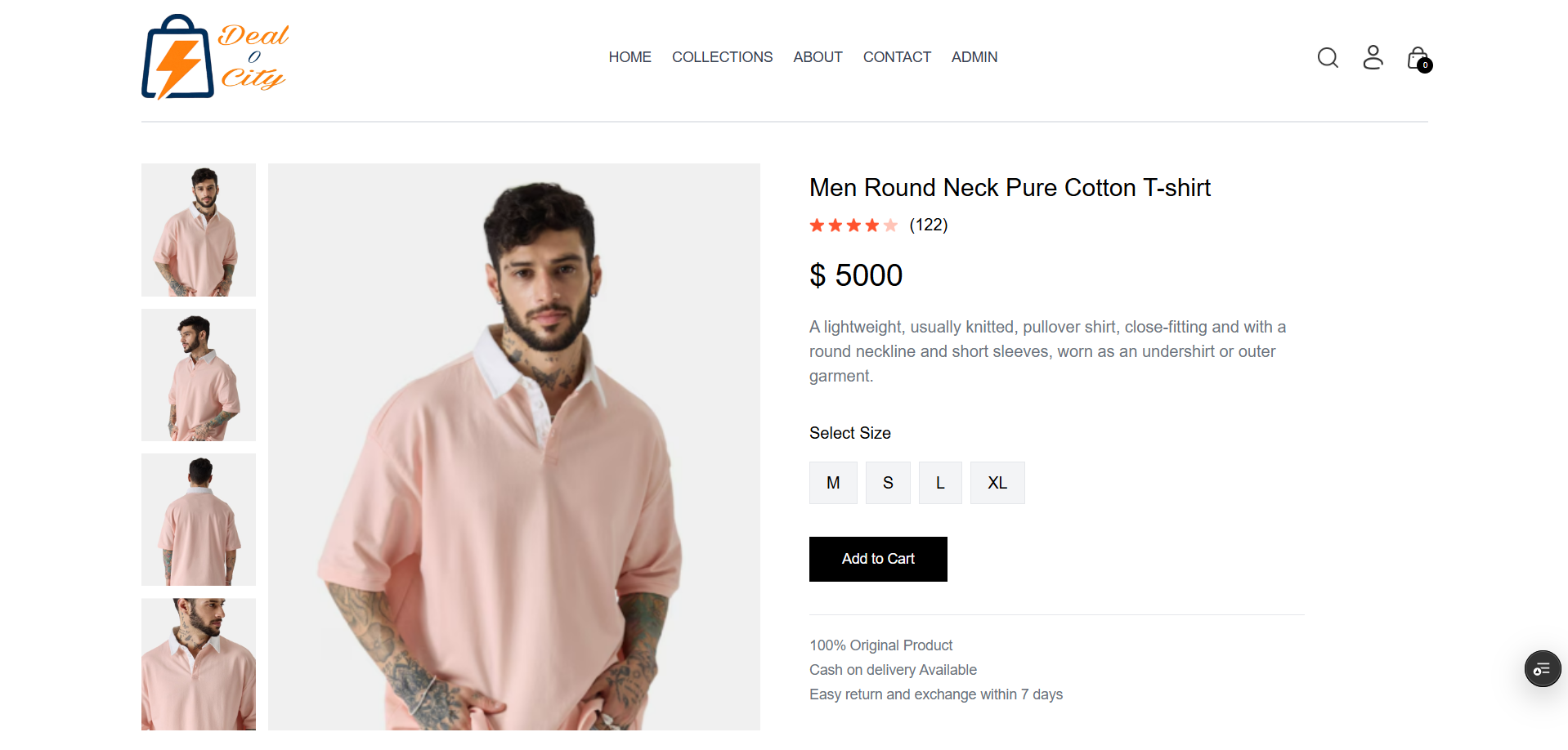
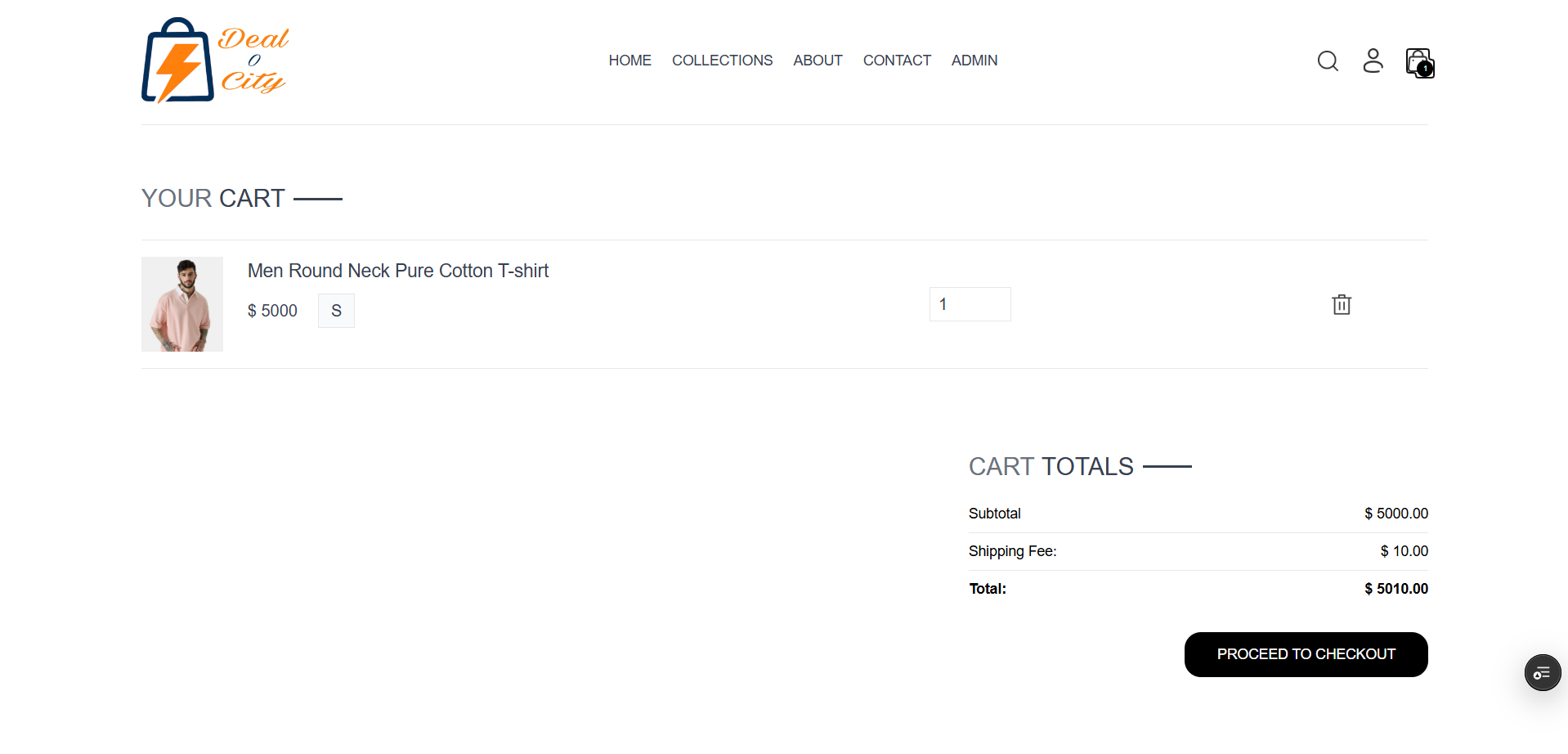
Buyer Workflow: The customer workflow focuses on catalog discovery, filtration, cart state manipulation, and checkout processing. Users register an account, browse clothing items by style categories, apply granular filters for size or color, add selected apparel to a localized state shopping cart, and advance to standard checkout where shipping specifications are gathered.
Vendor Dashboard Workflow: Fashion sellers interact with a secured dashboard that completely abstracts backend technical layers. Upon successful authentication, creators are granted access to full CRUD controls: product provisioning (uploading high-quality style imagery, defining price values, adding clothing size descriptions), stock updating, and access to a real-time analytics window to review accumulated apparel earnings.
User Authentication (Login) Expected Output: Generates secure session/JWT Token; client shifts state to update navigation views dynamically.
Cart Modification Expected Output: React updates local UI state metrics instantaneously without a structural page reload.
Order Finalization Expected Output: Generates immutable order ledger, decrements specific size/color variant inventories, and flushes cart state.
Product Provisioning Expected Output: Inserts document record into MongoDB collection and exposes the asset globally on the marketplace index.
System Requirements
Backend Host (Node.js/Express): Linux Environment (Ubuntu 20.04 LTS or newer recommended), 1 vCPU, 1 GB RAM minimum.
Database Layer (MongoDB): MongoDB Atlas Cloud or local deployment with minimum 2 GB allocated RAM and 512 MB initial storage to handle large collections of high-definition clothing images.
Frontend Host (React): Vercel, Netlify, or Static AWS S3 bucket.
Developer Machine Configuration (Minimum): Intel Core i3 or AMD Ryzen 3 CPU, 8 GB RAM, 20 GB free space, and Windows 10/macOS/Linux OS.
Developer Machine Configuration (Recommended): Intel Core i5 or AMD Ryzen 5 CPU, 16 GB RAM, 50 GB free SSD space, and Windows 11 or macOS.
Essential Software Dependencies: Node.js (v18.x or v20.x LTS), npm package manager, Visual Studio Code IDE, MongoDB Community Server, MongoDB Compass GUI, and Postman API client.
Slides Open in New Tab
For better readability, slides are opened directly. Documents remain preview-only with secure backend rendering.
Showing preview pages only. Purchase for full access to all pages and complete source package.
Login for Full AccessNo Q&A available yet
Be the first to ask a question!
Ask a Question
Customer Reviews
Write Your Review
No reviews yet
Be the first to review this project!
Similar Projects
You might also be interested in these projects
 website Development
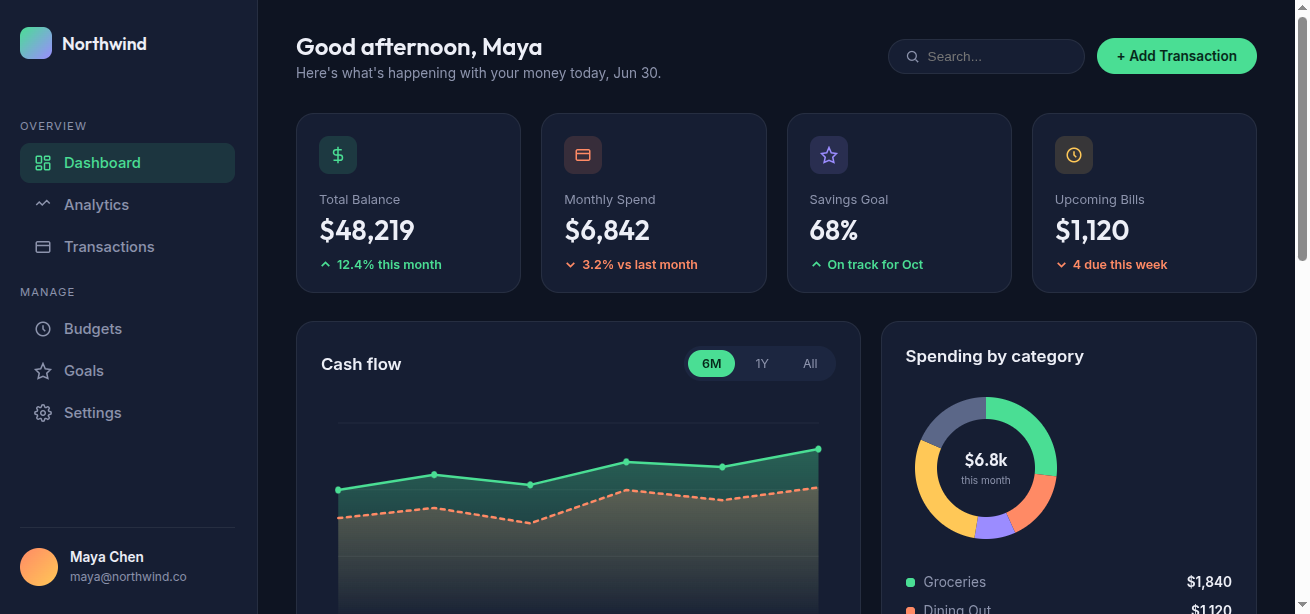
Finance Dashboard
Northwind is a single-page, frontend-only finance dashboard built entirely with vanilla HTML, CSS, and JavaScript — no frameworks, libraries, or backe
 website Development
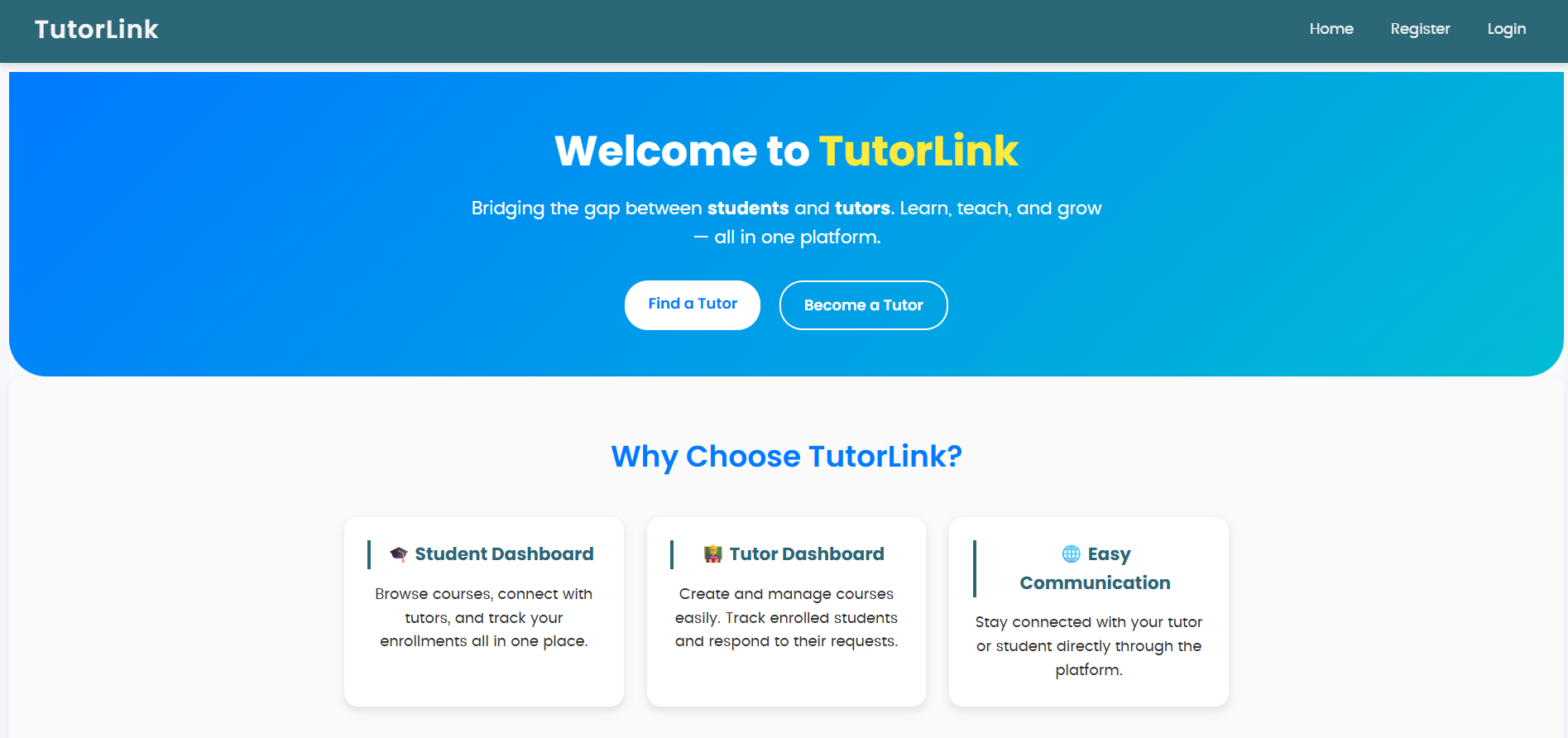
Tutor Link
Tutor Link is a platform that connects students with tutors, offering an easy way to browse, connect, and manage learning.
 website Development
Personal Portfolio
"My personal portfolio is a Django-powered website showcasing my projects, skills, and experience"
 website Development
OrderSetu – AI-powered smart restaurant ordering and management system
Full-stack MERN restaurant ordering system with role-based access, real-time updates, and AI menu assistance.