Nextflow
NextFlow is a visual AI workflow automation platform that lets users build, execute, and monitor AI-powered workflows using a drag-and-drop node edito
Preview Gallery
6 media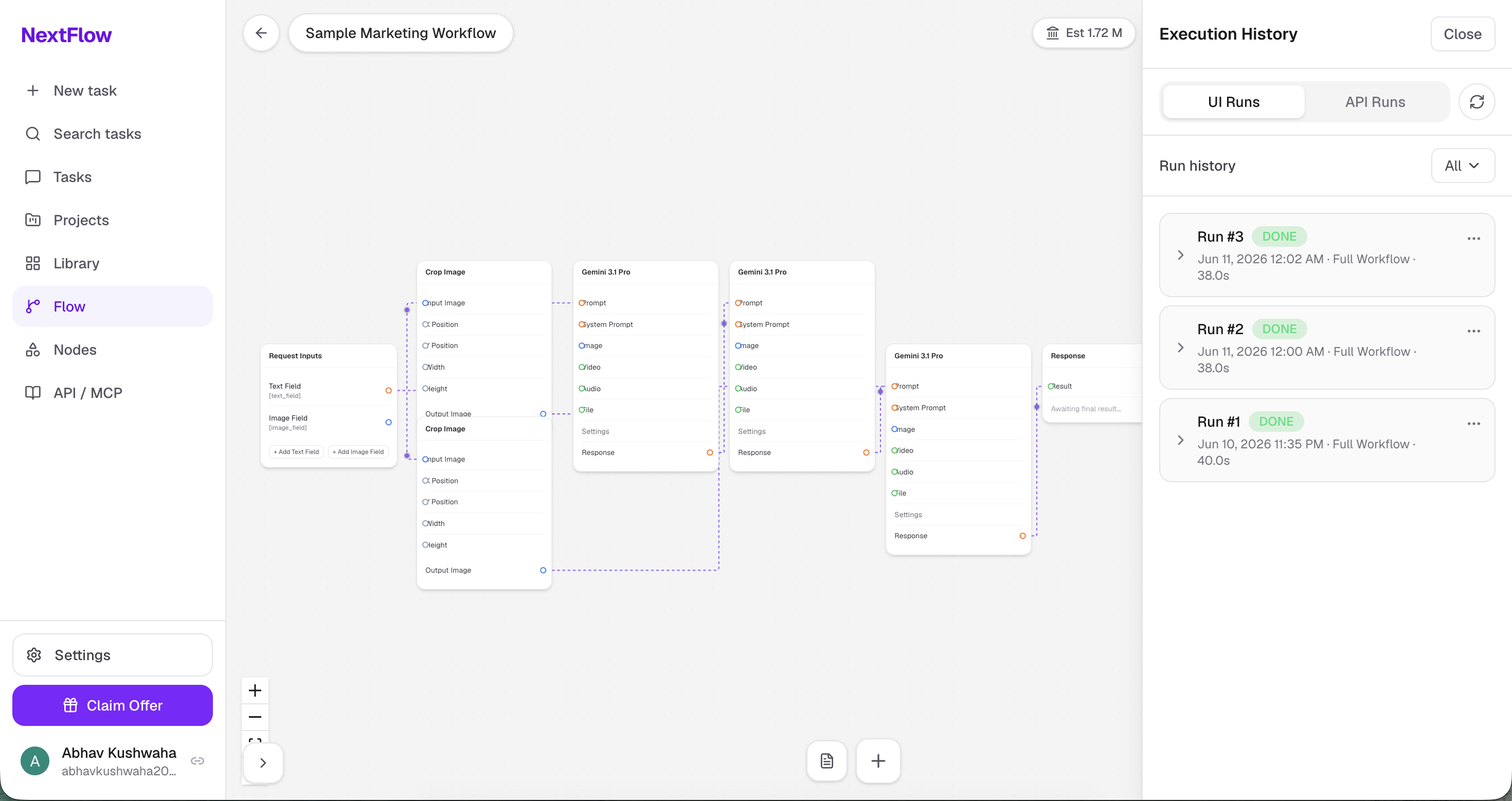
Technologies & Skills
Download at no cost
What's Included
Support & Customization
Resource Links
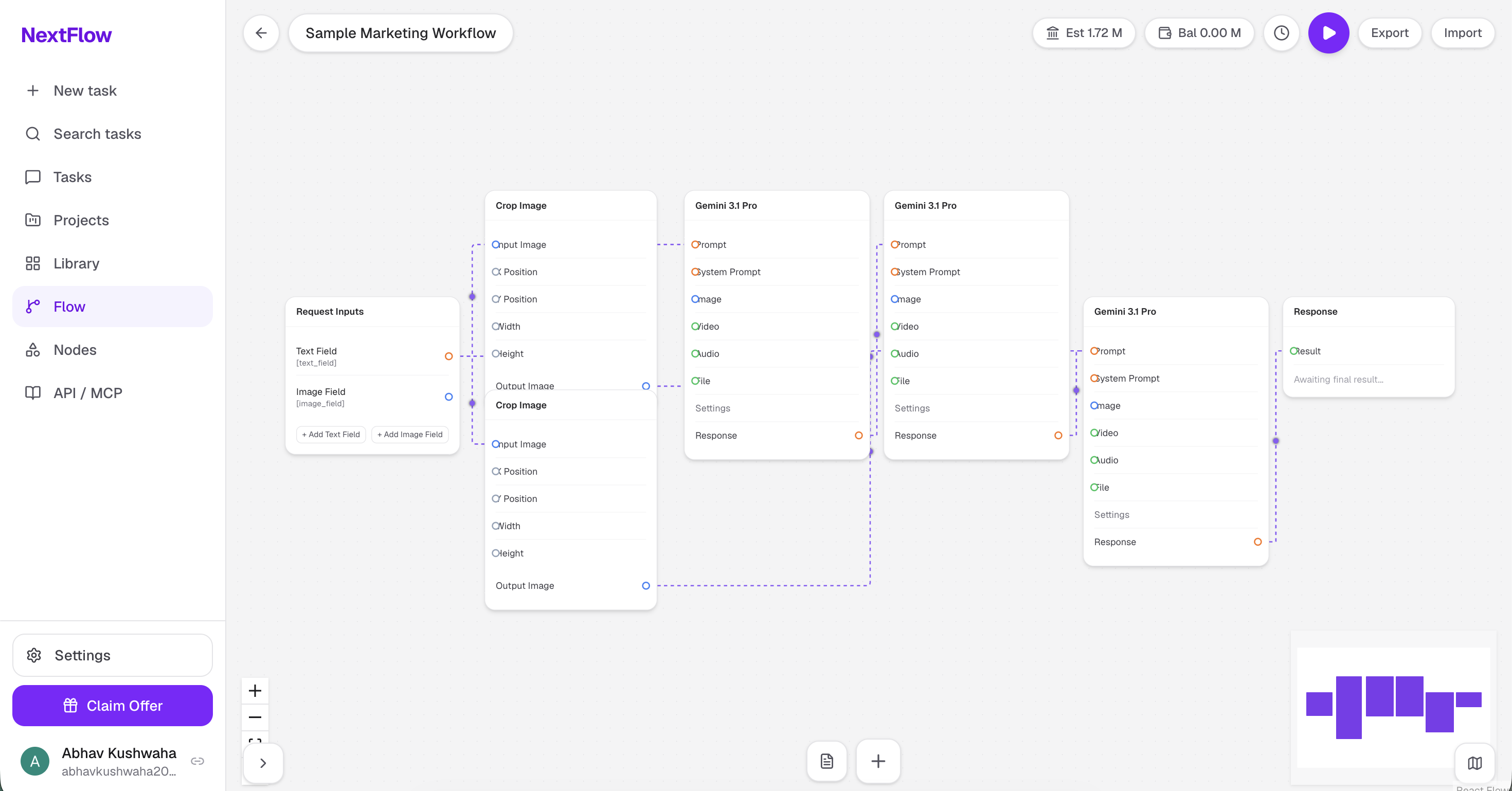
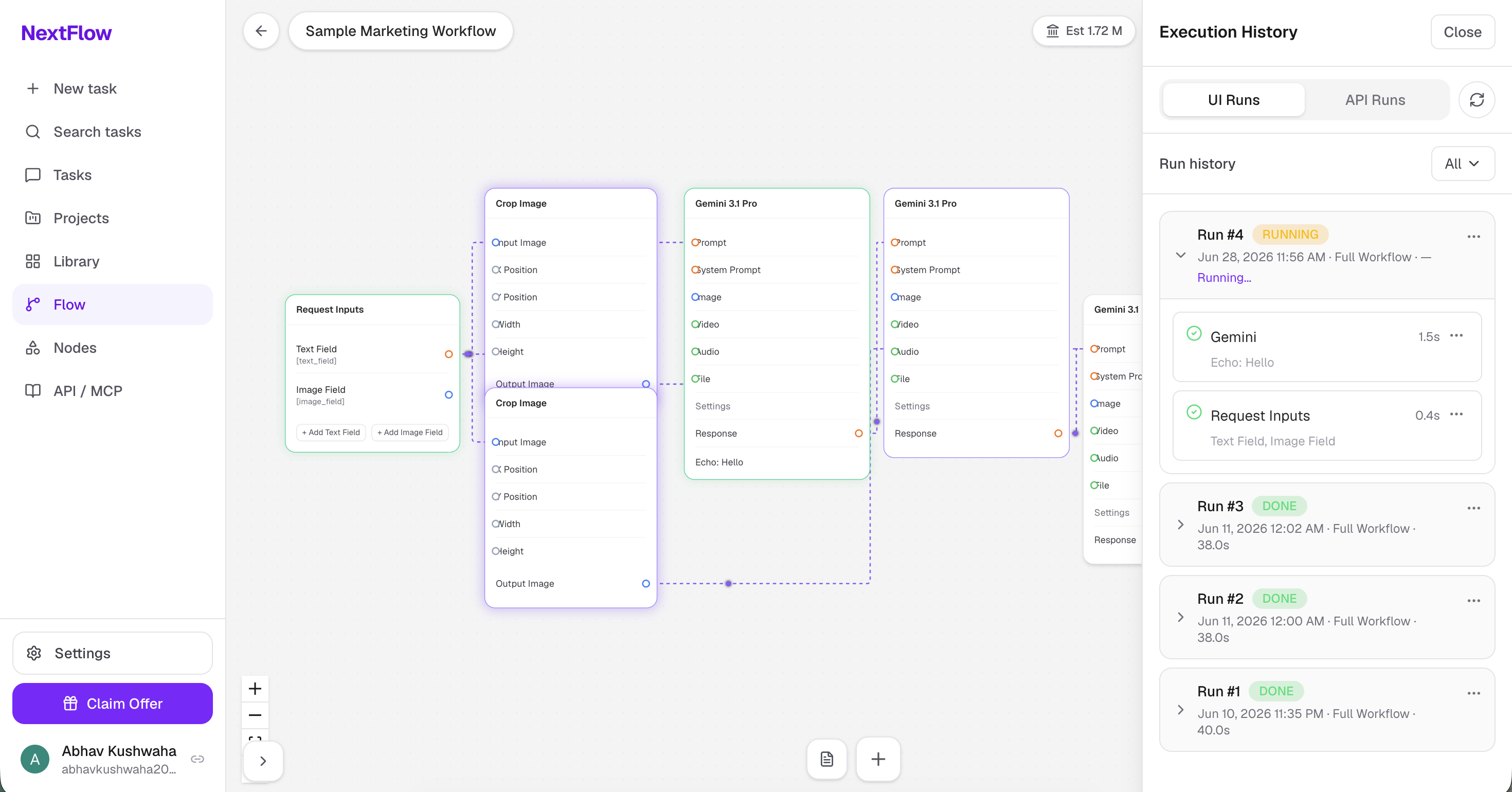
NextFlow is a visual AI workflow automation platform that enables users to design, execute, and manage AI-powered workflows through an intuitive drag-and-drop interface. It allows users to connect different processing nodes into a workflow, automate execution, and monitor results without writing code.
The platform uses a node-based editor where each node represents a specific task, such as collecting user inputs, processing images, interacting with AI models, or displaying the final output. Workflows are internally represented as Directed Acyclic Graphs (DAGs), ensuring that nodes execute in the correct dependency order while allowing independent tasks to run concurrently for improved performance.
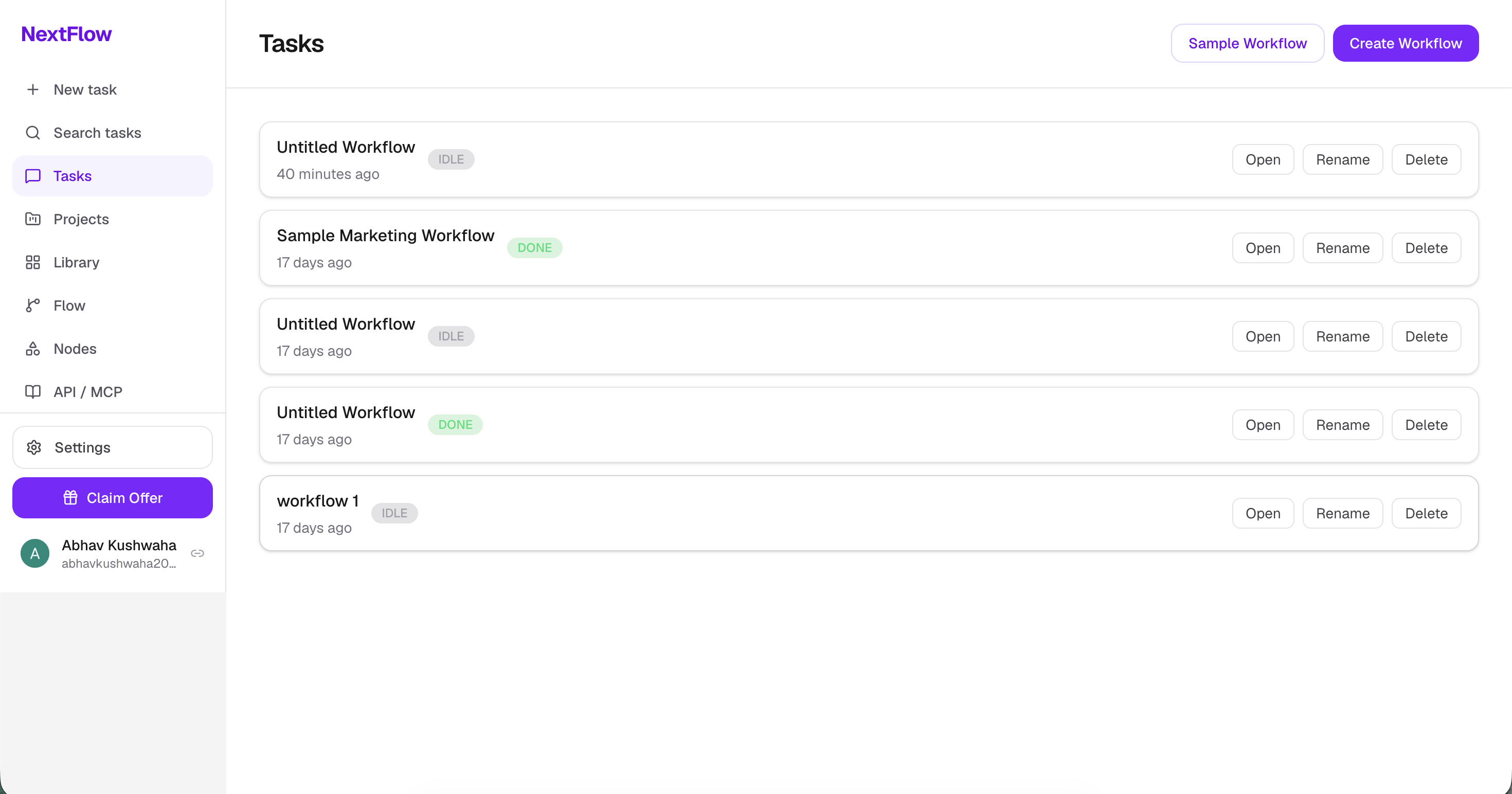
NextFlow provides a complete workflow management experience, including secure authentication, workflow creation and management, automatic saving of changes, undo/redo functionality, JSON import/export, and detailed execution history. Every workflow execution is tracked with node-level status updates, execution duration, outputs, and error reporting, making workflows easy to debug and monitor.
The execution engine is powered by Trigger.dev, which handles long-running background tasks such as image processing and AI inference. Image manipulation tasks are performed using FFmpeg, while AI-powered text and multimodal generation are integrated through Google Gemini. Workflow data is stored using PostgreSQL with Prisma ORM, and user authentication is handled securely using Clerk.
Key Features
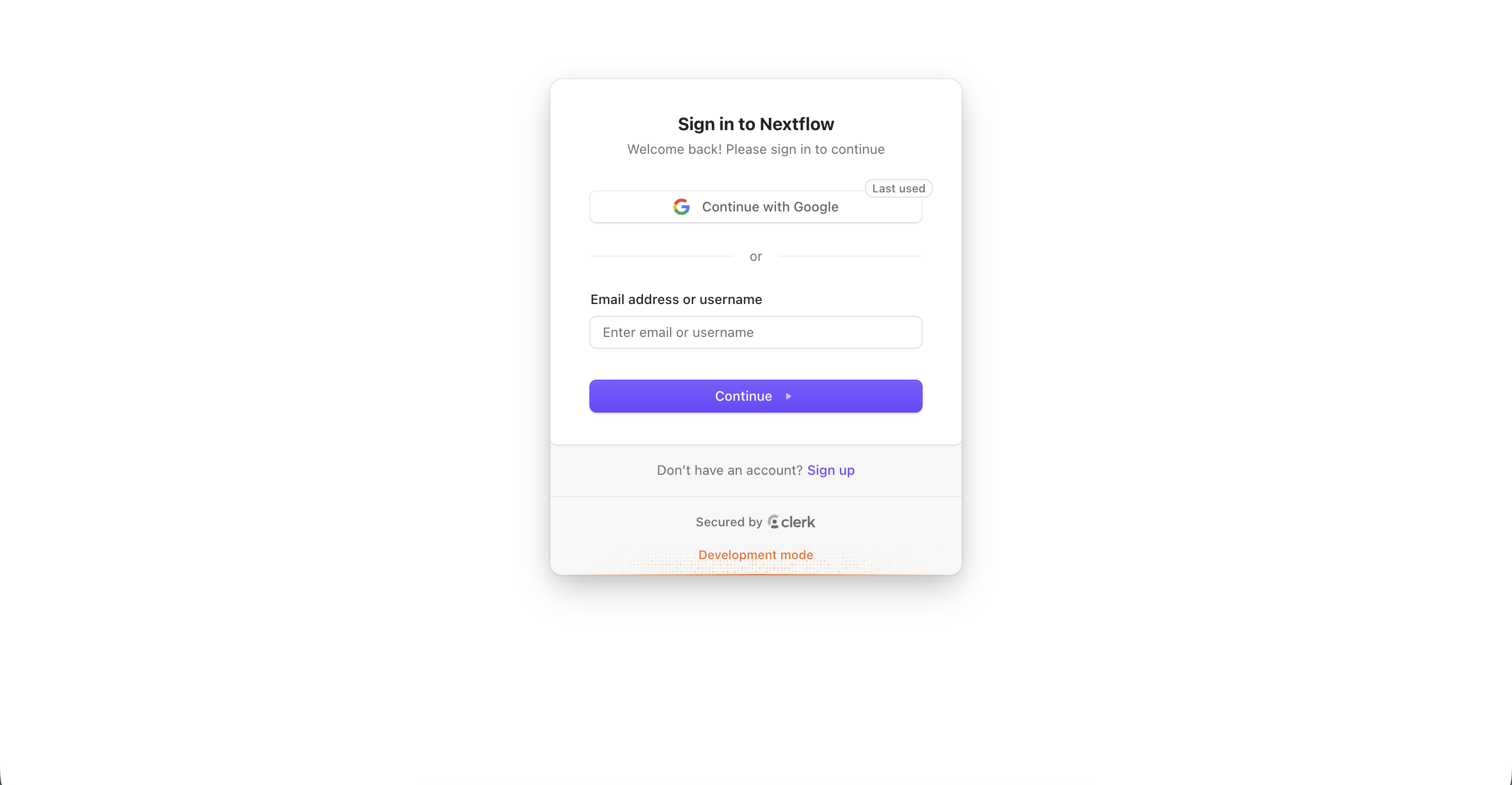
- Secure user authentication with Clerk
- Visual drag-and-drop workflow builder
- Custom workflow nodes:
- Request Inputs
- Crop Image
- Gemini 3.1 Pro
- Response
- Directed Acyclic Graph (DAG) based workflow execution
- Parallel execution of independent nodes
- Trigger.dev background task execution
- Google Gemini integration for AI-powered processing
- Image processing using FFmpeg
- Auto-save workflow changes
- Undo and Redo functionality
- JSON Import and Export
- Real-time execution status updates
- Workflow execution history with node-level logs
- Responsive and modern user interface built with Tailwind CSS
Tech Stack
Frontend
- Next.js 14 (App Router)
- TypeScript
- Tailwind CSS
- React Flow
- Zustand
- Lucide React
Backend
- Next.js API Routes
- Prisma ORM
- PostgreSQL (Neon)
Authentication
- Clerk
Workflow Execution
- Trigger.dev
AI
- Google Gemini
Media Processing
- FFmpeg
- Transloadit
Problem Solved
Building AI-powered workflows often requires manually switching between multiple tools, repeatedly uploading files, invoking AI models, and transferring outputs from one step to another. This process is time-consuming, difficult to manage, and not easily reusable.
NextFlow addresses this challenge by providing a unified visual workflow builder where users can define complete AI pipelines using interconnected nodes. The platform automatically manages execution order, dependency resolution, background processing, and workflow history, allowing users to create reusable AI workflows that can be executed reliably with a single click.
Future Enhancements
Known Issues
Installation
## Installation & Setup
### 1. Clone the repository
```bash
git clone https://github.com/<your-username>/nextflow.git
cd nextflow
```
### 2. Install dependencies
```bash
npm install
```
### 3. Configure environment variables
Create a `.env.local` file in the project root and add the required environment variables:
```env
DATABASE_URL=
NEXT_PUBLIC_CLERK_PUBLISHABLE_KEY=
CLERK_SECRET_KEY=
TRIGGER_SECRET_KEY=
GEMINI_API_KEY=
TRANSLOADIT_KEY=
TRANSLOADIT_SECRET=
```
### 4. Generate Prisma Client
```bash
npx prisma generate
```
### 5. Run Database Migrations
```bash
npx prisma migrate dev
```
### 6. Start Trigger.dev
```bash
npx trigger.dev dev
```
### 7. Start the development server
```bash
npm run dev
```
The application will be available at:
```
http://localhost:3000
```
Usage
1. Sign in or create an account using Clerk authentication.
2. Create a new workflow from the Dashboard.
3. Open the workflow editor.
4. Add and connect workflow nodes using the node picker.
5. Configure each node with the required inputs and settings.
6. Click **Run** to execute the complete workflow or run selected nodes.
7. Monitor execution progress through real-time node status updates.
8. View execution history and node-level outputs in the History panel.
9. Export workflows as JSON or import previously saved workflows.
10. Save changes automatically with the built-in auto-save functionality.
System Requirements
### Hardware
- Minimum 4 GB RAM (8 GB recommended)
- Dual-core processor or higher
- Stable internet connection
### Software
- Node.js 20.x or later
- npm 10.x or later
- PostgreSQL database (Neon or local PostgreSQL)
- Modern web browser (Chrome, Edge, Firefox, or Safari)
### Required Services
- Clerk Account (Authentication)
- Neon PostgreSQL Database
- Trigger.dev Project
- Google AI Studio API Key (Gemini)
- Transloadit Account (Image Uploads)
### Supported Platforms
- Windows 10/11
- macOS
- Linux
Slides Open in New Tab
For better readability, slides are opened directly. Documents remain preview-only with secure backend rendering.
Showing preview pages only. Purchase for full access to all pages and complete source package.
Login for Full AccessNo Q&A available yet
Be the first to ask a question!
Ask a Question
Customer Reviews
Write Your Review
No reviews yet
Be the first to review this project!
Similar Projects
You might also be interested in these projects
 website Development
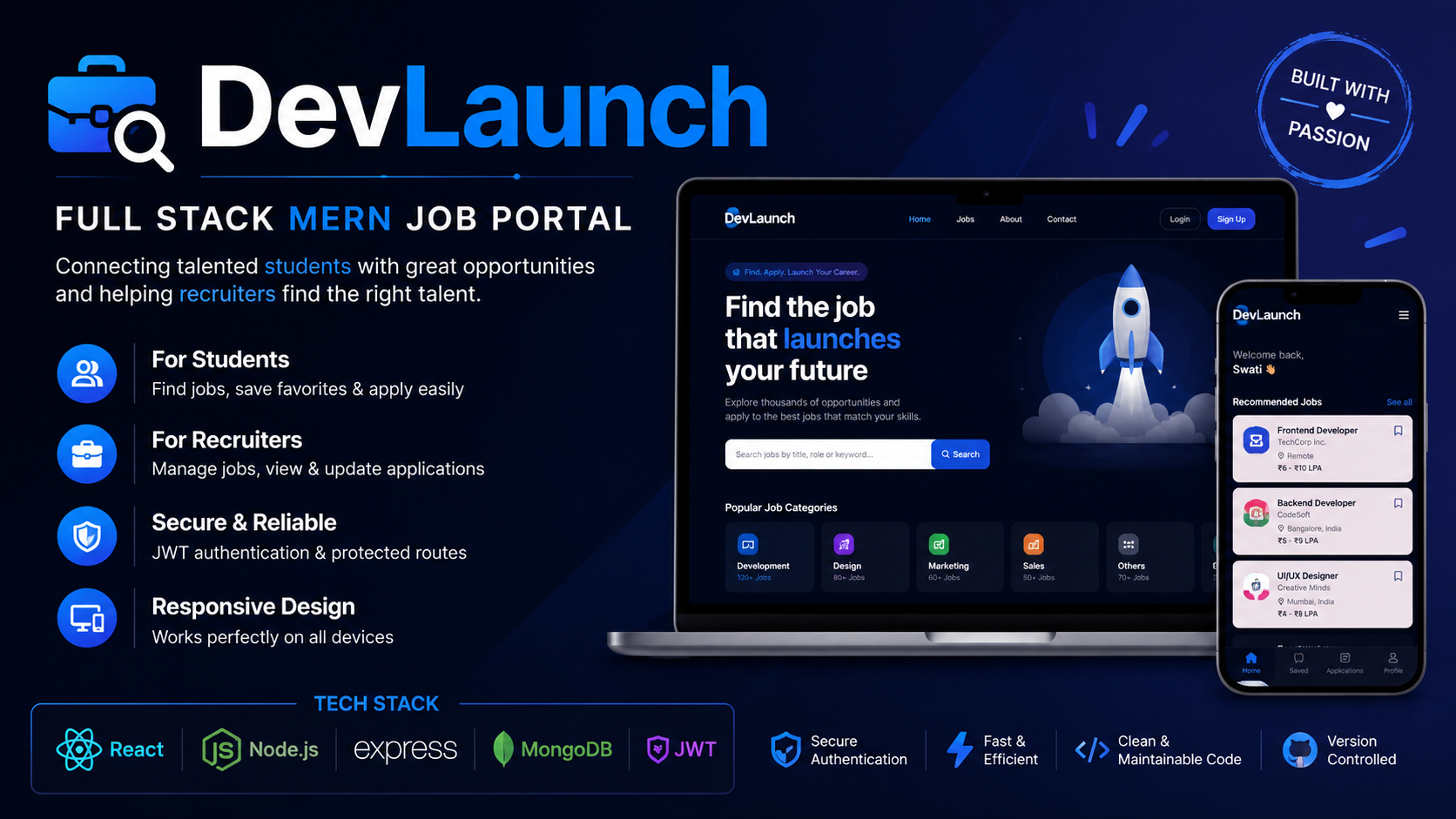
DevLaunch – Full Stack MERN Job Portal
A full-stack MERN job portal where students find jobs, apply online, and recruiters manage applications efficiently.
 website Development
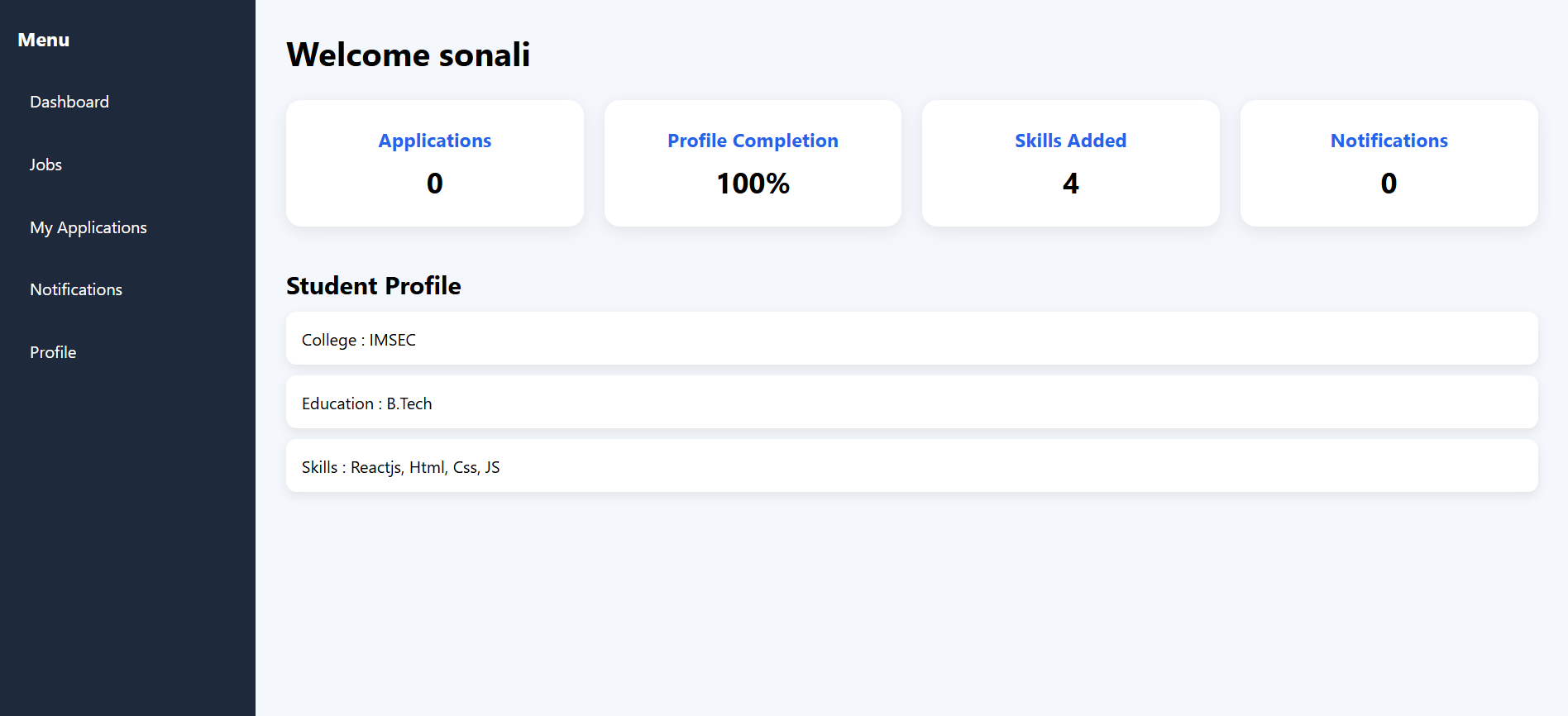
Full-Stack Job & Internship Portal (MERN)
A full-stack MERN job portal featuring JWT authentication, role-based dashboards, job posting, applications, resume uploads, and notifications.
 website Development
Prescripto – Full-Stack Doctor Appointment System
Full-stack MERN doctor appointment platform with patient, doctor and admin dashboards, JWT authentication, online booking and responsive UI.
 website Development
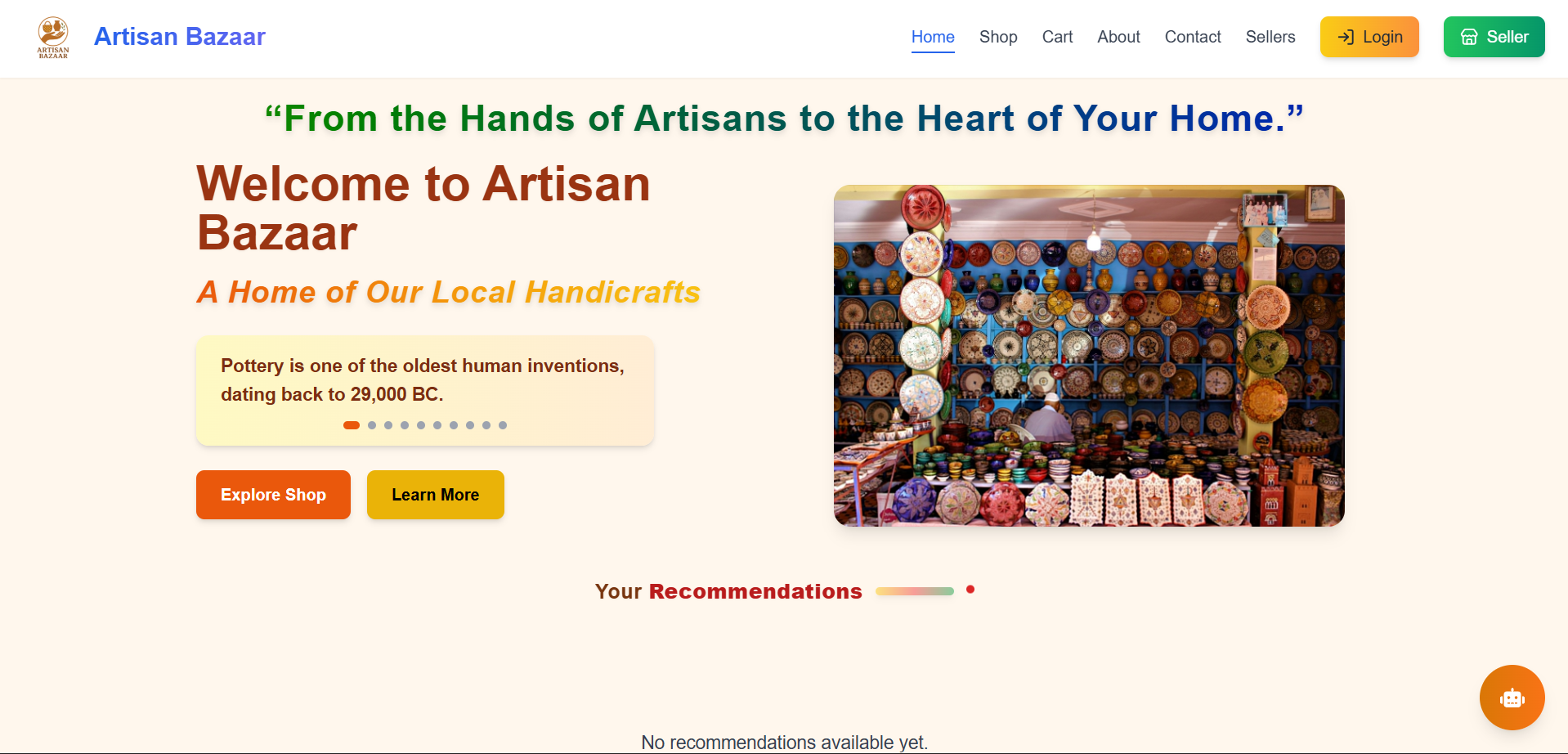
Full-Stack E-Commerce website with MERN
Artisan Bazaar is a full-stack e-commerce website designed to connect local artisans with digital shoppers.