https://study-planner-ruddy-five.vercel.app/login
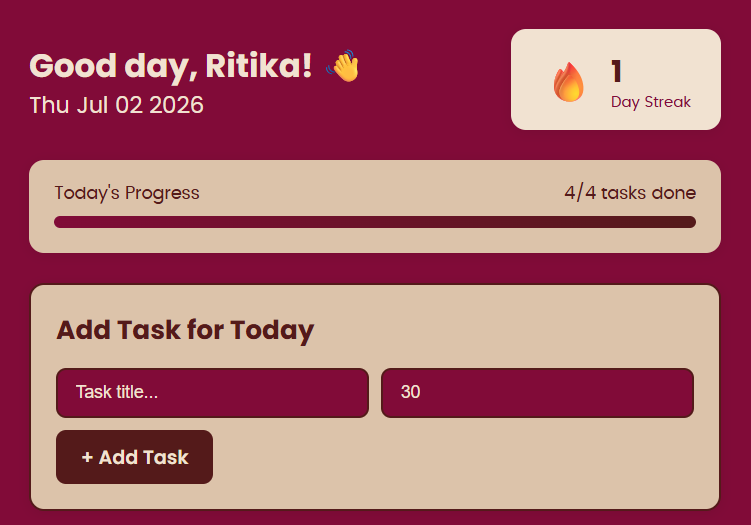
study planner is a planning tool useful for students to organize their tasks and plan their schedule.
Preview Gallery
6 media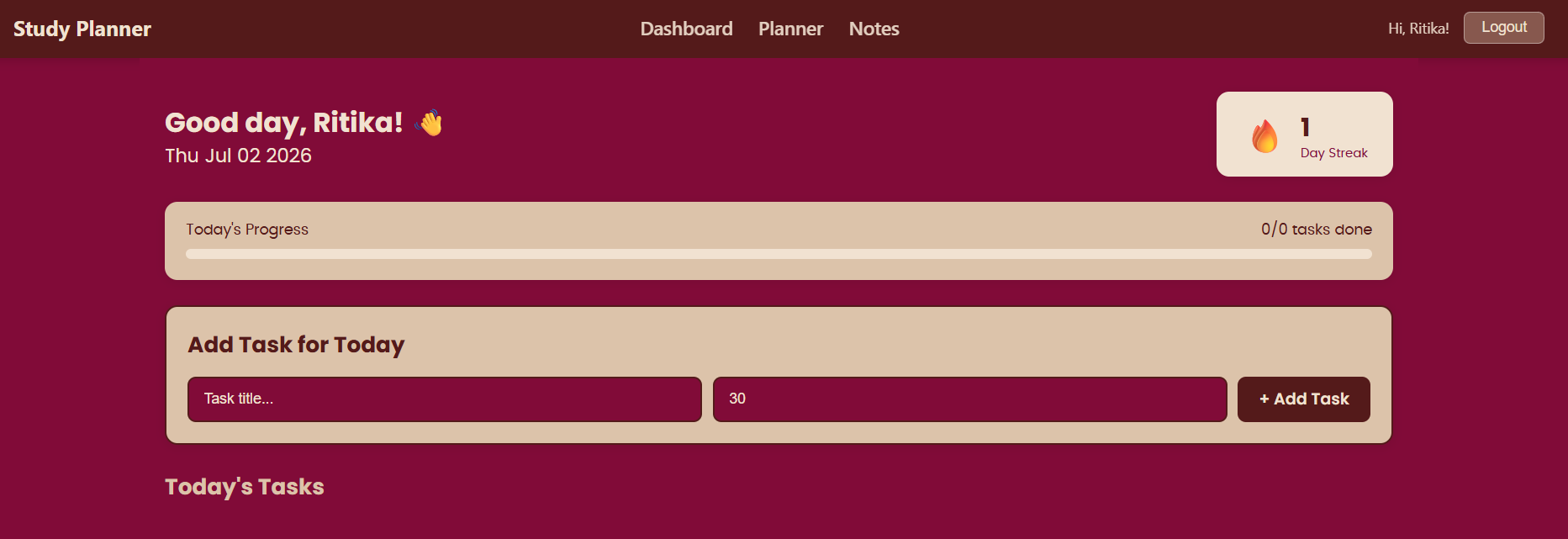
Technologies & Skills
Download at no cost
What's Included
Support & Customization
Resource Links
Study Planner is a full-stack productivity web application designed to help students organize their academic activities, manage tasks efficiently, and stay consistent with their study goals. The application provides a centralized platform where users can create, edit, track, and manage their daily, weekly, or long-term study plans.
The primary objective of the project is to simplify study management by allowing users to break large academic goals into smaller, manageable tasks while monitoring their progress over time. Instead of relying on notebooks or scattered reminders, students can maintain all their study schedules in one place.
The application features a clean and intuitive user interface that enables users to add new study tasks with details such as the subject, task title, description, due date, priority level, and completion status. Users can modify or delete tasks whenever their schedule changes, ensuring that the planner always reflects their current study plan.
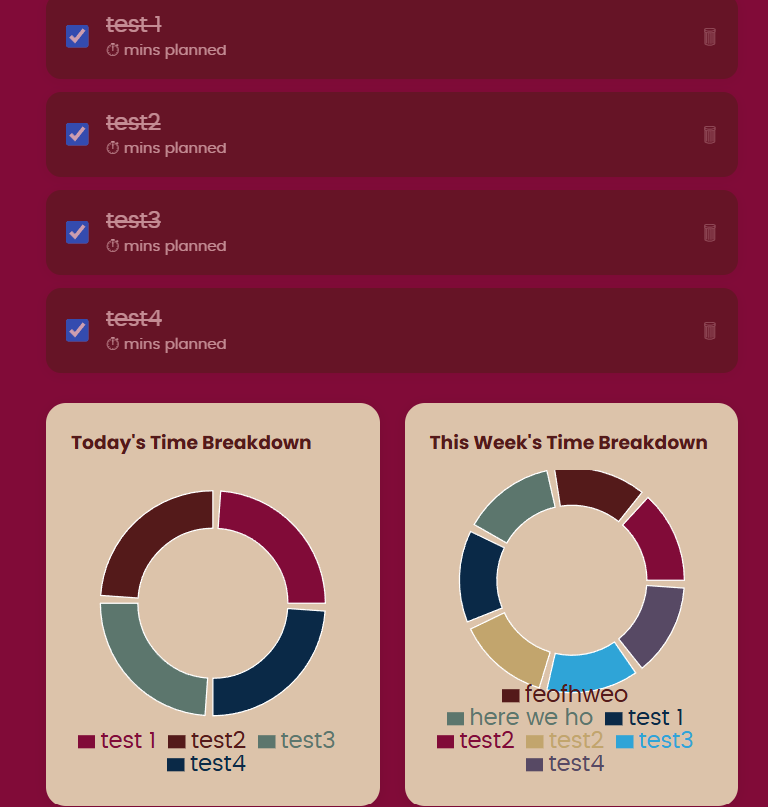
A task management system allows users to mark completed tasks, making it easy to distinguish between pending and finished work. Tasks can also be categorized based on subjects or priorities, helping students focus on the most important assignments first.
To improve productivity, the planner includes deadline tracking and visual indicators for upcoming or overdue tasks. This helps users stay aware of approaching deadlines and encourages timely completion of assignments.
Key Features
- User-friendly dashboard
- Add, edit, and delete study tasks
- Mark tasks as completed
- Subject-wise task organization
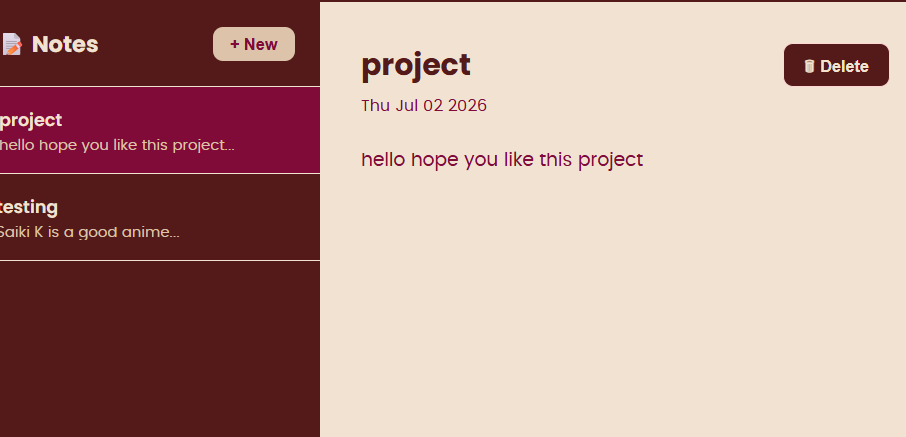
- Notes feature
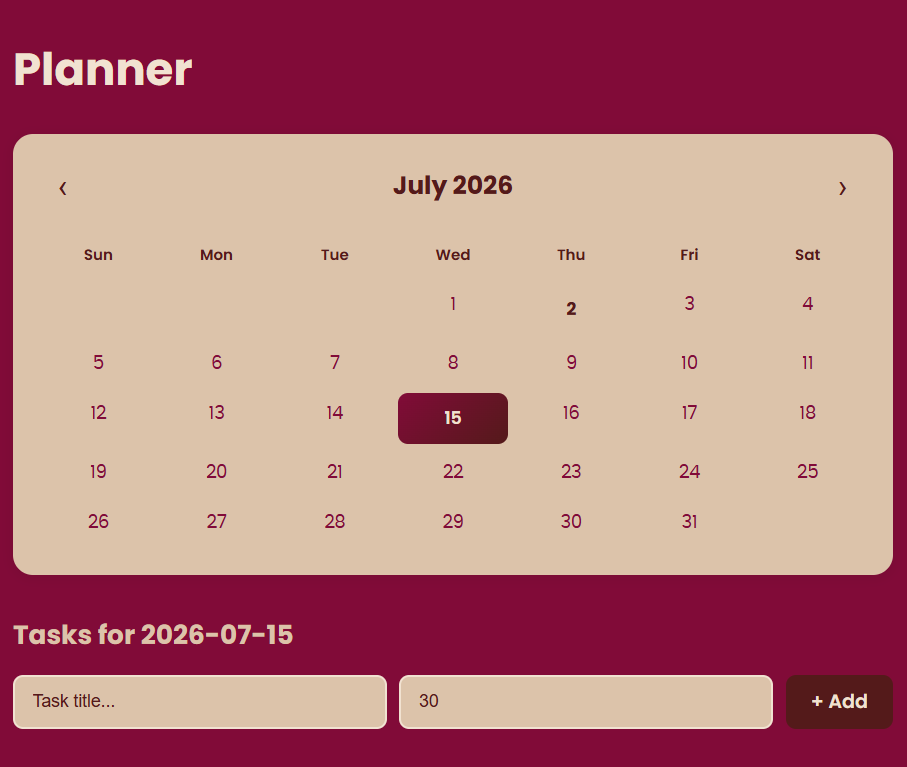
- calendar feature
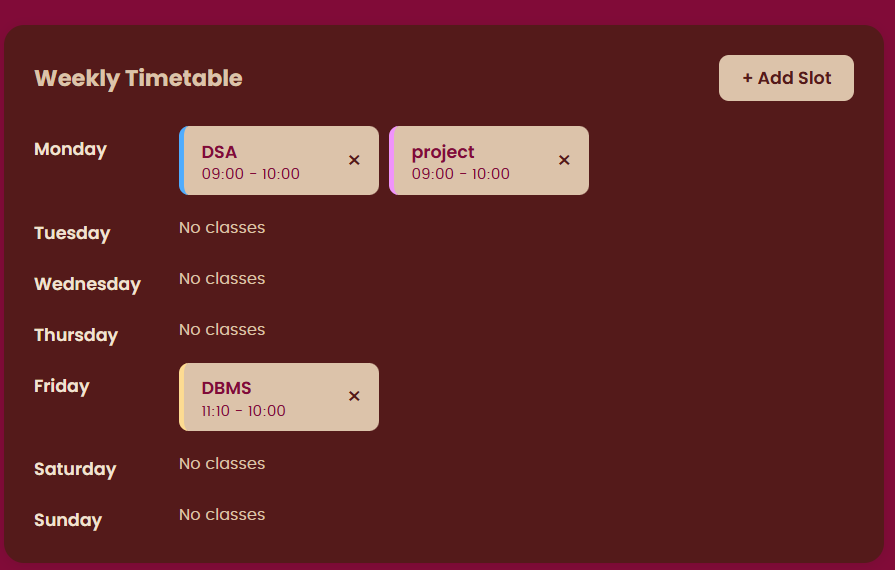
- timetable feature
- streak
- progress
Future Enhancements
Known Issues
Installation
1Clone the repository https://github.com/RitikaAttada/study-planner
2. Install dependencies: `npm install` in both backend and frontend folders
3. Configure environment variables: add MONGO_URI and JWT_SECRET in backend/.env
4. Run backend: `npm run dev`
5. Run frontend: `npm start`
Usage
Usage Instructions
To use the Study Planner application, first ensure that the frontend, backend, and MongoDB database are properly configured and running. Open the application in a web browser and begin by creating a new study task by entering the required details, such as the task title, subject, priority level, and due date. Save the task to add it to your study schedule. Users can view all created tasks on the dashboard, edit task details whenever needed, mark tasks as completed after finishing them, or delete tasks that are no longer required. The application automatically updates the task list, helping users organize their studies, monitor deadlines, and efficiently manage their daily academic activities.
System Requirements
System Requirements
Hardware Requirements
- Processor: Intel Core i3 or equivalent (Intel Core i5 or higher recommended)
- RAM: Minimum 4 GB (8 GB recommended)
- Storage: At least 500 MB of free disk space
- Display: 1366 × 768 resolution or higher
- Internet Connection: Required for installing dependencies, accessing MongoDB Atlas (if used), and deployment
Software Requirements
- Operating System: Windows 10/11, macOS, or Linux
- Node.js: Version 18 or later
- npm (Node Package Manager): Latest stable version
- MongoDB: Local MongoDB installation or MongoDB Atlas
- Code Editor: Visual Studio Code
- Web Browser: Google Chrome, Microsoft Edge, Mozilla Firefox, or any modern browser
- API Testing Tool: Postman or Thunder Client (optional)
- Version Control: Git and GitHub (recommended)
Development Requirements
- Frontend: React.js, HTML5, CSS3, JavaScript (ES6+), Axios
- Backend: Node.js, Express.js
- Database: MongoDB with Mongoose
- Build Tool: Vite (for React application)
Minimum User Requirements
The user should have a modern web browser with JavaScript enabled and a stable internet connection if the application is deployed online. No additional software installation is required for end users accessing the deployed version.
Slides Open in New Tab
For better readability, slides are opened directly. Documents remain preview-only with secure backend rendering.
Showing preview pages only. Purchase for full access to all pages and complete source package.
Login for Full AccessNo Q&A available yet
Be the first to ask a question!
Ask a Question
Customer Reviews
Write Your Review
No reviews yet
Be the first to review this project!
Similar Projects
You might also be interested in these projects
 Web Apps
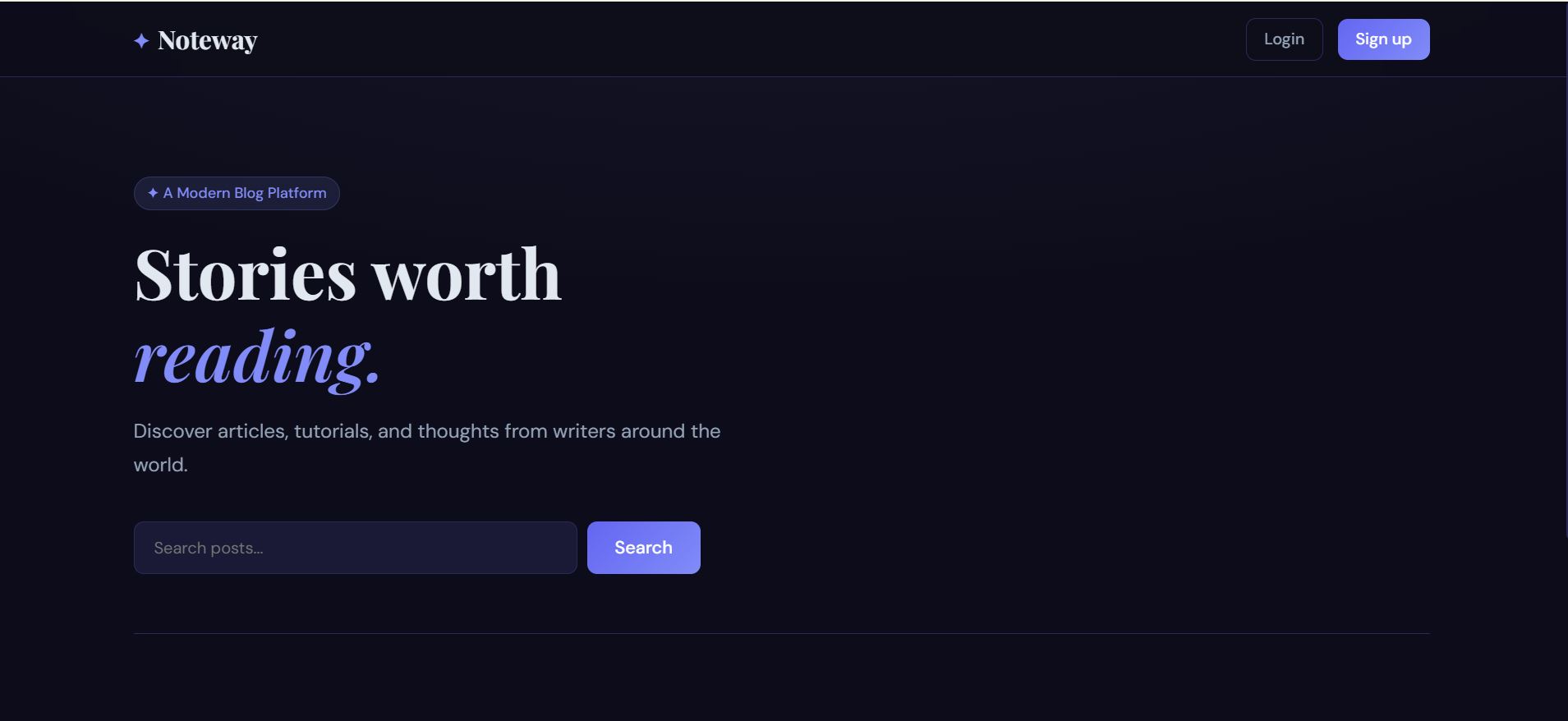
FULL STACK BLOG WITH AUTH
Full Stack Blog Application – A secure and responsive blogging platform that enables users to register, log in, create, edit, delete, and manage blog
 Web Apps
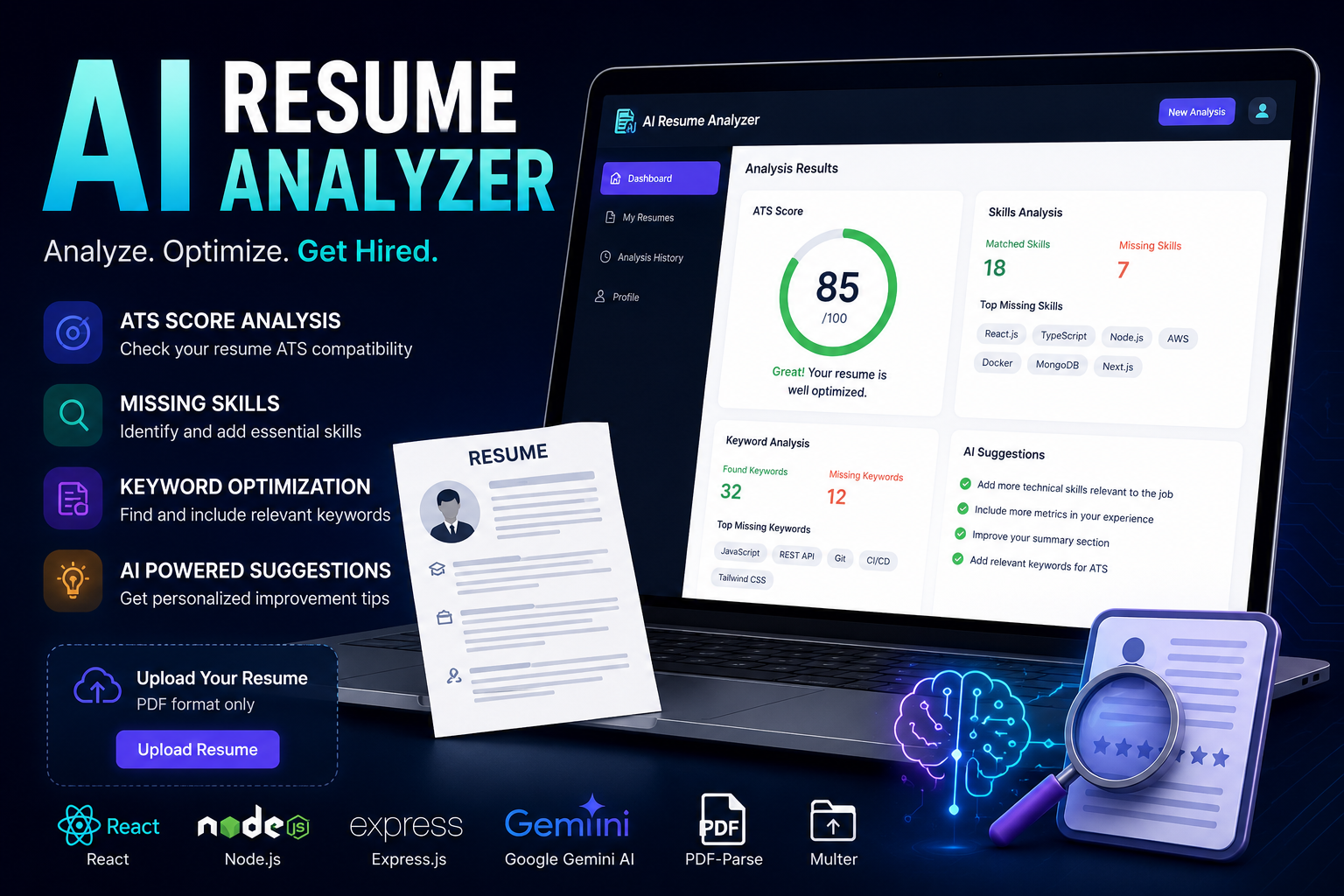
AI Resume Analyzer & Optimizer
AI-powered resume analyzer that evaluates ATS compatibility, identifies missing skills, and provides personalized improvement suggestions.
 Web Apps
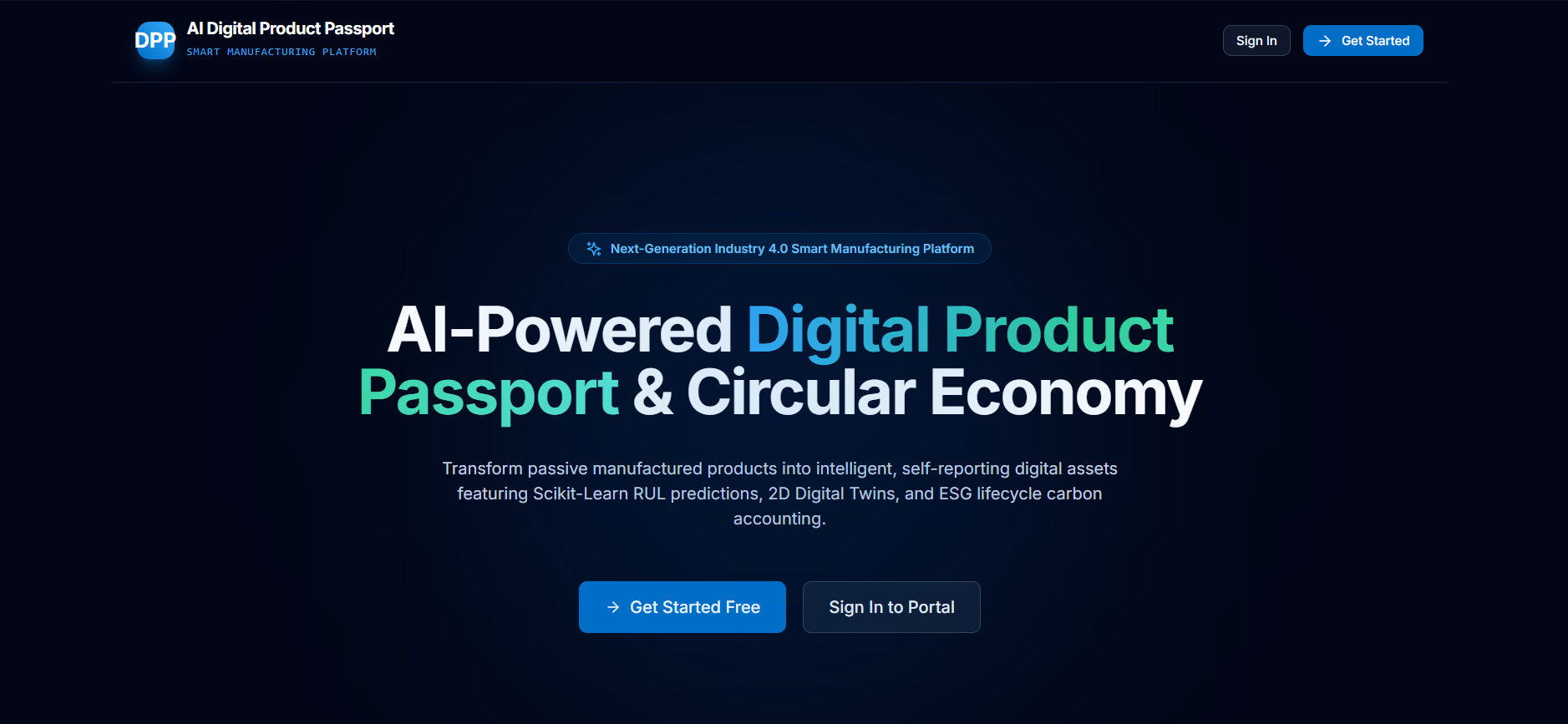
AI-Digital-Product-Passport
AI-powered Digital Product Passport platform for intelligent product lifecycle management, predictive maintenance, and sustainability.
 Web Apps
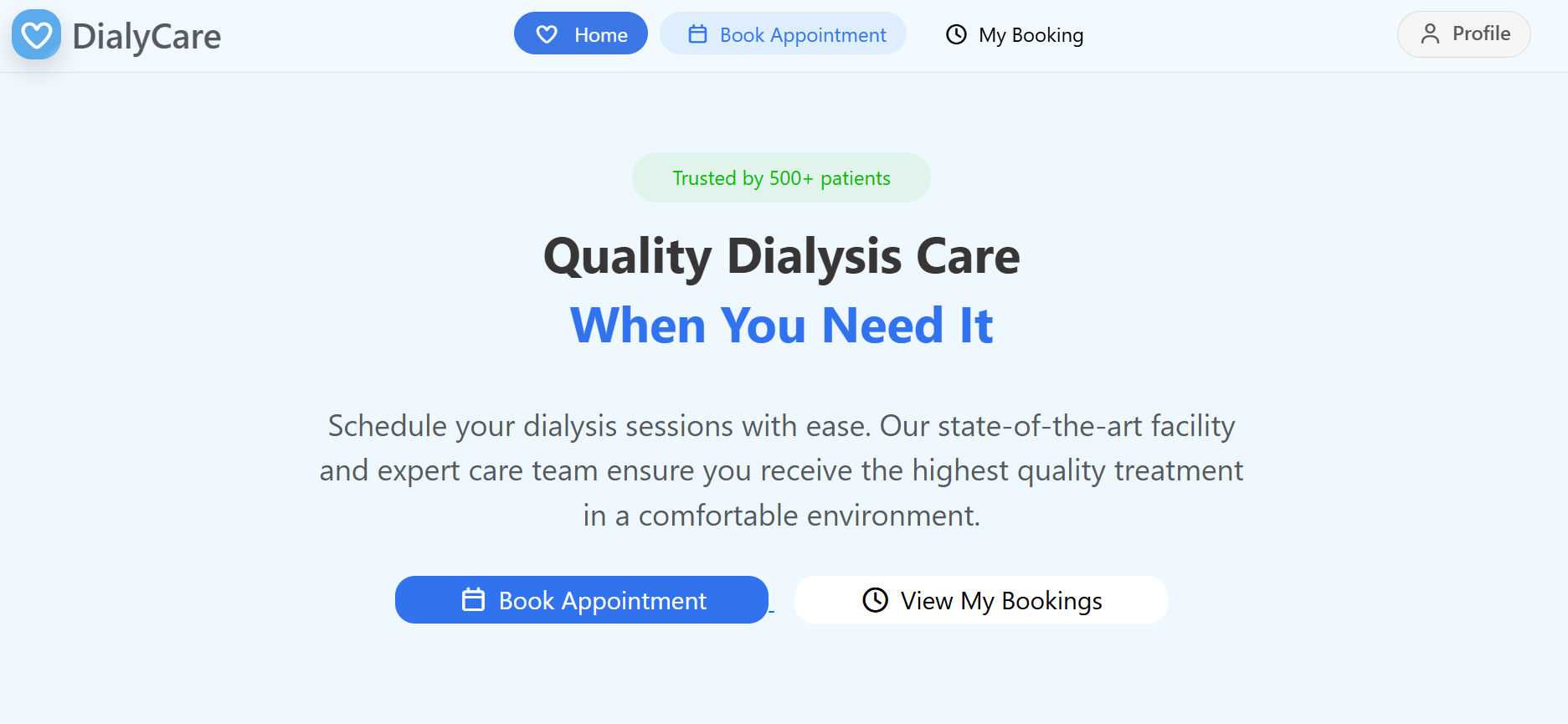
Appointment Booking System
Scalable MERN-based appointment booking system built with microservices, Docker, Redis, RabbitMQ, and secure JWT authentication.