FULL STACK BLOG WITH AUTH
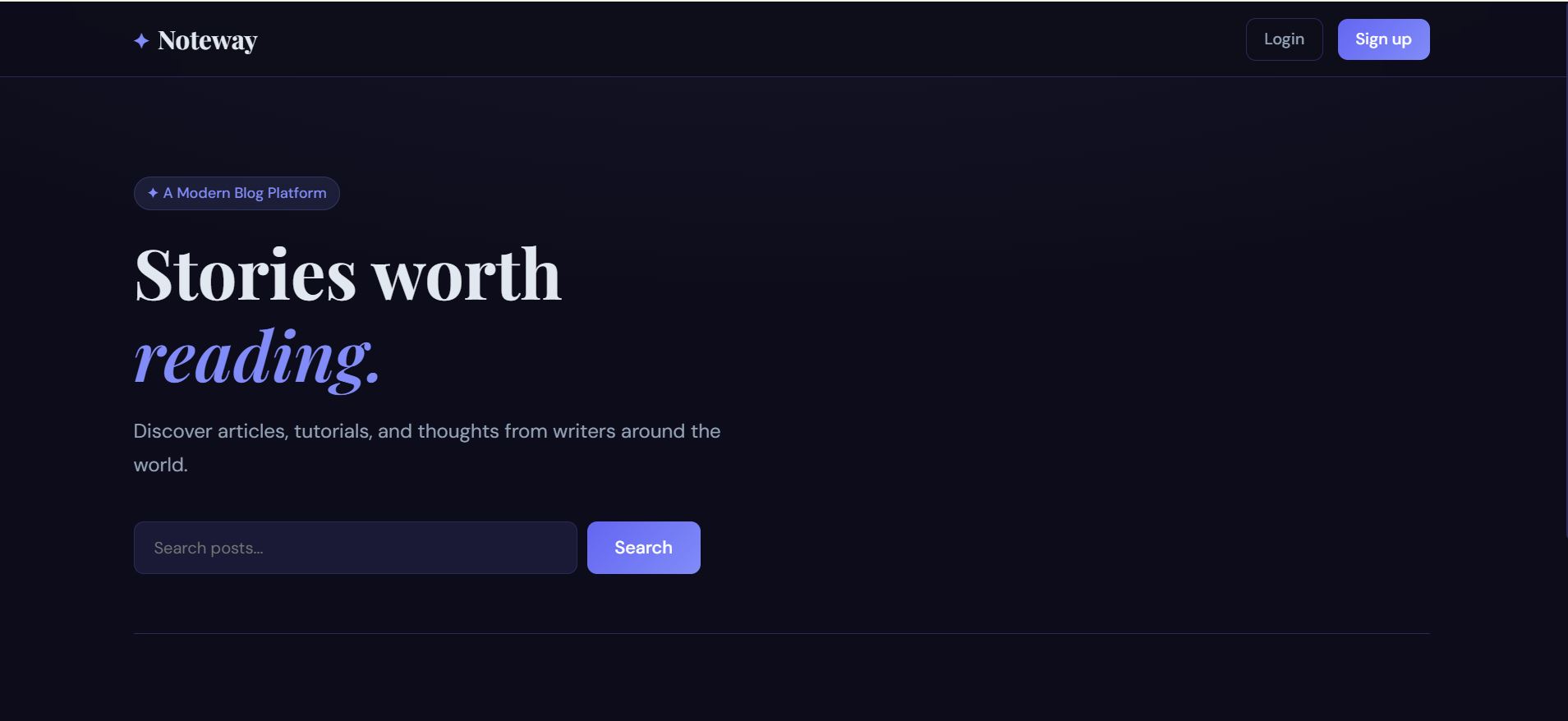
Full Stack Blog Application – A secure and responsive blogging platform that enables users to register, log in, create, edit, delete, and manage blog
Preview Gallery
6 media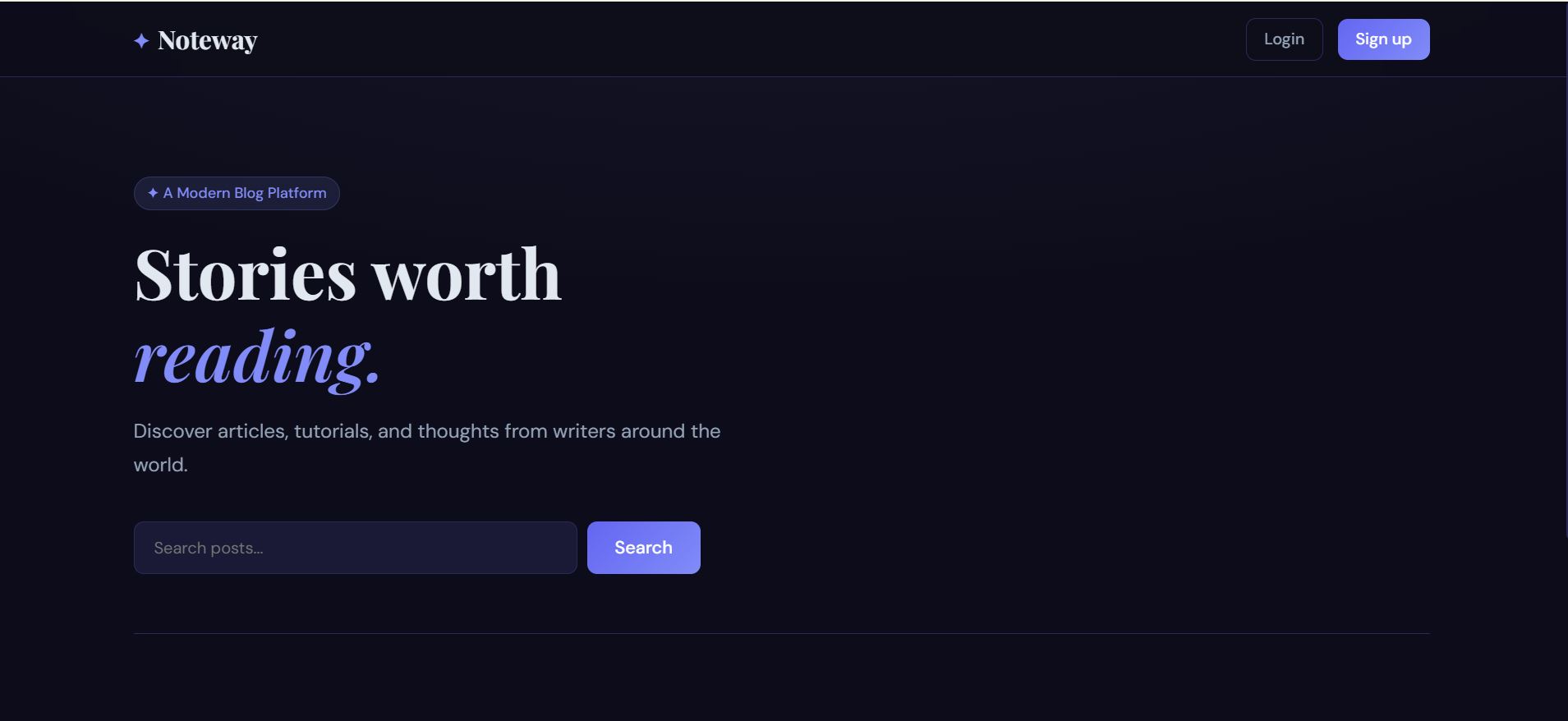
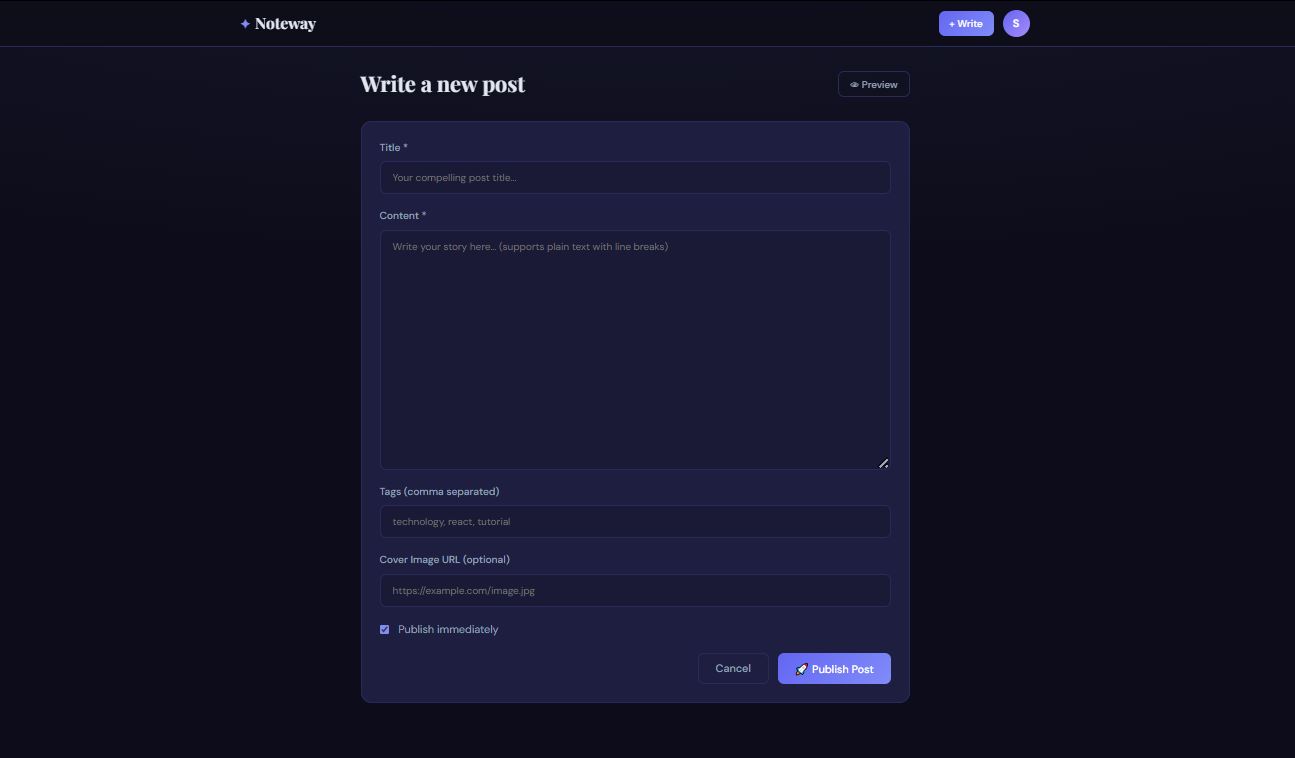
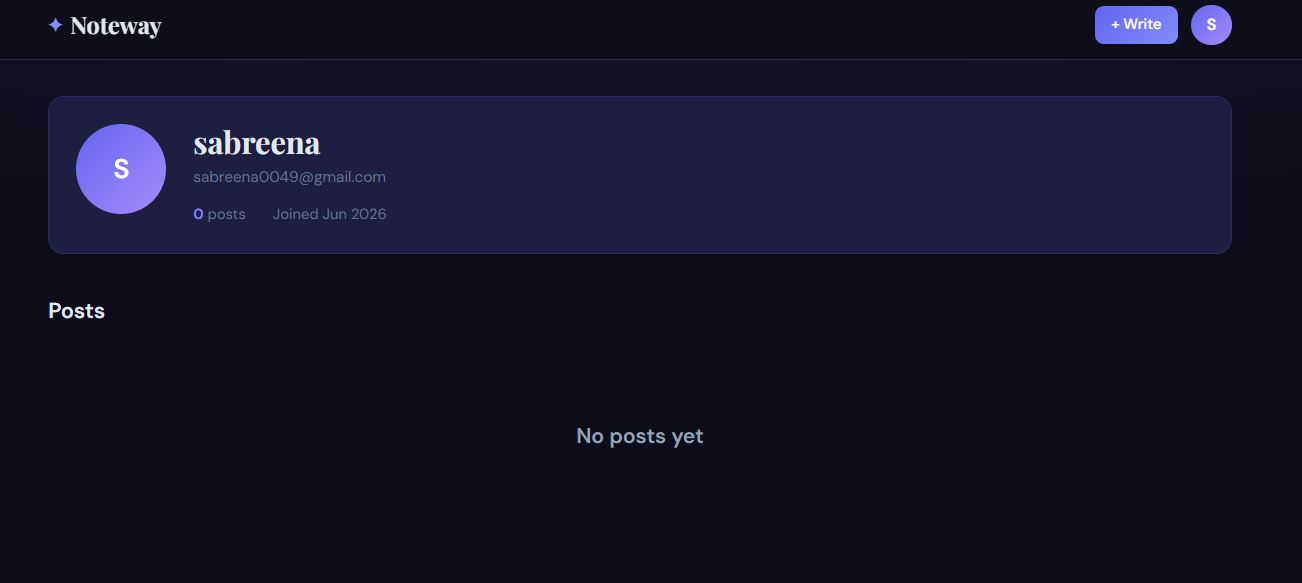
Technologies & Skills
Limited time offer
What's Included
Support & Customization
Resource Links
Purchase this project to unlock source and premium resources. Document/report remain secure preview-based on this page.
The Full Stack Blog Application with Authentication is a web-based platform that allows users to securely create, manage, and share blog posts. It provides a complete blogging experience with user authentication, protected routes, and full CRUD (Create, Read, Update, Delete) functionality. The application follows a client-server architecture where the frontend interacts with the backend through REST APIs, and all blog data is stored in a database.
What the Application Does
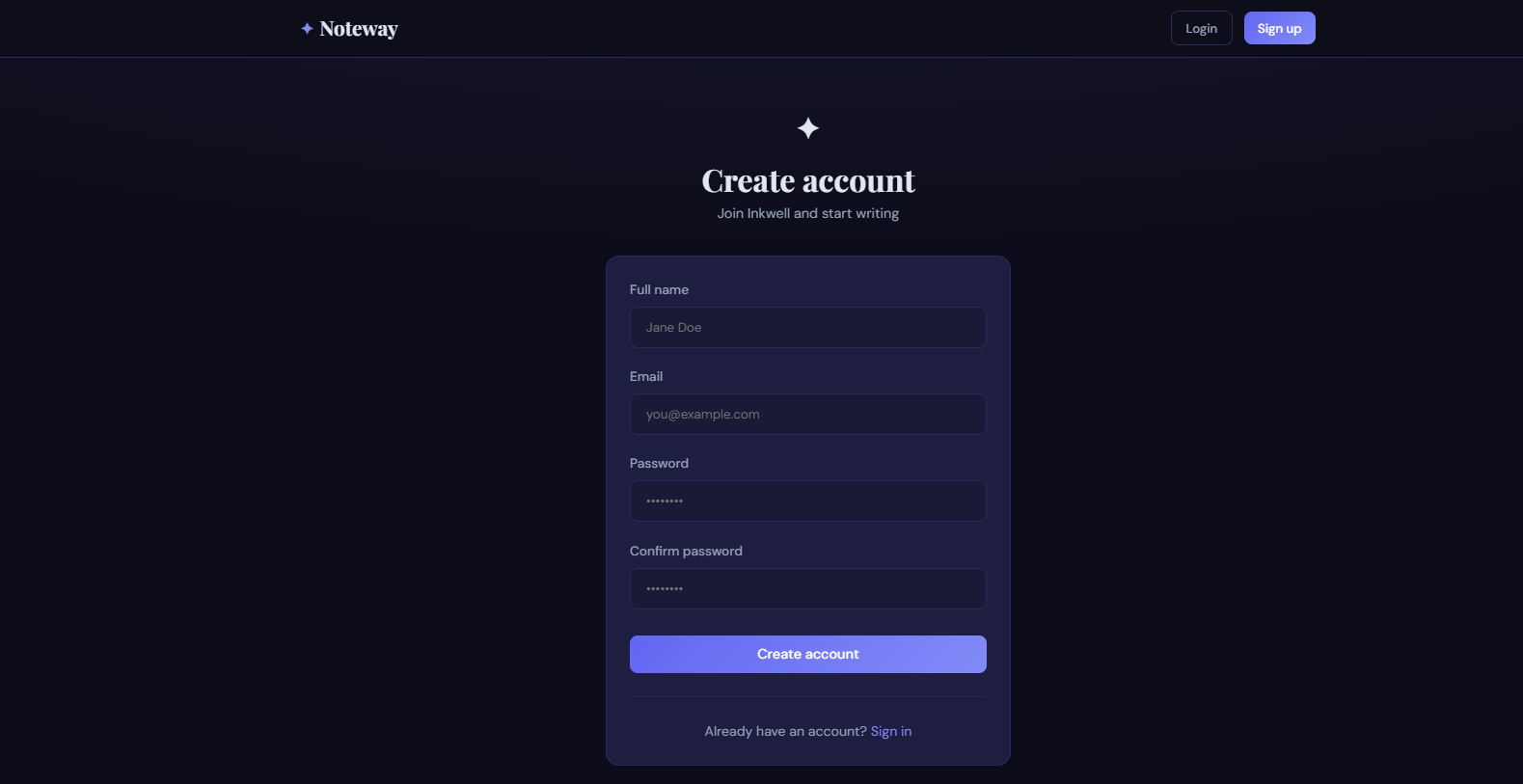
1. User Registration
- New users can create an account by providing their name, email, and password.
- Passwords are securely encrypted before being stored in the database.
- Duplicate email registrations are prevented.
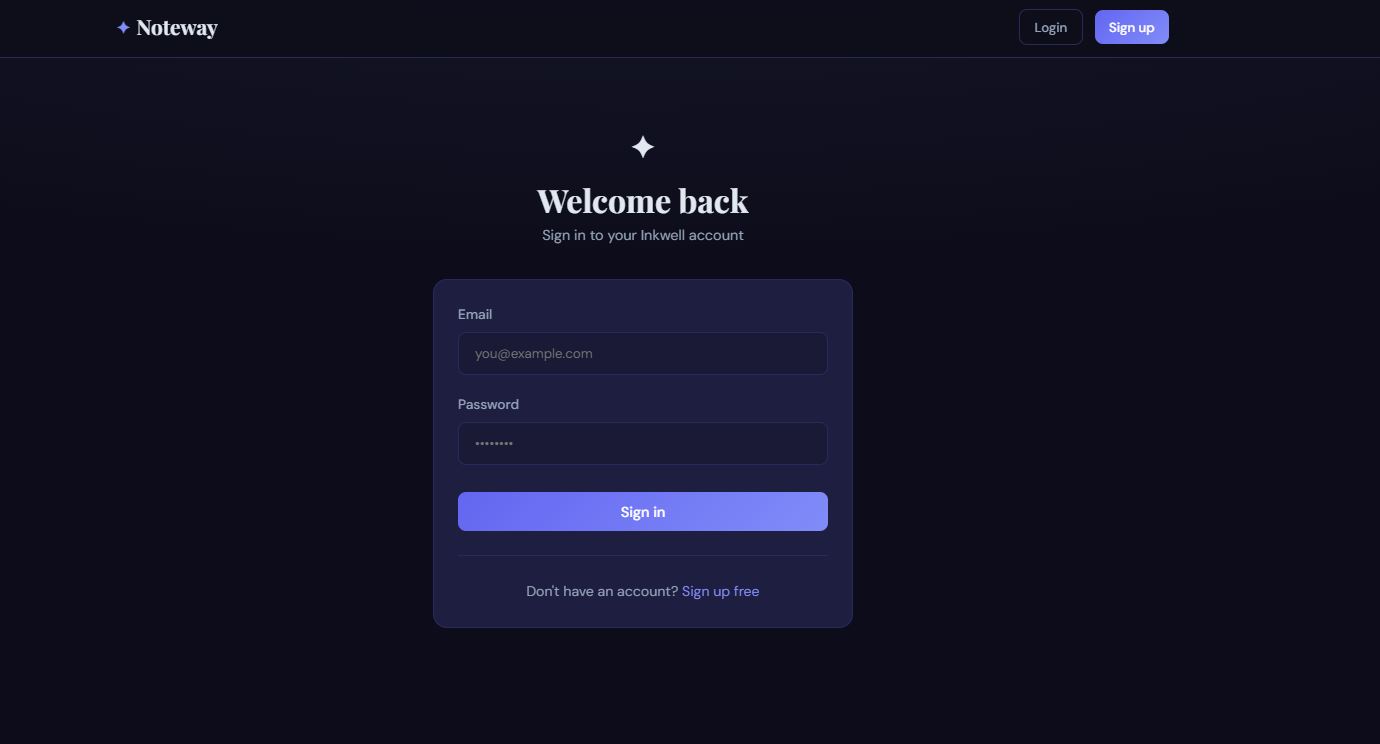
2. User Login
- Registered users can log in using their credentials.
- After successful authentication, a secure token (such as JWT) is generated.
- This token verifies the user's identity for future requests.
3. Authentication & Authorization
- Only authenticated users can access protected features.
- Users can create, edit, and delete only their own blog posts.
- Unauthorized users can browse public blogs but cannot modify content.
4. Blog Management (CRUD Operations)
Users can:
- Create new blog posts
- View all published blogs
- Read individual blog details
- Edit existing blogs
- Delete blogs they own
5. Search and Browse
- Users can browse all blogs.
- Search functionality helps find blogs by title or keywords.
- Blogs can be displayed in chronological order.
6. Responsive User Interface
- The application works on desktops, tablets, and mobile devices.
- The interface is simple, clean, and easy to navigate.
How the Application Works
Step 1: User Registration
The user creates an account.
Step 2: Login
The backend verifies the credentials.
Step 3: Token Generation
A JWT token is generated and sent to the frontend.
Step 4: Protected Access
The token is attached to requests for authenticated operations.
Step 5: CRUD Operations
Users perform create, read, update, and delete operations on blog posts.
Step 6: Database Storage
All user information and blog data are securely stored and retrieved from the database.
Workflow
- User opens the application.
- Registers or logs in.
- Authentication token is generated.
- User accesses the dashboard.
- Creates a new blog.
- Blog is saved in the database.
- Other users can view the published blog.
- The author can update or delete the blog at any time.
Technologies Used (Example MERN Stack)
Frontend
- React.js
- HTML5
- CSS3
- JavaScript
- Axios
Backend
- Node.js
- Express.js
Database
- MongoDB
Authentication
- JSON Web Token (JWT)
- bcrypt (Password Hashing)
Future Enhancements
Known Issues
Installation
1.verify installation:
node -v
npm -v
git --version
2.clone the repositories:
git clone https://github.com/your-username/fullstack-blog-app.git
cd fullstack-blog-app
3.install backend dependencies:
cd backend
npm install
4.Configure Environment Variables:
PORT=5000
MONGODB_URI=your_mongodb_connection_string
JWT_SECRET=your_secret_key
Start the Backend Server:
npm run dev
5. Install Frontend Dependencies:
cd frontend
npm install
6. Start the Frontend:
npm start
Usage
1. Register an Account
- Open the application in your browser.
- Click Sign Up.
- Enter your name, email, and password.
- Create a new account.
2. Login
- Enter registered email and password.
- After successful login, access the dashboard.
3. Create a Blog
- Click Create Blog.
- Enter title and content.
- Submit to publish the blog.
4. View Blogs
- Browse all published blogs.
- Click on a blog to read the full content.
5. Edit a Blog
- Open your blog post.
- Click Edit.
- Update content and save changes.
6. Delete a Blog
- Open your blog.
- Click Delete.
- Confirm deletion.
7. Logout
- Click Logout to securely end your session.
System Requirements
Operating System: Windows 10/11, macOS, or Linux
Node.js: Version 16.x or later
npm: Version 8.x or later
MongoDB: Local installation or MongoDB Atlas account
Code Editor: Visual Studio Code
Web Browser: Google Chrome, Microsoft Edge, Firefox, or any modern browser
Git: Latest version
Slides Open in New Tab
For better readability, slides are opened directly. Documents remain preview-only with secure backend rendering.
Showing preview pages only. Purchase for full access to all pages and complete source package.
Login for Full AccessNo Q&A available yet
Be the first to ask a question!
Ask a Question
Customer Reviews
Write Your Review
No reviews yet
Be the first to review this project!
Similar Projects
You might also be interested in these projects
 Web Apps
SafeNav: AI-Powered Travel Safety Platform
AI-powered travel safety platform that combines live traffic, weather, AQI, and health-aware routing with a secure encrypted document vault.
 Web Apps
Full-Stack Performance Tracking Portal with Next.js & Supabase
Full-stack goal-tracking portal with role-based access, quarterly check-ins, auto-scoring, audit logs & CSV export. Built with Next.js & Supabase.
 Web Apps
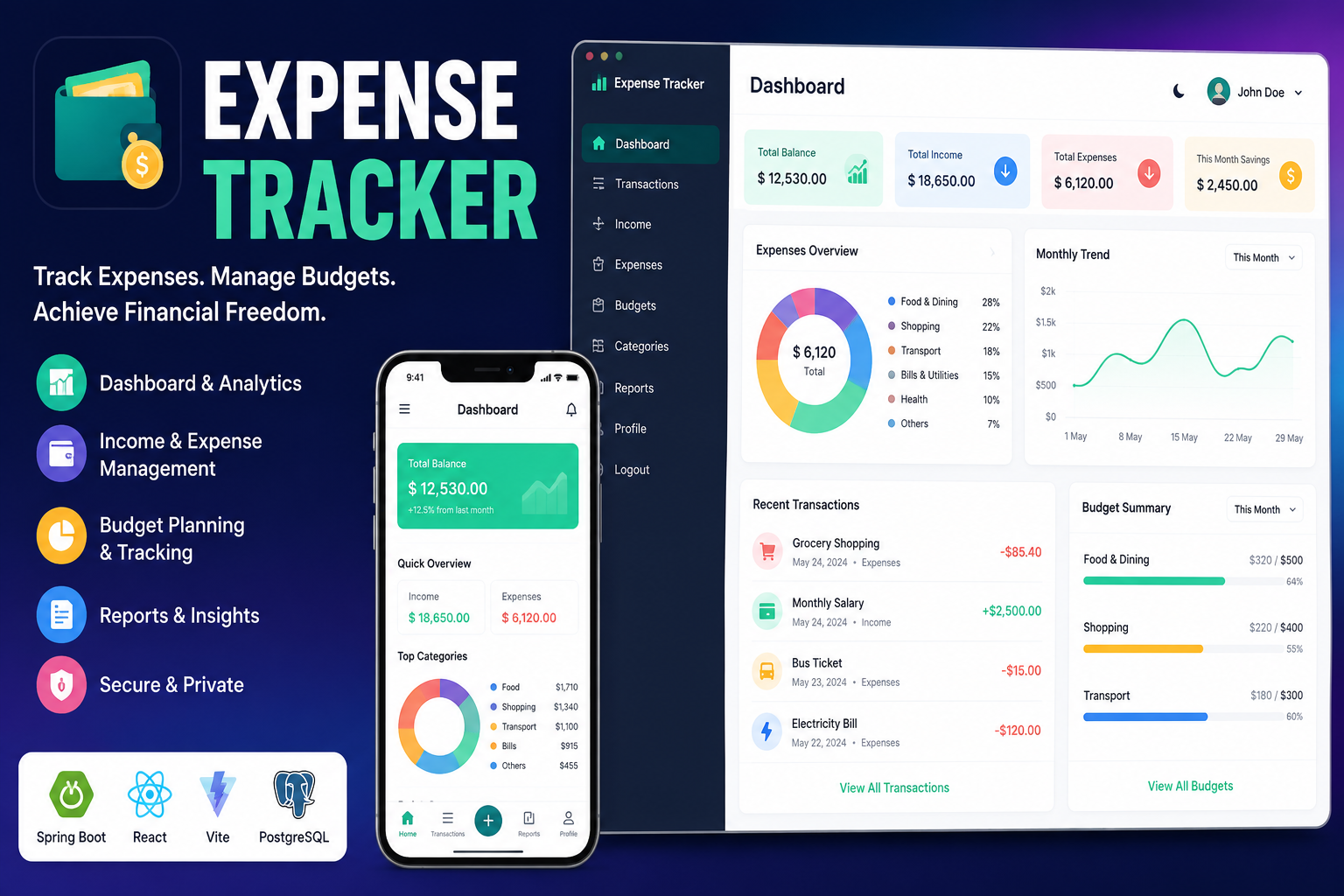
Full Stack Expense Tracker
A modern full-stack Expense Tracker built with React, Vite, Spring Boot, PostgreSQL, and JWT authentication. Track income, expenses, budgets,etc.
 Web Apps
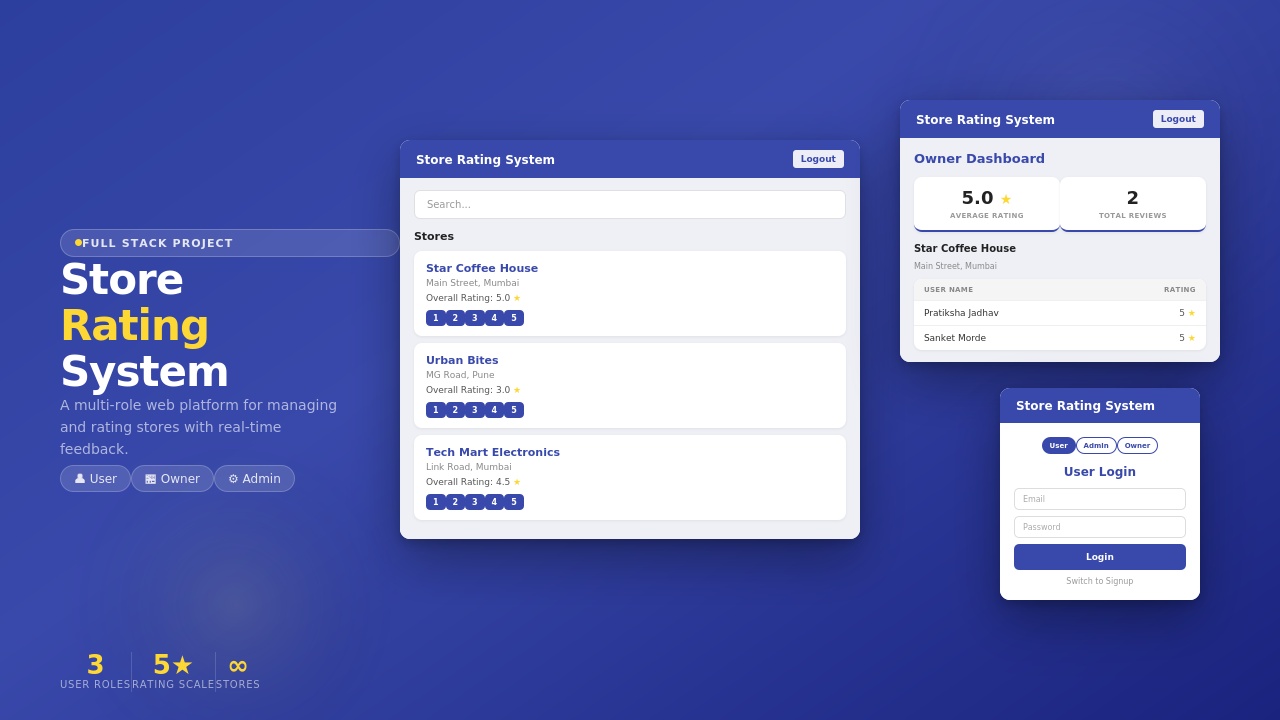
Store Rating System
Store Rating System built using MERN Stack with secure login, role-based access, store management, ratings, review