Store Rating System
Store Rating System built using MERN Stack with secure login, role-based access, store management, ratings, review
Preview Gallery
6 media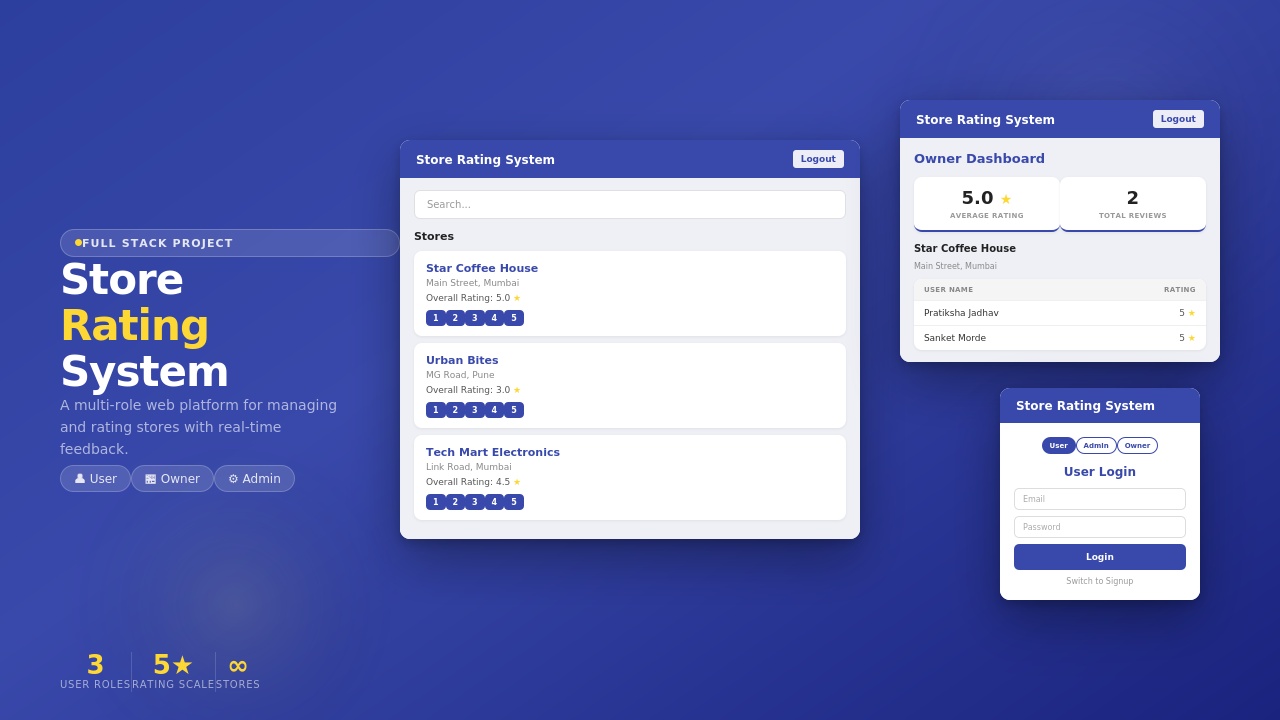
Technologies & Skills
Limited time offer
What's Included
Support & Customization
Resource Links
Purchase this project to unlock source and premium resources. Document/report remain secure preview-based on this page.
Store Rating System is a full-stack MERN web application that allows users to discover, search, and rate stores through a secure and intuitive interface. The platform supports three user roles—Admin, Store Owner, and User—with separate dashboards and role-based permissions.
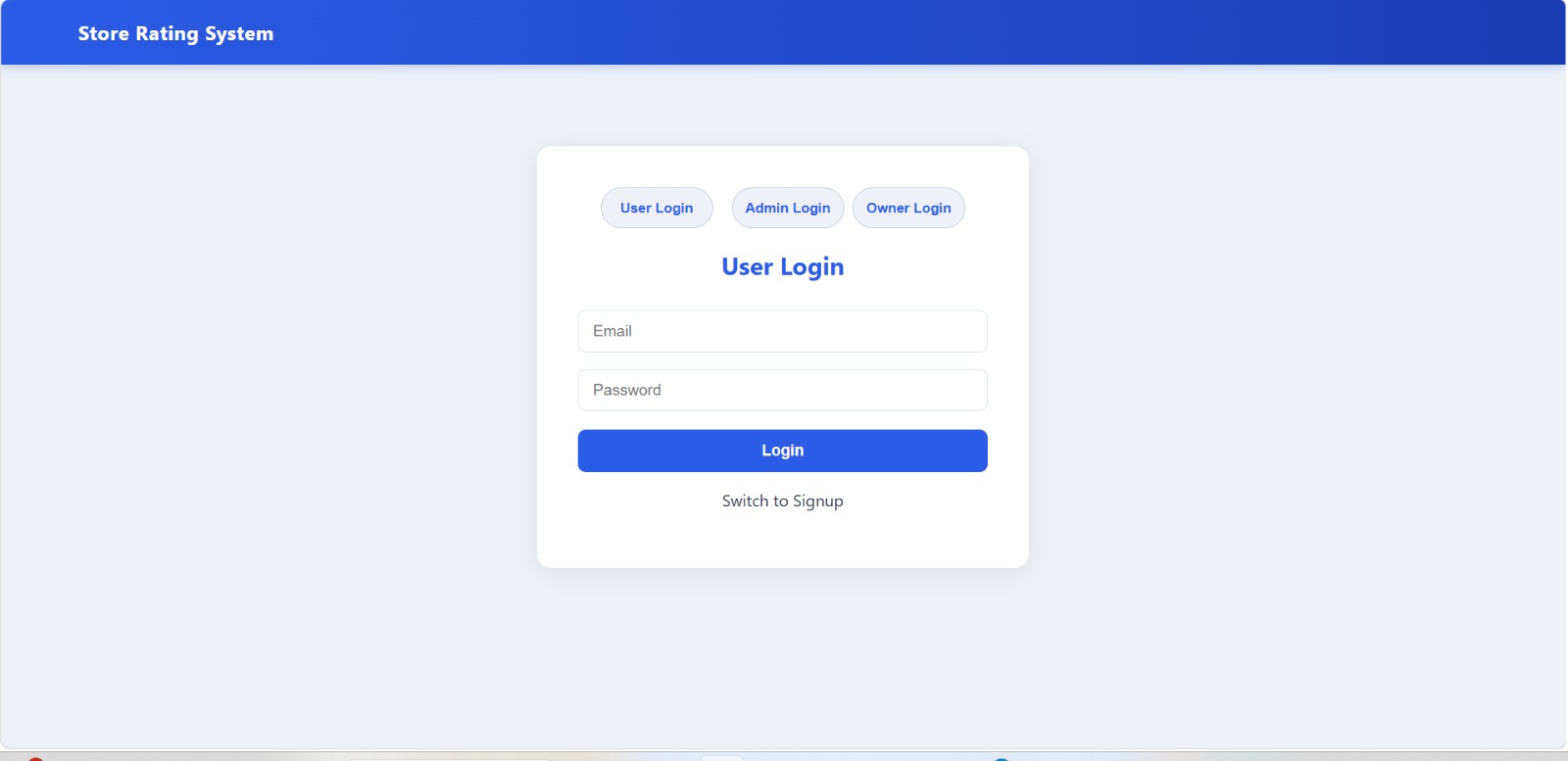
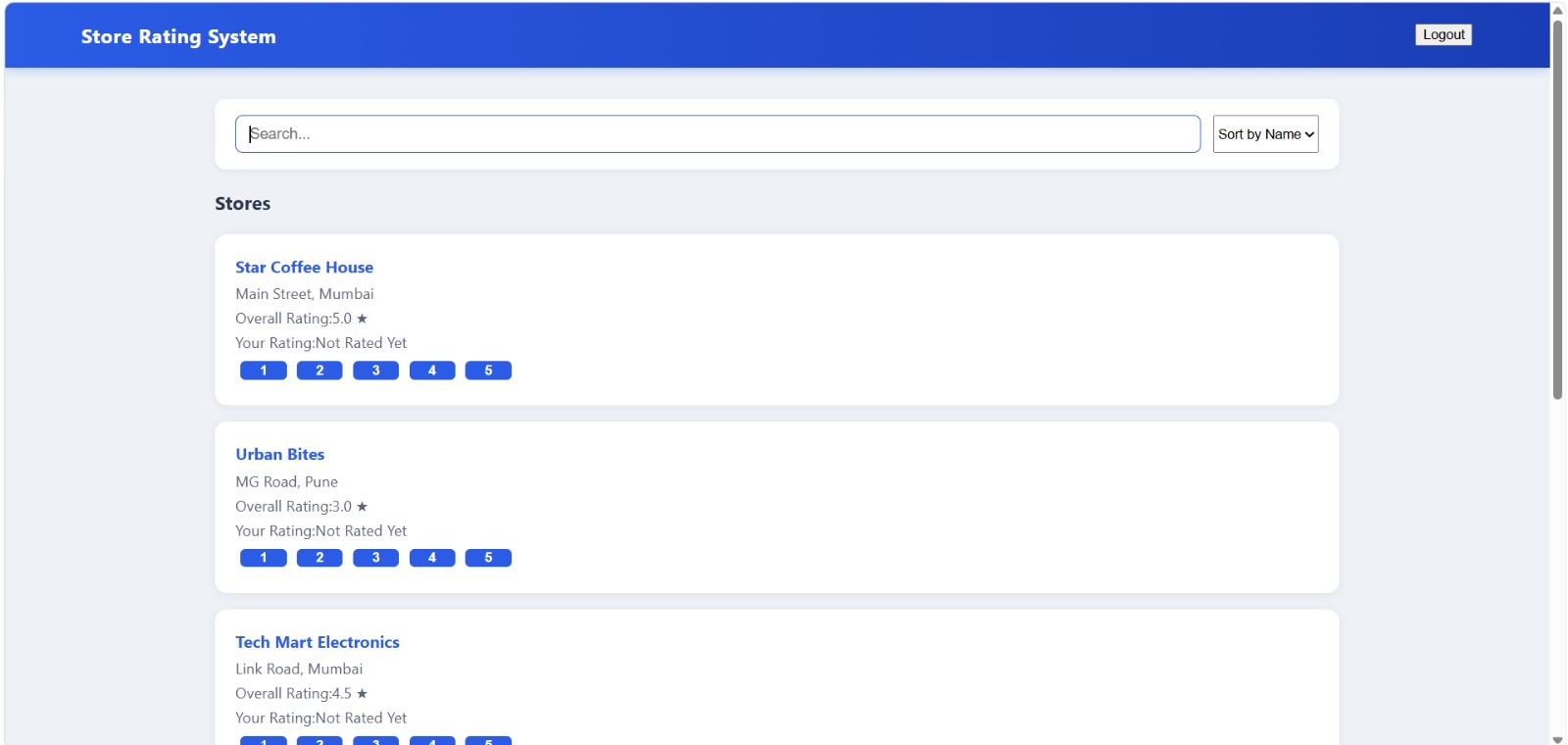
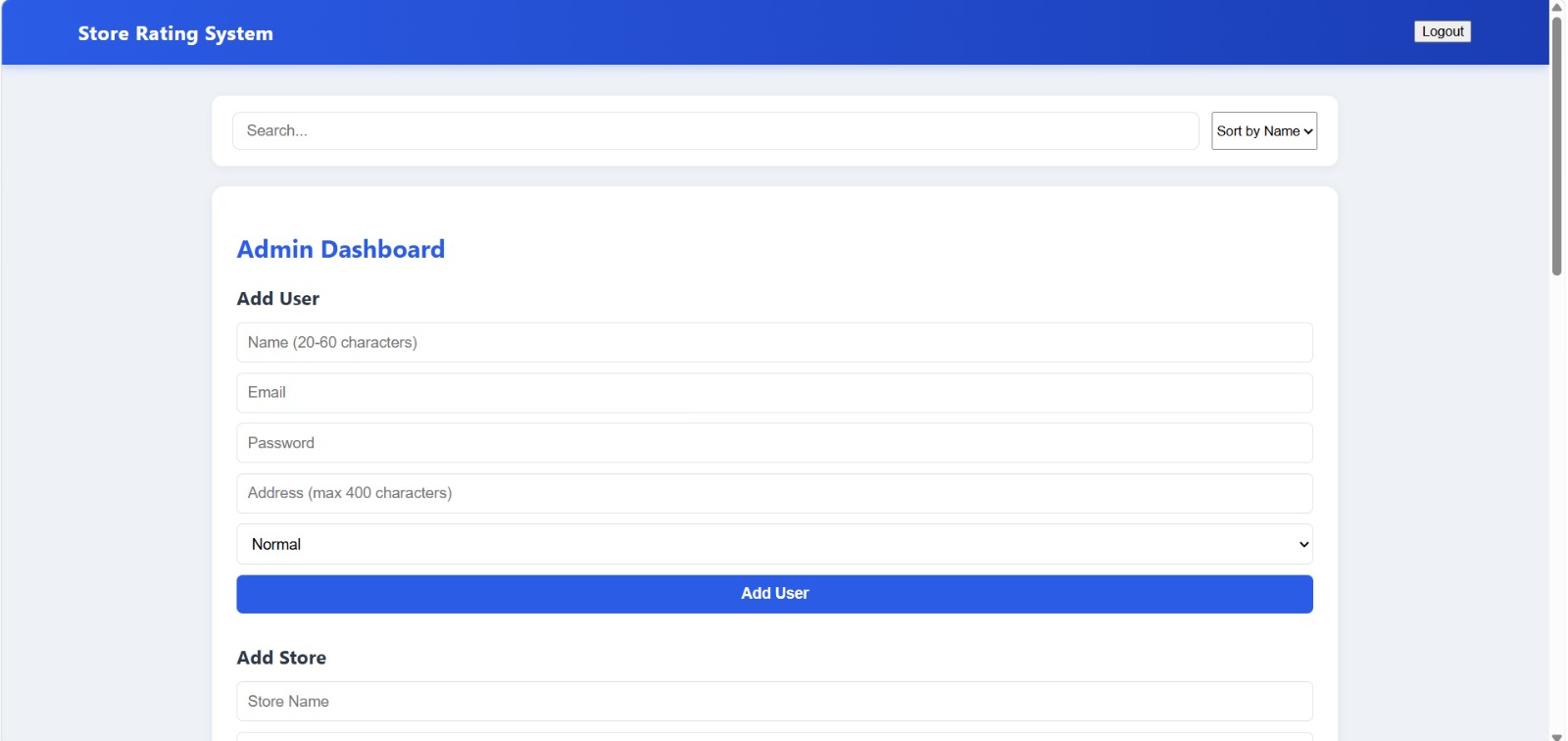
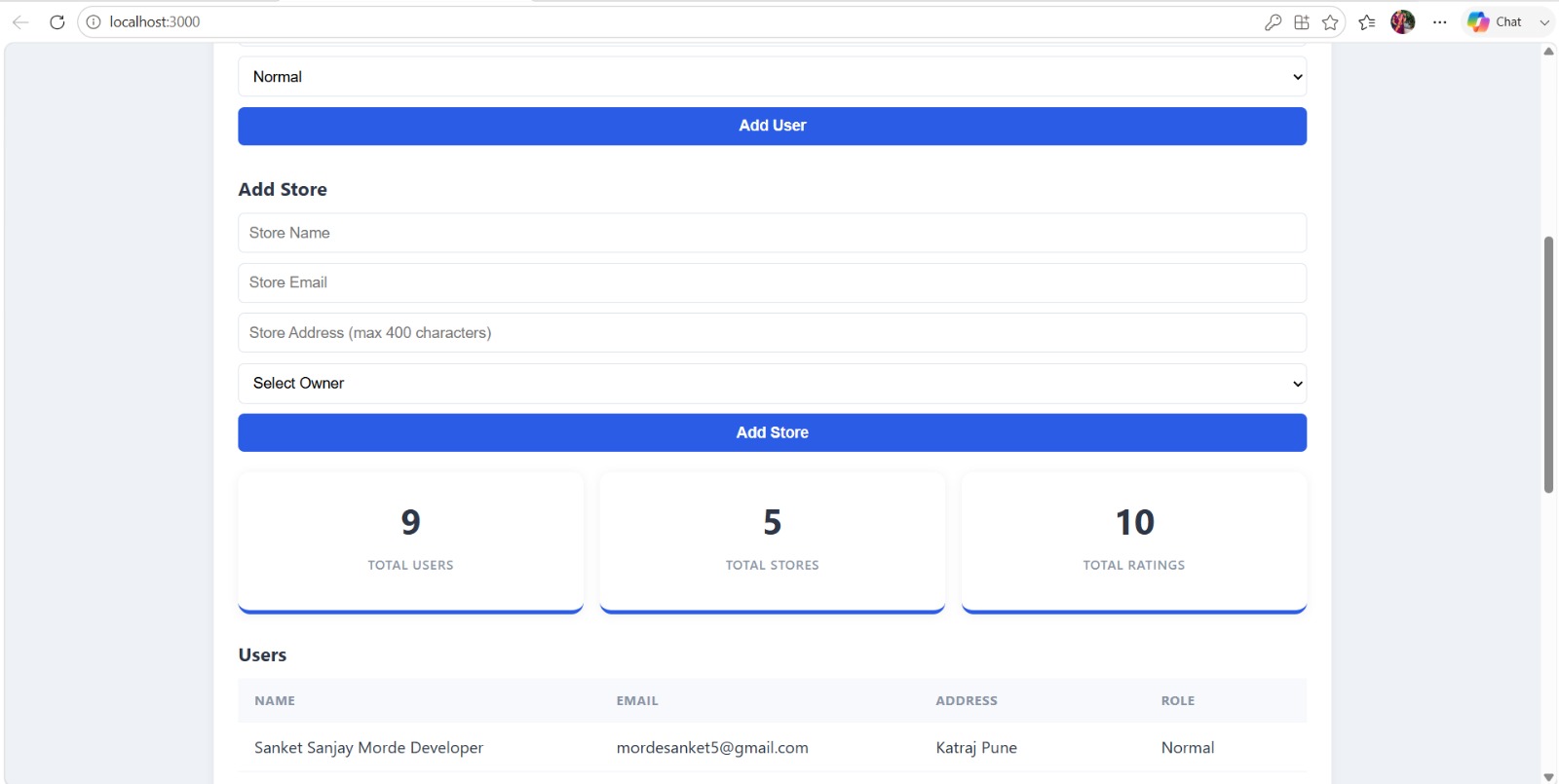
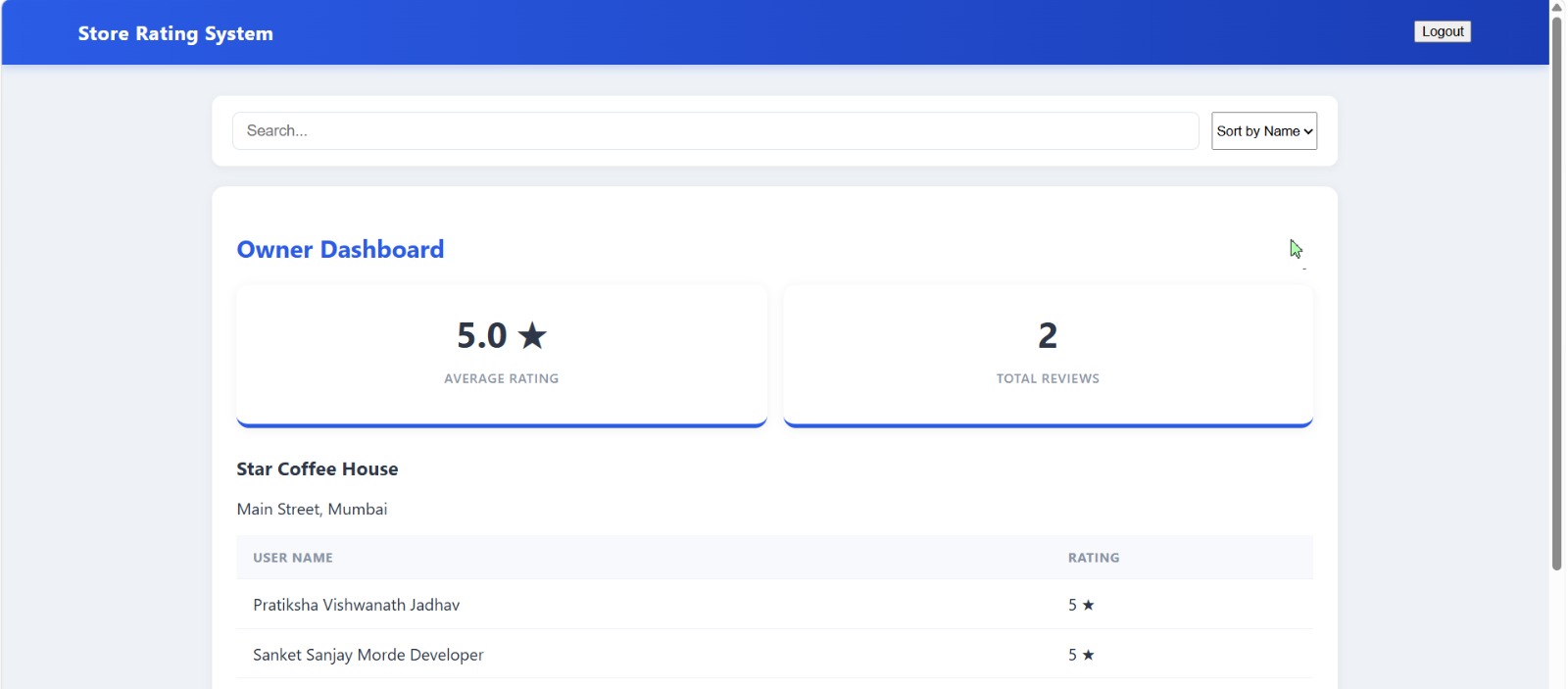
Users can register, log in securely, browse stores, search and sort listings, submit ratings, and update their profiles. Store owners have access to a dedicated dashboard where they can view their store's average rating, total reviews, and customer feedback. Administrators can manage users, assign store owners, create and manage stores, monitor platform statistics, and oversee all system activities through an admin dashboard.
The application is built with React.js, Node.js, Express.js, and MongoDB, using JWT authentication for secure access and REST APIs for backend communication. It includes CRUD operations, role-based authorization, responsive UI, form validation, and database integration.
This project is ideal for final-year students, MERN Stack learners, and developers looking for a real-world full-stack application. It is well-structured, easy to understand, and suitable for learning, customization, portfolio building, or deployment.
Key Features
Secure login and signup with JWT authentication
Three roles: Admin, Store Owner, and User
Store search and sorting functionality
1–5 star rating and review system
Admin dashboard for managing users and stores
Owner dashboard with ratings and review analytics
Responsive and user-friendly interface
REST API with MongoDB database integration
Future Enhancements
Add Google OAuth login.
Implement real-time notifications.
Add image uploads for stores.
Enhance analytics dashboard.
Deploy to cloud (AWS/Vercel).
Known Issues
Email notifications are not implemented.
No real-time updates for ratings.
Basic analytics only.
Installation
Installation Instructions
1. Download or clone the project repository.
2. Install Node.js and MongoDB on your system.
3.Open a terminal in the backend folder and run:
npm install
4. Create a .env file and configure:
MongoDB connection string
JWT secret
Port number
5. Start the backend:
npm start
6. Open another terminal in the frontend folder and run:
npm install
npm start
7.Open your browser and visit:
http://localhost:3000
8. Register a user or use the provided admin credentials to access the application.
Usage
1.Launch the frontend and backend servers.
2.Register a new account or log in with existing credentials.
3.Users can browse, search, and sort stores, submit ratings, and write reviews.
4.Store Owners can log in to view their store ratings, customer feedback, and analytics.
5.Admins can manage users, stores, and platform data through the admin dashboard.
6. Update profiles, manage records, and explore all role-based features from the respective dashboards.
System Requirements
Hardware
Processor: Intel Core i3 or AMD equivalent (or higher)
RAM: 4 GB minimum (8 GB recommended)
Storage: 1 GB free disk space
Software
Windows 10/11, macOS, or Linux
Node.js (v16+ recommended)
npm (comes with Node.js)
MongoDB Community Server or MongoDB Atlas
Visual Studio Code
Google Chrome, Microsoft Edge, or any modern web browser
Internet connection
Slides Open in New Tab
For better readability, slides are opened directly. Documents remain preview-only with secure backend rendering.
Showing preview pages only. Purchase for full access to all pages and complete source package.
Login for Full AccessNo Q&A available yet
Be the first to ask a question!
Ask a Question
Customer Reviews
Write Your Review
No reviews yet
Be the first to review this project!
Similar Projects
You might also be interested in these projects
 Web Apps
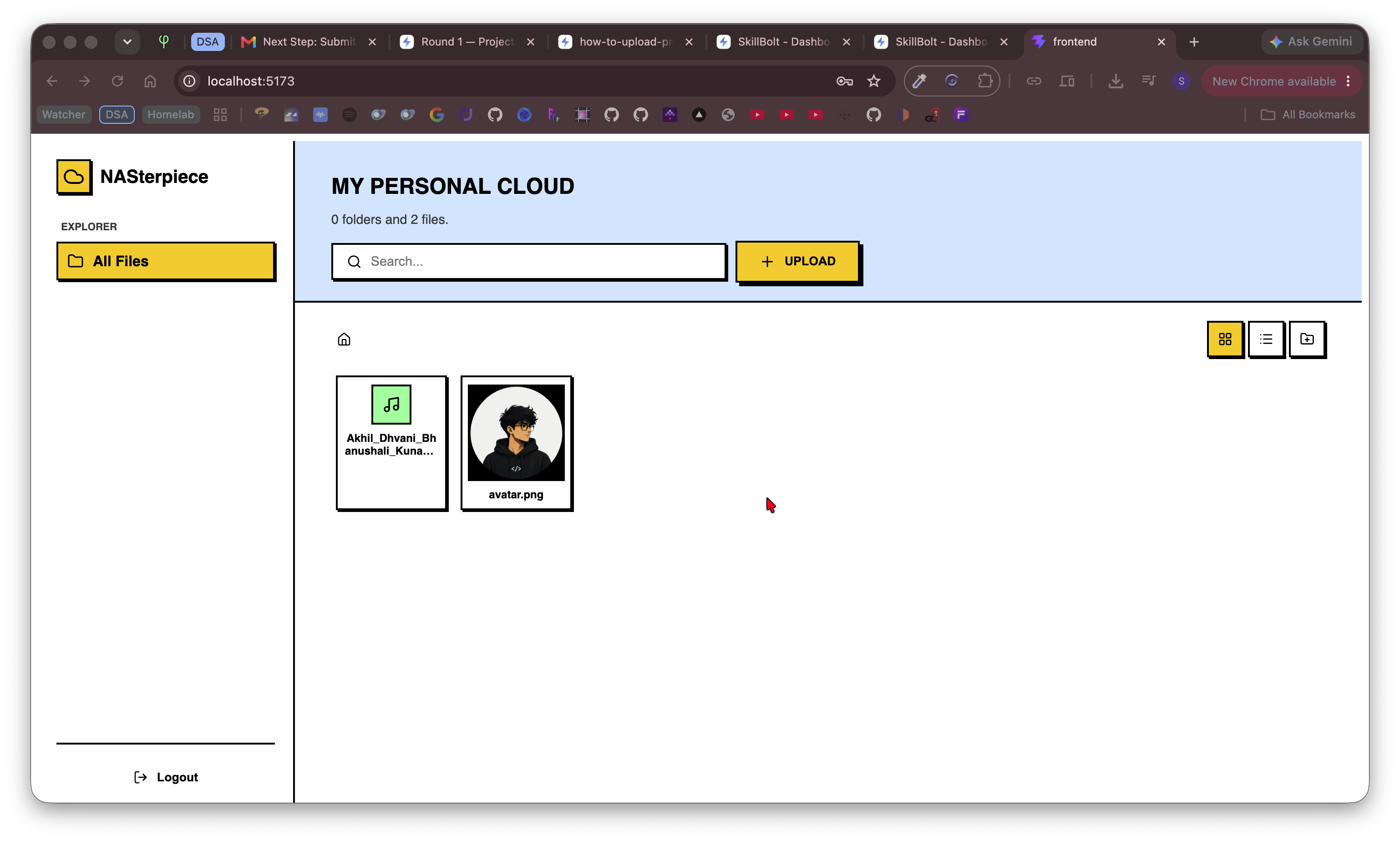
Remote File Server
Self-hostable cloud file server built with React & FastAPI for secure file storage, browsing, uploads, downloads, and remote access.
 Web Apps
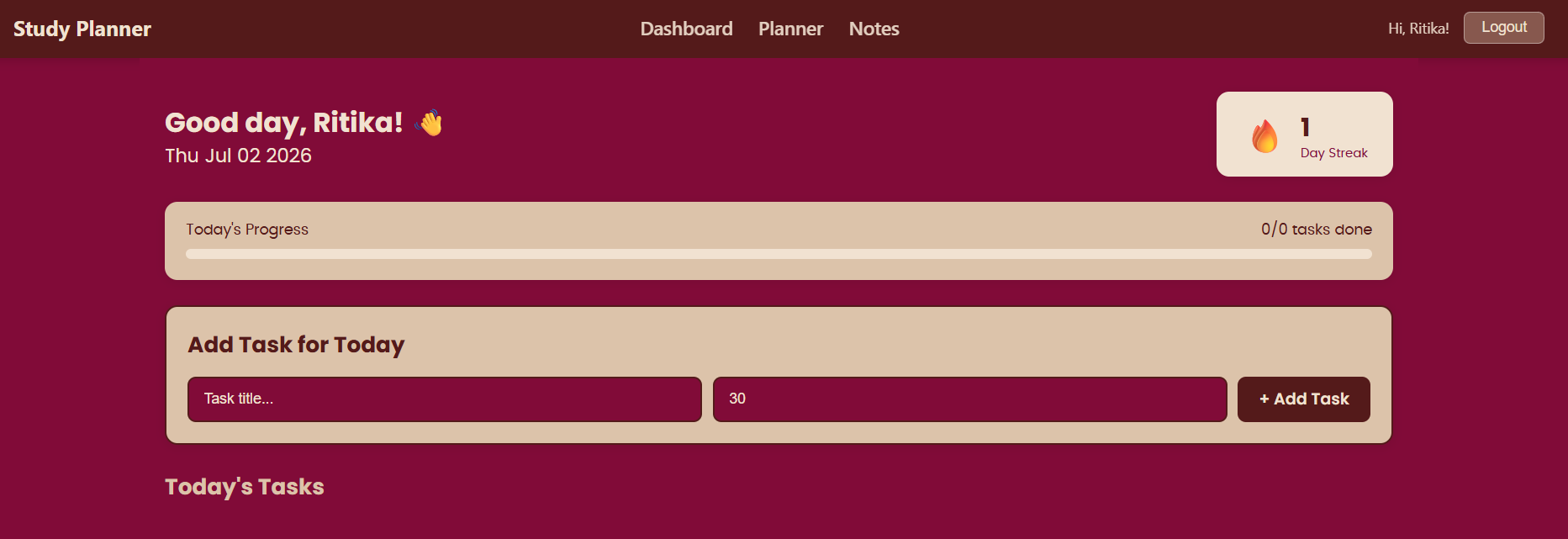
https://study-planner-ruddy-five.vercel.app/login
study planner is a planning tool useful for students to organize their tasks and plan their schedule.
 Web Apps
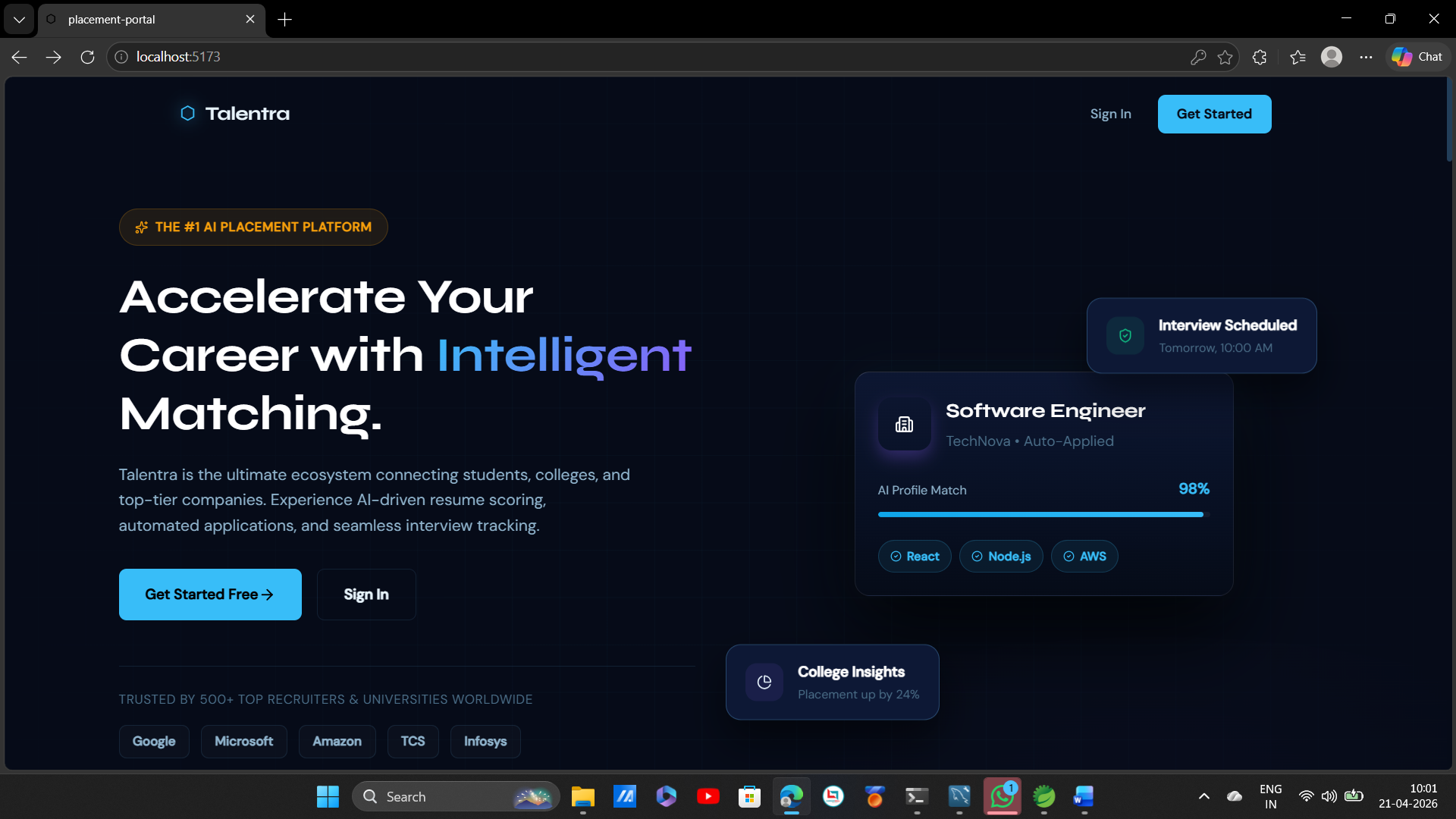
Talentra-Smart Student campus placement project
Talentra — AI-powered campus placement platform. Automates job postings, resume scoring, offer letters & analytics. Built with Spring Boot + React.
 Web Apps
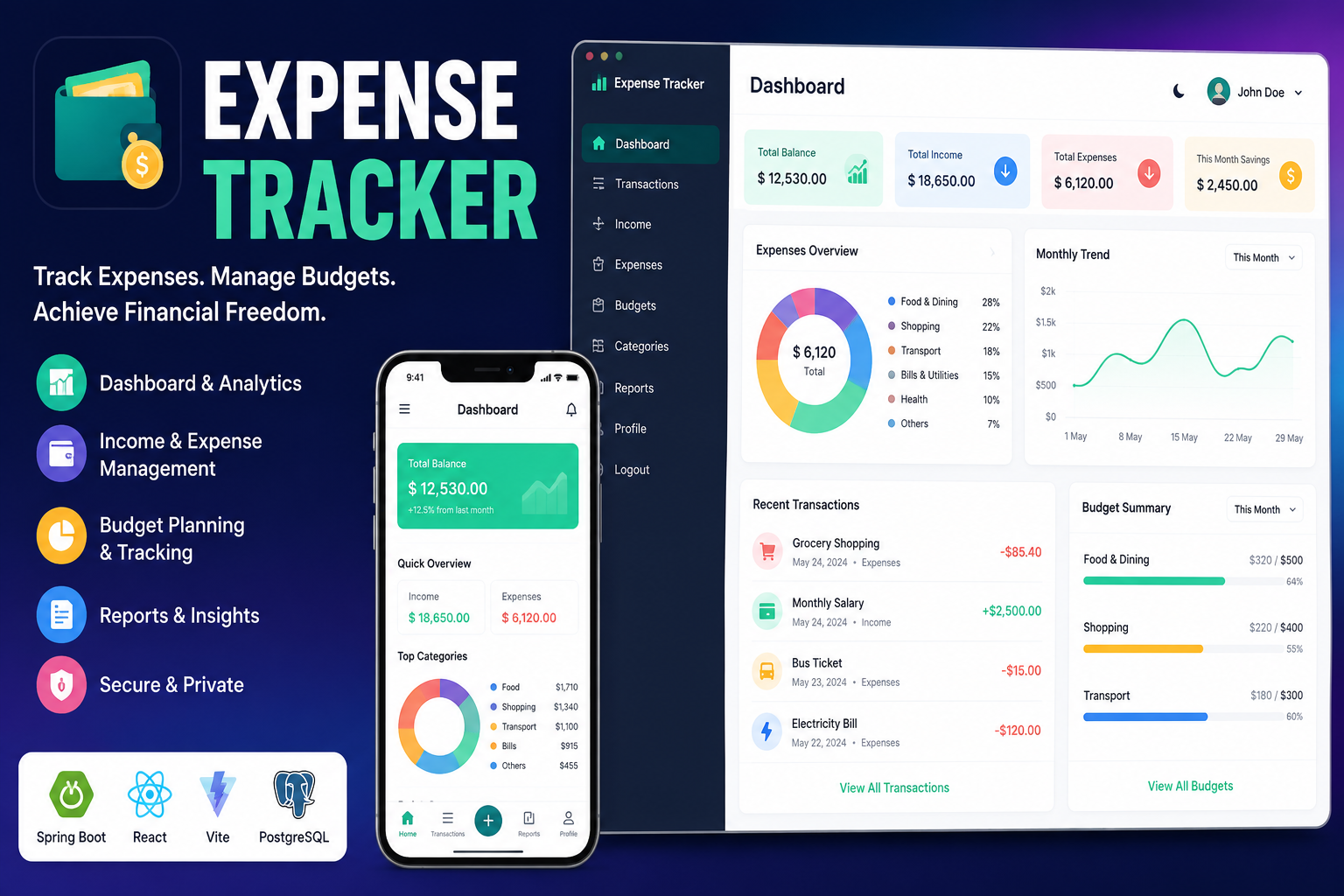
Full Stack Expense Tracker
A modern full-stack Expense Tracker built with React, Vite, Spring Boot, PostgreSQL, and JWT authentication. Track income, expenses, budgets,etc.