AI Resume Analyzer & Optimizer
AI-powered resume analyzer that evaluates ATS compatibility, identifies missing skills, and provides personalized improvement suggestions.
Preview Gallery
6 media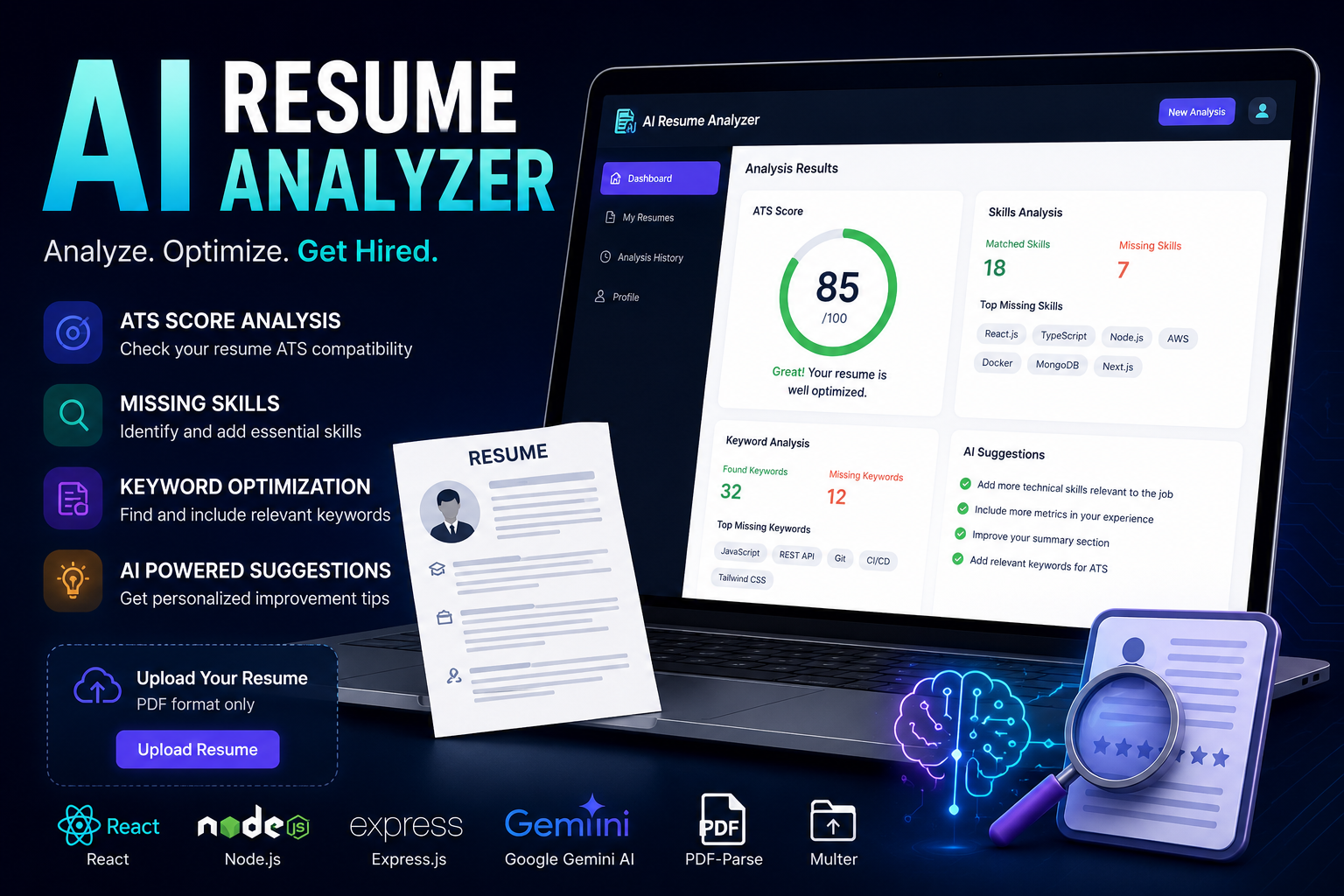
Technologies & Skills
Limited time offer
This project includes complete source code, documentation, installation guide, AI integration with Google Gemini API, ATS resume analysis, and a modern responsive UI. The discounted price of ₹800 offers excellent value for students, developers, and freelancers.
What's Included
Support & Customization
Resource Links
Purchase this project to unlock source and premium resources. Document/report remain secure preview-based on this page.
AI Resume Analyzer & Optimizer
Overview
AI Resume Analyzer & Optimizer is a full-stack web application designed to help job seekers create ATS-friendly resumes using Artificial Intelligence. The platform analyzes uploaded resumes, evaluates their compatibility with Applicant Tracking Systems (ATS), identifies missing skills and keywords, and provides personalized recommendations to improve resume quality. By leveraging the Google Gemini API, the application delivers intelligent feedback that helps users optimize their resumes for better visibility and higher chances of getting shortlisted by recruiters.
Problem Statement
Recruiters often use Applicant Tracking Systems (ATS) to filter resumes before they are reviewed by humans. Many qualified candidates fail to pass this initial screening because their resumes lack relevant keywords, essential skills, or proper formatting. Reviewing and optimizing a resume manually can be time-consuming and difficult, especially for fresh graduates and job seekers who are unfamiliar with ATS requirements.
Solution
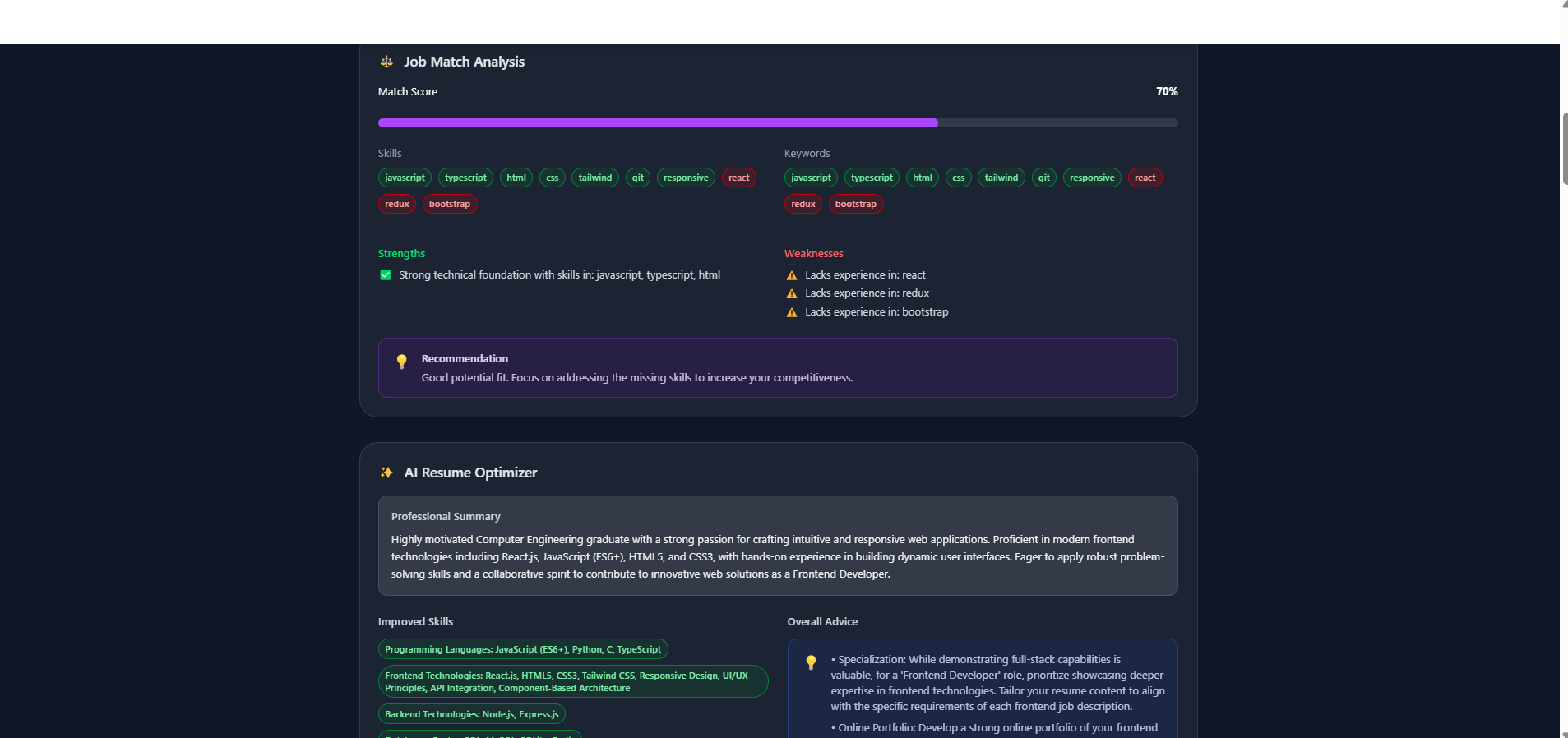
The AI Resume Analyzer & Optimizer simplifies this process by providing an automated AI-powered resume review system. Users upload their resume in PDF format, and the application extracts the content, analyzes it using Google's Gemini AI model, and generates a detailed report containing an ATS score, missing keywords, missing technical skills, and personalized suggestions for improvement. This enables users to make data-driven improvements to their resumes before applying for jobs.
Features
- Upload resumes securely in PDF format.
- Automatically extract text from uploaded resumes.
- Analyze resumes for ATS compatibility.
- Generate an estimated ATS score.
- Detect missing technical skills and important keywords.
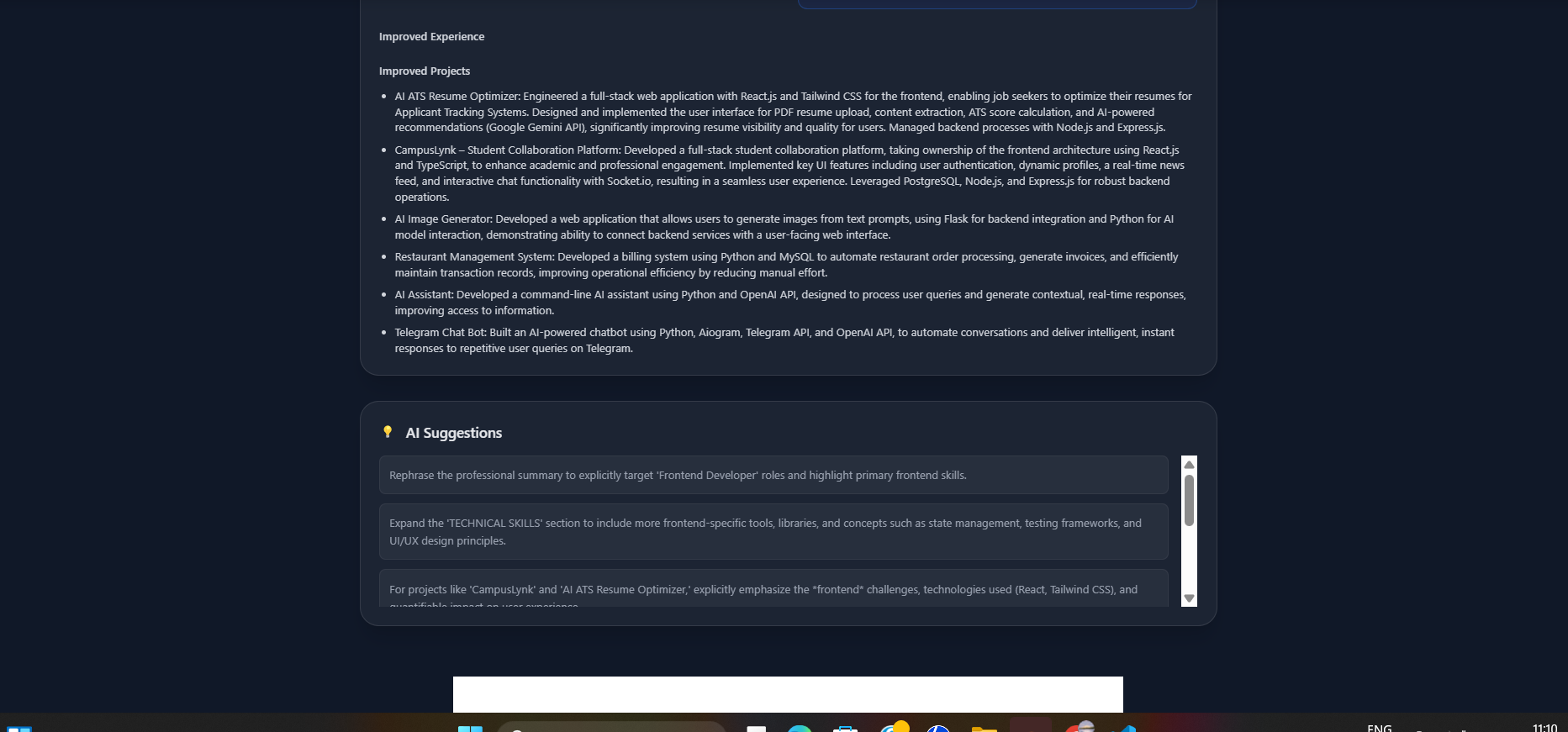
- Provide AI-generated suggestions to improve resume content.
- Evaluate different resume sections such as Summary, Skills, Education, Projects, and Experience.
- Display analysis results in a clean and responsive user interface.
- Fast and intuitive user experience suitable for both freshers and experienced professionals.
Workflow
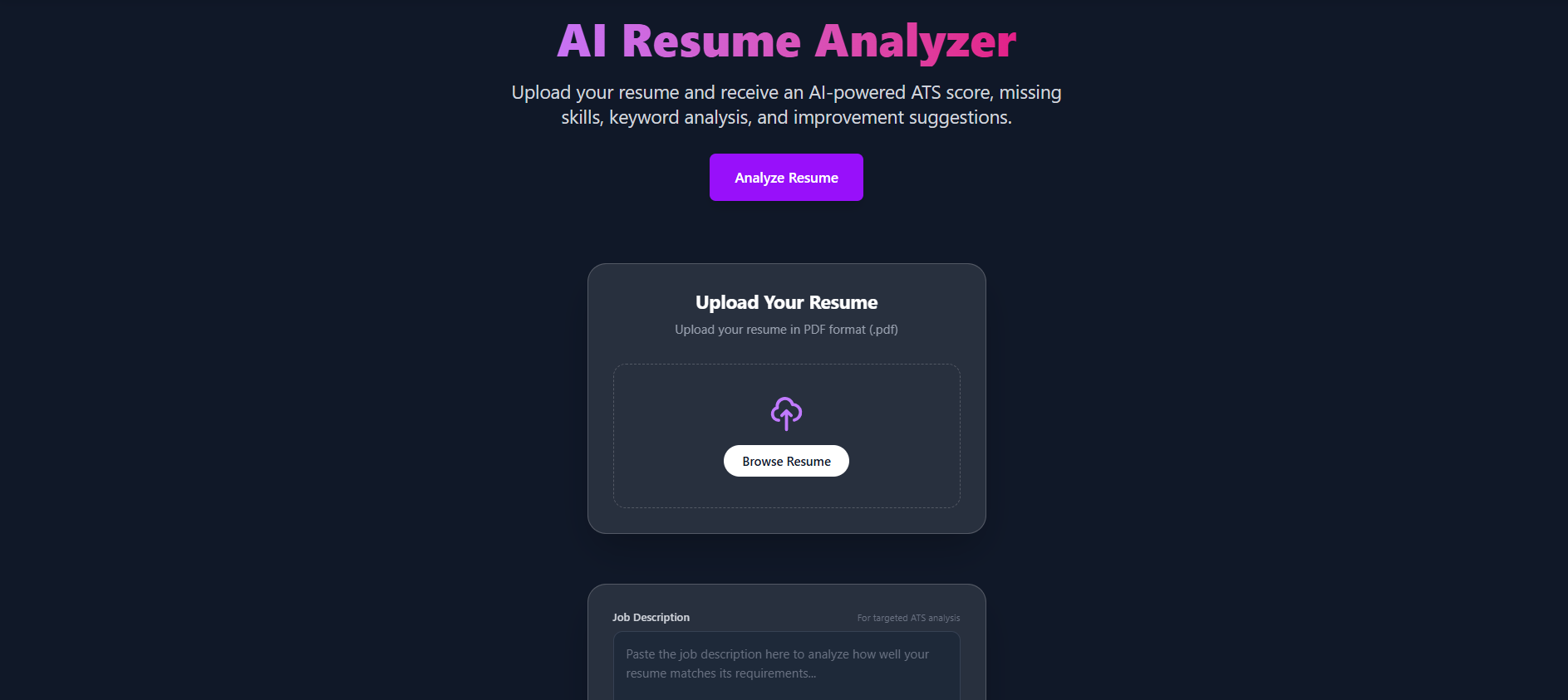
- User uploads a resume in PDF format.
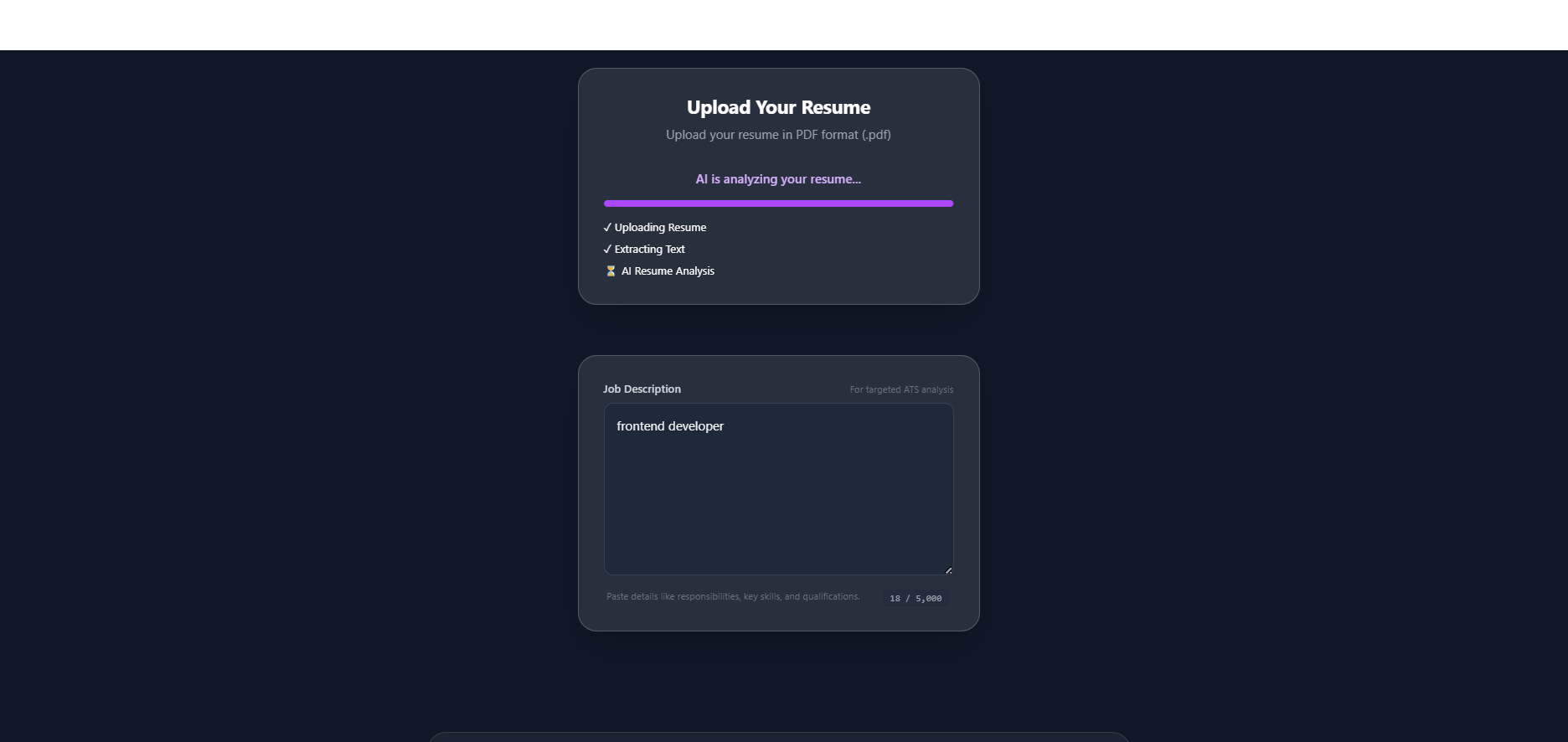
- The backend extracts text using PDF-Parse.
- The extracted content is sent to the Google Gemini API.
- AI analyzes the resume based on ATS principles.
- The application returns:
- ATS Score
- Resume strengths
- Missing skills
- Missing keywords
- Personalized recommendations
- Users update their resumes based on the provided feedback.
Technologies Used
Frontend
- React.js
- Vite
- Tailwind CSS
Backend
- Node.js
- Express.js
AI Integration
- Google Gemini API
File Processing
- Multer
- PDF-Parse
Programming Language
- JavaScript
Development Tools
- Git
- GitHub
- VS Code
- Postman
Learning Outcomes
Through this project, I gained practical experience in:
- Full-stack web application development.
- Integrating Generative AI into real-world applications.
- Working with RESTful APIs.
- Handling file uploads and PDF text extraction.
- Prompt engineering for AI-generated responses.
- Understanding ATS resume evaluation techniques.
- Building responsive and user-friendly interfaces.
- Debugging, testing, and deploying modern web applications.
Target Users
- Students
- Fresh Graduates
- Job Seekers
- Career Coaches
- HR Professionals
- Anyone looking to improve their resume using AI
Future Enhancements
- Resume comparison with specific job descriptions.
- Multiple resume templates.
- Download optimized resume suggestions.
- Grammar and readability analysis.
- Industry-specific resume recommendations.
- Support for multiple resume formats.
- User authentication and resume history.
- Dashboard for tracking resume improvements over time.
Conclusion
The AI Resume Analyzer & Optimizer combines modern web technologies with Generative AI to provide an intelligent, user-friendly platform for resume evaluation and optimization. It helps users identify weaknesses in their resumes, improve ATS compatibility, and present their skills more effectively, increasing their chances of securing interviews in today's competitive job market.
Future Enhancements
Known Issues
Installation
Installation Guide
Prerequisites
Before installing the project, ensure the following software is installed on your system:
- Node.js (v18 or later)
- npm (comes with Node.js)
- Git
- Visual Studio Code (recommended)
- Google Gemini API Key
Step 1: Clone the Repository
git clone https://github.com/yourusername/ai-resume-analyzer.git
Navigate to the project directory:
cd ai-resume-analyzer
Step 2: Install Frontend Dependencies
Navigate to the client folder:
cd client
Install the required packages:
npm install
Step 3: Install Backend Dependencies
Open a new terminal.
Navigate to the server folder:
cd server
Install the dependencies:
npm install
Step 4: Configure Environment Variables
Inside the server folder, create a .env file.
PORT=5000
GEMINI_API_KEY=YOUR_GEMINI_API_KEY
Replace YOUR_GEMINI_API_KEY with your Google Gemini API key.
Step 5: Start the Backend Server
Inside the server folder:
npm run dev
The backend server will start at:
http://localhost:5000
Step 6: Start the Frontend
Open another terminal.
Navigate to the client folder.
cd client
npm run dev
The frontend will run at:
http://localhost:5173
Step 7: Open the Application
Open your browser and visit:
http://localhost:5173
Project Workflow
- Upload a PDF resume.
- Resume text is extracted using PDF-Parse.
- The extracted text is sent to the Google Gemini API.
- AI analyzes the resume.
- ATS score is generated.
- Missing skills and keywords are identified.
- Personalized improvement suggestions are displayed.
Project Structure
ai-resume-analyzer/
│
├── client/
│   ├── public/
│   ├── src/
│   ├── package.json
│   └── vite.config.js
│
├── server/
│   ├── routes/
│   ├── services/
│   ├── middleware/
│   ├── uploads/
│   ├── package.json
│   ├── server.js
│   └── .env
│
├── README.md
└── package.json
Build for Production
Frontend
cd client
npm run build
The production build will be generated in the dist folder.
Troubleshooting
Node Modules Missing
npm install
Invalid Gemini API Key
- Verify the API key in the
.envfile. - Restart the backend server after updating the key.
Port Already in Use
Change the port in .env:
PORT=5001
Usage
User Instructions
Step 1: Launch the Application
- Start both the frontend and backend servers.
- Open your browser and navigate to the application URL (e.g.,
http://localhost:5173).
Step 2: Upload Your Resume
- Click the Upload Resume button.
- Select a resume in PDF format from your computer.
- Click Open to upload the file.
Step 3: Wait for Analysis
- The application extracts the resume text.
- The extracted content is securely sent to the Google Gemini API for AI-powered analysis.
- Processing typically takes a few seconds.
Step 4: View Analysis Results
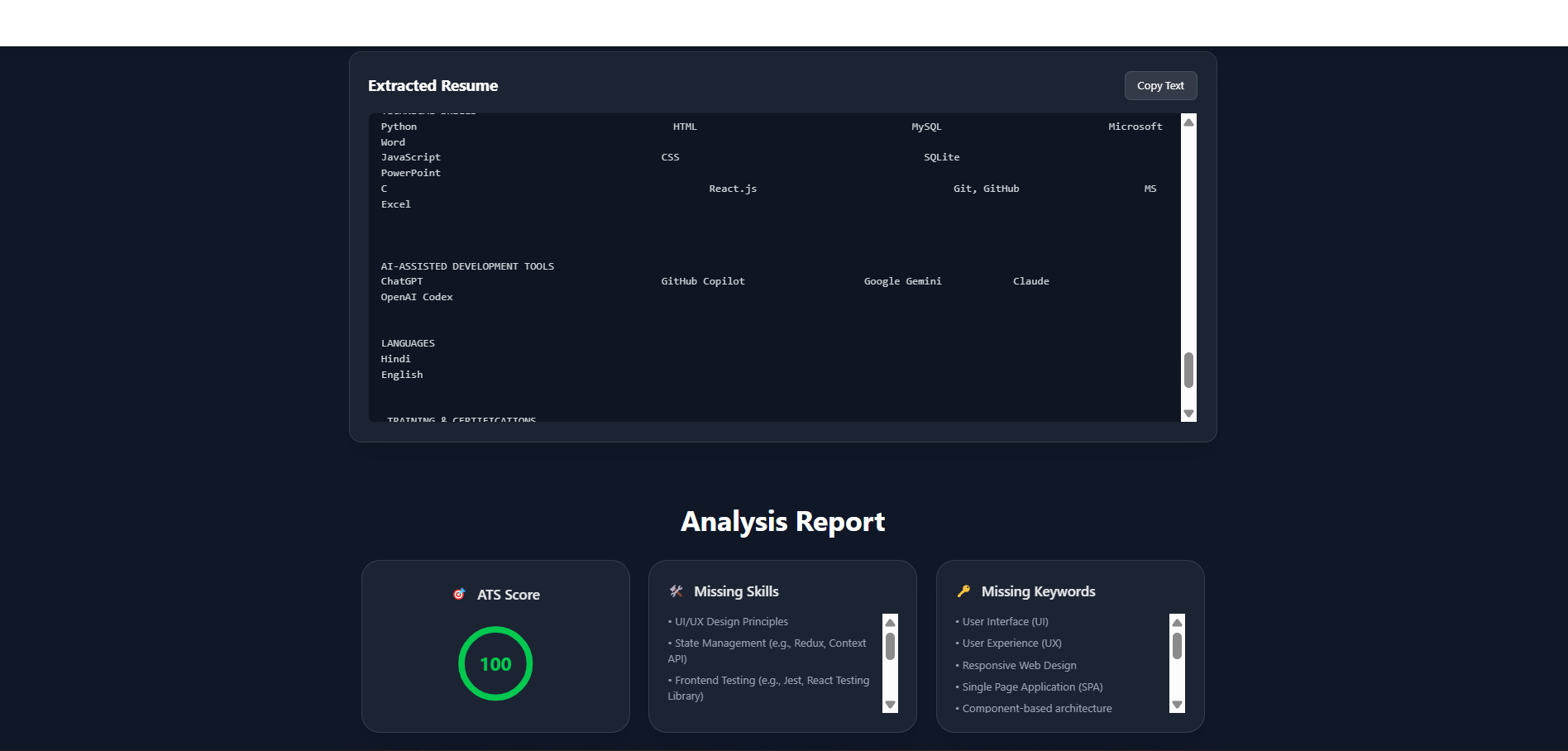
After processing, the application displays:
- ATS Compatibility Score
- Resume Strengths
- Missing Technical Skills
- Missing Keywords
- Section-wise Feedback
- Personalized AI Recommendations
Step 5: Improve Your Resume
Review the suggestions provided by the AI and update your resume by:
- Adding missing skills
- Including relevant keywords
- Improving your professional summary
- Enhancing project and experience descriptions
- Organizing resume sections more effectively
Step 6: Re-analyze the Resume
Upload the updated resume again to receive a new analysis and verify that your ATS score has improved.
Best Practices
- Upload resumes only in PDF format.
- Ensure the resume text is selectable (avoid scanned image PDFs).
- Include your latest skills, education, projects, certifications, and work experience.
- Use a clear and professional resume format for better analysis.
- Review AI suggestions before making final changes.
Expected Output
The application provides:
- ATS Score
- AI-Powered Resume Analysis
- Missing Skills
- Missing Keywords
- Resume Strengths
- Improvement Suggestions
- Overall Resume Evaluation
Notes
- An active internet connection is required for AI analysis.
- A valid Google Gemini API Key must be configured in the backend.
- The application analyzes the uploaded resume and returns recommendations; it does not automatically modify the resume.
System Requirements
System Requirements
Hardware Requirements
- Intel Core i3 / AMD Ryzen 3 processor or higher
- Minimum 4 GB RAM (8 GB recommended)
- Minimum 500 MB free disk space
- Stable internet connection
Software Requirements
- Windows 10/11, Linux, or macOS
- Node.js (v18 or later)
- npm (v9 or later)
- Visual Studio Code (Recommended)
- Git
- Google Chrome, Microsoft Edge, or Mozilla Firefox
Frontend Requirements
- React.js
- Vite
- Tailwind CSS
- JavaScript (ES6+)
Backend Requirements
- Node.js
- Express.js
- Google Gemini API
- Multer
- PDF-Parse
Development Tools
- Visual Studio Code
- Git & GitHub
- Postman
- npm Package Manager
API Requirements
- Google Gemini API Key
- Active Internet Connection
- Configured
.envfile
Browser Compatibility
- Google Chrome
- Microsoft Edge
- Mozilla Firefox
- Brave Browser
- Opera Browser
Slides Open in New Tab
For better readability, slides are opened directly. Documents remain preview-only with secure backend rendering.
Showing preview pages only. Purchase for full access to all pages and complete source package.
Login for Full AccessNo Q&A available yet
Be the first to ask a question!
Ask a Question
Customer Reviews
Write Your Review
No reviews yet
Be the first to review this project!
Similar Projects
You might also be interested in these projects
 Web Apps
AI Finance Platform
It is a full-stack web application that helps users manage their personal finances by tracking income, expenses, and budgets in one place.The AI Finan
 Web Apps
CIVIC LINK a Django Platform for reporting civic issues.
Civic Link is a Django platform where citizens can report civic problems such as spilled garbage, potholes, damaged electric poles and much more.
 Web Apps
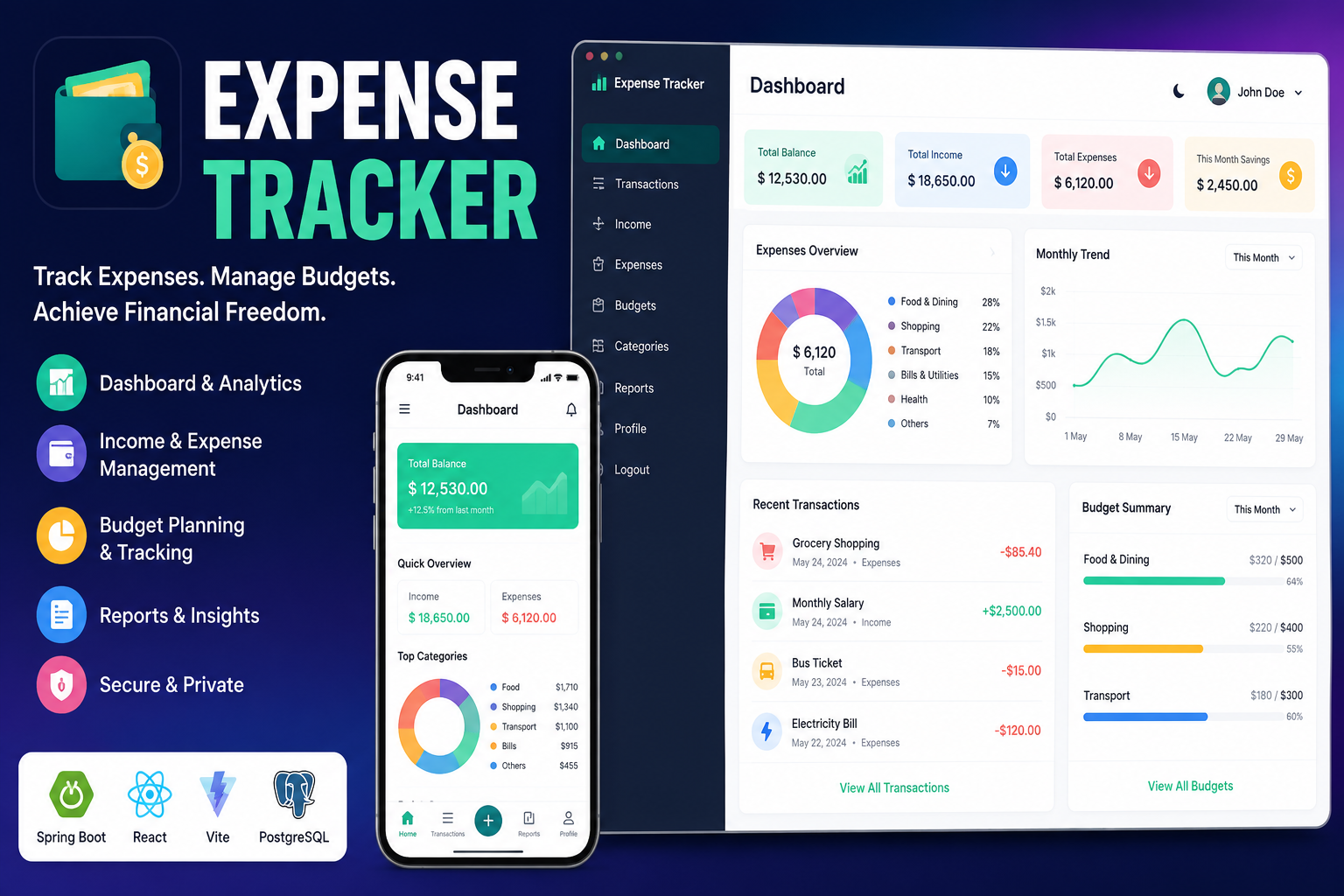
Full Stack Expense Tracker
A modern full-stack Expense Tracker built with React, Vite, Spring Boot, PostgreSQL, and JWT authentication. Track income, expenses, budgets,etc.
 Web Apps
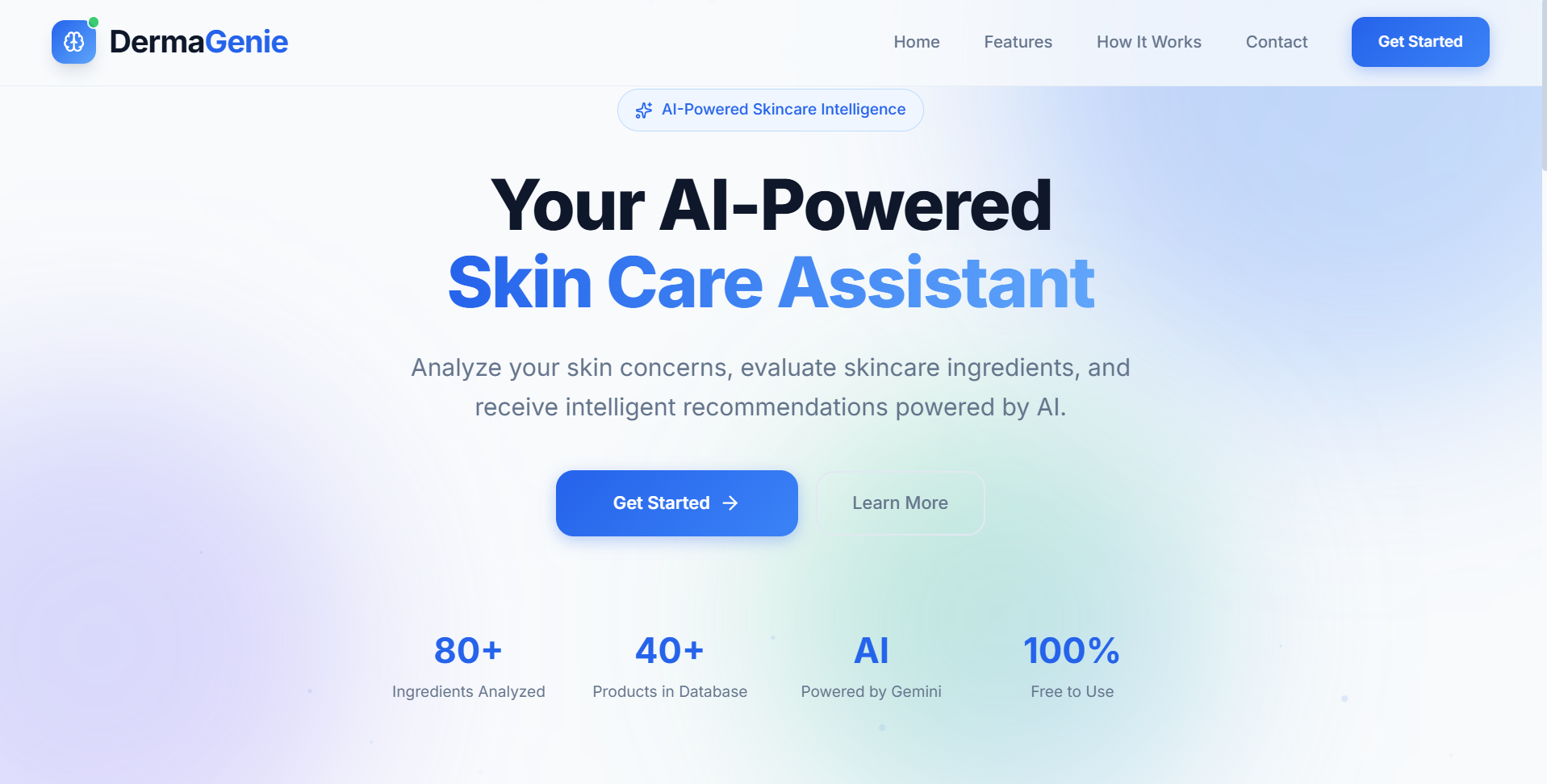
DermaGenie– AI-Powered Skincare Intelligence Platform
AI-powered skincare platform that extracts ingredients using OCR, analyzes product suitability, and provides personalized skincare recommendations.