SafeNav: AI-Powered Travel Safety Platform
AI-powered travel safety platform that combines live traffic, weather, AQI, and health-aware routing with a secure encrypted document vault.
Preview Gallery
6 media

Technologies & Skills
Limited time offer
What's Included
Support & Customization
Resource Links
Purchase this project to unlock source and premium resources. Document/report remain secure preview-based on this page.
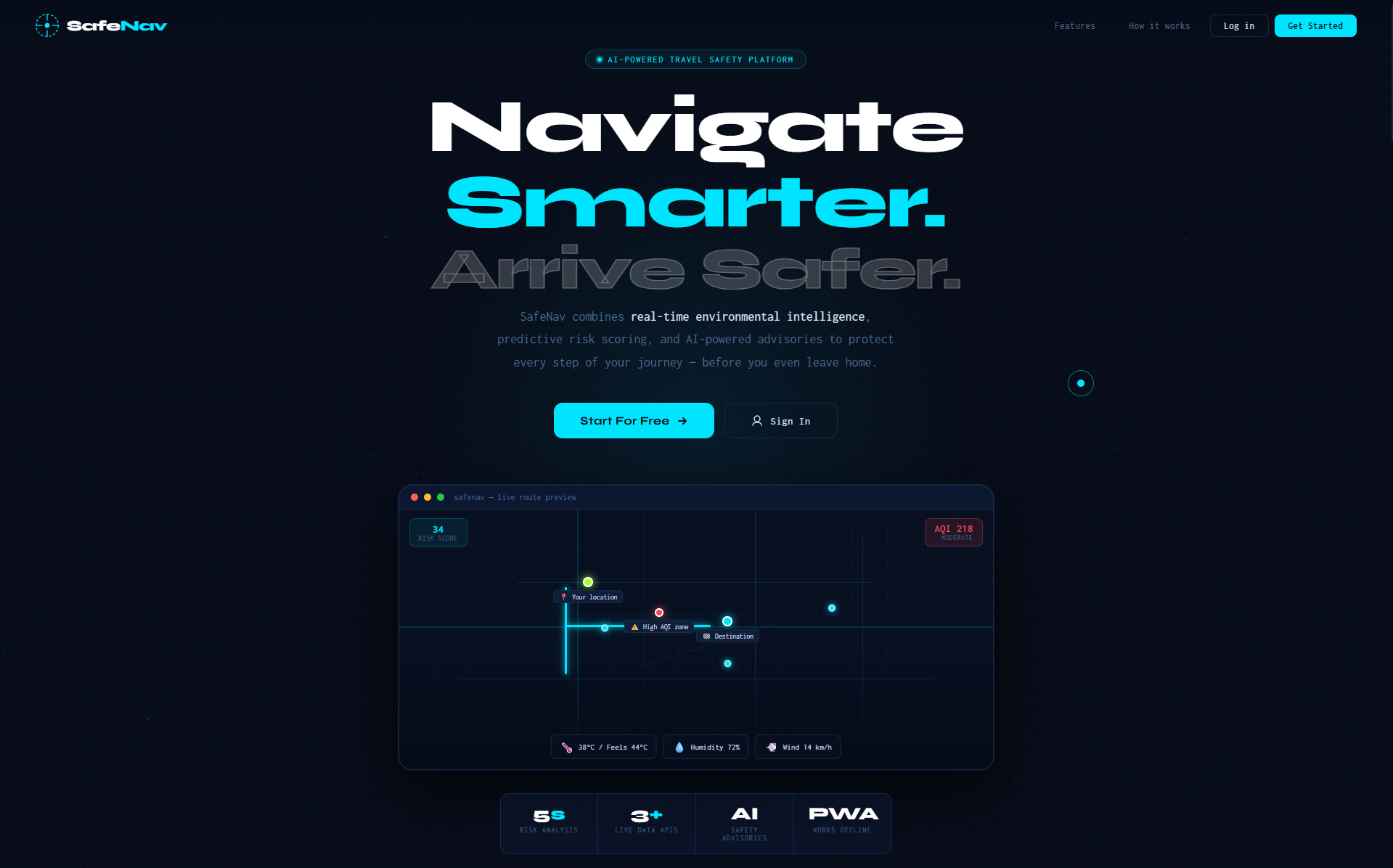
SafeNav is a full-stack AI-powered travel safety platform designed to help users make safer travel decisions based on real-time environmental conditions and their personal health profile.
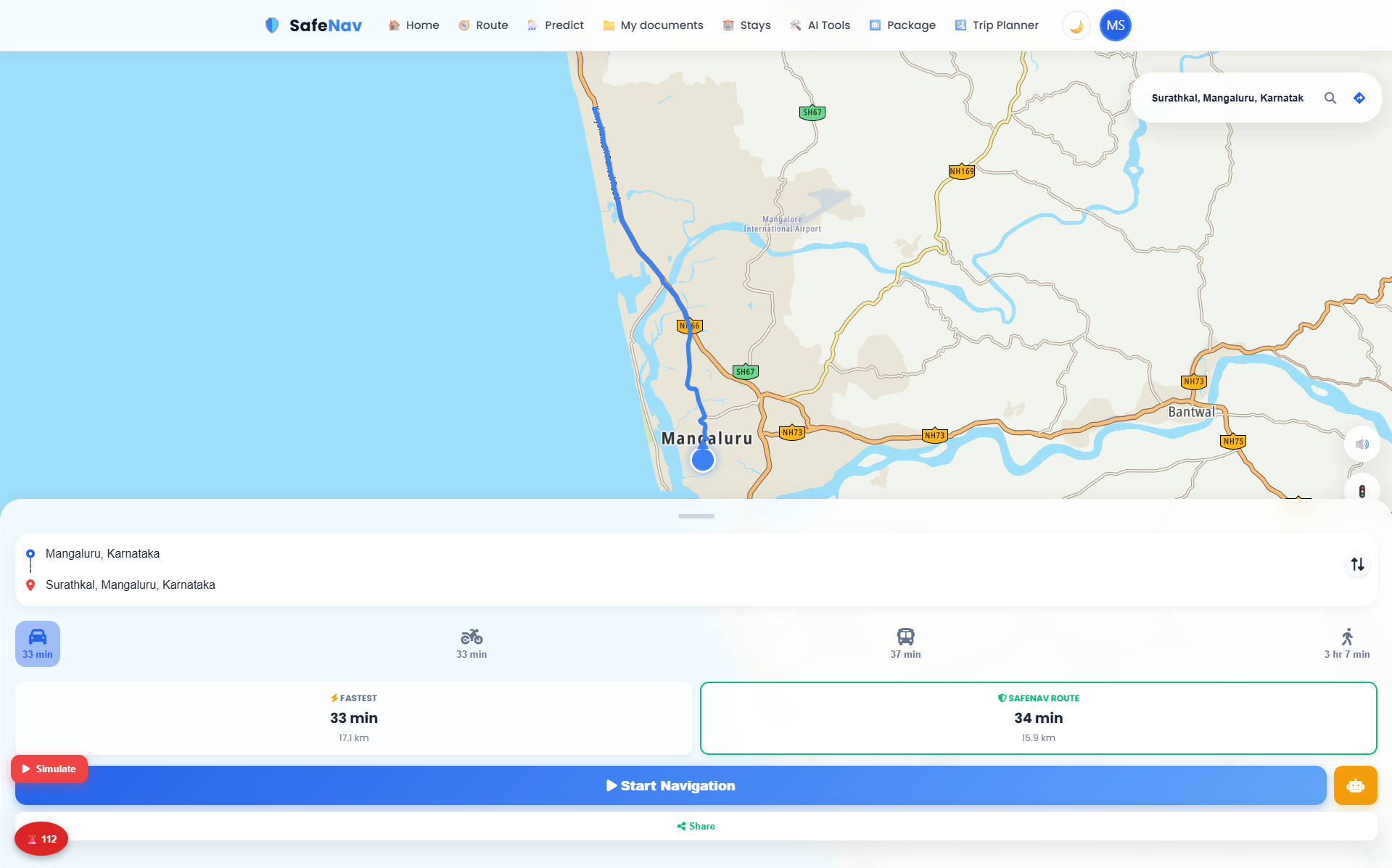
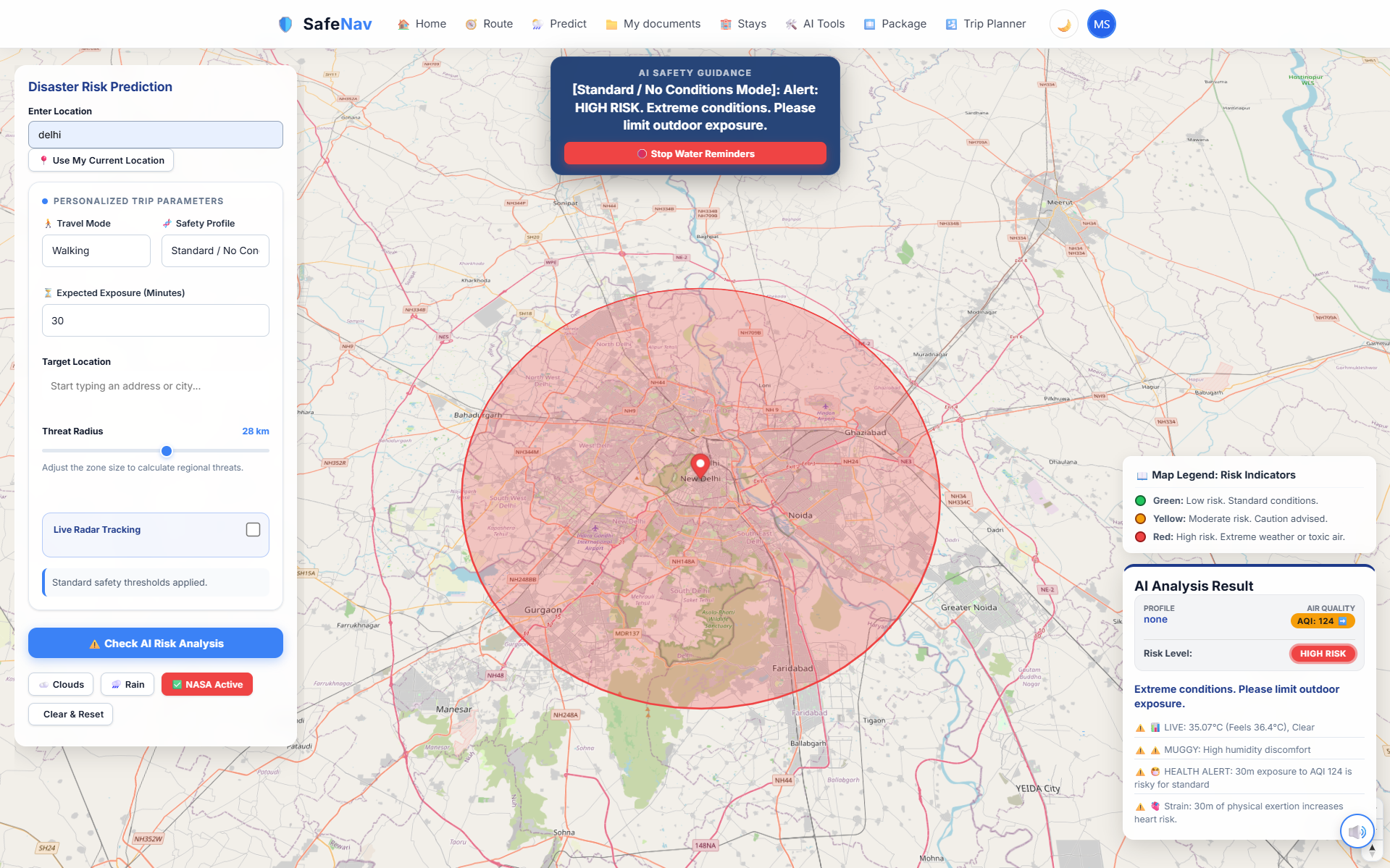
Unlike traditional navigation apps that primarily optimize for speed, SafeNav evaluates routes using live air quality, weather, traffic, and road conditions to calculate a deterministic safety score. Users with different health profiles, such as cardiac or respiratory conditions, receive personalized recommendations and route analysis.
The platform integrates multiple real-time services, including TomTom Routing, OpenWeatherMap, WAQI, Firebase, and Google Gemini AI, to provide intelligent travel assistance, personalized safety advice, and route analytics.
SafeNav also includes a secure travel document vault where users can store passports, visas, insurance documents, and other important files using encrypted storage with integrity verification. AI-powered OCR helps extract and summarize document information.
Additional features include an admin dashboard for monitoring API usage and users, real-time analytics, audit logging, offline Progressive Web App support, and AI-powered travel tools such as itinerary generation, translation, and document analysis.
Built with Python, Flask, JavaScript, Firebase, and Google Gemini, SafeNav demonstrates production-style backend engineering, secure system design, AI integration, and real-world API orchestration.
Future Enhancements
• Multiple alternative health-optimized routes
• Wearable device integration (heart rate and SpO₂)
• Predictive AQI and weather forecasting
• Elevation-aware route analysis
• Real toll pricing integration
• Push notifications for document expiry
• Native Android and iOS applications
• Redis caching for faster responses
• Background task processing with Celery
• PostgreSQL-based document metadata storage
• Post-quantum cryptography support
• Emergency SOS and location sharing
Known Issues
• AI responses may be unavailable if the Gemini API reaches rate limits; the system falls back to rule-based responses.
• AQI data depends on WAQI coverage and may not be available in every location.
• The Quantum encryption option is currently a placeholder for future post-quantum algorithms.
• Toll cost estimation uses an approximate formula rather than real toll pricing.
• Some advanced features require an active internet connection.
Installation
## Prerequisites
- Python 3.10 or later
- Node.js 18+ (only for Capacitor/mobile builds if needed)
- Git
- Firebase project
- Google Gemini API Key
- TomTom API Key
- OpenWeatherMap API Key
- WAQI API Token
## Clone the repository
```bash
git clone https://github.com/yourusername/safenav.git
cd safenav
```
## Create a virtual environment
```bash
python -m venv venv
```
Activate it:
Windows
```bash
venv\Scripts\activate
```
Linux/macOS
```bash
source venv/bin/activate
```
## Install dependencies
```bash
pip install -r requirements.txt
```
## Configure environment variables
Create a `.env` file and add:
```env
SECRET_KEY=your_secret_key
GEMINI_API_KEY=your_gemini_key
OPENWEATHER_API_KEY=your_openweather_key
TOMTOM_API_KEY=your_tomtom_key
AQI_TOKEN=your_waqi_token
FIREBASE_PROJECT_ID=your_project_id
```
Place your Firebase Admin SDK credentials in the backend directory.
## Run the application
```bash
python app.py
```
Open your browser:
```
http://localhost:5000
```
Usage
1. Register or sign in using Firebase Authentication.
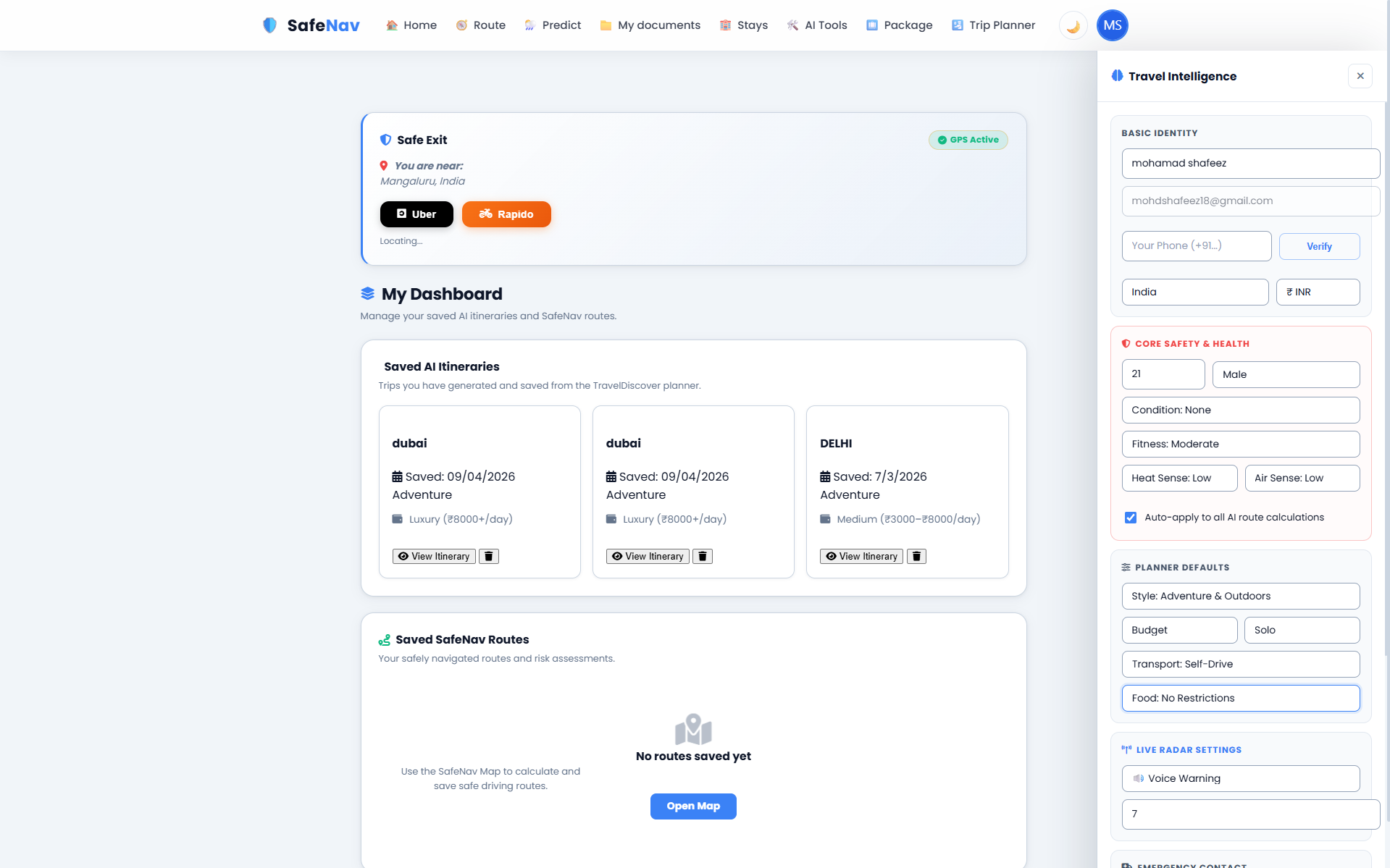
2. Set your health profile (General, Cardiac, Respiratory, or Elderly).
3. Enter your source and destination.
4. Generate a route to compare the Fastest Route and the SafeNav Route.
5. View:
- Safety score
- AQI
- Weather
- Traffic
- Fuel usage
- CO₂ emissions
- Estimated travel cost
6. Upload travel documents to the encrypted vault for secure storage and AI-assisted verification.
7. Use the AI tools for:
- Travel assistance
- Translation
- OCR
- Itinerary generation
8. Admin users can monitor system health, API usage, audit logs, and manage users from the admin dashboard.
System Requirements
Operating System
• Windows 10/11
• Linux
• macOS
Runtime
• Python 3.10+
• Node.js 18+ (optional)
• Modern web browser (Chrome, Edge, Firefox)
Hardware
• Dual-core processor or better
• 4 GB RAM minimum
• 8 GB recommended
• 500 MB free disk space
Internet
• Required for live routing, weather, AQI, and AI features
• Offline mode available for cached PWA interface
Accounts
• Firebase project
• Google Gemini API
• TomTom API
• OpenWeatherMap API
• WAQI API
Slides Open in New Tab
For better readability, slides are opened directly. Documents remain preview-only with secure backend rendering.
Showing preview pages only. Purchase for full access to all pages and complete source package.
Login for Full AccessNo Q&A available yet
Be the first to ask a question!
Ask a Question
Customer Reviews
Write Your Review
No reviews yet
Be the first to review this project!
Similar Projects
You might also be interested in these projects
 Web Apps
Postpartum Hemorrhage Prediction
An AI-powered web app that predicts postpartum hemorrhage risk for pregnant patients, helping doctors monitor and manage high-risk cases early.
 Web Apps
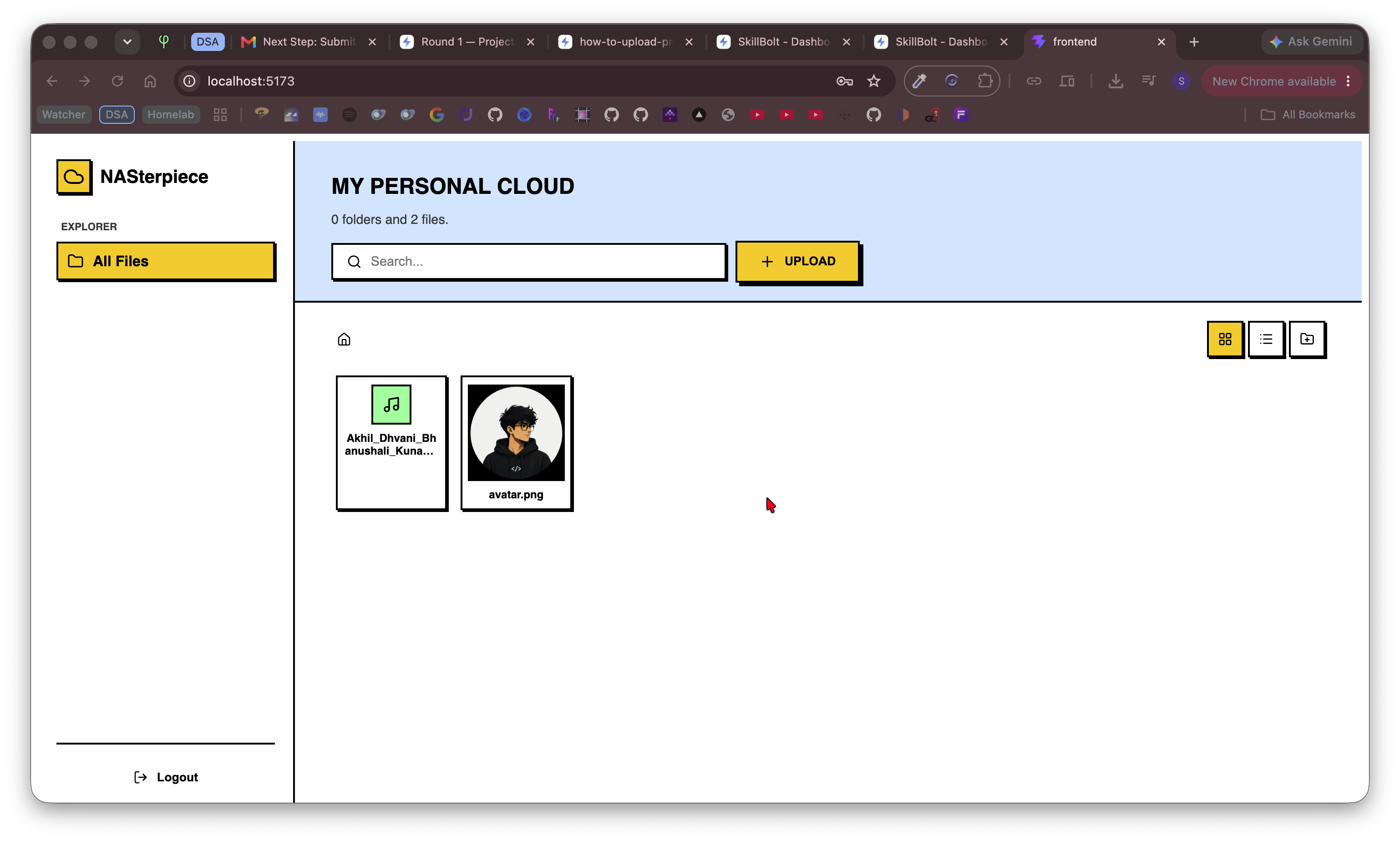
Remote File Server
Self-hostable cloud file server built with React & FastAPI for secure file storage, browsing, uploads, downloads, and remote access.
 Web Apps
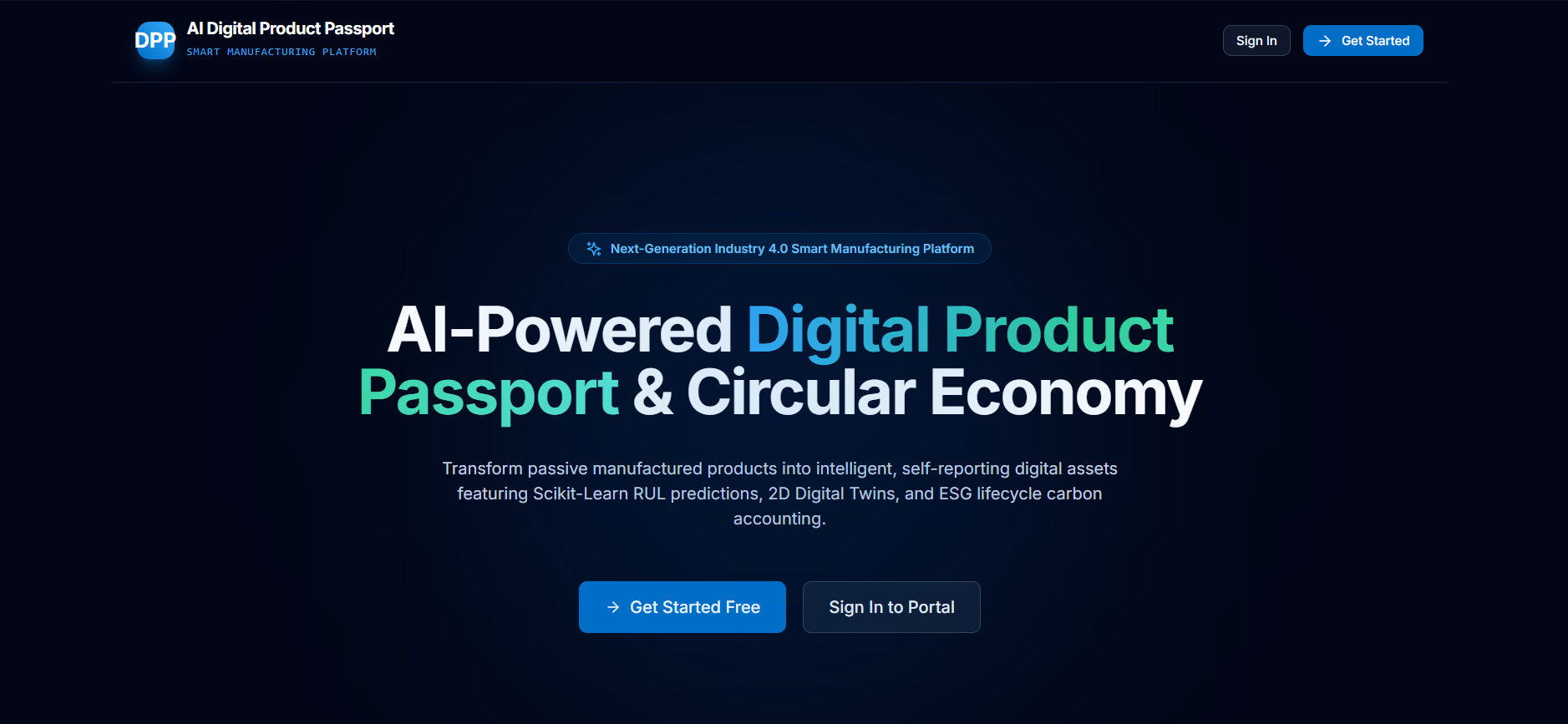
AI-Digital-Product-Passport
AI-powered Digital Product Passport platform for intelligent product lifecycle management, predictive maintenance, and sustainability.
 Web Apps
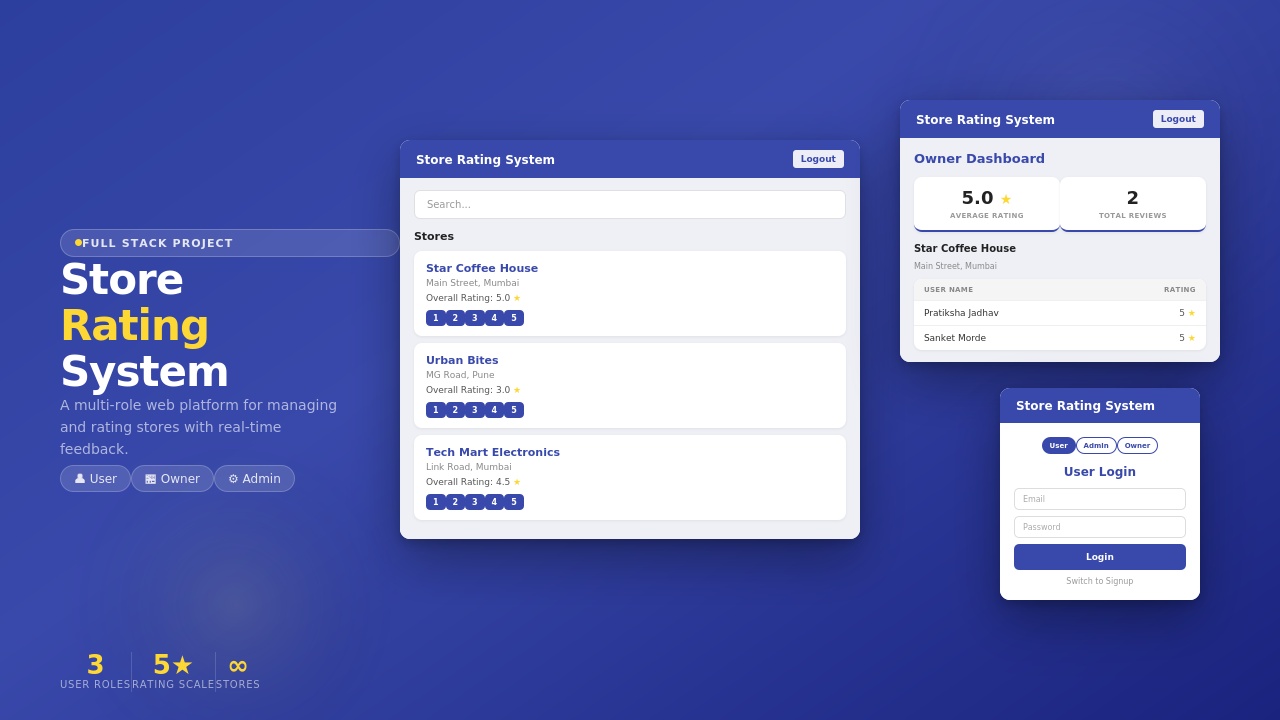
Store Rating System
Store Rating System built using MERN Stack with secure login, role-based access, store management, ratings, review