https://email-writer-react-beta.vercel.app/
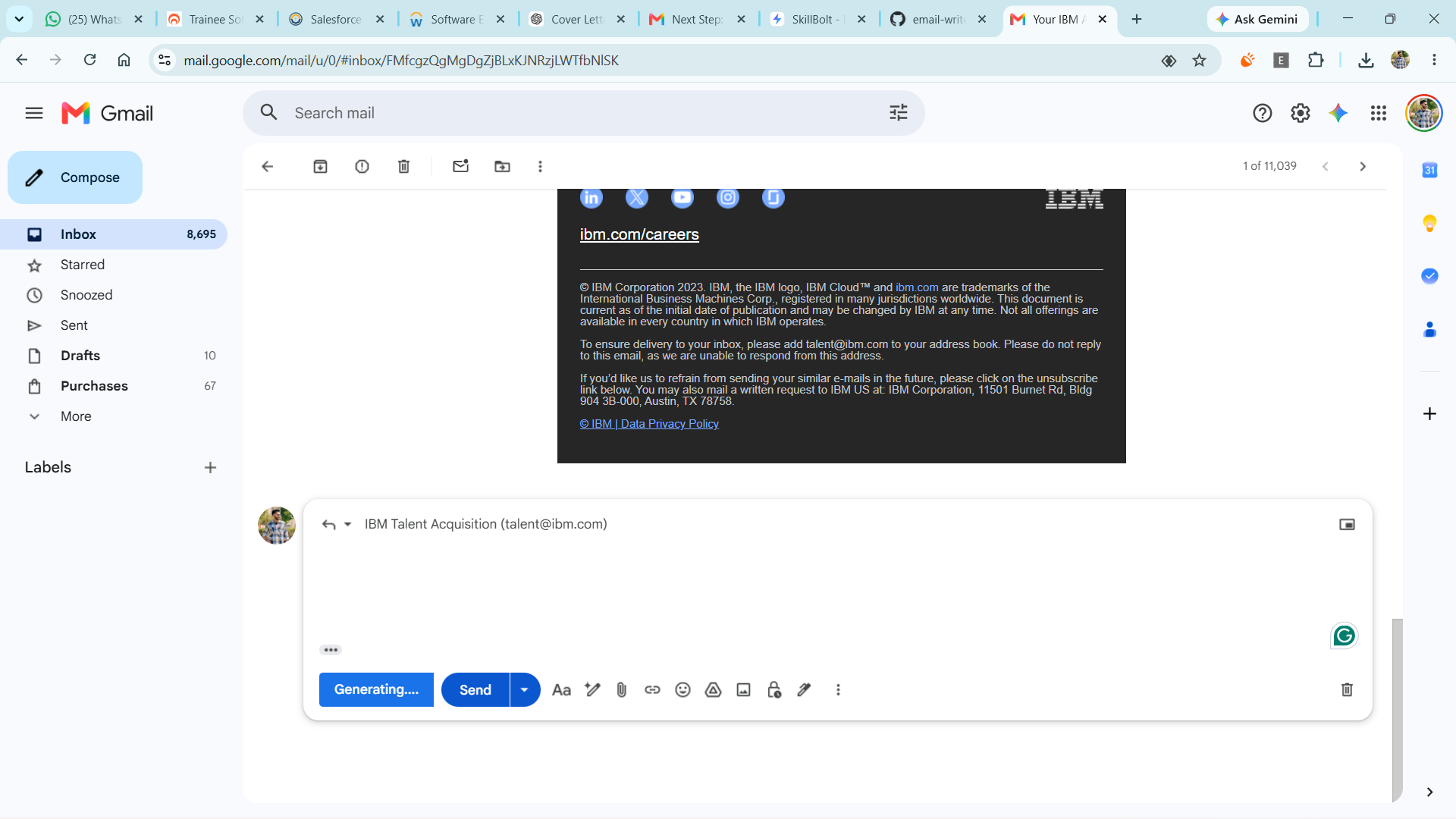
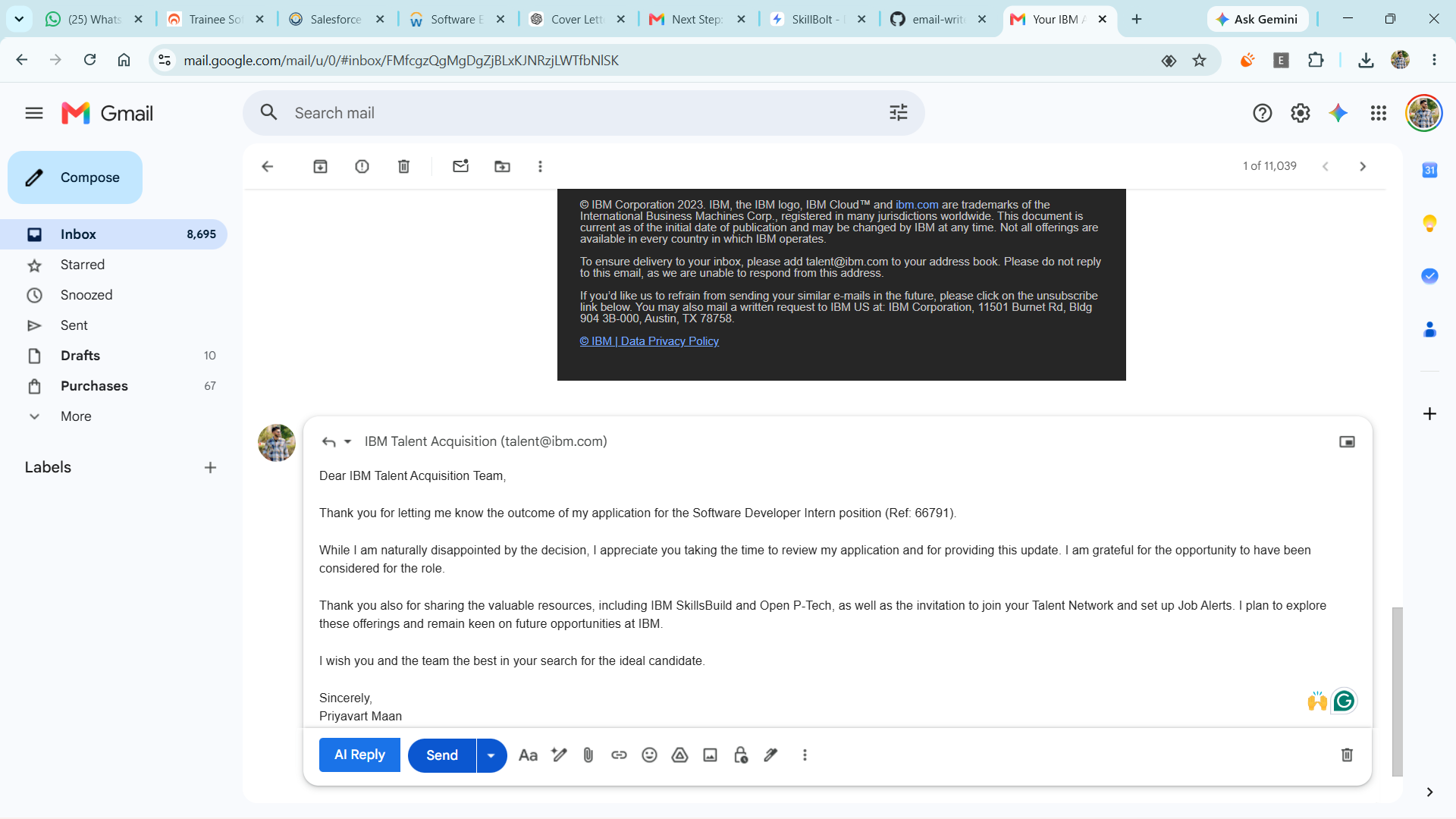
**AI Email Generator** is a Full Stack web application that uses the Google Gemini API to generate professional, personalized emails based on user pro
Preview Gallery
6 media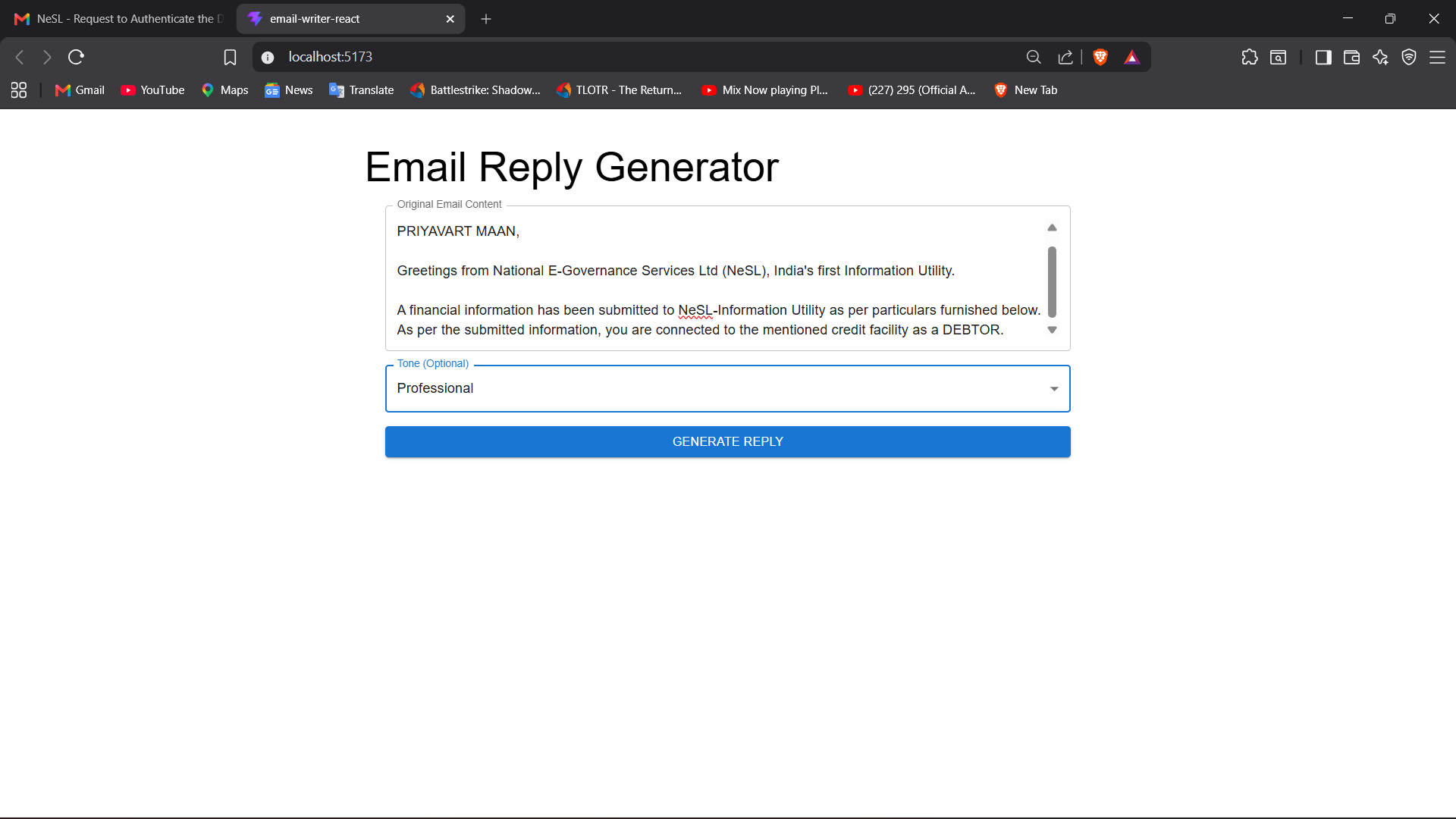
Technologies & Skills
One-time purchase
What's Included
Support & Customization
Resource Links
Purchase this project to unlock source and premium resources. Document/report remain secure preview-based on this page.
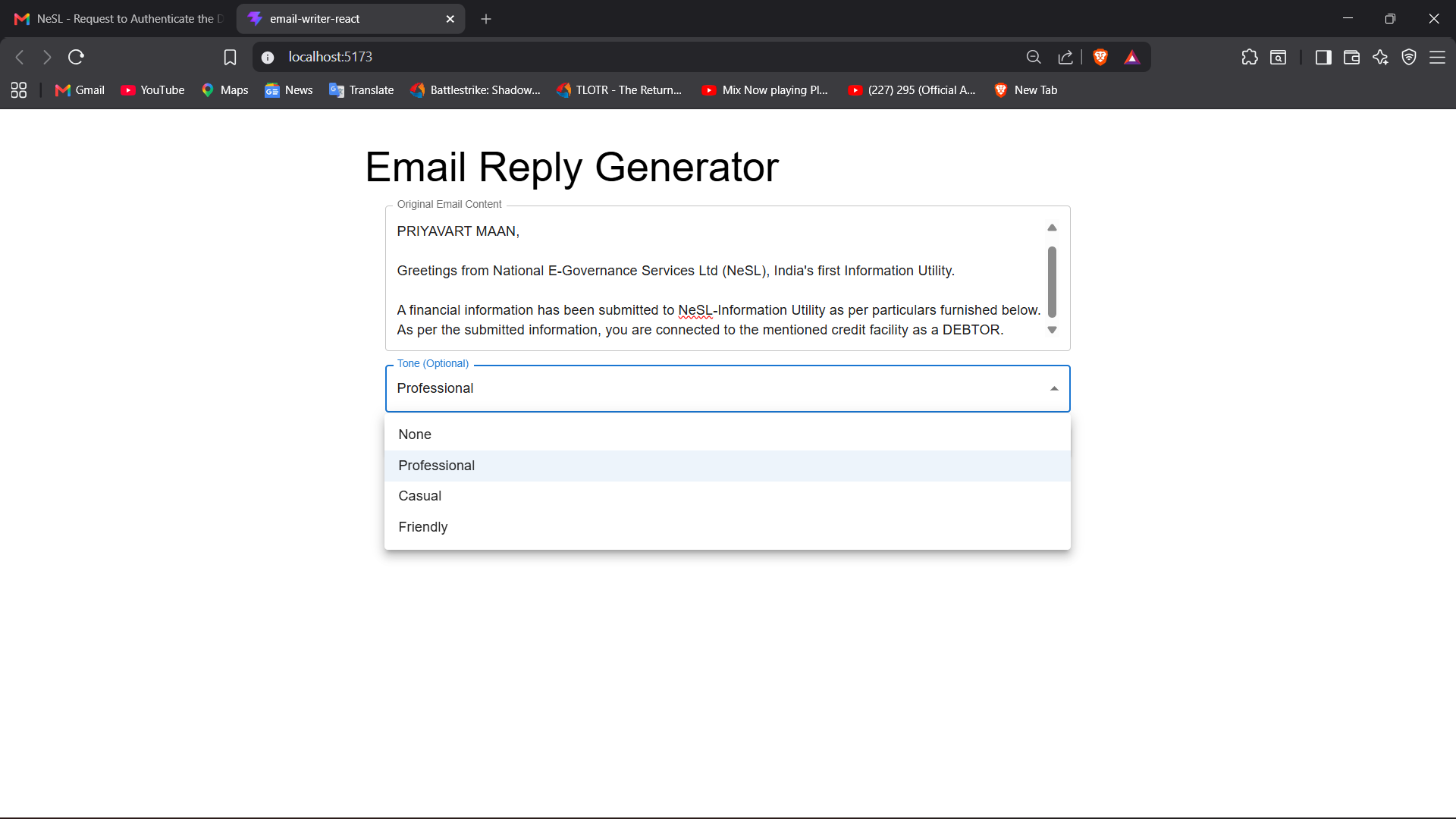
The AI Email Generator is a Full Stack web application designed to simplify email writing using Artificial Intelligence. The application enables users to generate professional, personalized, and context-aware emails by entering a prompt and selecting a preferred tone such as Professional, Formal, Friendly, or Casual. It leverages the Google Gemini API to produce high-quality email content instantly, reducing the time and effort required for drafting emails.
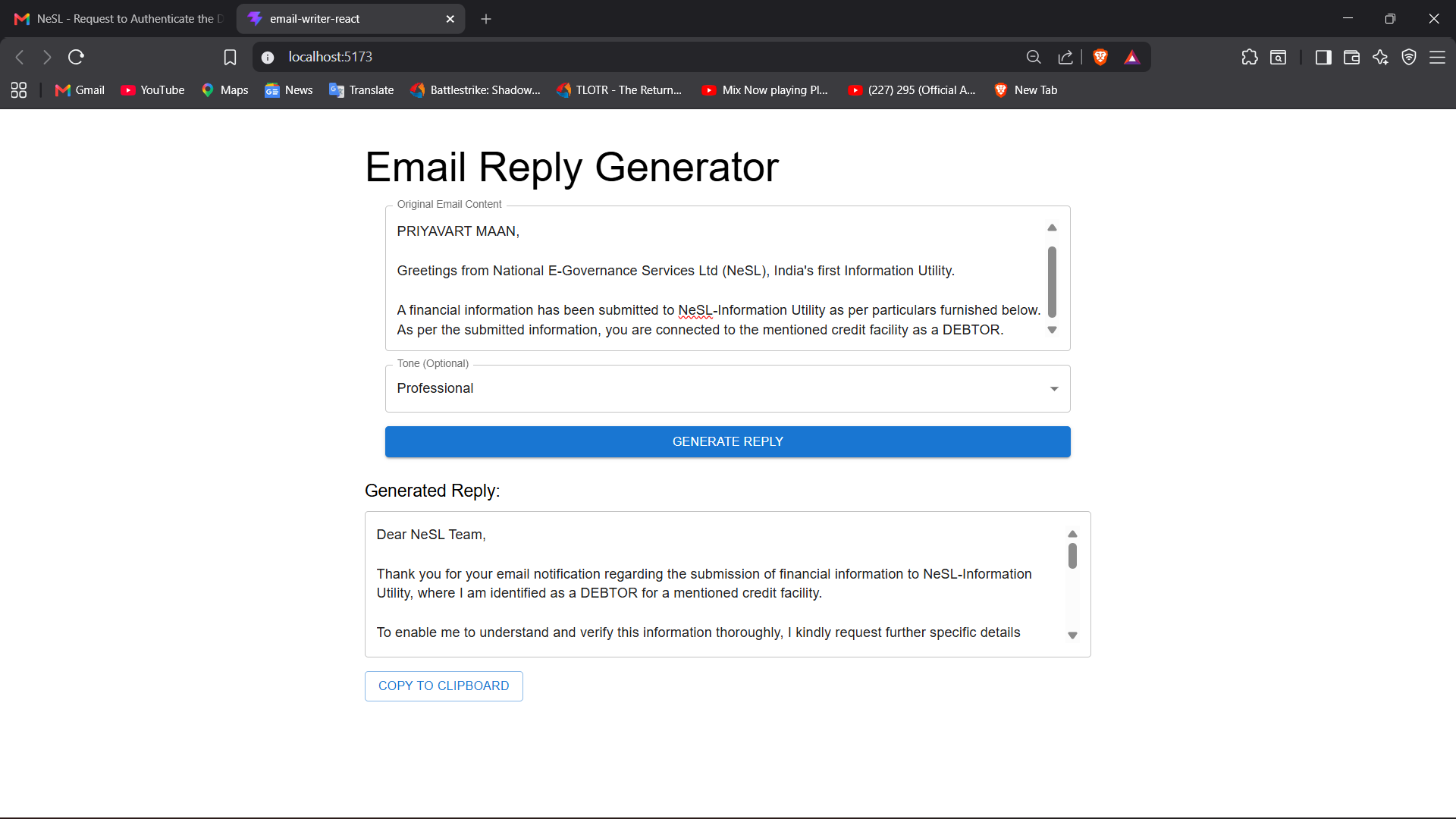
The frontend is built using React.js, providing a responsive and user-friendly interface, while the backend is developed with Java Spring Boot, which securely handles API requests and communicates with the AI model through REST APIs. The application includes features such as real-time email generation, tone customization, loading indicators, error handling, and a copy-to-clipboard option for easy reuse of generated emails.
This project demonstrates practical knowledge of Java, Spring Boot, React.js, REST APIs, JavaScript, HTML, CSS, Maven, and AI API integration, while showcasing skills in full-stack development, API integration, and modern web application design.
Future Enhancements
Known Issues
Installation
- Clone the project repository.
- Install Java JDK 17 or later.
- Install Node.js and npm.
- Configure the Google Gemini API key in the backend.
- Install backend dependencies using Maven.
- Start the Spring Boot backend server.
- Install frontend dependencies using
npm install. - Start the React frontend using
npm run dev. - Open the application in your browser.
- Ensure both frontend and backend servers are running for proper functionality.
Usage
Launch the application in your web browser.
Paste the email content into the input field.
Select the desired reply tone (Professional, Formal, Friendly, or Casual).
Click the Generate Reply button.
Wait for the AI to generate a response.
Review the generated email reply.
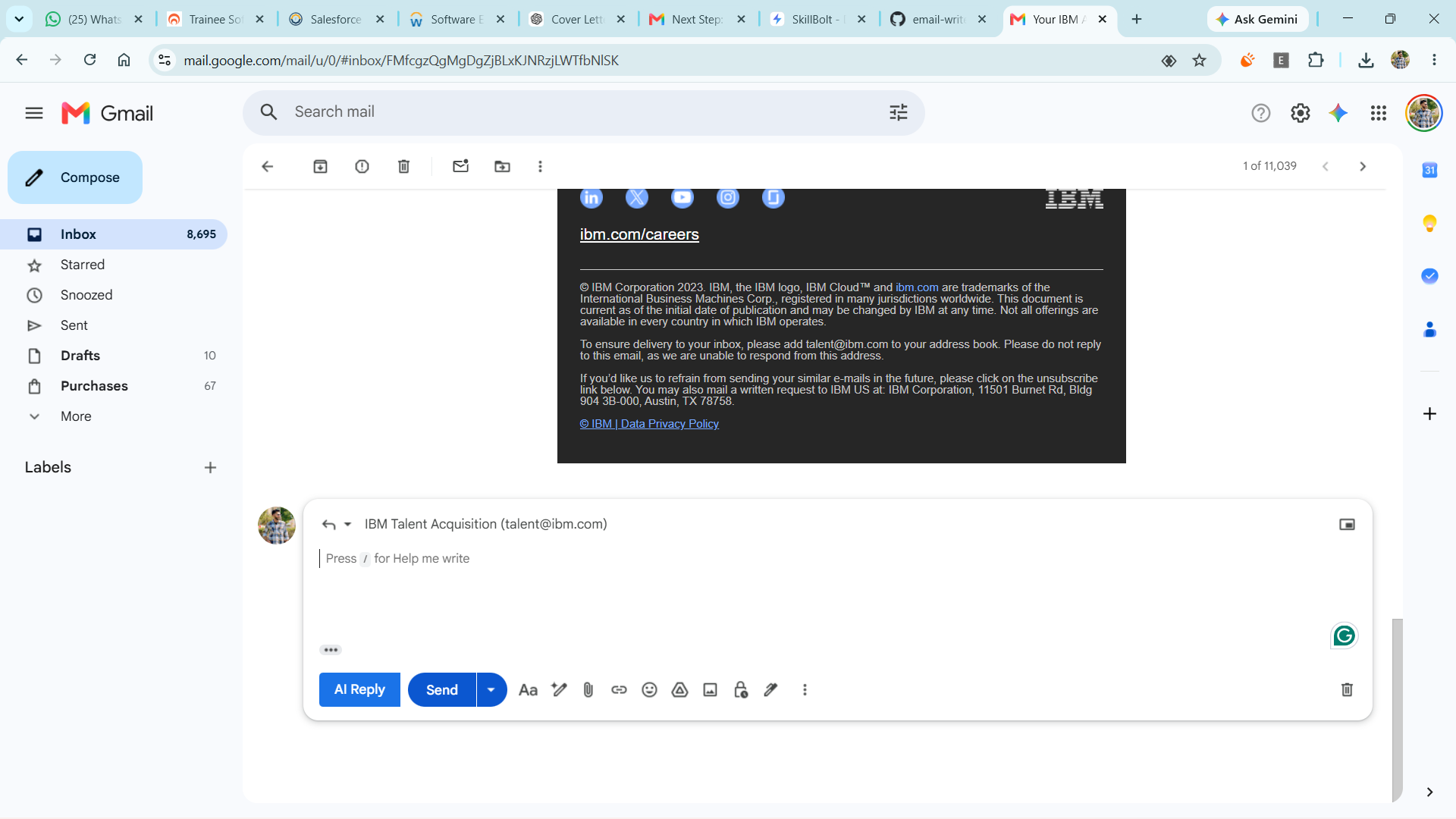
Copy the reply and use it in your email client.
Modify the generated content if required before sending.
System Requirements
Hardware Requirements
- Processor: Intel Core i3 or equivalent (or higher)
- RAM: Minimum 4 GB (8 GB recommended)
- Storage: At least 500 MB of free disk space
- Internet connection for AI API access
Software Requirements
- Operating System: Windows 10/11, macOS, or Linux
- Java JDK 17 or later
- Maven 3.8 or later
- Node.js 18 or later
- npm or Yarn
- Modern web browser (Google Chrome, Microsoft Edge, or Firefox)
- Code Editor: IntelliJ IDEA (Backend) and Visual Studio Code (Frontend)
- Google Gemini API Key
Slides Open in New Tab
For better readability, slides are opened directly. Documents remain preview-only with secure backend rendering.
Showing preview pages only. Purchase for full access to all pages and complete source package.
Login for Full AccessNo Q&A available yet
Be the first to ask a question!
Ask a Question
Customer Reviews
Write Your Review
No reviews yet
Be the first to review this project!
Similar Projects
You might also be interested in these projects
 Backend/API Systems
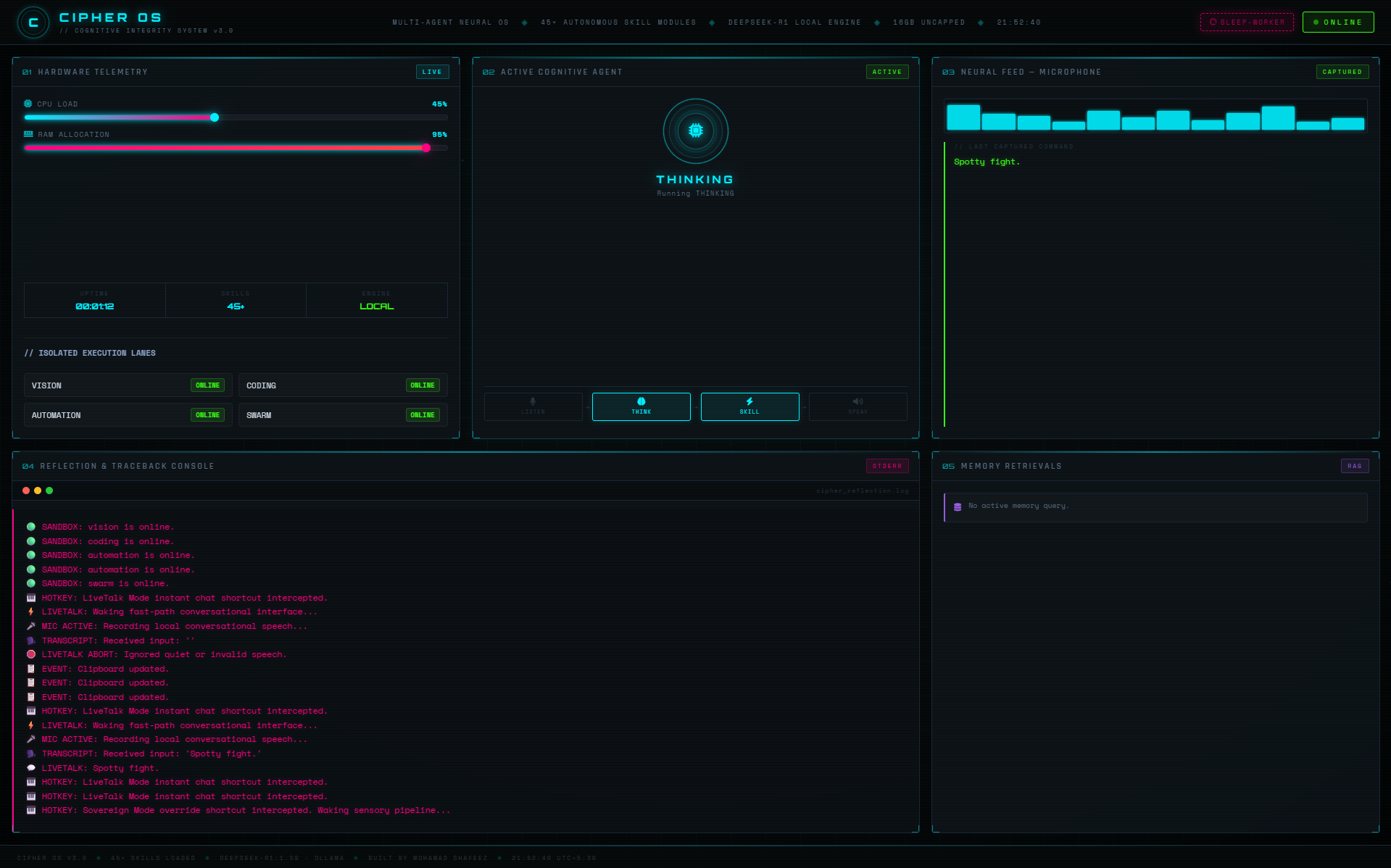
Cipher OS // Local-First Concurrent AI Runtime
A local-first AI runtime for Windows that orchestrates concurrent AI agents, real-time voice interaction, and fault-tolerant automation completely off
 Backend/API Systems
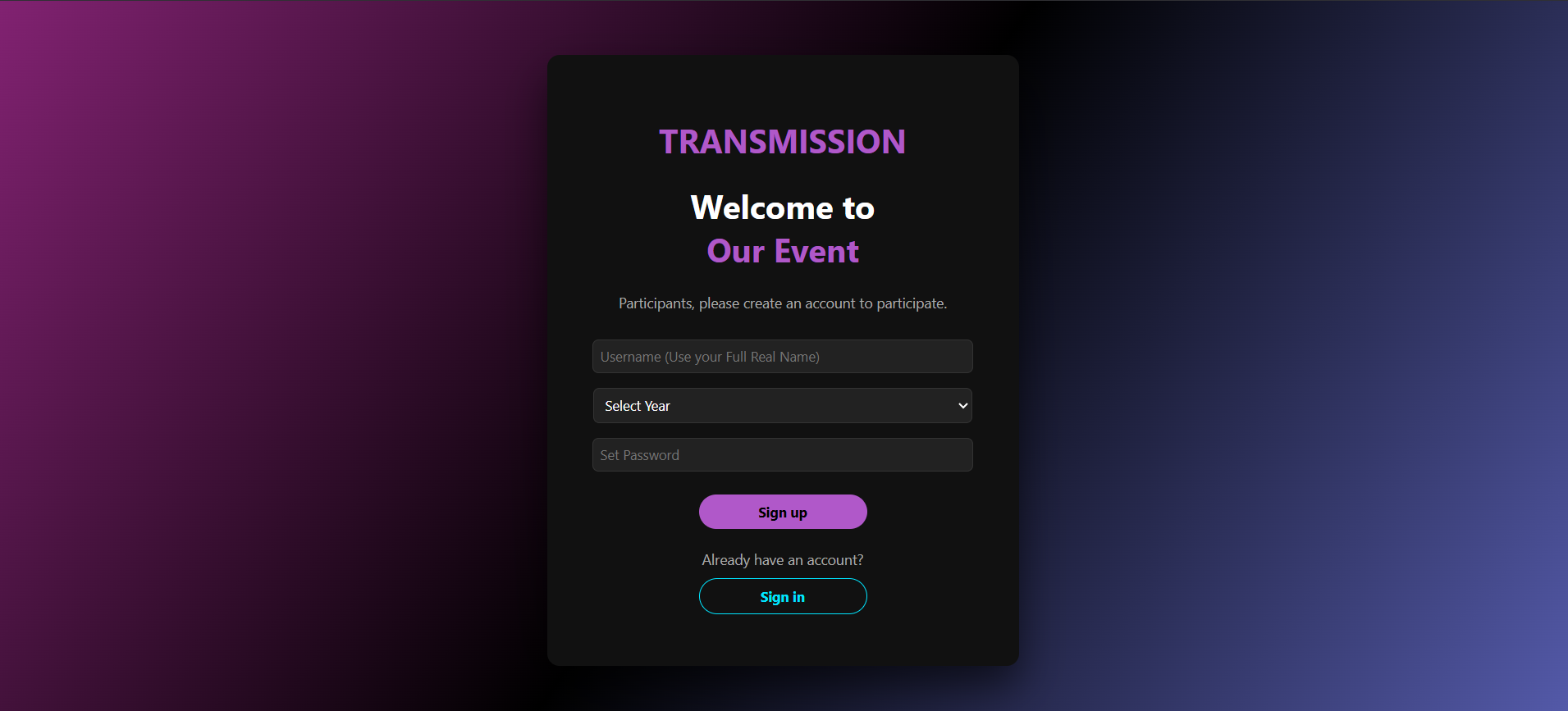
CodeArena
Developed a LeetCode-like coding platform supporting real-time contests, secure Docker-based code execution, and distributed worker architecture.
 Backend/API Systems
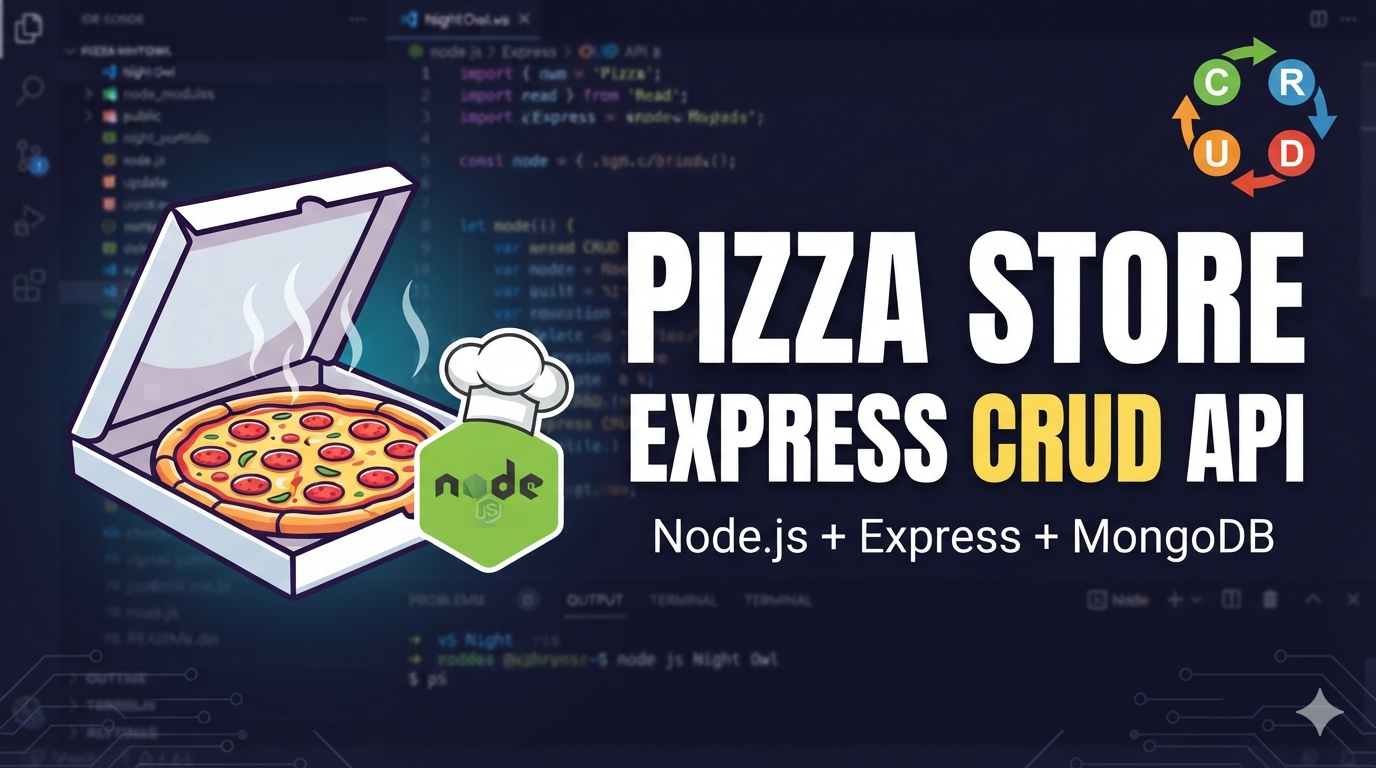
Pizza Store Express CRUD API
Pizza Store Express CRUD API A simple Express.js application for managing pizza store items with full CRUD (Create, Read, Update, Delete) operations.
 Backend/API Systems
TripHaven – Travel Stay Booking Platform | MEN Stack using Ejs
Developed a full-stack travel stay booking platform using Express.js and EJS, implementing server-side rendered views and RESTful Express routes.