Cipher OS // Local-First Concurrent AI Runtime
A local-first AI runtime for Windows that orchestrates concurrent AI agents, real-time voice interaction, and fault-tolerant automation completely off
Preview Gallery
1 media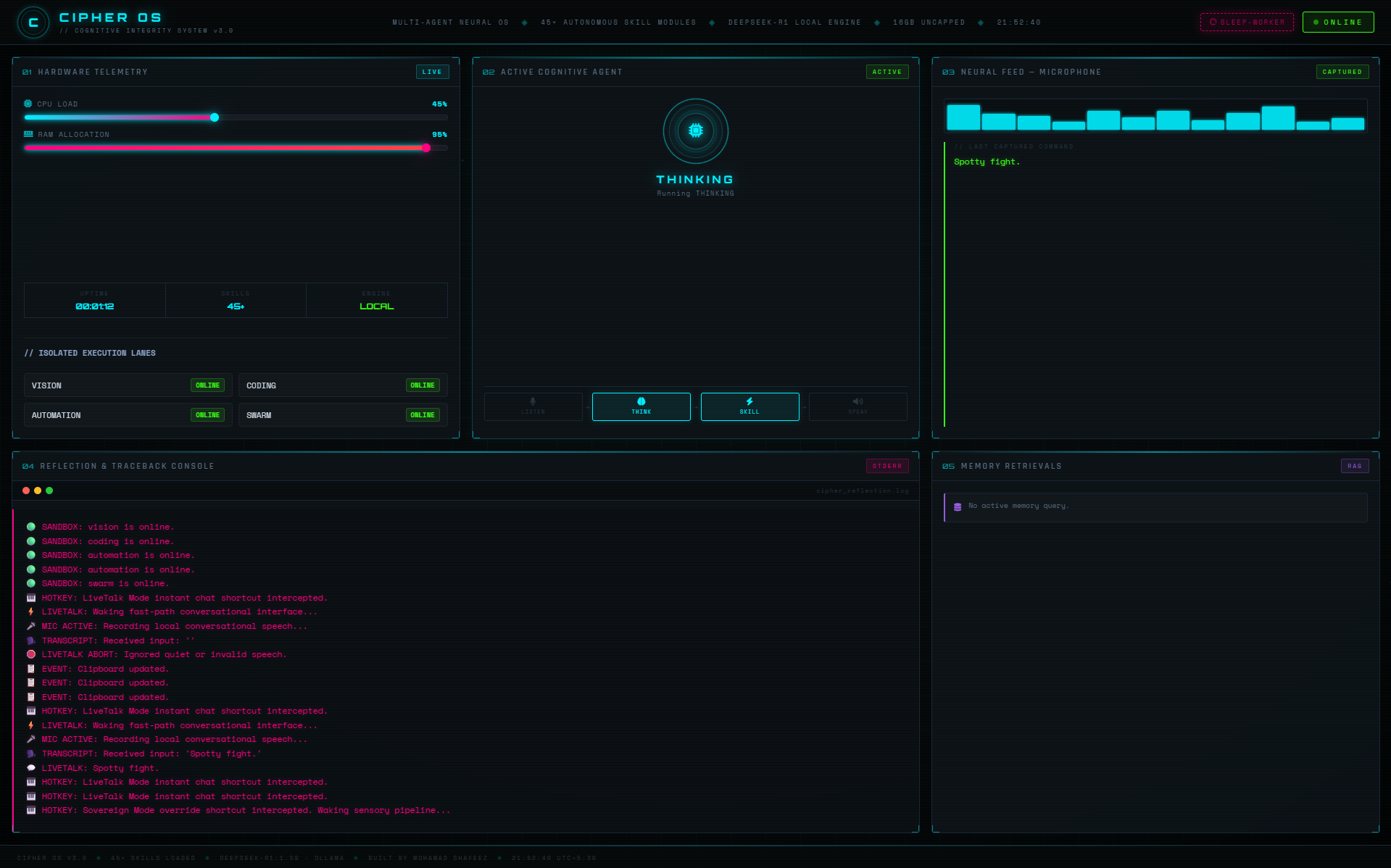
Technologies & Skills
Tags
Limited time offer
Includes the complete source code, technical documentation, engineering report, architecture diagrams, installation guide, and future updates. Designed as an educational reference for developers interested in AI systems, concurrent programming, local LLM infrastructure, and backend architecture.
What's Included
Support & Customization
Resource Links
Purchase this project to unlock source and premium resources. Document/report remain secure preview-based on this page.
Cipher OS is a local-first concurrent AI runtime built for Windows that enables real-time voice interaction, AI agent orchestration, and developer automation without relying on cloud services.
The system separates low-latency voice processing from resource-intensive AI workloads using process isolation, operating system priority scheduling, and dedicated inference pipelines. Heavy AI tasks execute inside isolated worker processes while the main runtime remains responsive for voice interaction and user commands.
Cipher OS features an event-driven architecture, automatic worker recovery through heartbeat monitoring, three-tier memory using SQLite WAL and Chroma Vector Database, real-time telemetry, and a modular plugin system supporting dozens of AI capabilities.
The platform also includes local speech recognition, voice activity detection, semantic memory retrieval, developer tooling, system automation, vision capabilities, and a browser-based telemetry dashboard for monitoring runtime health.
Designed as an offline AI infrastructure platform rather than a traditional chatbot, Cipher OS demonstrates modern software engineering principles including concurrency, multiprocessing, fault tolerance, process supervision, event-driven communication, and local LLM orchestration.
Future Enhancements
- Cross-platform support for Linux and macOS.
- Distributed multi-device agent execution.
- Expanded plugin marketplace.
- Additional local vision and multimodal capabilities.
- Smarter long-term memory management.
- Remote agent orchestration.
- Web-based administration console.
- Improved GPU scheduling and resource optimization.
Known Issues
- Currently optimized for Windows.
- Performance depends on the selected local LLM and available hardware.
- Some advanced skills require additional external tools or local configuration.
- Initial model loading may take several seconds depending on system resources.
Installation
## Prerequisites
- Windows 10/11
- Python 3.11+
- Ollama installed and running
- Git
## Clone the repository
```bash
git clone https://github.com/mohamad-shafeez/Cipher-AI.git
cd Cipher-AI
```
## Create a virtual environment
```bash
python -m venv venv
```
Activate it:
```bash
venv\Scripts\activate
```
## Install dependencies
```bash
pip install -r requirements.txt
```
## Install and start Ollama
Download Ollama and pull the required models.
Example:
```bash
ollama pull llama3
```
## Configure environment
Create a `.env` file and add any required API keys or configuration values.
## Run Cipher OS
```bash
python main.py
```
The runtime will initialize workers, memory, telemetry, and voice services automatically.
Usage
After launching Cipher OS:
1. Start the application.
2. Activate voice interaction using the configured hotkey.
3. Speak naturally to interact with the local AI.
4. Switch between lightweight and advanced inference modes when needed.
5. Monitor worker status, CPU/RAM usage, and runtime events through the Telemetry Dashboard.
6. Use built-in skills such as automation, document analysis, vision, and developer tools.
7. Extend functionality by adding new skill modules to the plugin system.
Cipher OS runs locally and is designed to continue operating even if background workers fail, automatically recovering them through the watchdog system.
System Requirements
Operating System
- Windows 10 or Windows 11
Runtime
- Python 3.11+
- Ollama
Recommended Hardware
- Quad-core CPU or better
- 16 GB RAM (8 GB minimum)
- SSD Storage
- Microphone for voice interaction
Optional
- NVIDIA GPU for faster local inference
Software
- Git
- Visual Studio Code (recommended)
Slides Open in New Tab
For better readability, slides are opened directly. Documents remain preview-only with secure backend rendering.
Showing preview pages only. Purchase for full access to all pages and complete source package.
Login for Full AccessNo Q&A available yet
Be the first to ask a question!
Ask a Question
Customer Reviews
Write Your Review
No reviews yet
Be the first to review this project!
Similar Projects
You might also be interested in these projects
 Backend/API Systems
CodeArena
Developed a LeetCode-like coding platform supporting real-time contests, secure Docker-based code execution, and distributed worker architecture.
 Backend/API Systems
TripHaven – Travel Stay Booking Platform | MEN Stack using Ejs
Developed a full-stack travel stay booking platform using Express.js and EJS, implementing server-side rendered views and RESTful Express routes.
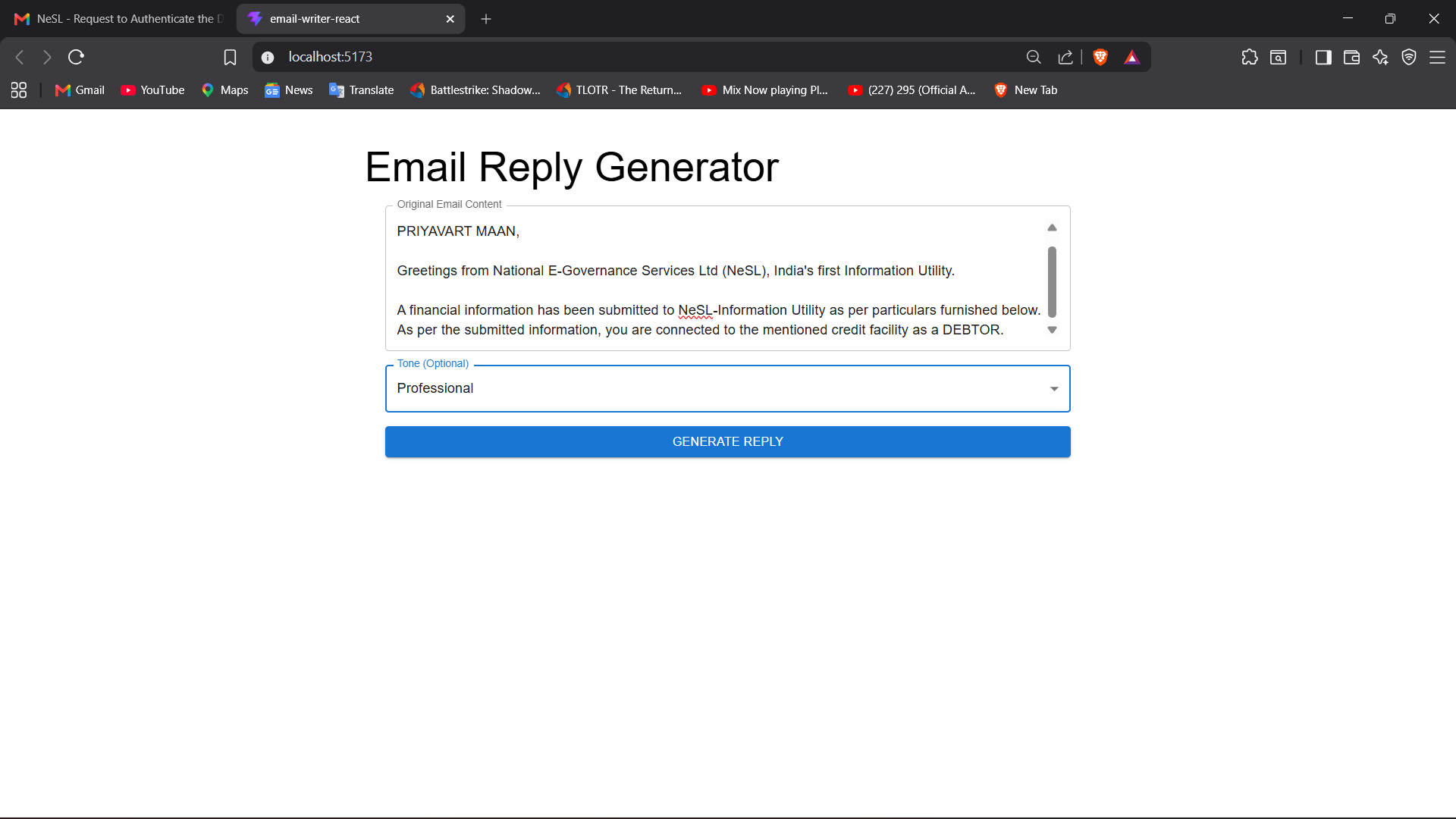 Backend/API Systems
https://email-writer-react-beta.vercel.app/
**AI Email Generator** is a Full Stack web application that uses the Google Gemini API to generate professional, personalized emails based on user pro
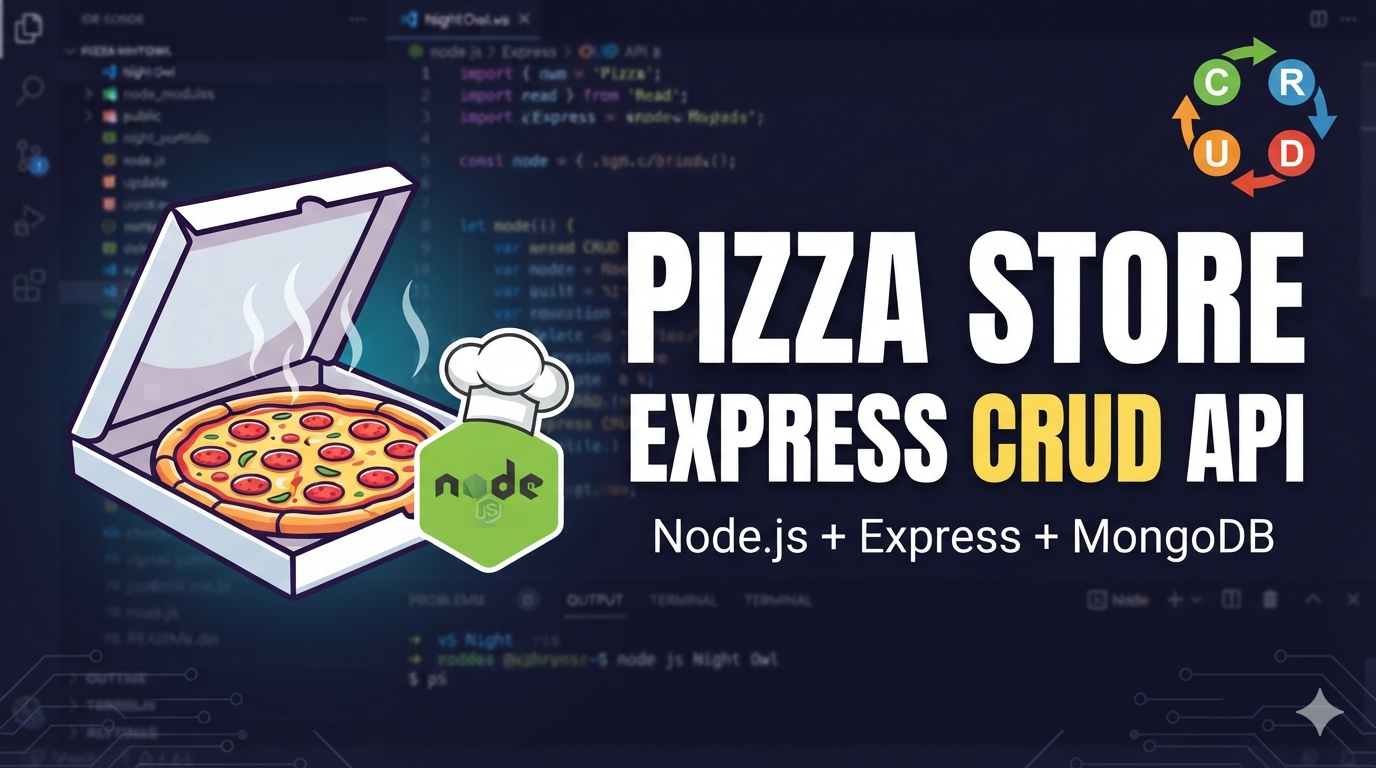 Backend/API Systems
Pizza Store Express CRUD API
Pizza Store Express CRUD API A simple Express.js application for managing pizza store items with full CRUD (Create, Read, Update, Delete) operations.