CodeArena
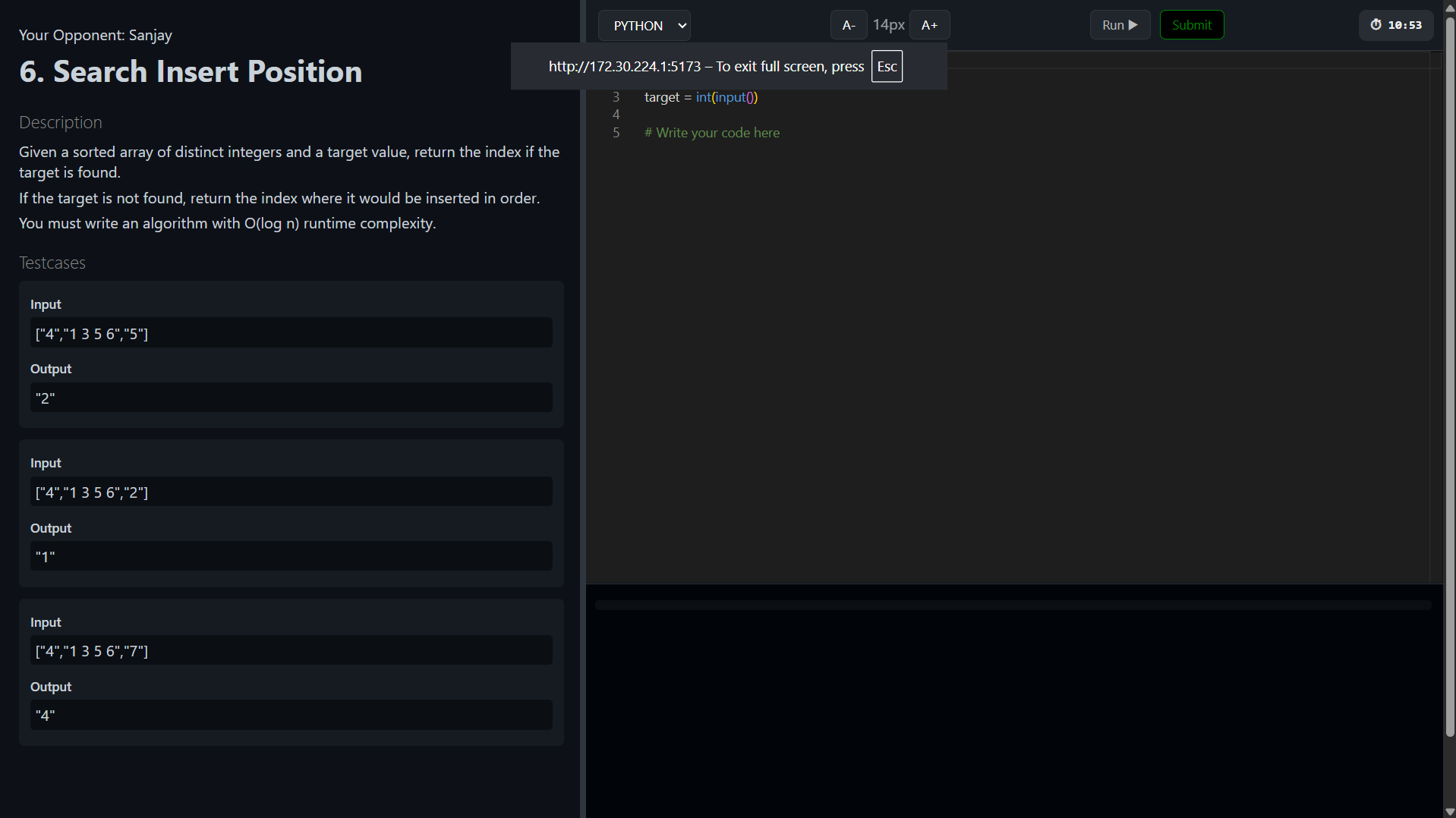
Developed a LeetCode-like coding platform supporting real-time contests, secure Docker-based code execution, and distributed worker architecture.
Preview Gallery
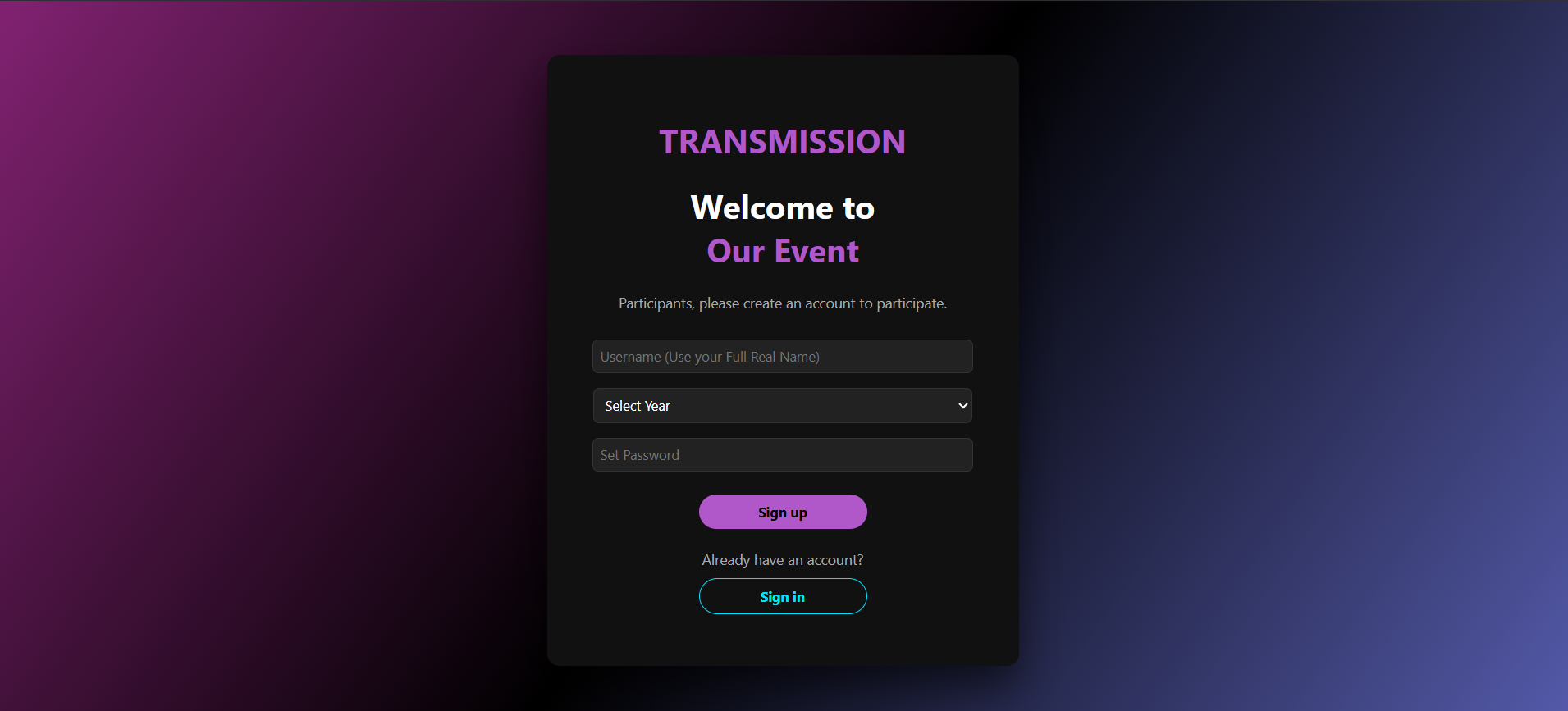
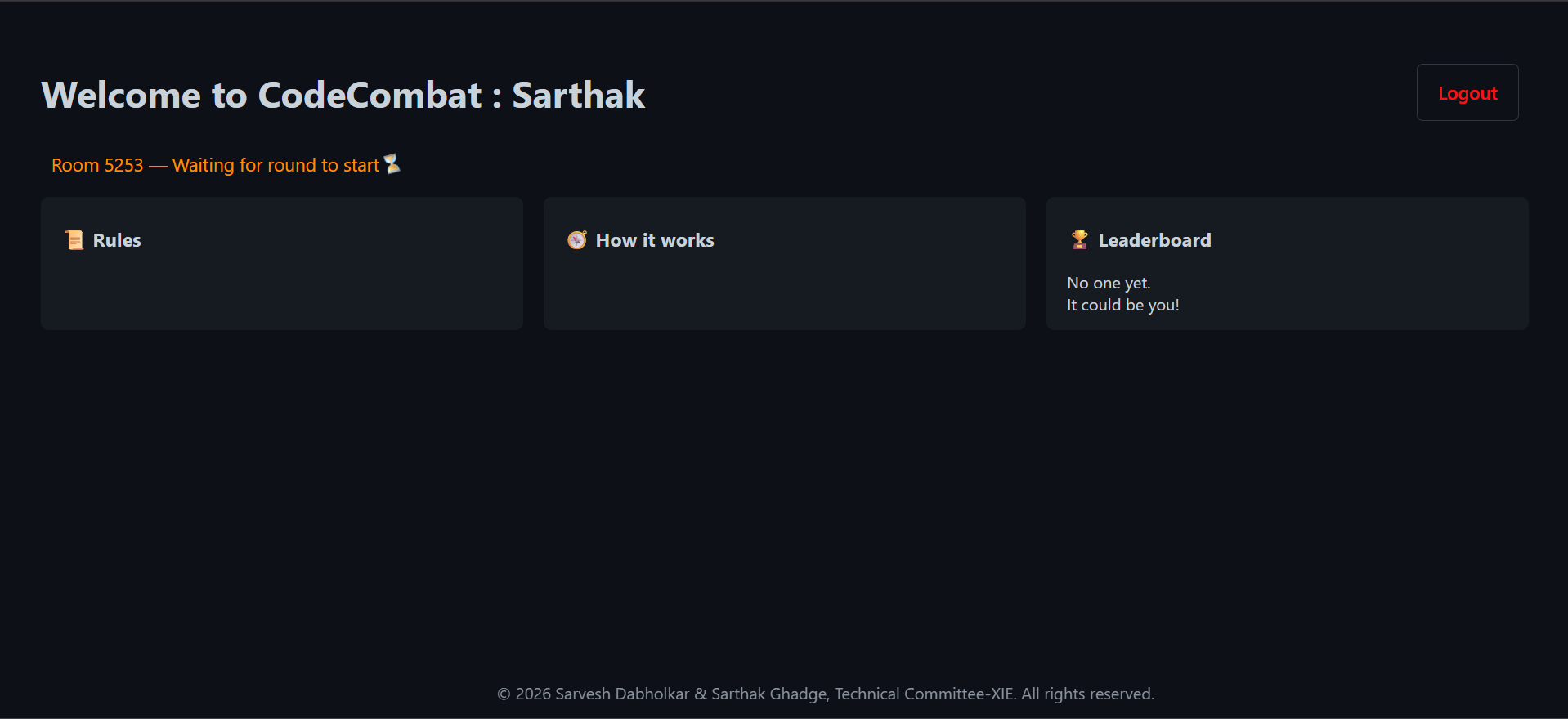
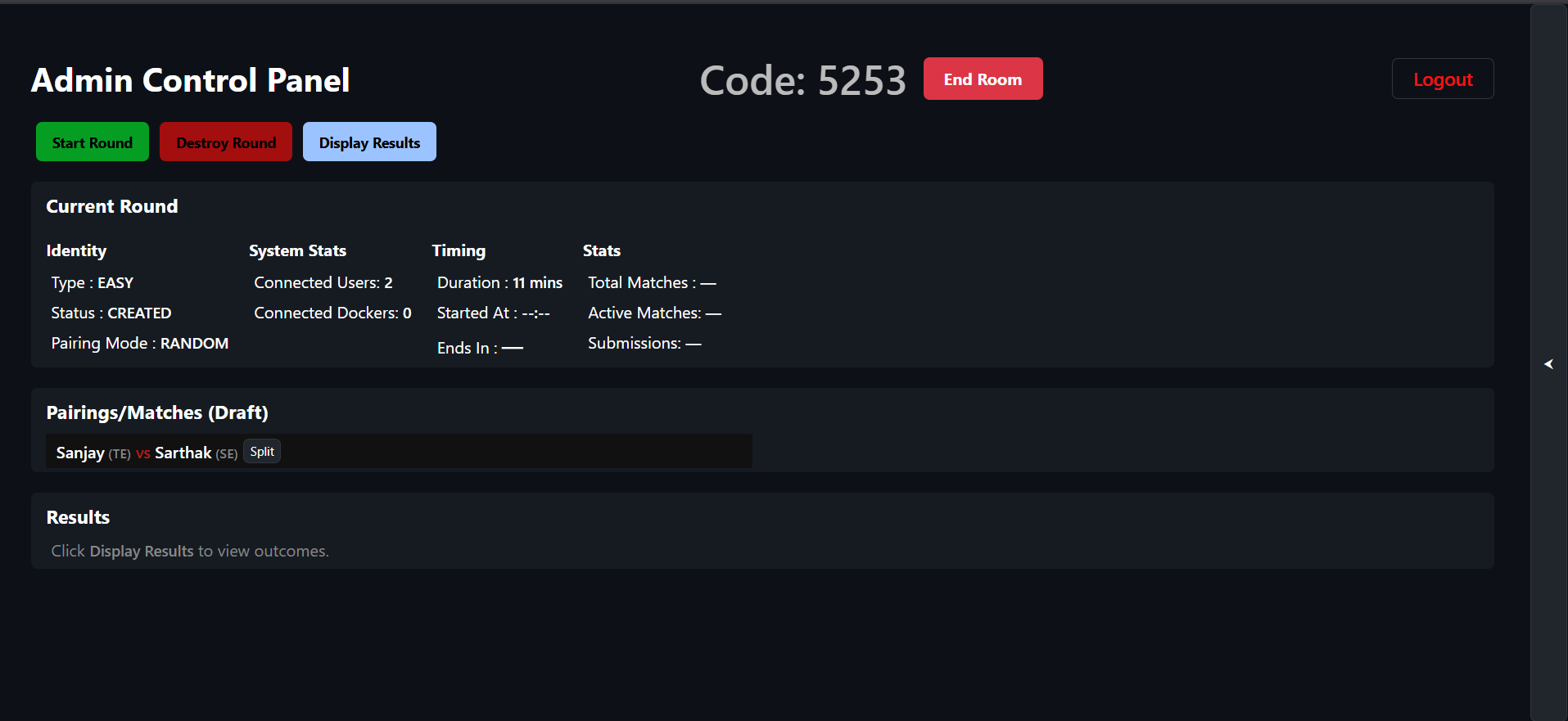
6 media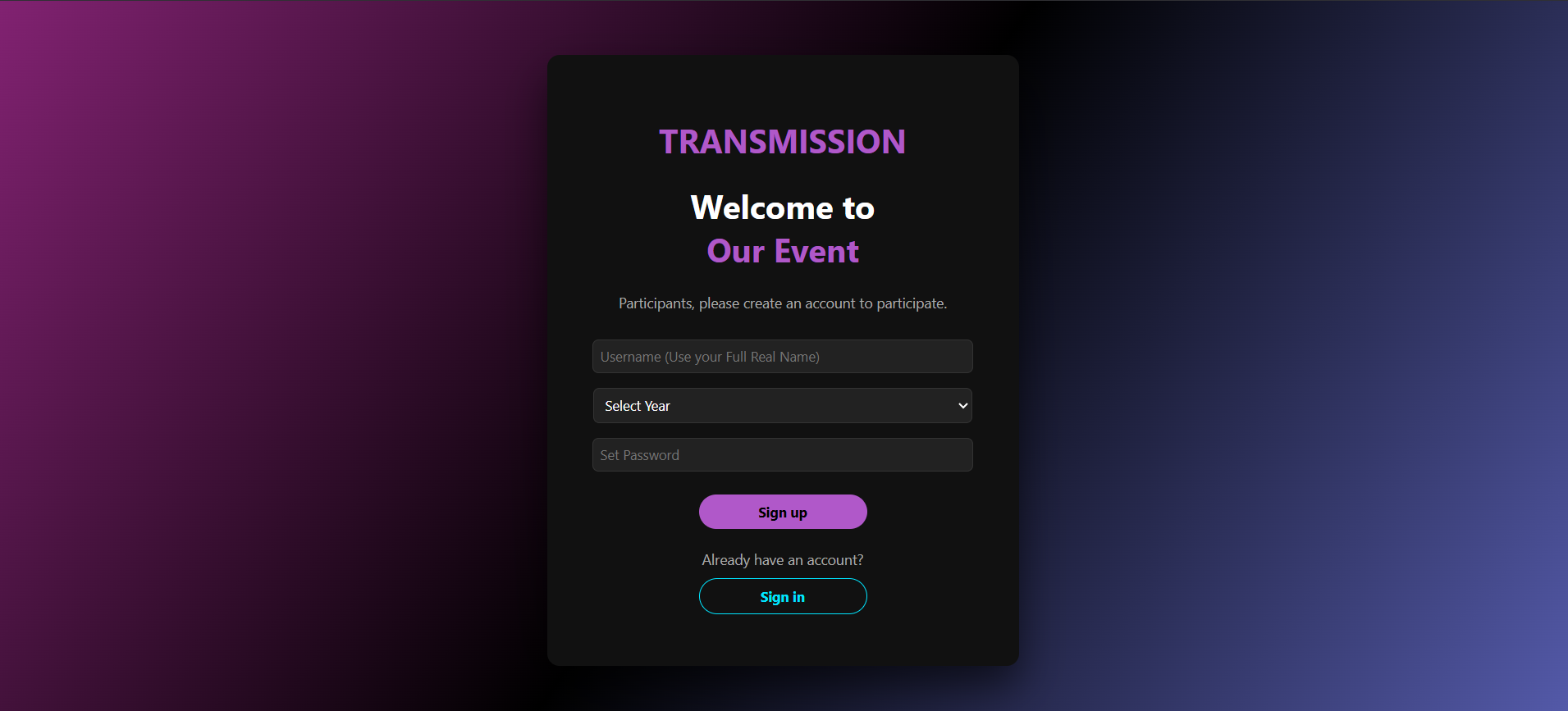
Technologies & Skills
One-time purchase
What's Included
Support & Customization
Resource Links
Purchase this project to unlock source and premium resources. Document/report remain secure preview-based on this page.
CodeArena – Distributed Online Coding Platform
Developed a LeetCode-like coding platform supporting real-time contests, secure Docker-based code execution, and distributed worker architecture. Executes user programs up to 10⁸ operations in ~10 seconds with isolated multi-language execution, WebSocket-based communication, and scalable worker nodes.
Future Enhancements
The execution of testcases and leaderboard management is still under pipeline and is going to be completed in near future
Known Issues
It can execute a code just upto a time complexity of about 10^7 else it takes much time to execute which is a natural behaviour else it exceeds buffer and still no leederboard is visible just code execution is getting executed
Installation
## Prerequisites
Install the following:
- Docker Desktop
- Node.js (v18+ recommended)
- MongoDB
- Git
Make sure Docker Desktop is running before starting the project.
## Step 1: Pull Required Docker Images
```bash
docker pull eclipse-temurin:17-jdk
docker pull python:3.11
docker pull gcc:latest
docker pull redis:latest
## Step 2: Create Long-Running Docker Containers
Create the following containers. They are configured with `sleep infinity` so they remain running and can execute code submissions without needing to recreate the container for every request.
### Java
```bash
docker run -dit --name java eclipse-temurin:17-jdk sleep infinity
### Python
```bash
docker run -dit --name python python:3.11 sleep infinity
### C
```bash
docker run -dit --name c gcc:latest sleep infinity
### C++
```bash
docker run -dit --name cpp gcc:latest sleep infinity
### Redis
```bash
docker run -dit --name redis-container -p 6379:6379 redis:latest
## Step 3: Create Working Directory Inside Containers
Run these commands once:
```bash
docker exec java mkdir -p /usr/src/app
docker exec python mkdir -p /usr/src/app
docker exec c mkdir -p /usr/src/app
docker exec cpp mkdir -p /usr/src/app
## Step 4: Start Existing Containers
If the containers already exist but are stopped:
```bash
docker start java python c cpp redis-container
Verify that they are running:
```bash
docker ps
## Step 5: Install Backend Dependencies
cd server
npm install
## Step 6: Start the Main Server
cd server
node server.js
depending on your project configuration.
## Step 7: Start the Worker Listener
Open a new terminal:
cd server/src/worker_server
node socker_list.js
Usage
After starting the application:
- Register or log in to your account.
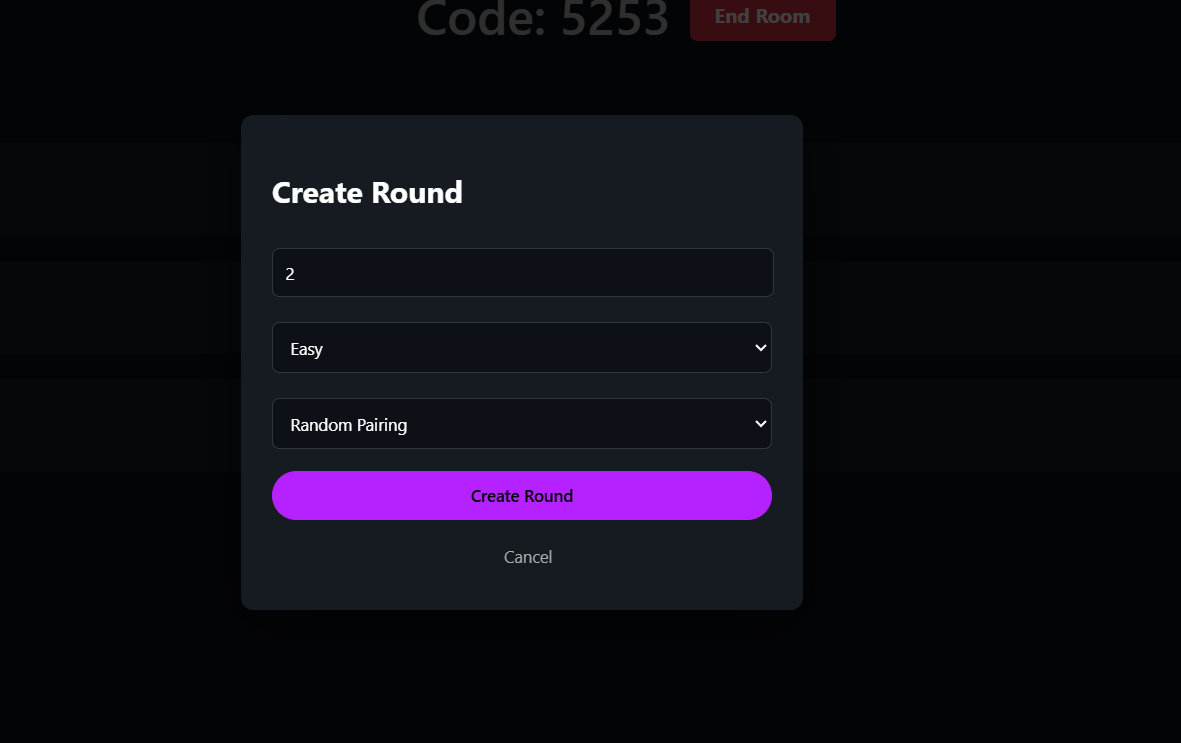
- Create or join a coding competition room.
- Select a programming language (Java, Python, C, or C++).
- Solve the assigned coding problem within the given time limit.
- Submit your solution.
- The submission is securely executed inside the corresponding Docker container.
- The system compiles, executes, and evaluates the code against the test cases.
- The execution result and verdict are displayed to the participant.
System Requirements
Hardware Requirements
Minimum
- Dual-Core Processor
- 4 GB RAM
- 10 GB Free Disk Space
Recommended
- Intel Core i5 / Ryzen 5 or above
- 8 GB RAM or higher
- 20 GB Free Disk Space
- SSD Storage
Slides Open in New Tab
For better readability, slides are opened directly. Documents remain preview-only with secure backend rendering.
Showing preview pages only. Purchase for full access to all pages and complete source package.
Login for Full AccessNo Q&A available yet
Be the first to ask a question!
Ask a Question
Customer Reviews
Write Your Review
No reviews yet
Be the first to review this project!
Similar Projects
You might also be interested in these projects
 Backend/API Systems
TripHaven – Travel Stay Booking Platform | MEN Stack using Ejs
Developed a full-stack travel stay booking platform using Express.js and EJS, implementing server-side rendered views and RESTful Express routes.
 Backend/API Systems
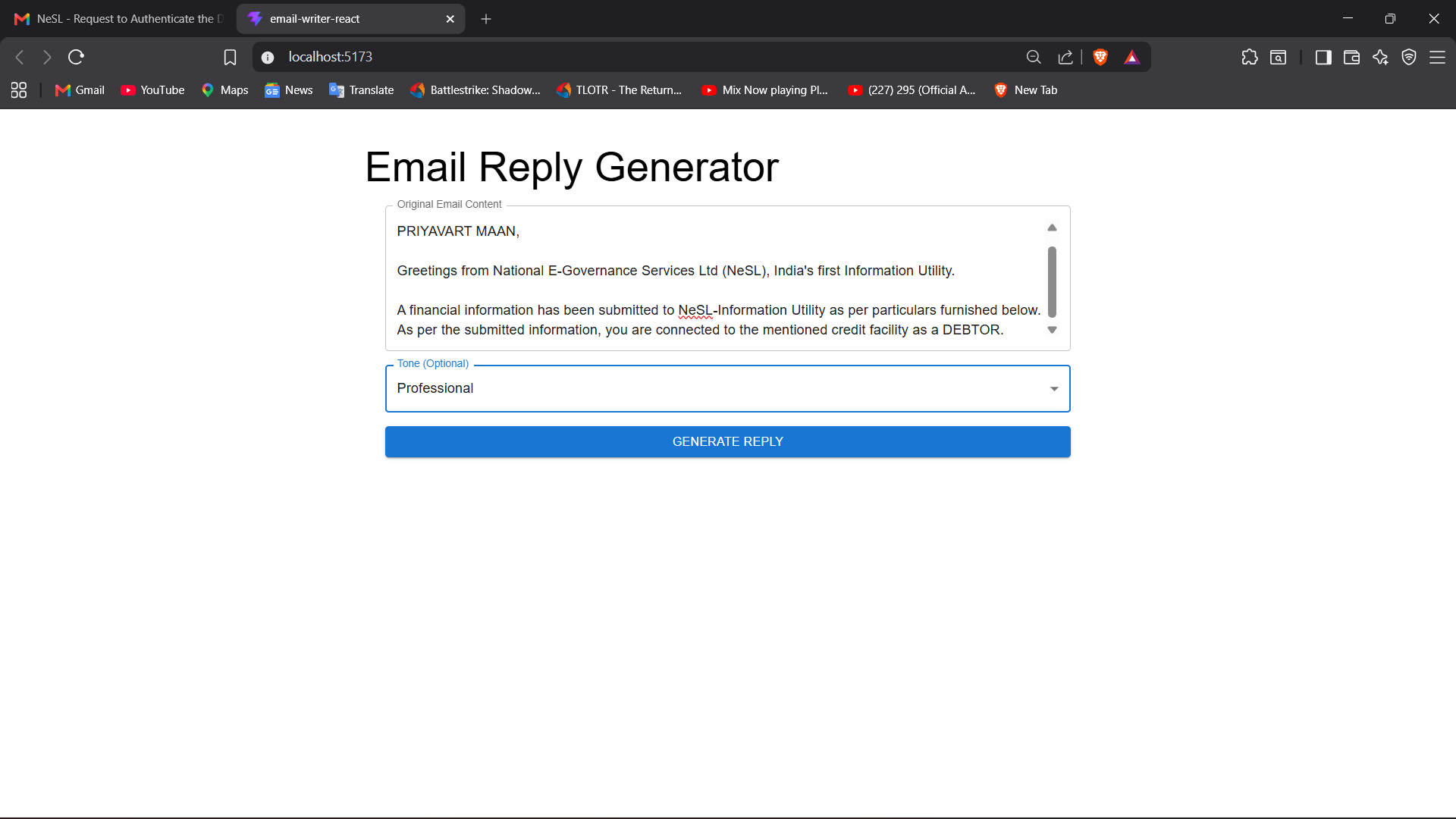
https://email-writer-react-beta.vercel.app/
**AI Email Generator** is a Full Stack web application that uses the Google Gemini API to generate professional, personalized emails based on user pro
 Backend/API Systems
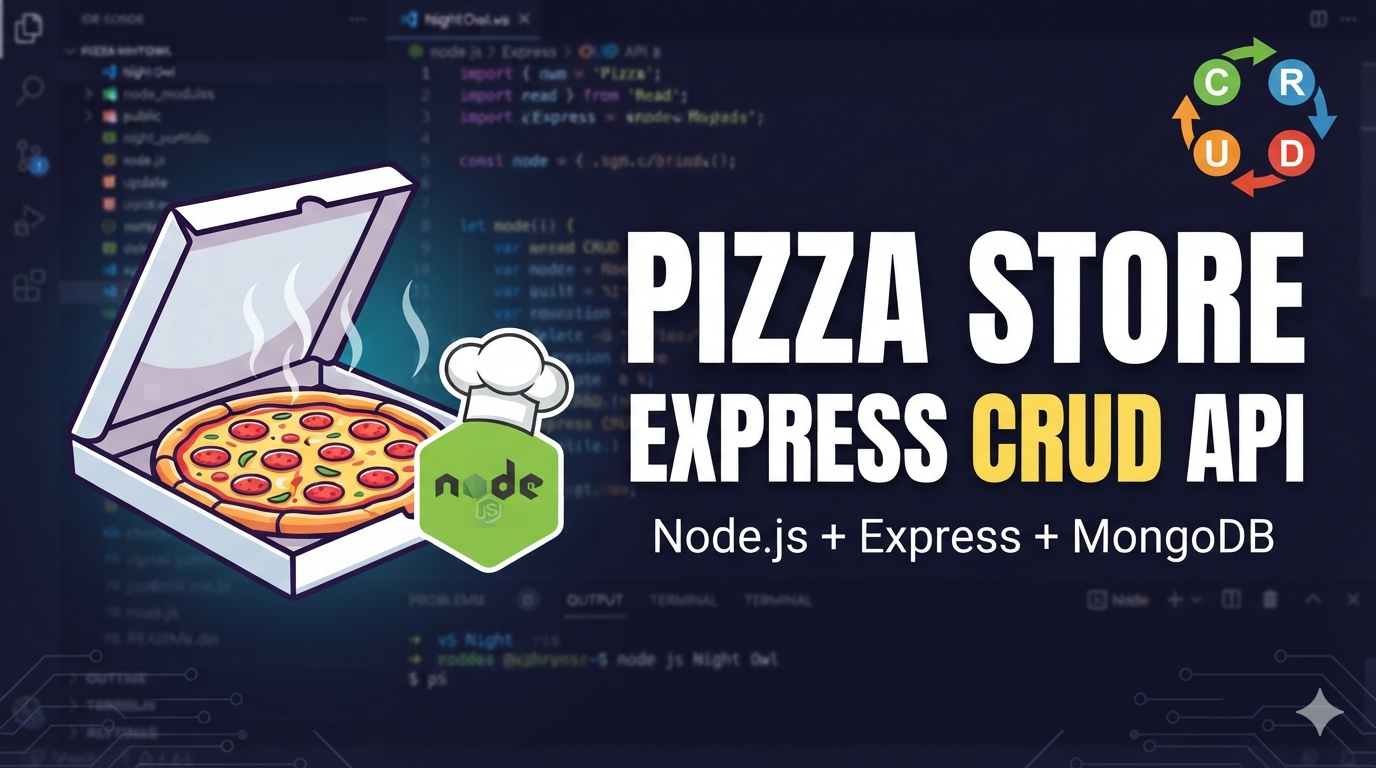
Pizza Store Express CRUD API
Pizza Store Express CRUD API A simple Express.js application for managing pizza store items with full CRUD (Create, Read, Update, Delete) operations.
 Backend/API Systems
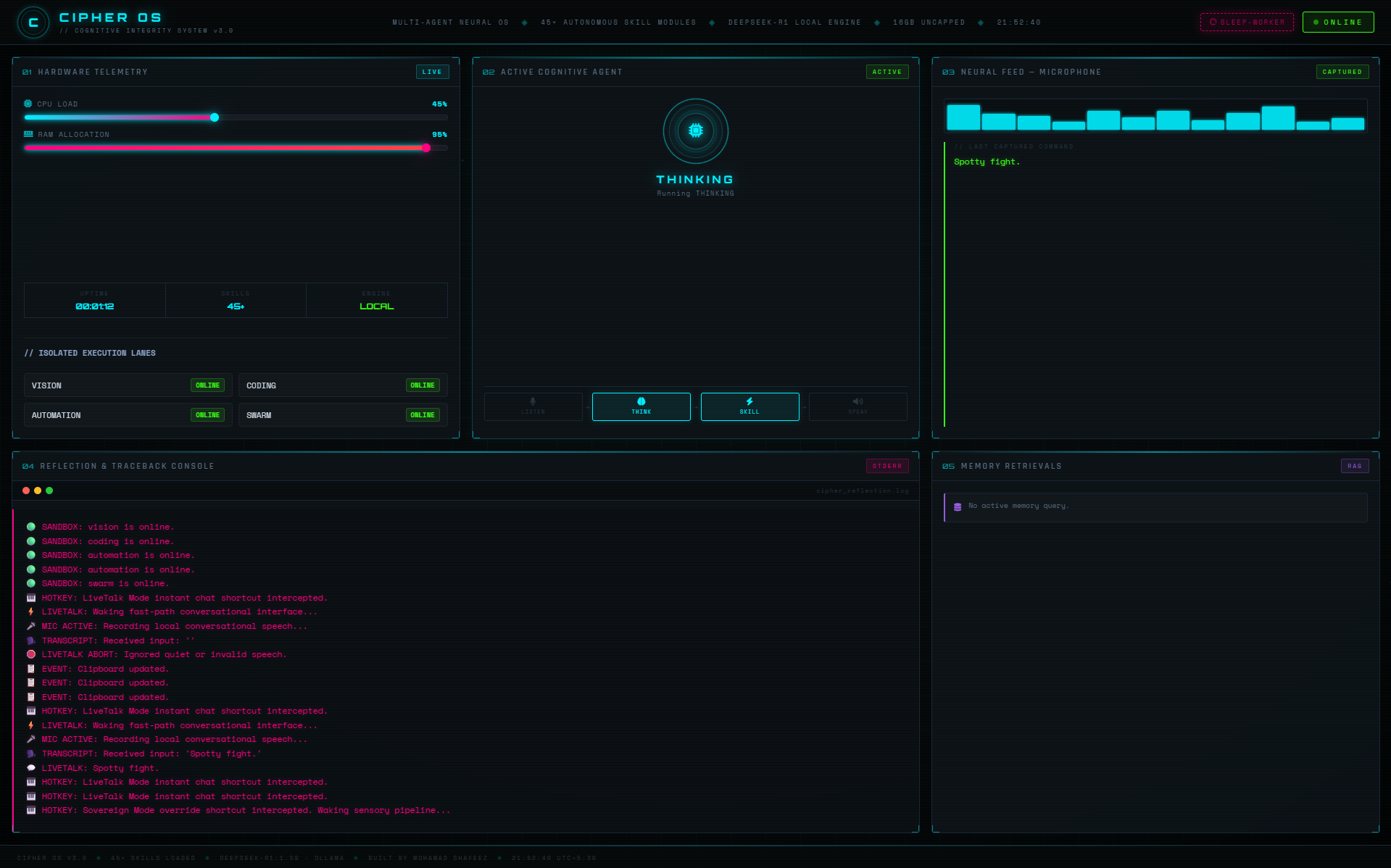
Cipher OS // Local-First Concurrent AI Runtime
A local-first AI runtime for Windows that orchestrates concurrent AI agents, real-time voice interaction, and fault-tolerant automation completely off