Task Manager App – MERN Stack
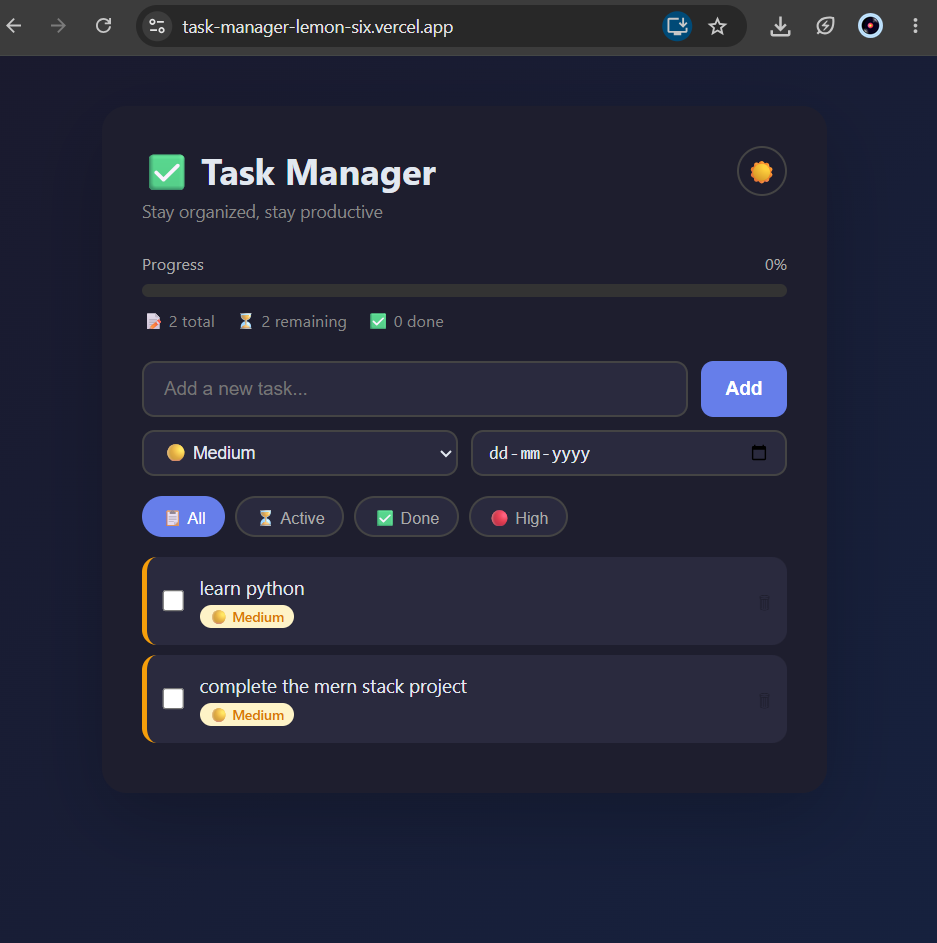
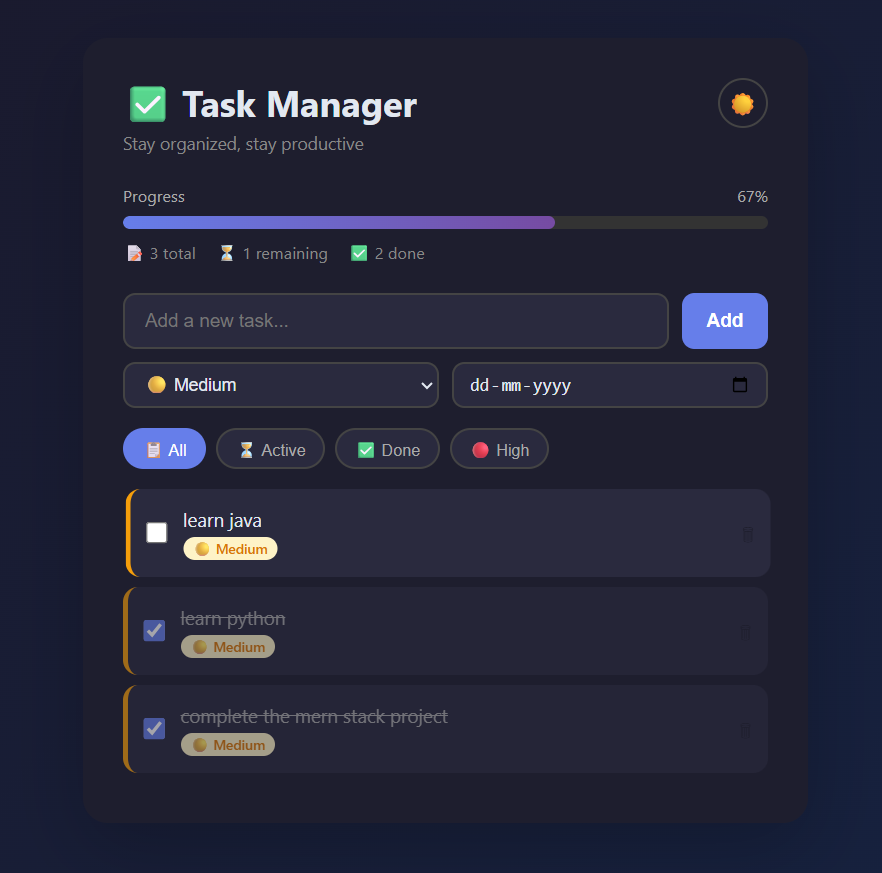
A full-stack Task Manager app built with MERN stack featuring priority levels, due dates, dark mode, and live deployment.
Preview Gallery
7 media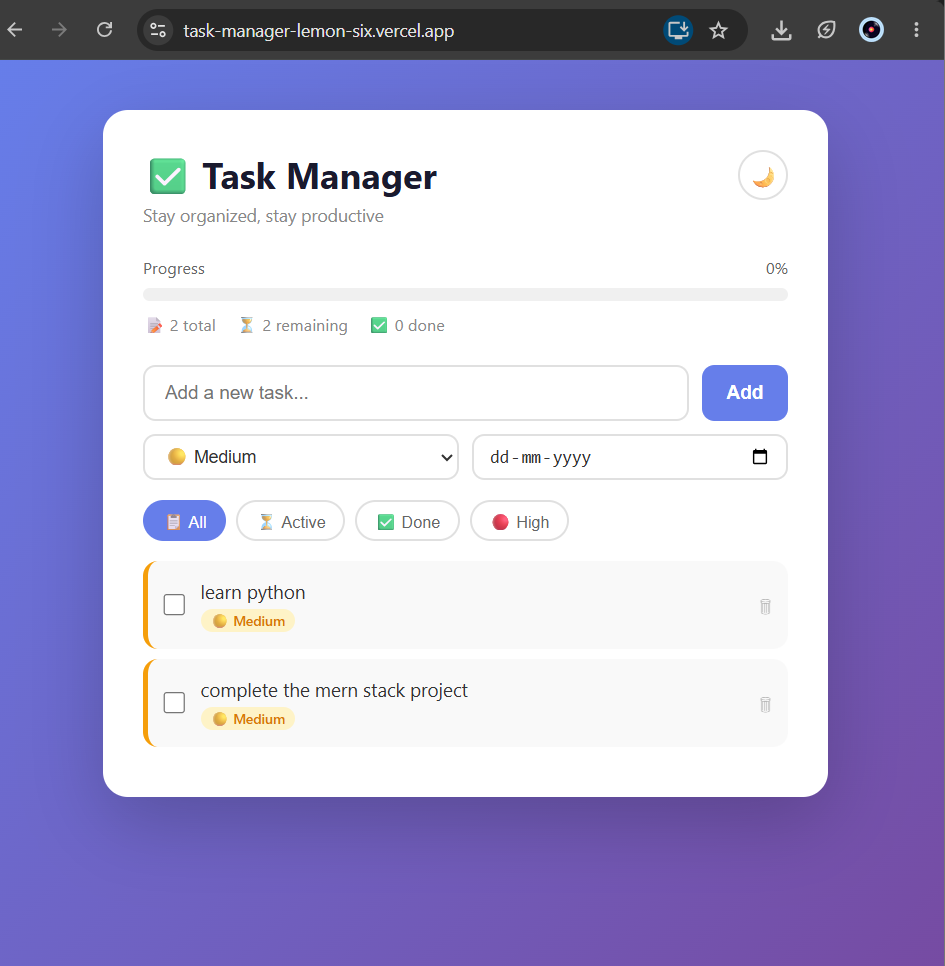
Technologies & Skills
Tags
Download at no cost
What's Included
Support & Customization
Resource Links
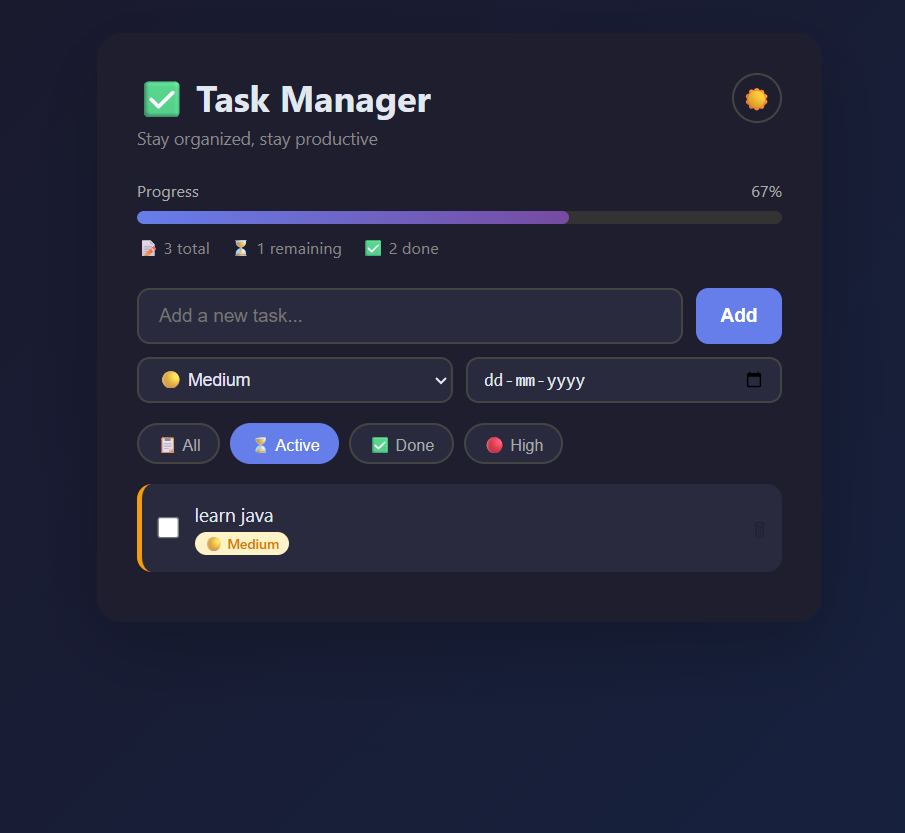
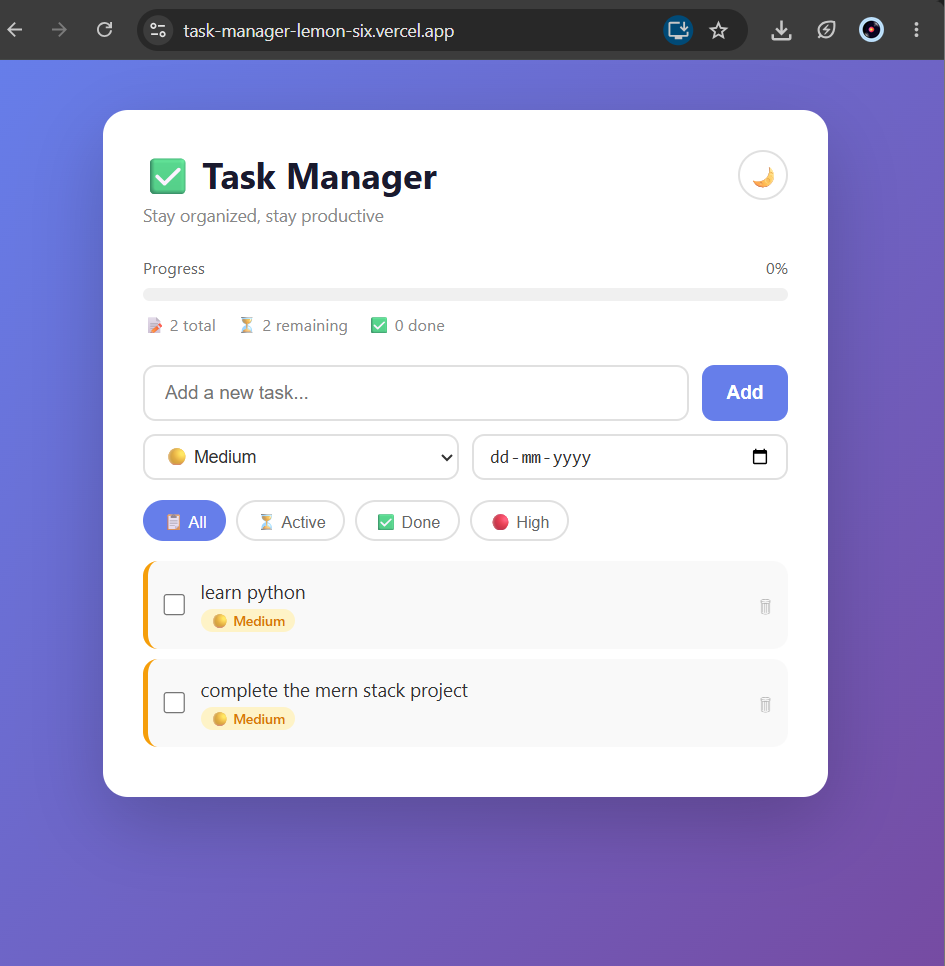
This is a fully functional Task Manager web application built using the MERN stack (MongoDB, Express.js, React, Node.js).
Features:
- Add, complete, and delete tasks
- Priority levels (High, Medium, Low)
- Due dates with overdue detection
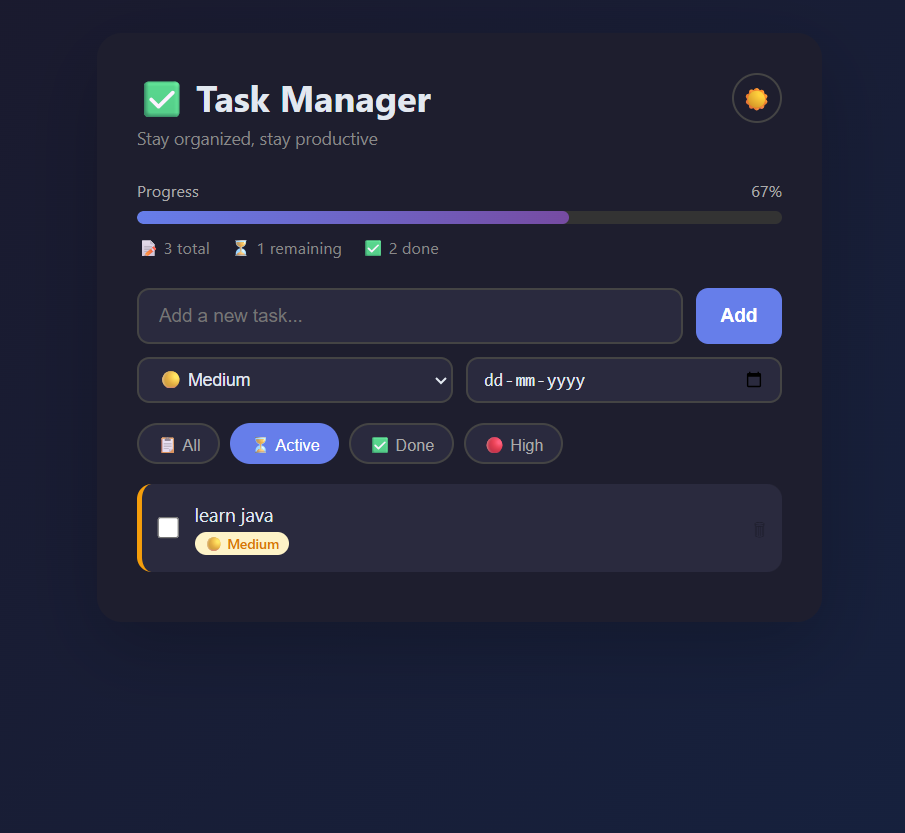
- Filter tasks by status (All, Active, Done, High Priority)
- Progress bar showing completion percentage
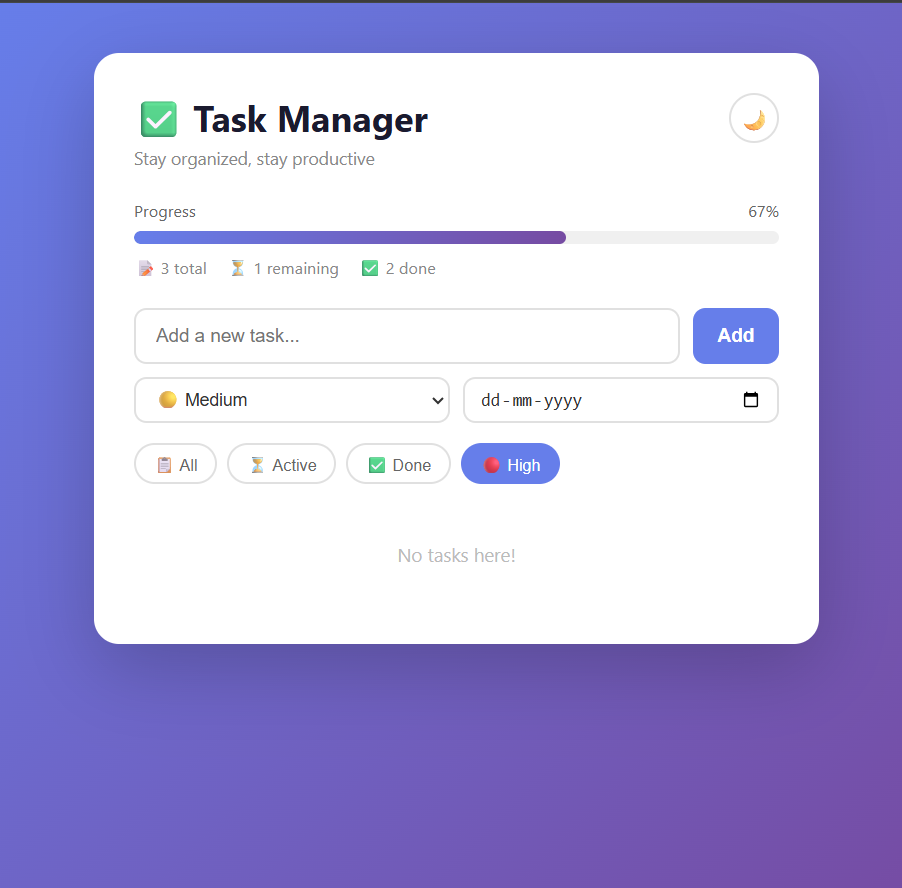
- Dark mode toggle
- Data stored in MongoDB Atlas (persistent storage)
Tech Stack:
- Frontend: React.js, Axios, CSS
- Backend: Node.js, Express.js
- Database: MongoDB Atlas
- Deployment: Vercel (frontend) + Render (backend)
Live Demo: https://task-manager-lemon-six.vercel.app
GitHub: https://github.com/CharishmaNelakurthi/task-manager
Future Enhancements
User authentication, task categories, email reminders, drag-and-drop reordering
Known Issues
Installation
1. Clone the repository: git clone https://github.com/CharishmaNelakurthi/task-manager
2. Install backend dependencies: cd backend && npm install
3. Add .env file with MONGO_URI=your_mongodb_connection_string
4. Run backend: node server.js
5. Install frontend dependencies: cd ../frontend && npm install
6. Run frontend: npm start
Usage
1. Open the live demo at https://task-manager-lemon-six.vercel.app
2. Type a task in the input field and click Add
3. Set priority (High/Medium/Low) and due date
4. Use filters to view All, Active, Done, or High priority tasks
5. Check the checkbox to mark a task as completed
6. Click the trash icon to delete a task
7. Toggle dark mode using the moon icon
System Requirements
Node.js v16+, npm, MongoDB Atlas account (for local setup). No installation needed to use the live demo.
Slides Open in New Tab
For better readability, slides are opened directly. Documents remain preview-only with secure backend rendering.
Showing preview pages only. Purchase for full access to all pages and complete source package.
Login for Full AccessNo Q&A available yet
Be the first to ask a question!
Ask a Question
Customer Reviews
Write Your Review
No reviews yet
Be the first to review this project!
Similar Projects
You might also be interested in these projects
 website Development
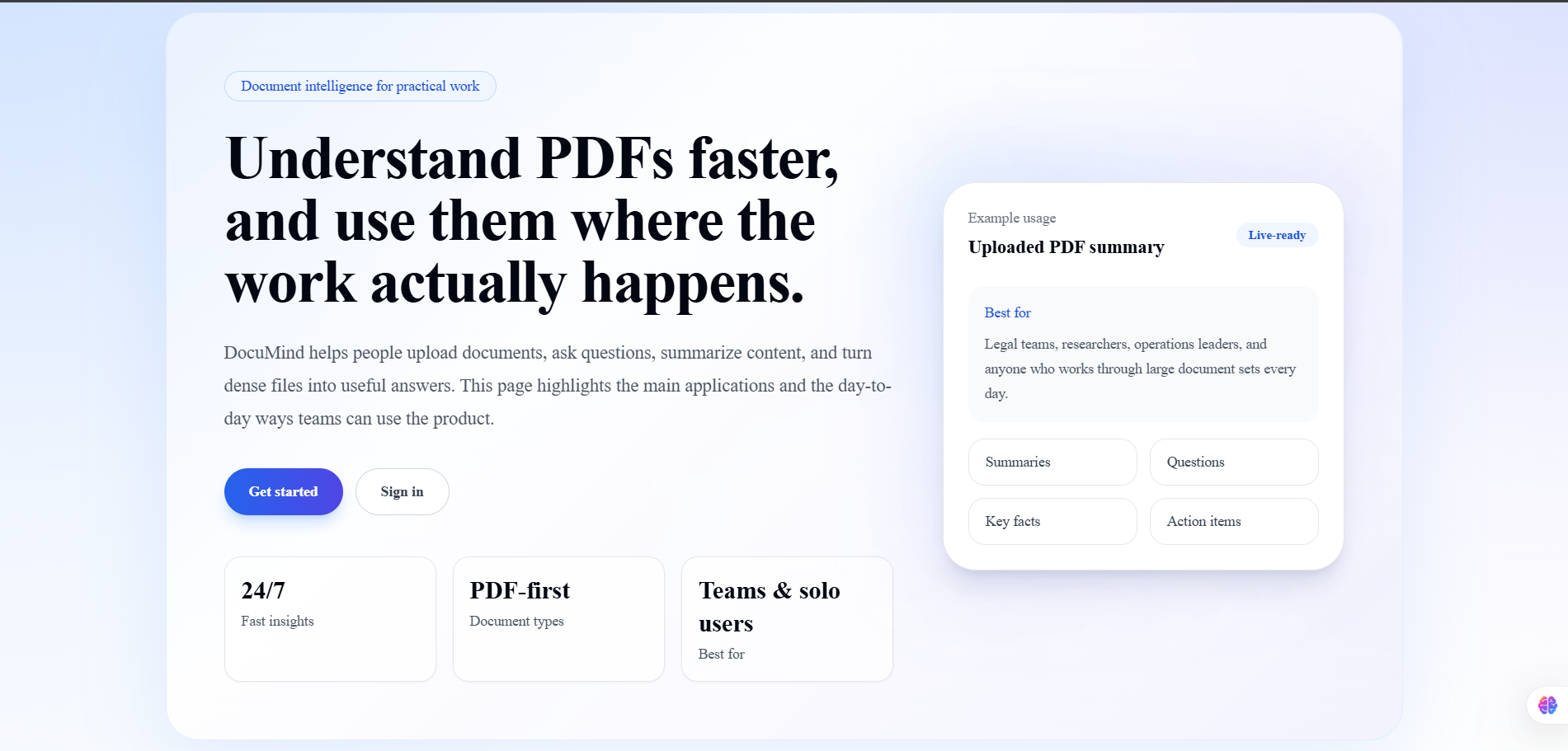
DocuMind AI
DocuMind AI is a production-ready multi-tenant SaaS platform that enables users to have intelligent conversations with their PDF documents.
 website Development
Prescripto – Full-Stack Doctor Appointment System
Full-stack MERN doctor appointment platform with patient, doctor and admin dashboards, JWT authentication, online booking and responsive UI.
 website Development
MedCare System
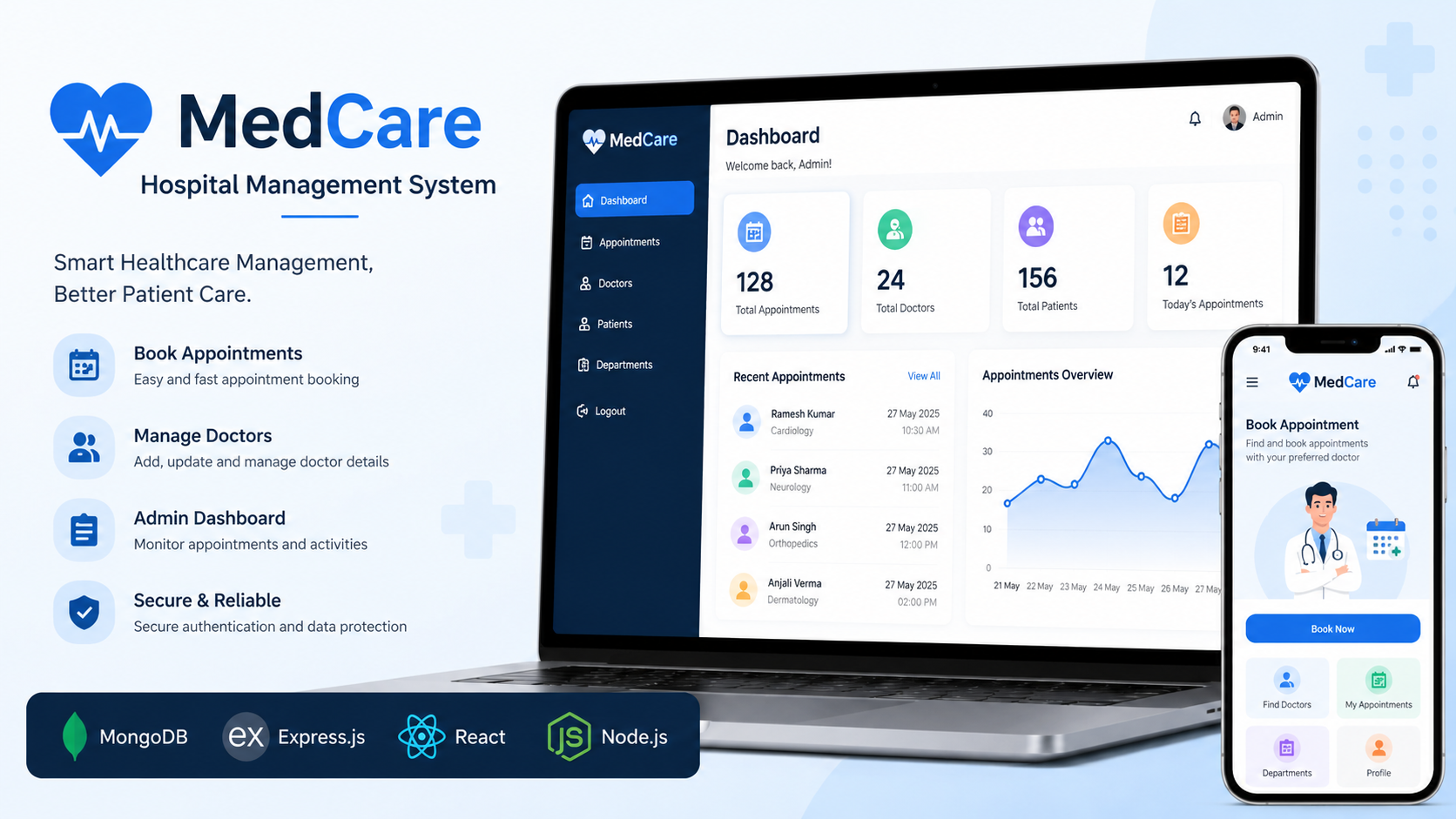
MedCare is a MERN Stack hospital management system that enables patients to book appointments and admins to manage doctors.
 website Development
SpendSense - AI-Powered Expense Tracker
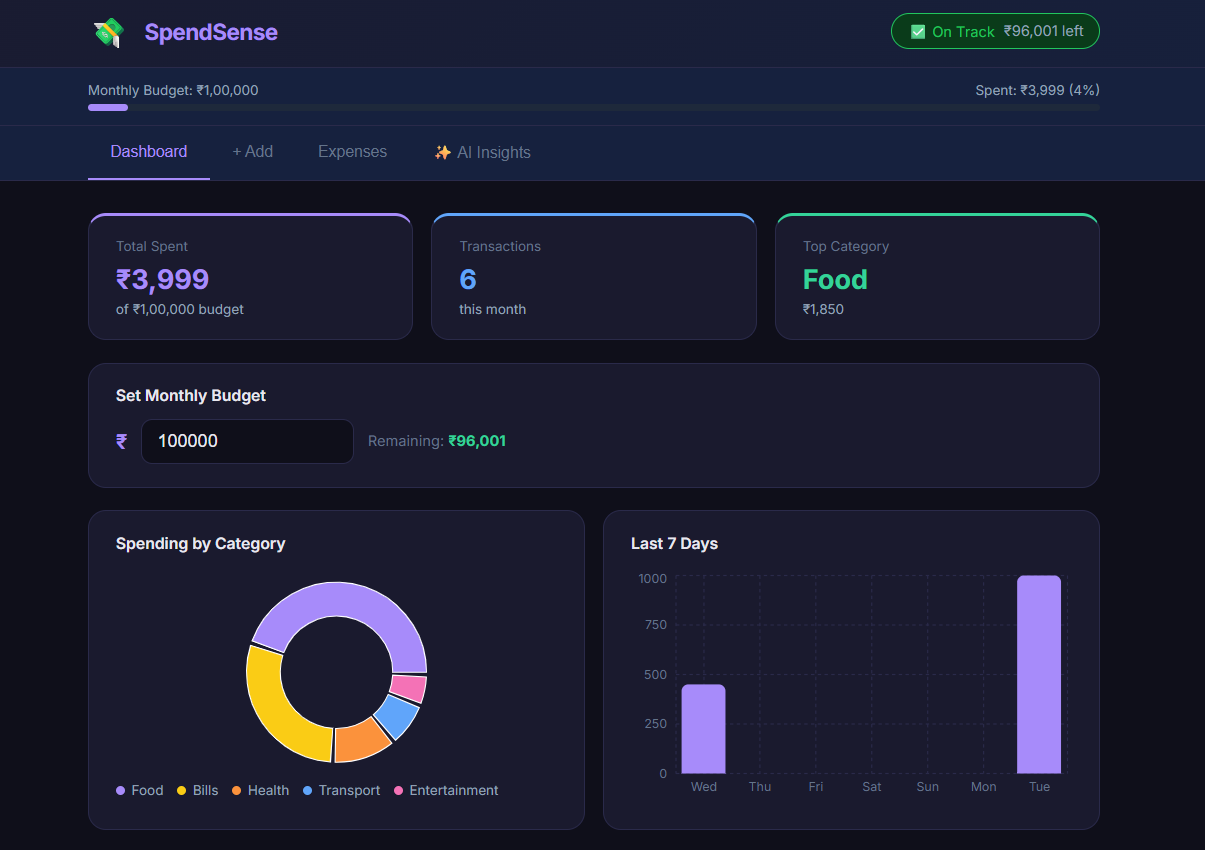
A full-stack expense tracker with real-time charts, budget alerts, and AI-powered personalized financial insights.