Full-Stack E-Commerce Marketplace Website- MERN Stack
A complete e-commerce platform where brands sell products and customers shop with a full-featured cart, authentication, and secure payments.
Preview Gallery
6 media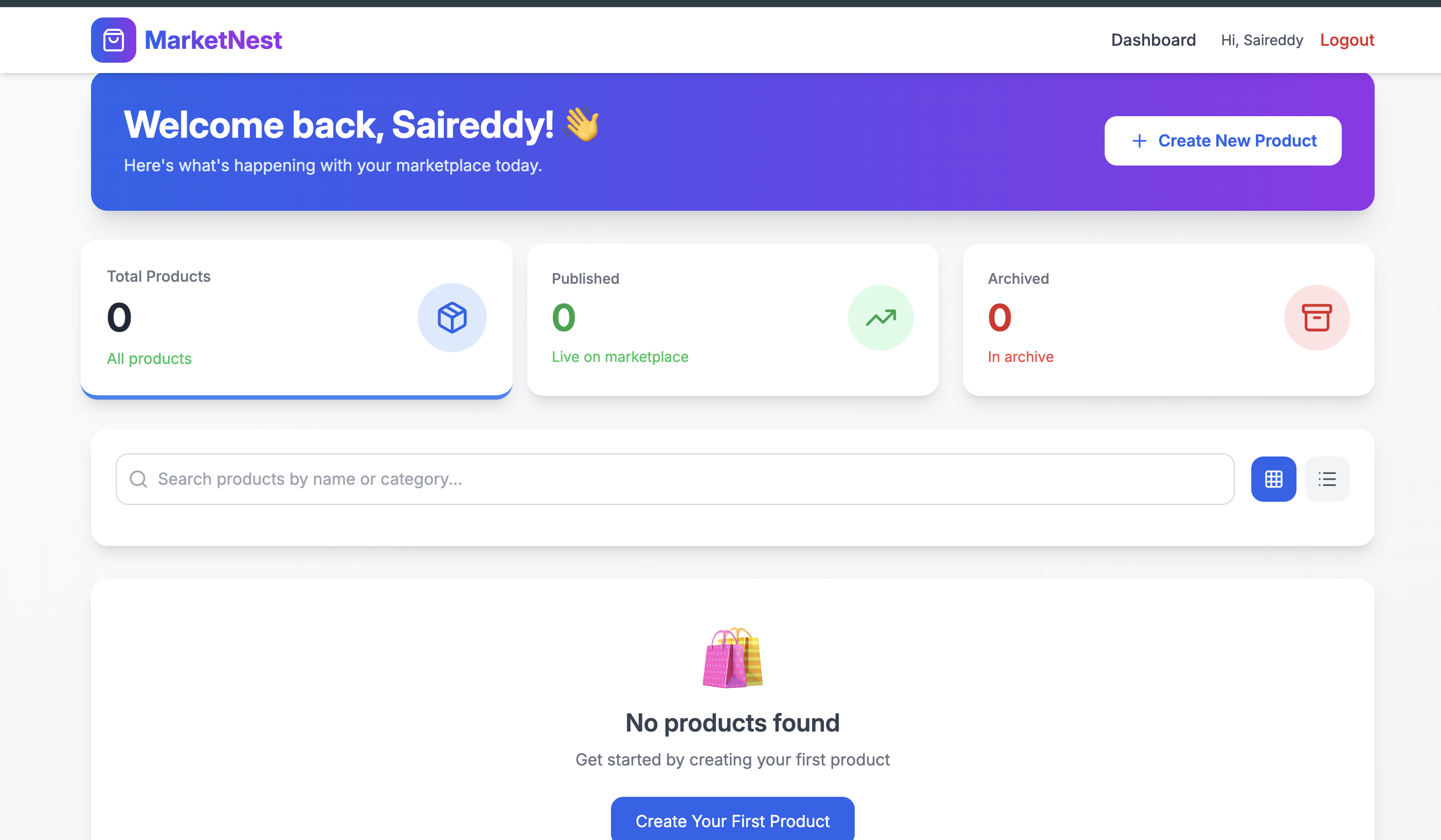
Technologies & Skills
Limited time offer
This project saves 100+ hours of development time, provides production-ready code, and demonstrates real-world MERN stack skills. It's priced affordably for students and developers to learn and use.
What's Included
Support & Customization
Resource Links
Purchase this project to unlock source and premium resources. Document/report remain secure preview-based on this page.
MarketNest is a full-stack MERN marketplace platform that connects brands and customers in a seamless shopping experience. This project demonstrates production-ready architecture with secure authentication, role-based access control, and complete e-commerce functionality.
Key Functionality:
For Brands (Sellers):
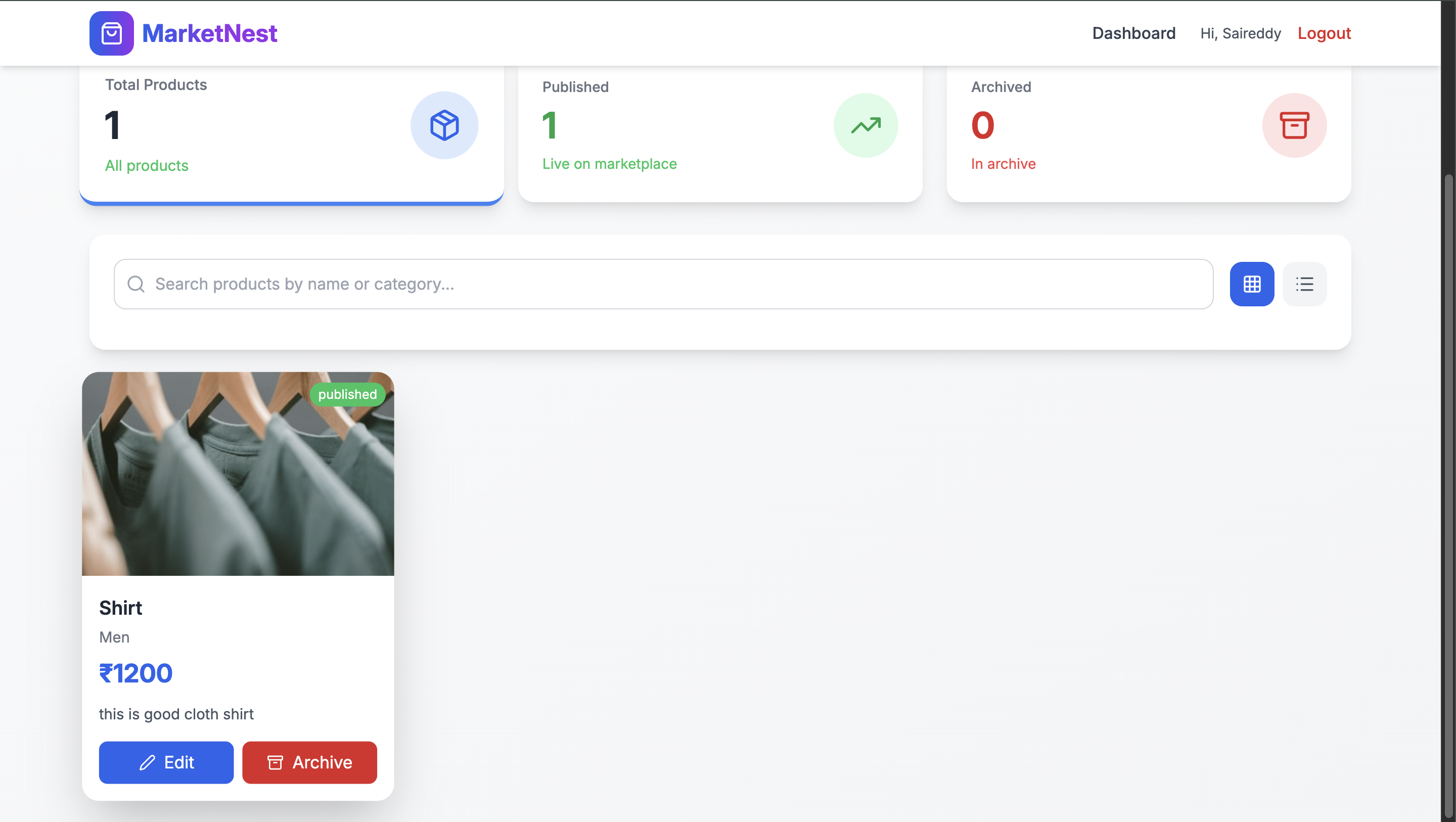
- Create, edit, and archive products with image uploads
- Manage inventory with draft/published status
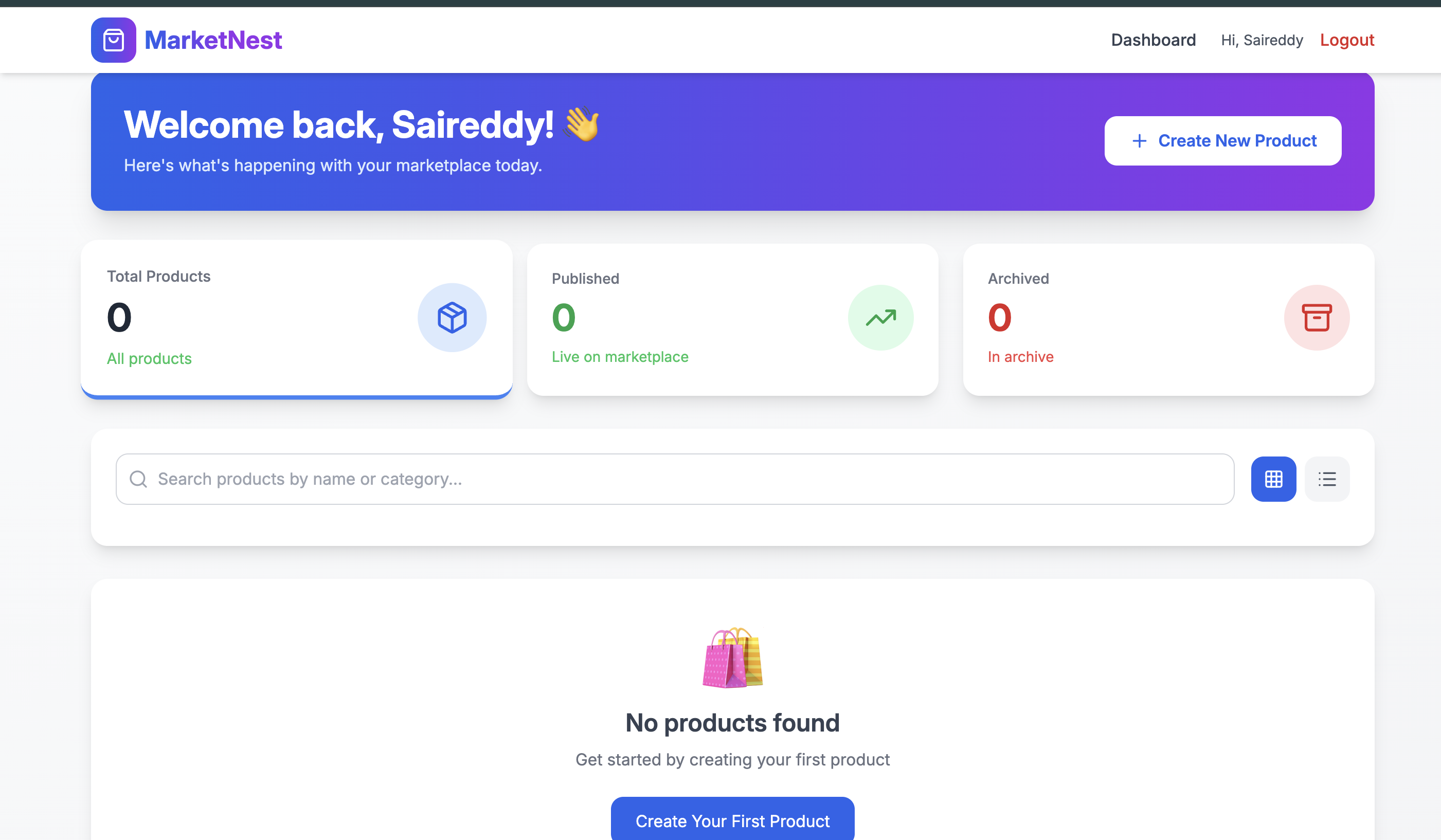
- Real-time dashboard with total, published, and archived counts
- Ownership enforcement - brands can only modify their own products
For Customers (Shoppers):
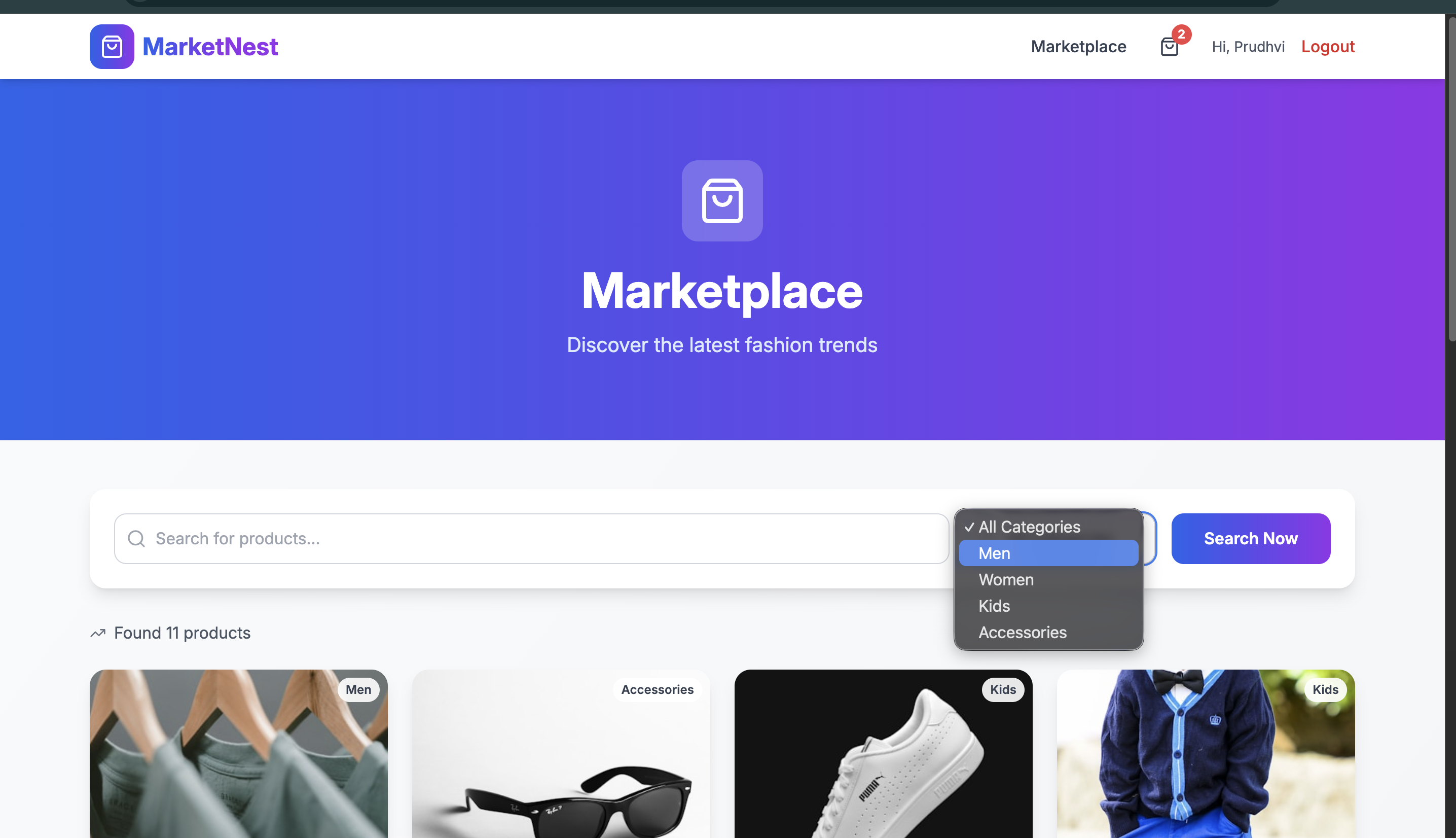
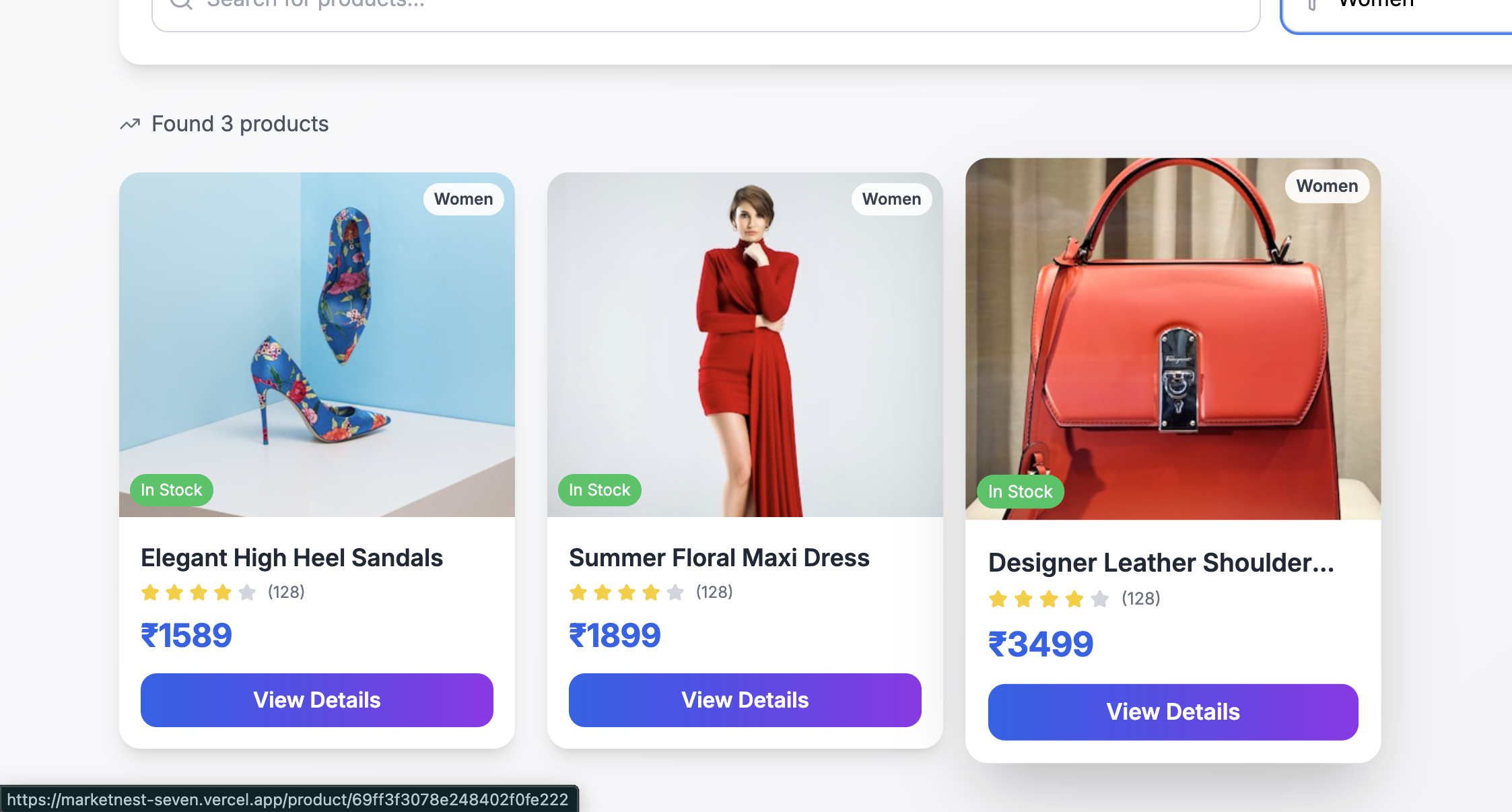
- Browse marketplace with search and category filters
- View detailed product pages with image galleries
- Full shopping cart with quantity management
- Secure checkout process
Security Features:
- JWT authentication with access tokens
- bcrypt password hashing
- Role-based middleware protection
- CORS configured for production
- Environment variables for all secrets
Technical Architecture:
- Frontend: React 18 with Vite, Tailwind CSS, Lucide icons
- Backend: Node.js, Express, MongoDB Atlas
- Deployment: Vercel (frontend), Render (backend)
- State Management: Context API for auth and cart
This project is ideal for learning full-stack development, understanding authentication flows, and building production-ready applications with modern best practices.
Future Enhancements
Known Issues
Installation
INSTALLATION INSTRUCTIONS
Prerequisites
- Node.js (v16 or higher)
- MongoDB Atlas account (or local MongoDB)
- Git
- npm or yarn package manager
Step 1: Clone the Repository
git clone https://github.com/hema-latha-reddy/Marketnest.git
cd Marketnest
Step 2: Backend Setup
Navigate to backend folder:
cd backend
Install dependencies:
npm install
Create .env file:
touch .env
Add these environment variables to .env:
env
MONGODB_URI=mongodb+srv://<username>:<password>@cluster0.mongodb.net/marketnest
JWT_SECRET=your_secret_key_here
PORT=5050
NODE_ENV=development
FRONTEND_URL=http://localhost:5173
Start the backend server:
npx nodemon server.js
The backend will run on: http://localhost:5050
Step 3: Frontend Setup
Open a new terminal and navigate to frontend folder:
cd frontend
Install dependencies:
npm install
Create .env file:
touch .env
Add environment variable to .env:
env
VITE_API_URL=http://localhost:5050/api
Start the frontend development server:
npm run dev
The frontend will run on: http://localhost:5173
Step 4: Database Setup
- Create a MongoDB Atlas account at https://www.mongodb.com/cloud/atlas
- Create a new cluster (free tier)
- Create a database user with username and password
- Whitelist your IP address (or add
0.0.0.0/0for development) - Copy the connection string and replace
<username>and<password>in.env
Step 5: Verify Installation
- Open browser and go to:
http://localhost:5173 - You should see the MarketNest landing page
- Click "Sign Up" to create a new account
- Login with your credentials
Usage
For Customers (Shoppers)
1. Creating an Account
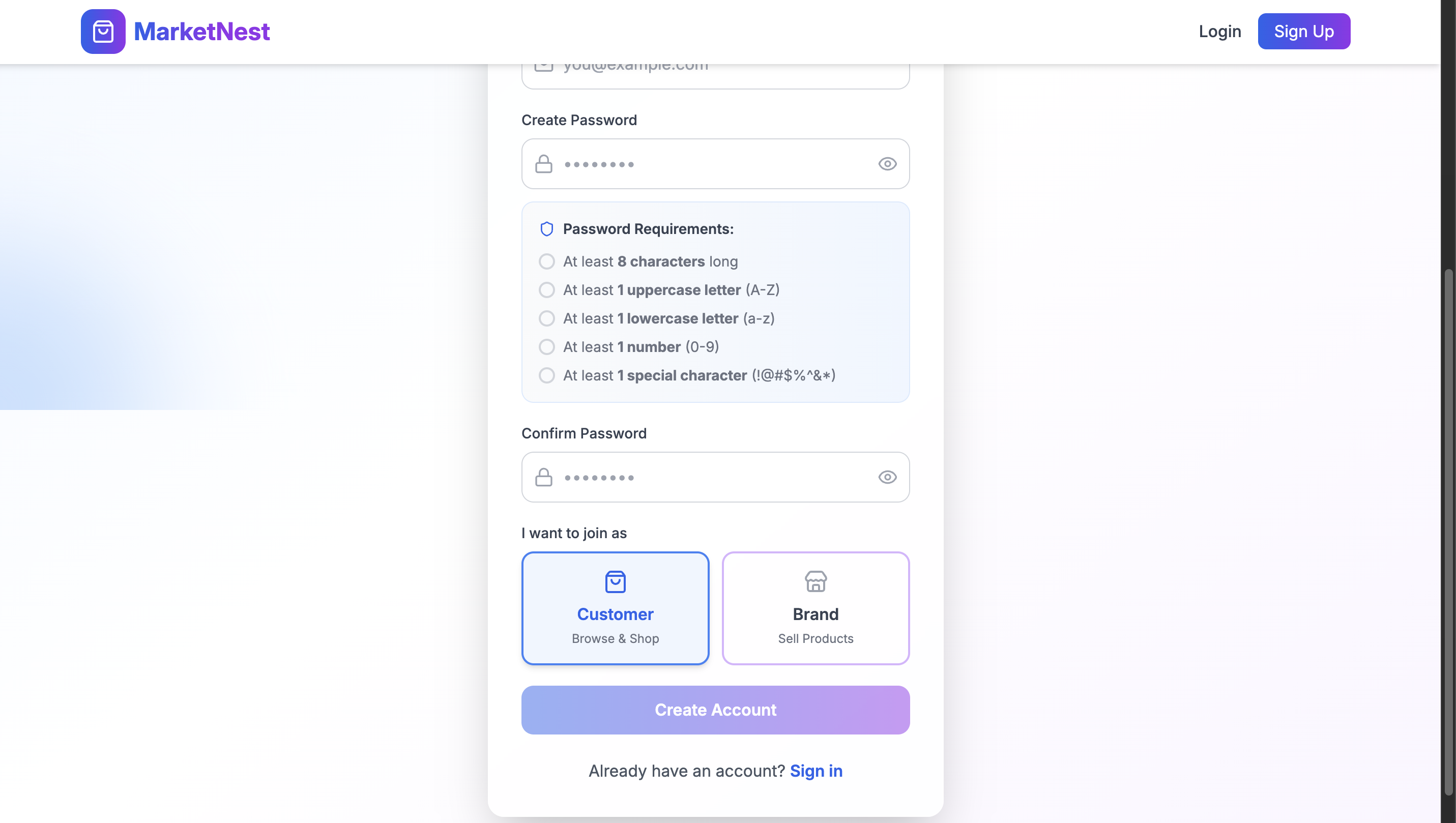
- Go to the Signup page
- Fill in your name, email, and password
- Select "Customer" as your role
- Click "Create Account"
- You will be automatically logged in
2. Browsing Products
- Go to the Marketplace page
- Browse products displayed in grid view
- Use the search bar to find products by name
- Filter products by category (Men, Women, Kids, Accessories)
- Click "Search Now" to apply filters
3. Viewing Product Details
- Click on any product card
- View product images, description, and price
- Select quantity using + and - buttons
- Click "Add to Cart" to add items
4. Shopping Cart
- Click the cart icon in the navbar
- View all items in your cart
- Update quantities using + and - buttons
- Remove items using the trash icon
- View order summary with total amount
- Click "Proceed to Checkout" to place order
5. Searching and Filtering
- Search bar: Type product name and click "Search Now"
- Category filter: Select a category from dropdown
- Pagination: Use Previous/Next buttons to navigate pages
For Brands (Sellers)
1. Creating a Brand Account
- Go to the Signup page
- Fill in your name, email, and password
- Select "Brand" as your role
- Click "Create Account"
- You will be redirected to the Brand Dashboard
2. Dashboard Overview
- View statistics cards: Total Products, Published, Archived
- Click on any card to filter products
- Track your product inventory at a glance
3. Creating a Product
- On the Brand Dashboard, click "Create New Product"
- Fill in product details:
- Product Name
- Description
- Price (₹)
- Category (Men/Women/Kids/Accessories)
- Status (Draft/Published)
- Image URL
- Click "Create Product"
- Product will appear in your products list
4. Managing Products
- Edit: Click "Edit" on any product, update details, click "Update Product"
- Archive: Click "Archive" to soft-delete a product
- View: Products are displayed in a table with status badges
5. Product Status
- Draft: Not visible to customers
- Published: Visible to customers on marketplace
- Archived: Soft-deleted, only visible to brand
Password Management
Forgot Password:
- Click "Forgot Password?" on the Login page
- Enter your registered email
- Check your email for reset link
- Click the link to set a new password
- Login with your new password
Password Requirements:
- Minimum 8 characters
- At least 1 uppercase letter (A-Z)
- At least 1 lowercase letter (a-z)
- At least 1 number (0-9)
- At least 1 special character (!@#$%^&*)
Key Workflows
Customer Flow:
Signup/Login → Browse Marketplace → Search/Filter Products →
View Product Details → Add to Cart → Manage Cart → Checkout
Brand Flow:
Signup/Login → Brand Dashboard → Create Product →
Manage Products → Edit/Archive Products → Track Stats
Authentication Flow:
Forgot Password → Receive Reset Link → Set New Password → Login
Troubleshooting
IssueSolutionCan't loginCheck email and password. Use "Forgot Password" if neededProducts not showingEnsure products are "Published" by brandAdd to Cart not workingCheck if you're logged in as CustomerAPI errorsVerify backend is running on port 5050CORS errorsCheck backend .env has correct FRONTEND_URL
Tech Stack Commands
Backend commands:
npm start          # Start production server
npm run dev        # Start development server with nodemon
Frontend commands:
npm run dev        # Start development server
npm run build      # Build for production
npm run preview    # Preview production build
Deployment Commands
Backend (Render):
- Push code to GitHub → Render auto-deploys
Frontend (Vercel):
vercel --prod # Deploy to production
System Requirements
### Hardware Requirements
- **Processor:** Intel Core i3 / AMD Ryzen 3 or better
- **RAM:** 4 GB minimum (8 GB recommended)
- **Storage:** 2 GB free space
- **Internet:** Broadband connection
### Software Requirements
- **Operating System:** Windows 10/11, macOS 10.15+, or Linux (Ubuntu 20.04+)
- **Node.js:** Version 16.0 or higher
- **npm:** Version 8.0 or higher
- **MongoDB:** Version 5.0 or higher (Atlas or local)
- **Git:** Version 2.30 or higher
- **Browser:** Chrome 90+, Firefox 88+, or Edge 90+
### Development Tools
- VS Code (recommended)
- Postman (for API testing)
- MongoDB Compass (for database GUI)
### Cloud Accounts Required
- MongoDB Atlas (free tier)
- Vercel (free tier)
- Render (free tier)
### Ports Required
- **5050** - Backend API
- **5173** - Frontend development
- **27017** - MongoDB (local)
### npm Dependencies
**Backend:**
express, mongoose, bcryptjs, jsonwebtoken, cors, dotenv, cookie-parser, multer, cloudinary
**Frontend:**
react, react-dom, react-router-dom, axios, tailwindcss, lucide-react, vite
### Disk Space Breakdown
- Node.js: ~200 MB
- Project files: ~2 MB
- node_modules (both): ~350 MB
- MongoDB (local): ~500 MB
- **Total:** ~1.5 GB
### Browser Support
- Chrome 90+
- Firefox 88+
- Safari 14+
- Edge 90+
### Environment Variables Needed
**Backend (.env):**
MONGODB_URI = mongodb+srv://username:password@cluster.mongodb.net/marketnest
JWT_SECRET = your_secret_key
PORT = 5050
FRONTEND_URL = http://localhost:5173
**Frontend (.env):**
VITE_API_URL = http://localhost:5050/api
Minimum Internet Speed
- 5 Mbps download
- 2 Mbps upload
Slides Open in New Tab
For better readability, slides are opened directly. Documents remain preview-only with secure backend rendering.
Showing preview pages only. Purchase for full access to all pages and complete source package.
Login for Full AccessNo Q&A available yet
Be the first to ask a question!
Ask a Question
Customer Reviews
Write Your Review
No reviews yet
Be the first to review this project!
Similar Projects
You might also be interested in these projects
 website Development
Quiz Web based application
It contains a application where children and adults also everyone can play games and build their confidence.
 website Development
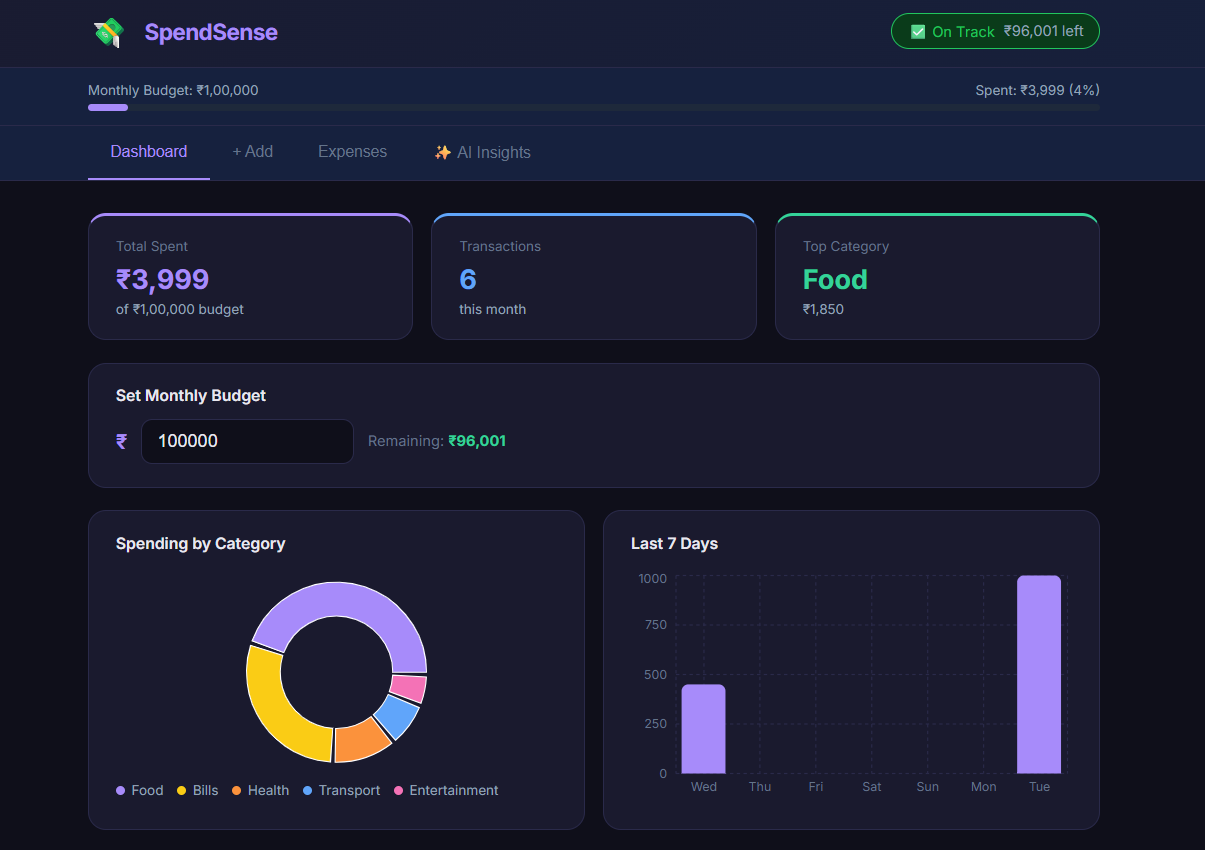
SpendSense - AI-Powered Expense Tracker
A full-stack expense tracker with real-time charts, budget alerts, and AI-powered personalized financial insights.
 website Development
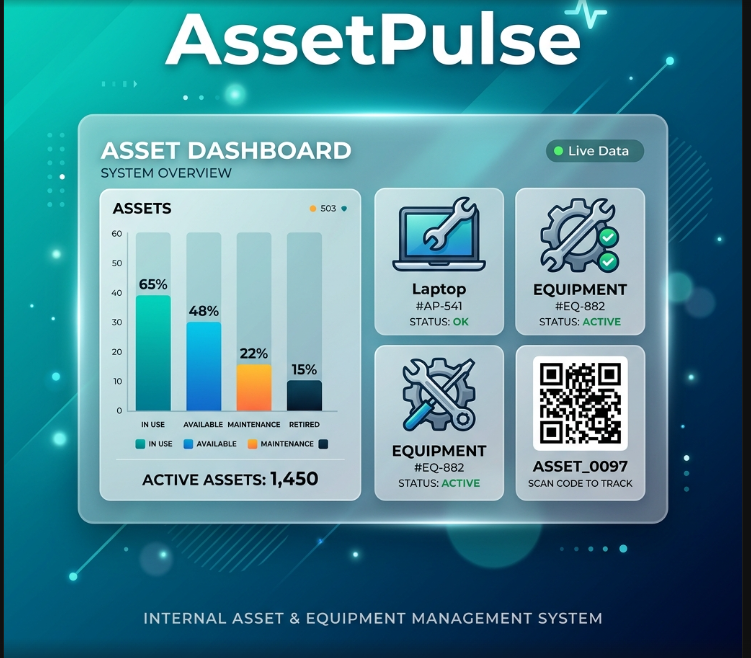
AssetPulse – Integrated Asset & Equipment Management System
AssetPulse is an asset system using QR codes, maintenance logs, warranty alerts, role-based security, and depreciation tracking with dashboard.
 website Development
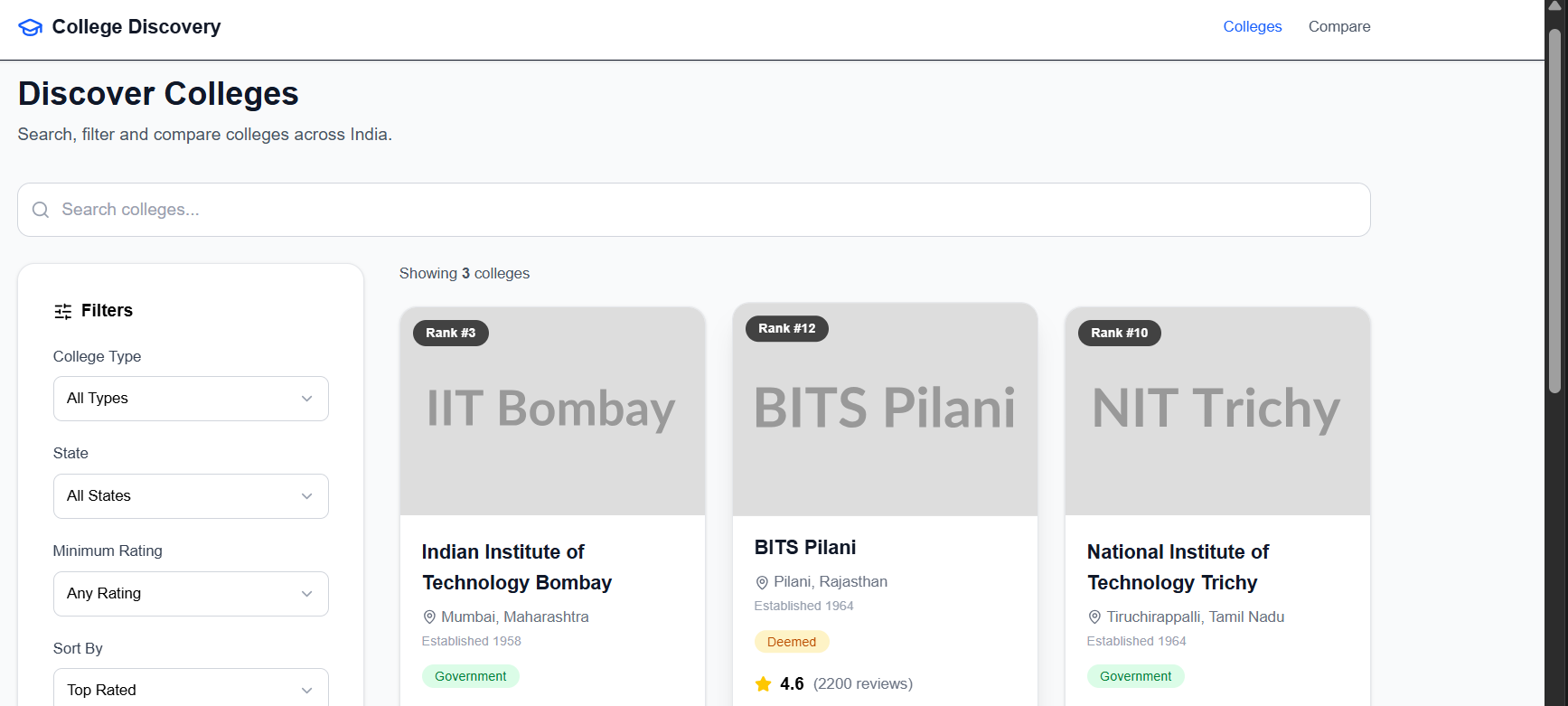
College Discovery Platform
A modern college discovery platform that helps students search, filter, explore, and compare colleges through an intuitive and responsive interface.