DevLaunch – Full Stack MERN Job Portal
A full-stack MERN job portal where students find jobs, apply online, and recruiters manage applications efficiently.
Preview Gallery
6 media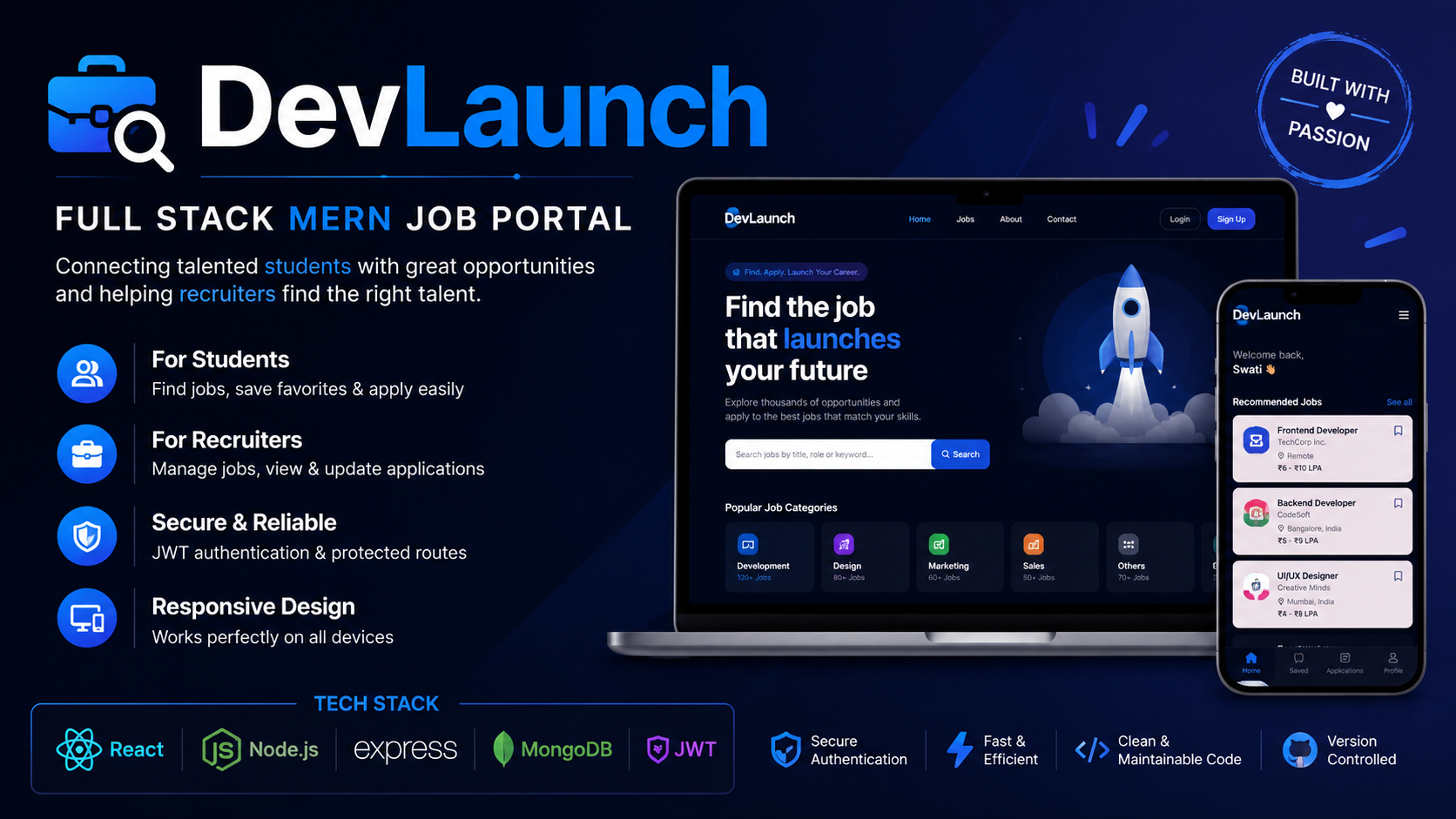
Technologies & Skills
Limited time offer
What's Included
Support & Customization
Resource Links
Purchase this project to unlock source and premium resources. Document/report remain secure preview-based on this page.
DevLaunch – Full Stack MERN Job Portal
DevLaunch is a full stack web application developed using the MERN stack (MongoDB, Express.js, React.js, and Node.js). The platform is designed to connect students with recruiters through a simple, secure, and user friendly interface.
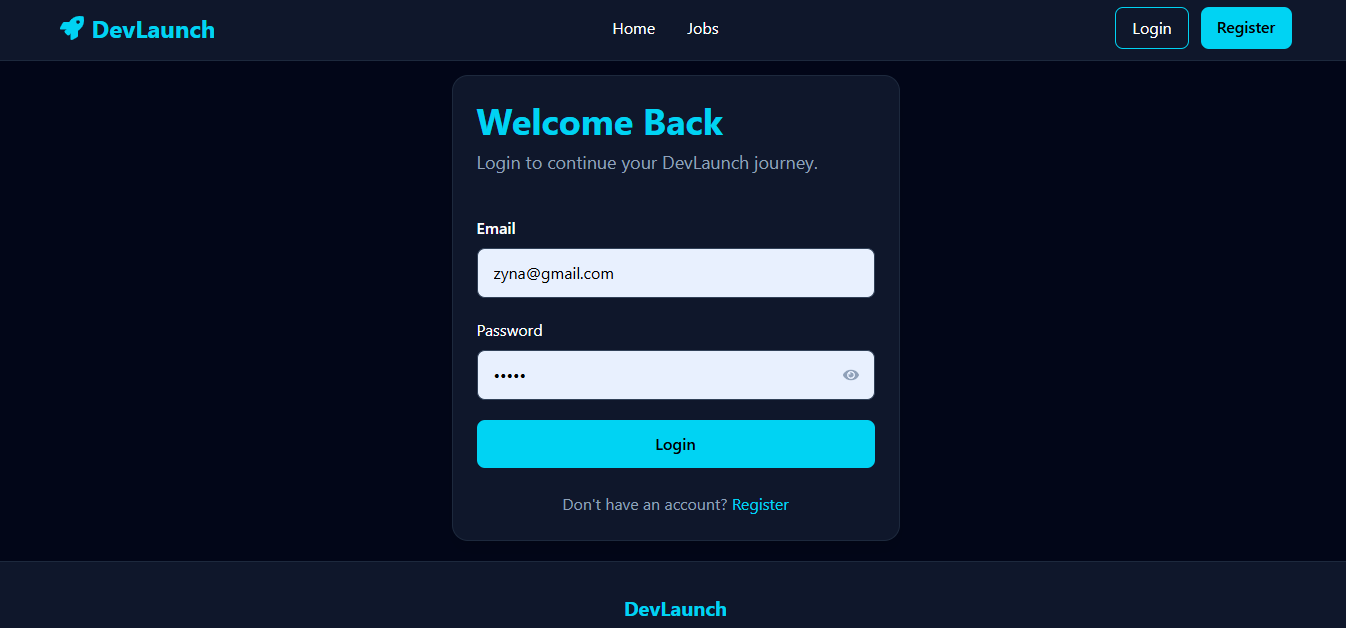
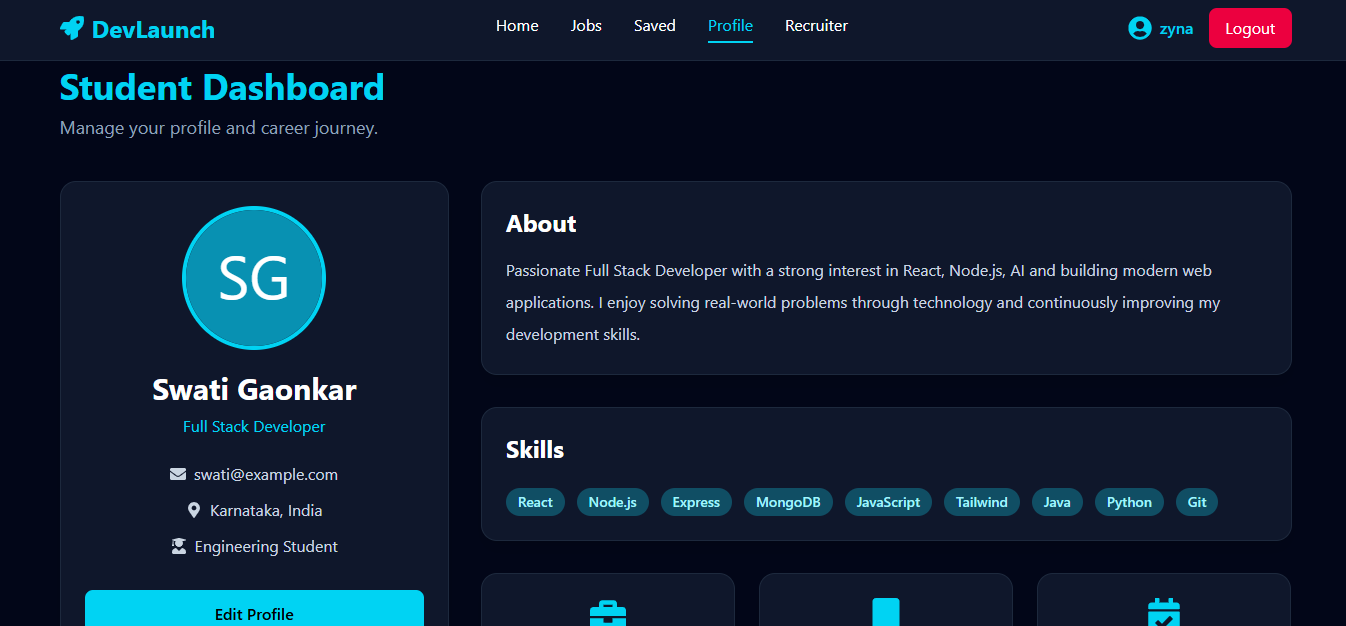
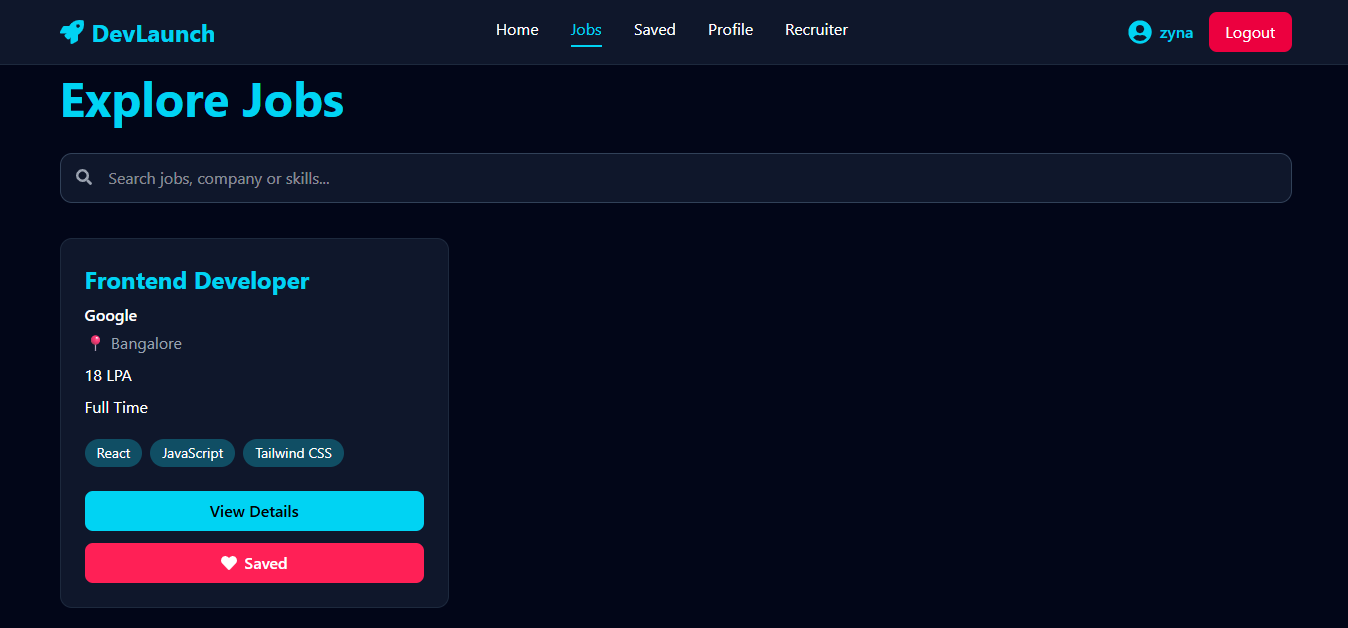
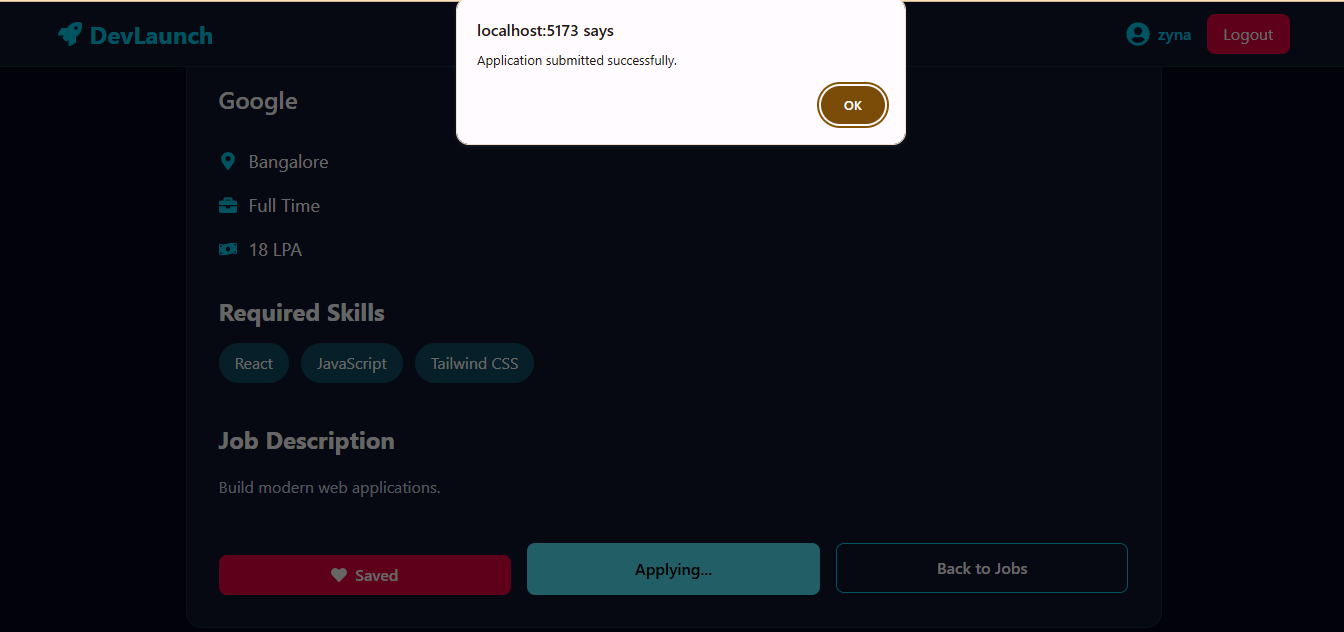
Students can create an account, log in securely using JWT authentication, browse available job opportunities, search for jobs, save their favorite listings, and apply directly through the platform. They also have access to a personalized dashboard to manage their profile and job applications.
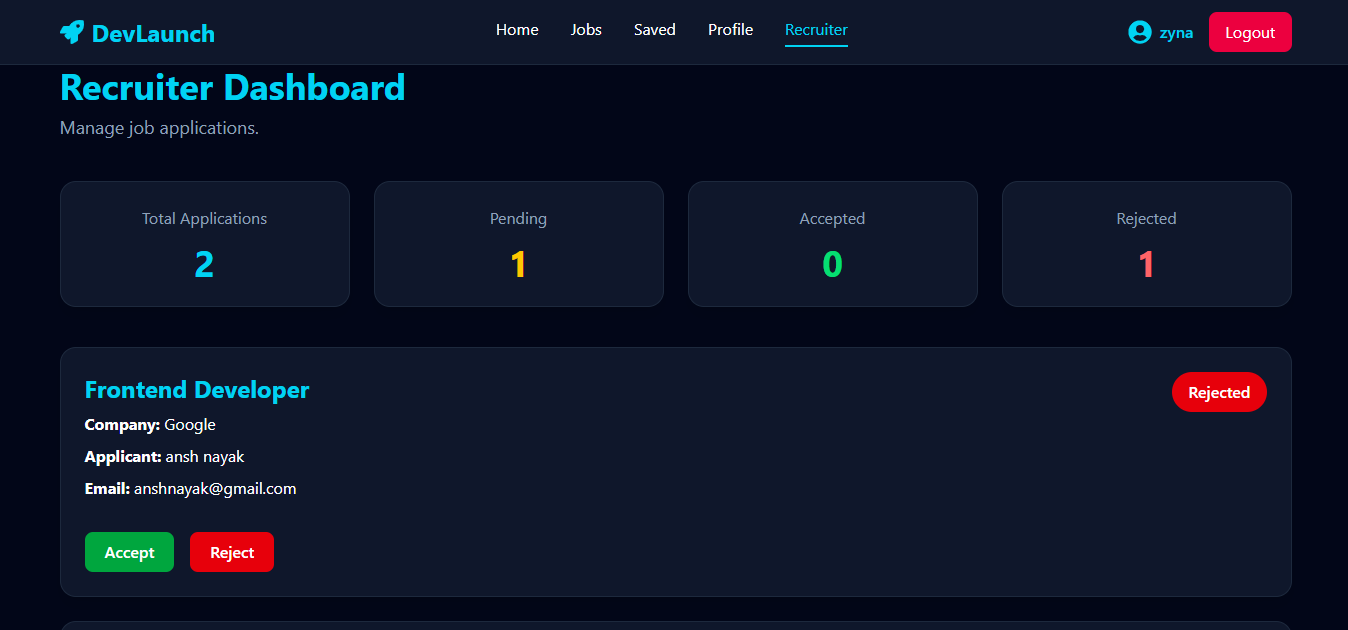
Recruiters can access a dedicated dashboard where they can view all applications, review applicant details, and update application statuses by accepting or rejecting candidates. This provides an efficient way to manage the recruitment process.
Key Features
- Secure user registration and login with JWT authentication
- Student and recruiter dashboards
- Browse, search, and view job listings
- Save favorite jobs
- Apply for jobs online
- Recruiter application management
- Application status updates (Pending, Accepted, Rejected)
- Responsive and modern user interface
Technologies Used
- React.js
- Vite
- Tailwind CSS
- Node.js
- Express.js
- MongoDB Atlas
- Mongoose
- JWT Authentication
- Axios
- Git & GitHub
DevLaunch was built to demonstrate full-stack web development skills by integrating frontend, backend, authentication, database management, and REST APIs into a complete real-world application.
Future Enhancements
Known Issues
Installation
1. Clone the repository from GitHub.
2. Install frontend dependencies:
npm install
3. Navigate to the server folder:
cd server
4. Install backend dependencies:
npm install
5. Create a .env file and add:
MONGO_URI=your_mongodb_connection_string
JWT_SECRET=your_secret_key
PORT=5000
6. Start the backend server:
npm run dev
7. Open a new terminal and start the frontend:
npm run dev
8. Open the localhost URL in your browser and register/login to use DevLaunch.
Usage
1. Launch the application and create a new account or log in using your credentials.
2. Browse available job listings on the Jobs page and use the search feature to find suitable opportunities.
3. Click on any job to view complete details, required skills, salary, and job description.
4. Save interesting jobs to your Saved Jobs list for future reference.
5. Apply for jobs directly through the application.
6. Recruiters can log in to access the Recruiter Dashboard, review applications, and update candidate status (Pending, Accepted, or Rejected).
7. Users can manage their profile and continue exploring opportunities through the platform.
System Requirements
Operating System:
• Windows 10/11, macOS, or Linux
Software Requirements:
• Node.js (v18 or above)
• npm (Node Package Manager)
• MongoDB Atlas
• Git
• Visual Studio Code
• Modern Web Browser (Google Chrome, Microsoft Edge, or Firefox)
Hardware Requirements:
• Minimum 4 GB RAM (8 GB recommended)
• 500 MB free disk space
• Stable internet connection
Slides Open in New Tab
For better readability, slides are opened directly. Documents remain preview-only with secure backend rendering.
Showing preview pages only. Purchase for full access to all pages and complete source package.
Login for Full AccessNo Q&A available yet
Be the first to ask a question!
Ask a Question
Customer Reviews
Write Your Review
No reviews yet
Be the first to review this project!
Similar Projects
You might also be interested in these projects
 website Development
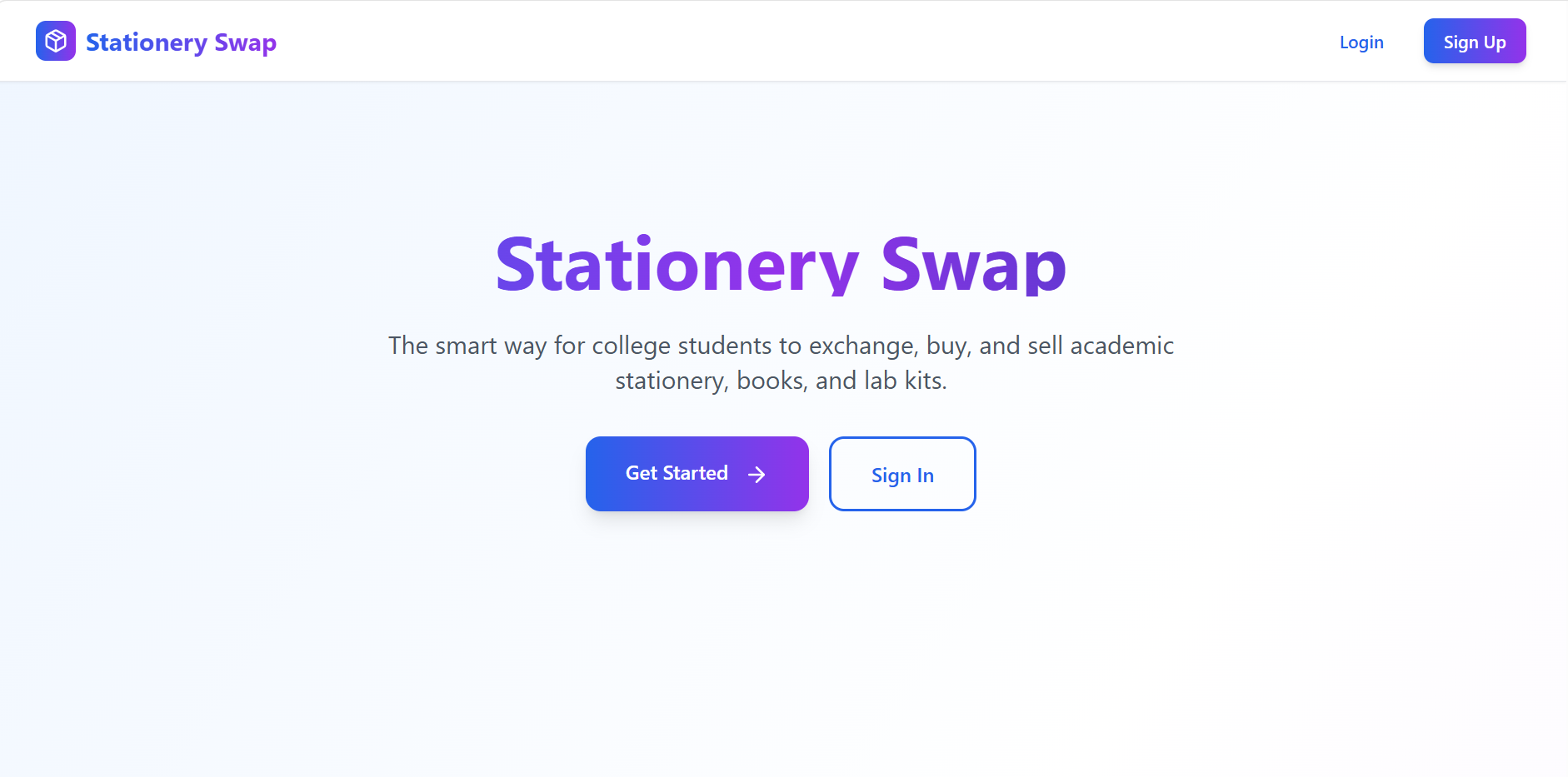
Stationery Swap – Student Marketplace for Buying & Selling Stationery
A MERN-based marketplace that enables students to buy, sell, and exchange stationery securely with authentication, image uploads, and smart search.
 website Development
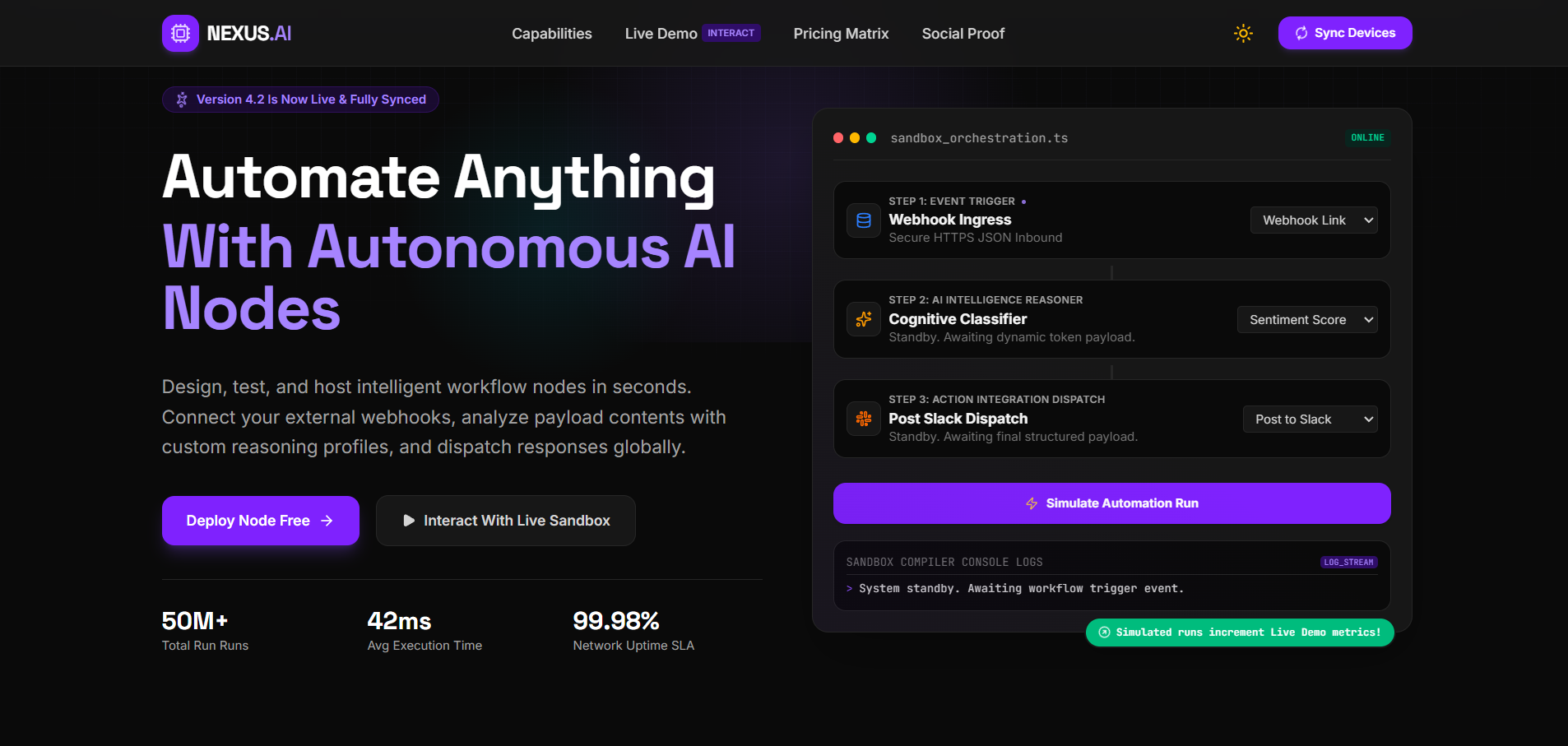
Nexus.ai
Nexus.ai — A React/TypeScript + Gemini AI-powered SaaS dashboard demo with analytics visualization, built using Vite and Tailwind CSS.
 website Development
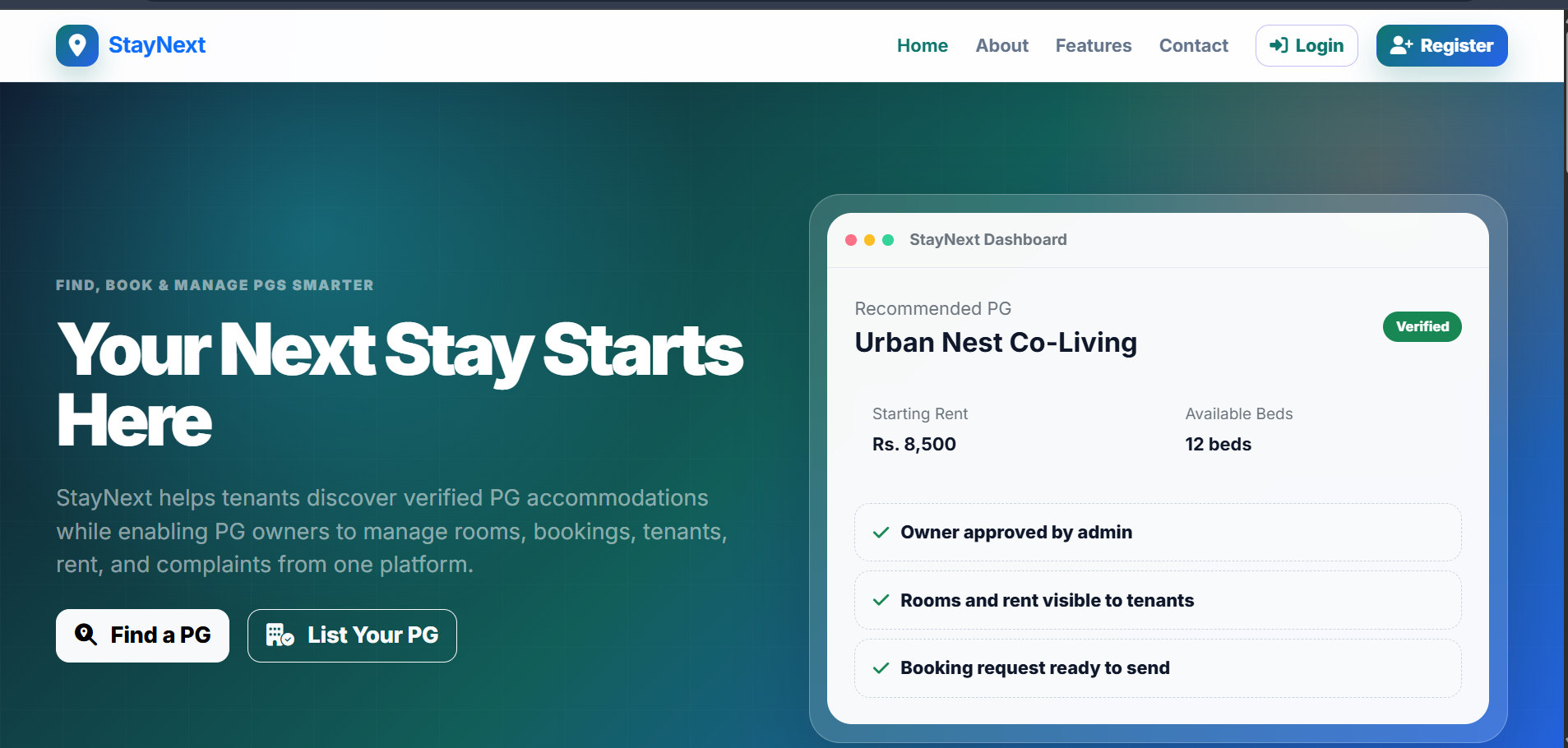
StayNext - Pg Discovery Platform
Built a full-stack PG platform where users discover PGs and owners manage listings, rooms, and tenant details.
 website Development
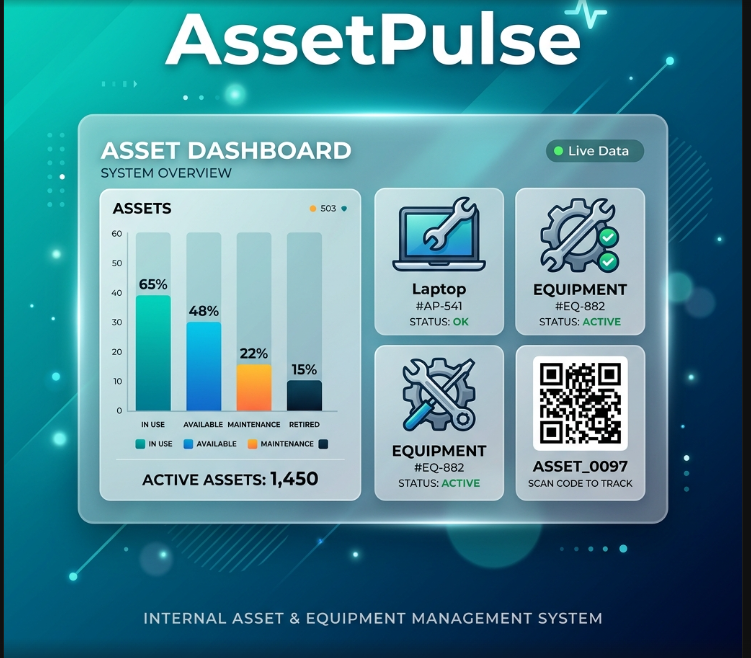
AssetPulse – Integrated Asset & Equipment Management System
AssetPulse is an asset system using QR codes, maintenance logs, warranty alerts, role-based security, and depreciation tracking with dashboard.