NexCart — Full-Stack E-Commerce Platform
🏗️ Architecture Backend (Django + SQLite3 + JWT) Authentication: JWT via djangorestfram
Preview Gallery
6 media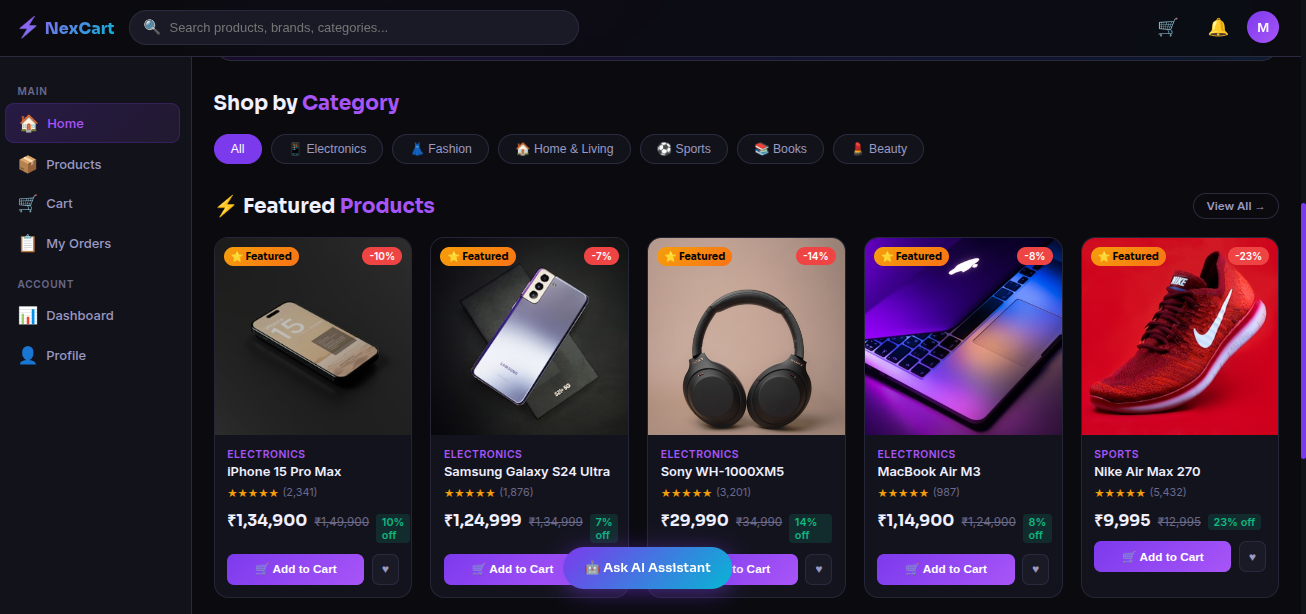
Technologies & Skills
One-time purchase
What's Included
Support & Customization
Resource Links
Purchase this project to unlock source and premium resources. Document/report remain secure preview-based on this page.
NexCart – Full-Stack E-Commerce Platform
NexCart is a modern full-stack e-commerce platform built with Django, Django REST Framework, SQLite3, and Vanilla JavaScript. It provides a complete online shopping experience with secure JWT authentication, role-based access control, shopping cart, order management, and an AI-powered shopping assistant.
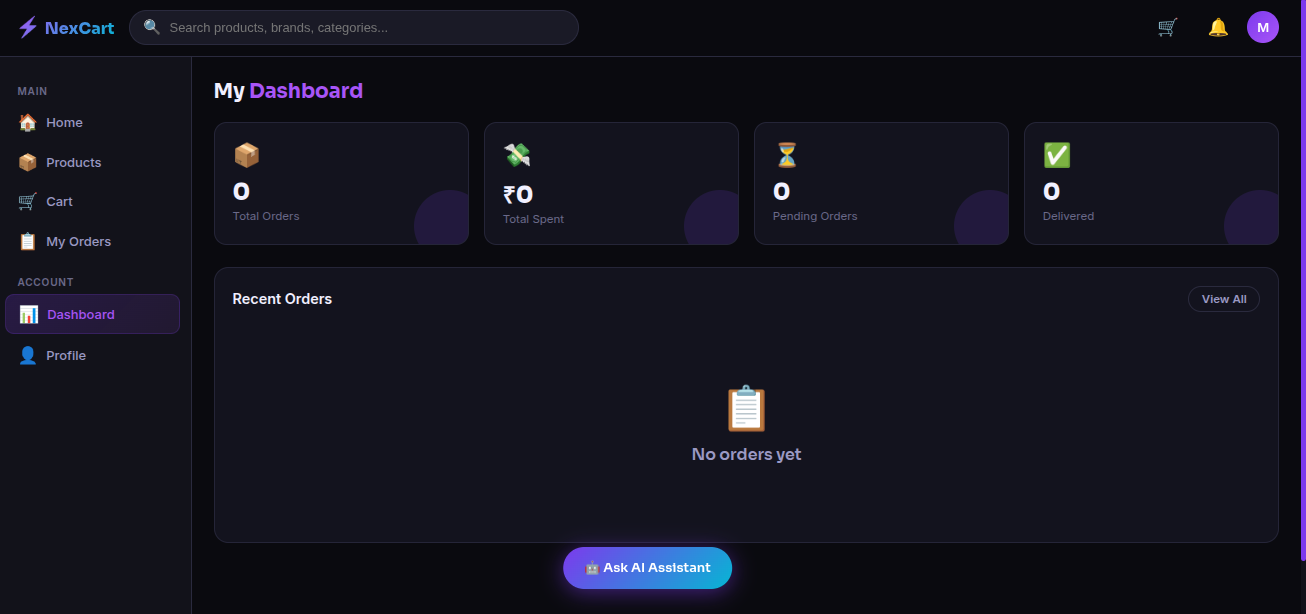
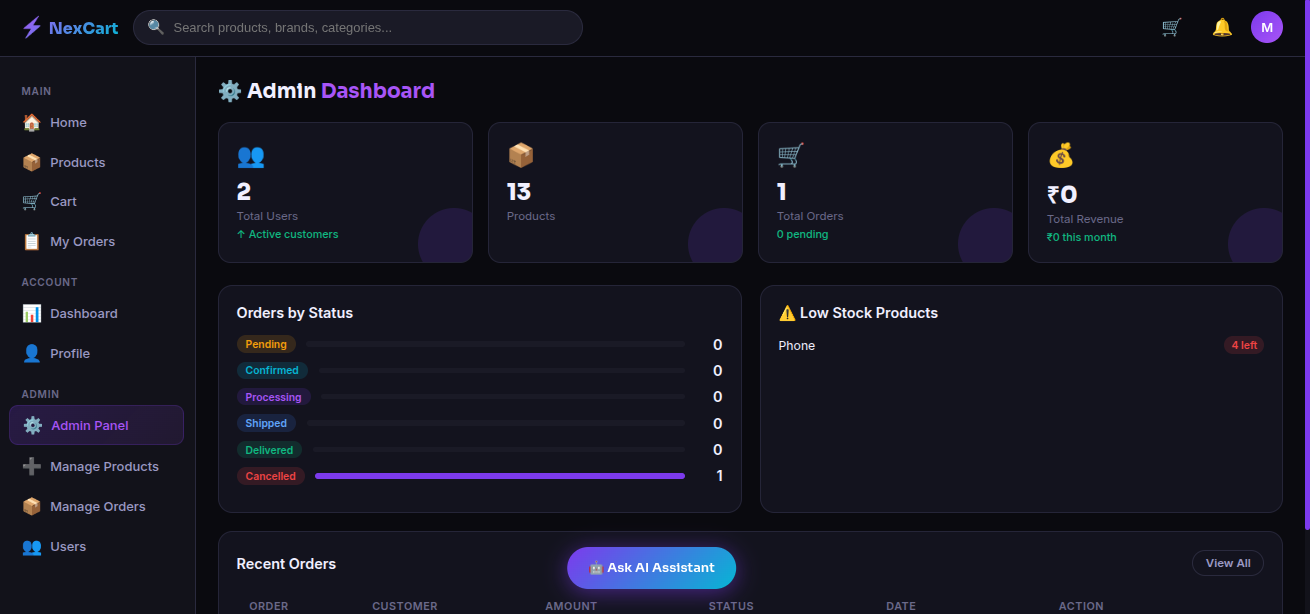
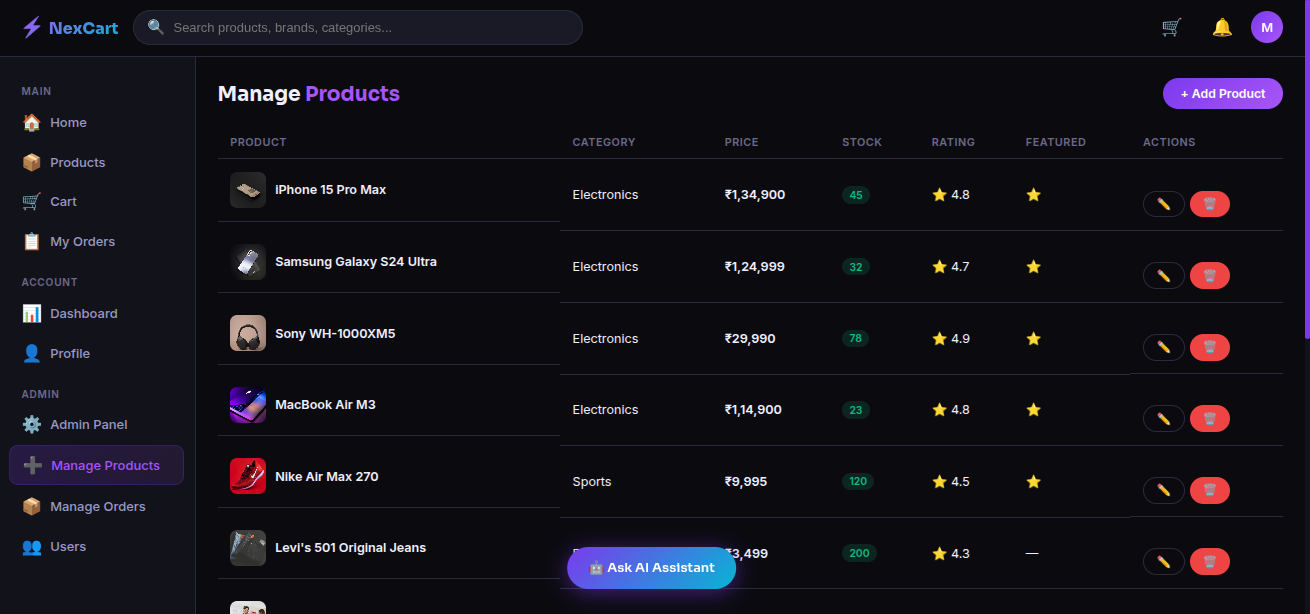
The platform supports two user roles—Admin and Customer. Customers can browse products, search by category, manage their cart, place orders using multiple payment methods, track order status, and manage their profiles. Administrators can manage products, users, and orders, monitor revenue through an analytics dashboard, and receive low-stock alerts.
The backend exposes RESTful APIs secured with JWT authentication, while the responsive frontend is built using HTML, CSS, and JavaScript with a modern glassmorphism design. The project follows a modular architecture that can be easily migrated from SQLite to PostgreSQL for production deployment.
Key Features
- JWT-based Authentication & Authorization
- Role-Based Access Control (Admin & Customer)
- Product & Category Management
- Shopping Cart & Secure Checkout
- Order Tracking & Order History
- User Profile Management
- Admin Dashboard with Analytics
- Product, User, and Order Management
- Low Stock Alerts
- AI-Powered Shopping Assistant
- RESTful API using Django REST Framework
- Responsive Mobile-First UI
Tech Stack
- Backend: Python, Django, Django REST Framework
- Database: SQLite3 (Production-ready for PostgreSQL)
- Authentication: JWT (Simple JWT)
- Frontend: HTML5, CSS3, Vanilla JavaScript
- Version Control: Git & GitHub
Future Enhancements
Known Issues
Installation
Installation Instructions
Prerequisites
Before running the project, make sure you have the following installed:
- Python 3.10 or later
- Git
- pip (Python package manager)
1. Clone the Repository
git clone https://github.com/milanpanja/nexcart.git
cd nexcart
2. Create a Virtual Environment (Recommended)
Linux/macOS
python3 -m venv venv
source venv/bin/activate
Windows
python -m venv venv
venv\Scripts\activate
3. Install Dependencies
pip install django djangorestframework djangorestframework-simplejwt django-cors-headers Pillow
Or, if your project includes a requirements.txt file:
pip install -r requirements.txt
4. Apply Database Migrations
python manage.py makemigrations
python manage.py migrate
5. Create an Admin User (Optional)
python manage.py createsuperuser
6. Run the Development Server
python manage.py runserver
Or run it on all network interfaces:
python manage.py runserver 0.0.0.0:8000
7. Open the Application
Visit the following URL in your browser:
http://127.0.0.1:8000/
or
http://localhost:8000/
Demo Credentials
RoleUsernamePasswordAdminadminadmin123Customerdemodemo123
Tech Stack
- Backend: Python, Django, Django REST Framework
- Database: SQLite3
- Authentication: JWT (Simple JWT)
- Frontend: HTML5, CSS3, JavaScript
- Version Control: Git & GitHub
Usage
Usage Instructions
After starting the development server, open the application in your web browser:
http://127.0.0.1:8000/
or
http://localhost:8000/
Customer Features
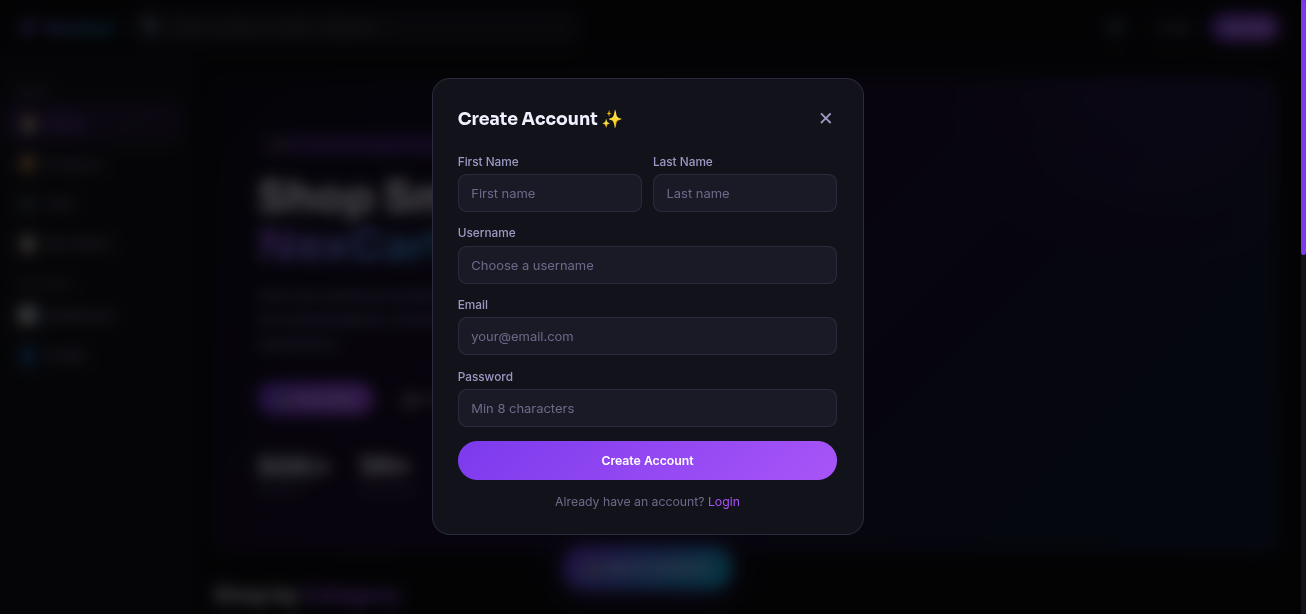
After registering or logging in, customers can:
- Browse products by category
- Search for products
- View product details, ratings, and stock availability
- Add products to the shopping cart
- Update or remove cart items
- Complete checkout using UPI, Card, Wallet, or Cash on Delivery (COD)
- View order history and track order status
- Manage profile information
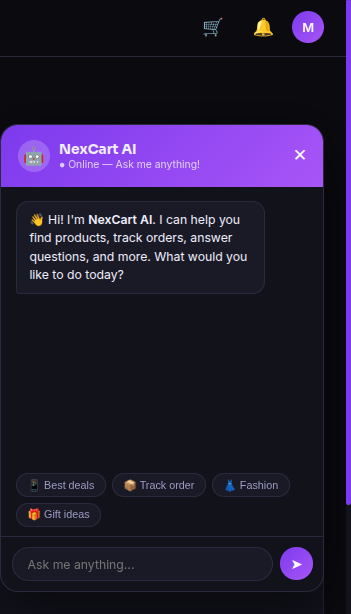
- Interact with the AI Shopping Assistant for product recommendations and shopping assistance
Admin Features
Log in using an administrator account to access the Admin Dashboard.
Administrators can:
- View dashboard analytics and revenue reports
- Add, edit, and delete products
- Manage product categories
- View and manage customer orders
- Update order status
- Manage registered users
- Monitor low-stock products
- Access store statistics and insights
API Authentication
The project uses JWT (JSON Web Token) authentication.
- Obtain an access token by logging in.
- Include the token in the request header:
Authorization: Bearer <your_access_token>
Main API Endpoints
EndpointMethodDescription/api/register/POSTRegister a new user/api/token/POSTGenerate JWT access and refresh tokens/api/products/GETRetrieve all products/api/categories/GETRetrieve product categories/api/cart/GET, POST, DELETEManage shopping cart/api/orders/GET, POSTCreate and view orders/api/profile/GET, PUTManage user profile/api/user-dashboard/GETView customer dashboard/api/admin-dashboard/GETView admin dashboard/api/admin-users/GETManage registered users
Demo Accounts
RoleUsernamePasswordAdminadminadmin123Customerdemodemo123
System Requirements
System Requirements
Before installing and running NexCart, ensure your system meets the following requirements.
Hardware Requirements
ComponentMinimum RequirementRecommendedProcessorDual-Core CPUIntel Core i5 / AMD Ryzen 5 or higherRAM4 GB8 GB or moreStorage1 GB free disk space5 GB or moreInternetRequired for installationBroadband connection
Software Requirements
SoftwareVersionOperating SystemWindows 10/11, Ubuntu 20.04+, macOS 11+Python3.10 or laterDjango5.xDjango REST FrameworkLatest stable versionSQLite3.x (default database)GitLatest versionpipLatest versionWeb BrowserGoogle Chrome, Microsoft Edge, Firefox, or Safari
Python Dependencies
Install the required packages using:
pip install django djangorestframework djangorestframework-simplejwt django-cors-headers Pillow
Or install all dependencies from the project file:
pip install -r requirements.txt
Development Environment (Recommended)
- Python Virtual Environment (
venv) - Visual Studio Code or PyCharm
- Git & GitHub
- Postman (for testing REST APIs)
Supported Browsers
- Google Chrome (Recommended)
- Microsoft Edge
- Mozilla Firefox
- Safari
Slides Open in New Tab
For better readability, slides are opened directly. Documents remain preview-only with secure backend rendering.
Showing preview pages only. Purchase for full access to all pages and complete source package.
Login for Full AccessNo Q&A available yet
Be the first to ask a question!
Ask a Question
Customer Reviews
Write Your Review
No reviews yet
Be the first to review this project!
Similar Projects
You might also be interested in these projects
 website Development
Video Conferencing Platform
Built a MERN-based video conferencing platform with secure login, WebRTC video/audio calls, Socket.IO chat, and responsive UI.
 website Development
Full-Stack Food Delivery webapp
A modern full-stack delivery application where users can order items from nearby shops, shop owners can manage orders, and delivery partners can track
 website Development
Apartment Billing and Management Portal
Apartment Billing and Maintenance Portal for residents and admins with user authentication, bill management, maintenance requests, announcements.
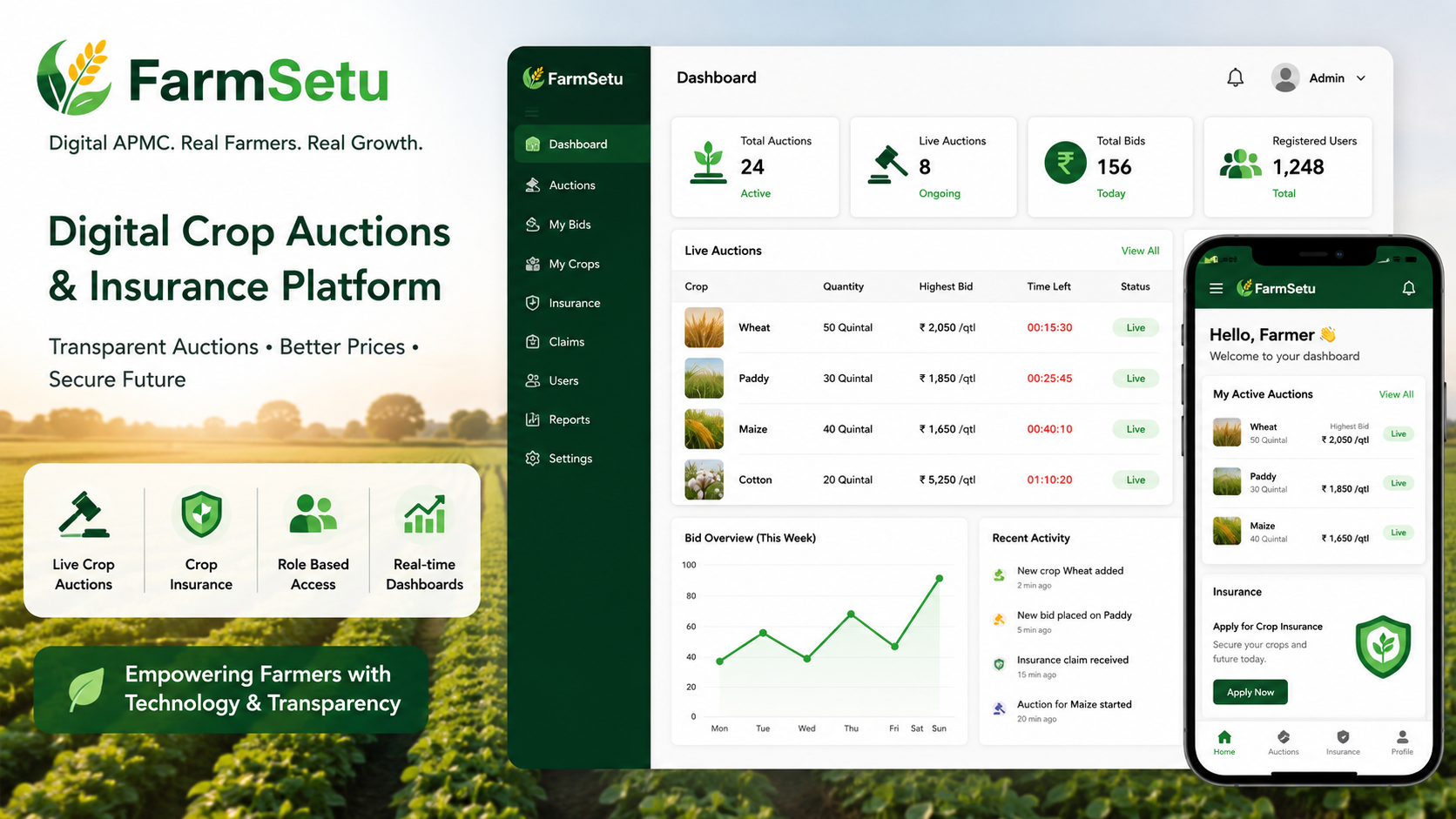 website Development
FarmSetu – Microservices Digital Agri Marketplace
A microservices-based platform enabling real-time crop auctions, farmer insurance, and transparent agricultural trading with role-based access