Civix:Civic Issue Reporting and Tracking App
A full-stack platform for reporting, tracking, and managing civic issues with maps, real-time updates, and community participation.
Preview Gallery
1 media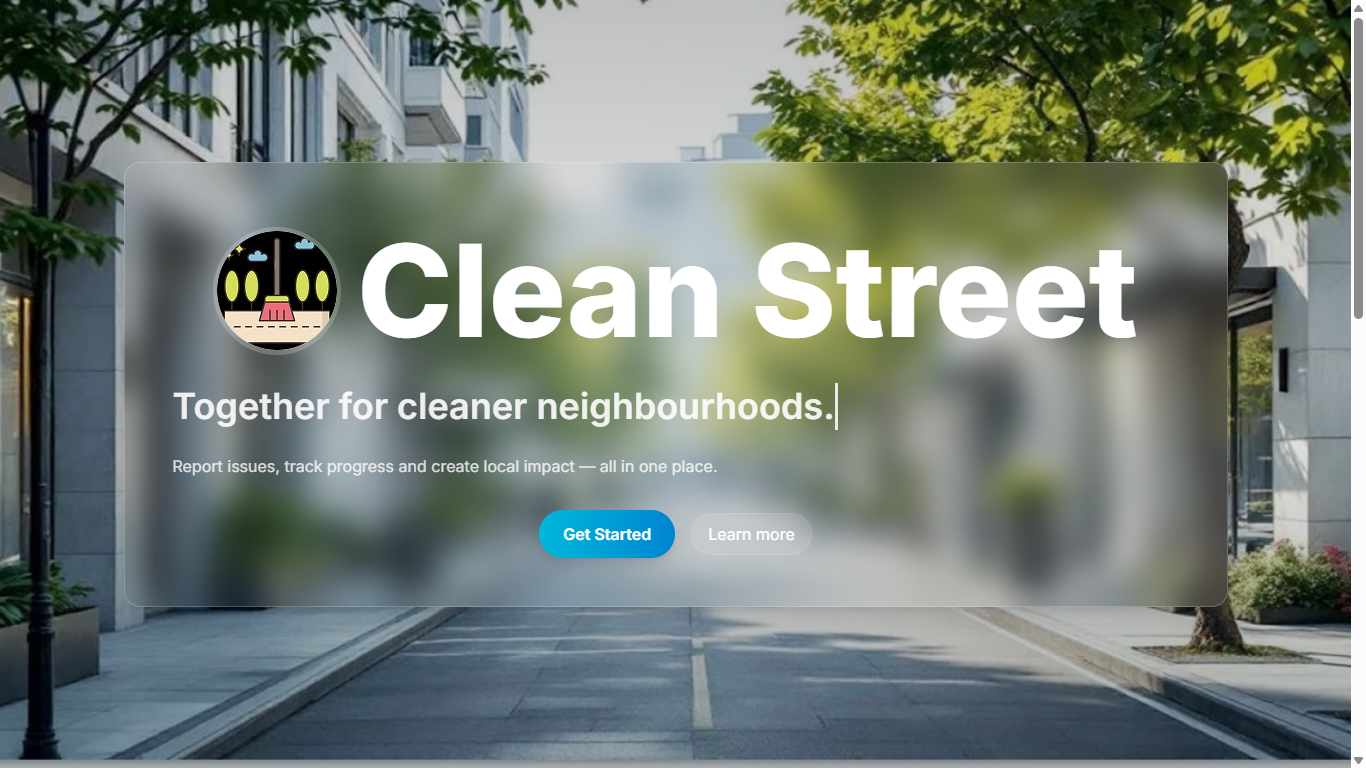
Technologies & Skills
Tags
Limited time offer
What's Included
Support & Customization
Customization services include UI enhancements, feature development, authentication improvements, database modifications, API integrations, deployment assistanc...
Resource Links
Purchase this project to unlock source and premium resources. Document/report remain secure preview-based on this page.
Civix: Civic Issue Reporting and Tracking Platform
Civix is a full-stack web application designed to simplify the process of reporting, tracking, and managing civic issues such as potholes, garbage dumps, water leakage, broken streetlights, and other public infrastructure problems. The platform connects citizens, volunteers, and administrators through a centralized system that improves communication and speeds up issue resolution.
The application allows users to create an account, securely log in, and report issues by providing a title, description, location, and supporting images. Interactive map integration enables users to pinpoint the exact location of an issue, making it easier for authorities to identify and resolve problems efficiently. Users can monitor the real-time status of their complaints from submission to resolution.
To encourage community participation, the platform includes voting and commenting features that help prioritize important issues based on public interest. Users can view reports submitted by others, contribute feedback, and stay informed about ongoing civic improvements.
An administrative dashboard provides complete control over the platform, allowing administrators to manage complaints, monitor user activity, update complaint statuses, review analytics, and generate reports. Role-Based Access Control (RBAC) ensures that citizens, volunteers, and administrators have access only to features relevant to their responsibilities.
The backend is built using Node.js and Express.js with RESTful APIs, while MySQL manages relational data efficiently. JWT-based authentication secures user sessions, and the frontend is developed using React.js with a responsive interface. Leaflet.js and OpenStreetMap are integrated for location-based reporting, making the platform intuitive and practical for real-world civic engagement.
This project demonstrates my understanding of full-stack application development, authentication and authorization, REST API design, database modeling, geolocation integration, and building scalable applications that solve real-world problems through technology.
Future Enhancements
Phase 2- Real-Time Notification System
Implement WebSocket-based push notifications using Socket.io so citizens receive instant in-app alerts when their
complaint status changes - eliminating manual dashboard polling.
Phase 3 - Mobile Application (React Native)
Develop Android and iOS clients using React Native, leveraging native camera APIs for direct photo capture and GPS
APIs for automatic precise location tagging without manual map pinning.
Phase 4 - Al-Based Issue Categorization
Integrate a lightweight convolutional neural network (MobileNet via TensorFlow.js) to automatically detect and suggest
issue types from uploaded photos - reducing citizen effort and improving data consistency for analytics.
Phase 5- SMS & WhatsApp Alerts (Twilio / MSG91)
Enable complaint status updates delivered via SMS and WhatsApp to make the platform accessible to citizens who do
not regularly check the web portal.
Phase 6 - Urban Analytics Heatmap Dashboard
Build a public analytics dashboard with issue density heatmaps by zone, average resolution times by issue type, and
month-over-month trend charts - supporting evidence-based municipal infrastructure planning and resource
allocation.
Phase 7 -Multi-Language Support (i18n)
Add internationalization using react-i18next with initial language targets of Telugu, Hindi, and Tamil - enabling
deployment across diverse Indian municipalities.
Phase 8- Progressive Web App (Offline Mode)
Convert Civix to a PWA using service workers and IndexedDB, enabling citizens in low-connectivity areas to draft
complaint reports offline and auto-sync when connectivity is restored.
Known Issues
Installation
1. Clone the repository
git clone https://github.com/YOUR_USERNAME/Civix.git
2. Navigate to the project directory
cd Civix
3. Install frontend dependencies
cd client
npm install
4. Install backend dependencies
cd ../server
npm install
5. Configure environment variables
Create a `.env` file inside the server directory and configure:
PORT=5000
DB_HOST=localhost
DB_USER=your_mysql_username
DB_PASSWORD=your_mysql_password
DB_NAME=civix
JWT_SECRET=your_jwt_secret_key
6. Create the MySQL database
Import the provided SQL schema or create the required tables.
7. Start the backend server
npm start
or
npm run dev
8. Start the frontend
Open a new terminal:
cd client
npm start
or
npm run dev
9. Open the application
Visit:
http://localhost:3000
or
http://localhost:5173
10. Login or Register
Create an account and begin reporting, tracking, and managing civic issues.
Usage
User Guide
- Open the application in your web browser.
- Register a new account or log in using your existing credentials.
- After logging in, access the dashboard to view your reported issues and recent activity.
- Click Report Issue to submit a new civic complaint.
- Enter the issue title and description.
- Select the issue type and priority.
- Provide the address or nearby landmark.
- Pin the exact location using the interactive map.
- Upload an image of the issue (if supported).
- Submit the complaint.
- Monitor the status of submitted complaints through the View Complaints section. Complaint statuses such as Received, In Review, and Resolved are updated by administrators.
- Browse community-reported issues, upvote important complaints, and leave comments to encourage faster resolution.
- Update your personal information from the Profile page whenever necessary.
- Administrators can access the Admin Dashboard to:
- View all reported complaints.
- Manage users.
- Assign or update complaint statuses.
- Monitor platform activity.
- Review reports and analytics.
- All user sessions are secured using JWT authentication, and role-based access ensures that users only access features permitted for their role.
- Log out after completing your work to maintain account security.
Expected Output
- Citizens can efficiently report and track civic issues.
- Administrators can manage complaints through a centralized dashboard.
- Community members can participate by voting and commenting on reports.
- The platform provides a transparent workflow from issue reporting to final resolution.
- Interactive maps improve location accuracy, enabling faster response from authorities.
System Requirements
Hardware Requirements
- Processor: Intel Core i3 (8th Generation or higher) / AMD Ryzen 3 or equivalent
- RAM: Minimum 4 GB (8 GB Recommended)
- Storage: Minimum 2 GB free disk space
- Internet Connection: Required for API communication, map services, and package installation
Software Requirements
- Operating System:
- Windows 10/11
- Ubuntu 20.04+ / Other Linux distributions
- macOS 11 or later
- Runtime Environment:
- Node.js v18 or later
- npm v9 or later
- Database:
- MySQL 8.0 or later
- Development Tools:
- Visual Studio Code (Recommended)
- Git
- GitHub
- Web Browser:
- Google Chrome (Recommended)
- Microsoft Edge
- Mozilla Firefox
- Safari
Required Packages & Libraries
- React.js
- Node.js
- Express.js
- MySQL
- JWT (JSON Web Token)
- Tailwind CSS
- Leaflet.js
- OpenStreetMap
- Axios
- Express Router
- dotenv
- bcryptjs
- cors
- multer (if image uploads are supported)
Environment Configuration
- Node.js and npm installed
- MySQL Server running
- Project dependencies installed using
npm install .envfile configured with:- Database credentials
- JWT Secret
- Server Port
- API configuration
Recommended Development Environment
- VS Code with ESLint and Prettier extensions
- Git for version control
- Postman for REST API testing
- MySQL Workbench for database management
Slides Open in New Tab
For better readability, slides are opened directly. Documents remain preview-only with secure backend rendering.
Showing preview pages only. Purchase for full access to all pages and complete source package.
Login for Full AccessNo Q&A available yet
Be the first to ask a question!
Ask a Question
Customer Reviews
Write Your Review
No reviews yet
Be the first to review this project!
Similar Projects
You might also be interested in these projects
 website Development
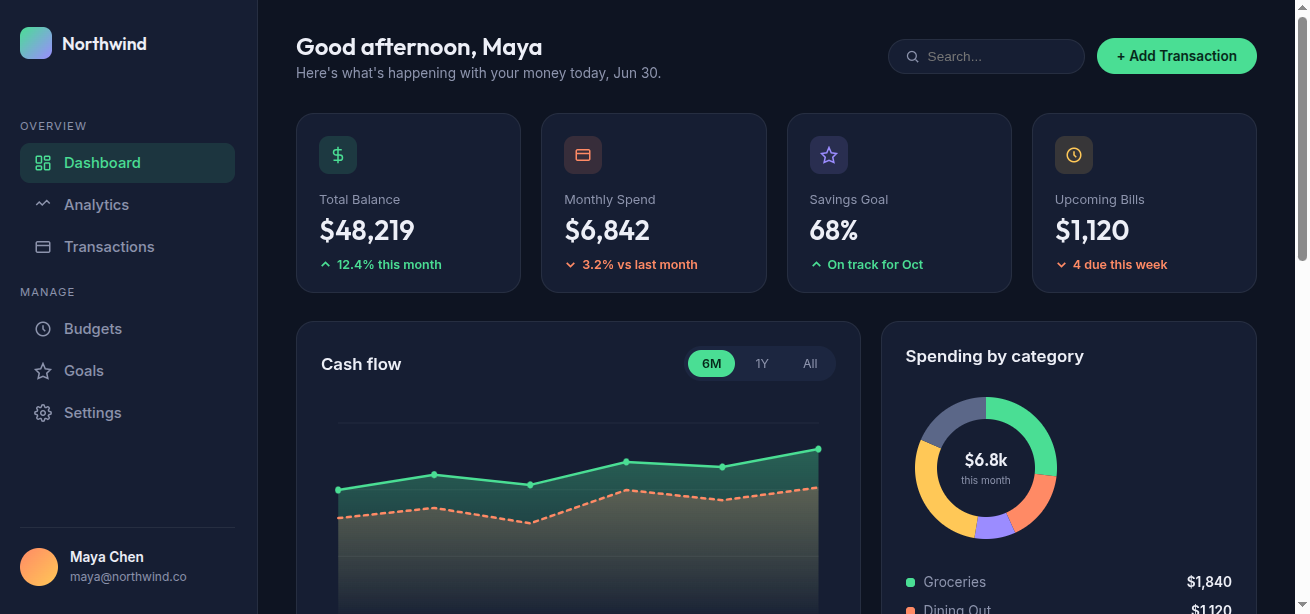
Finance Dashboard
Northwind is a single-page, frontend-only finance dashboard built entirely with vanilla HTML, CSS, and JavaScript — no frameworks, libraries, or backe
 website Development
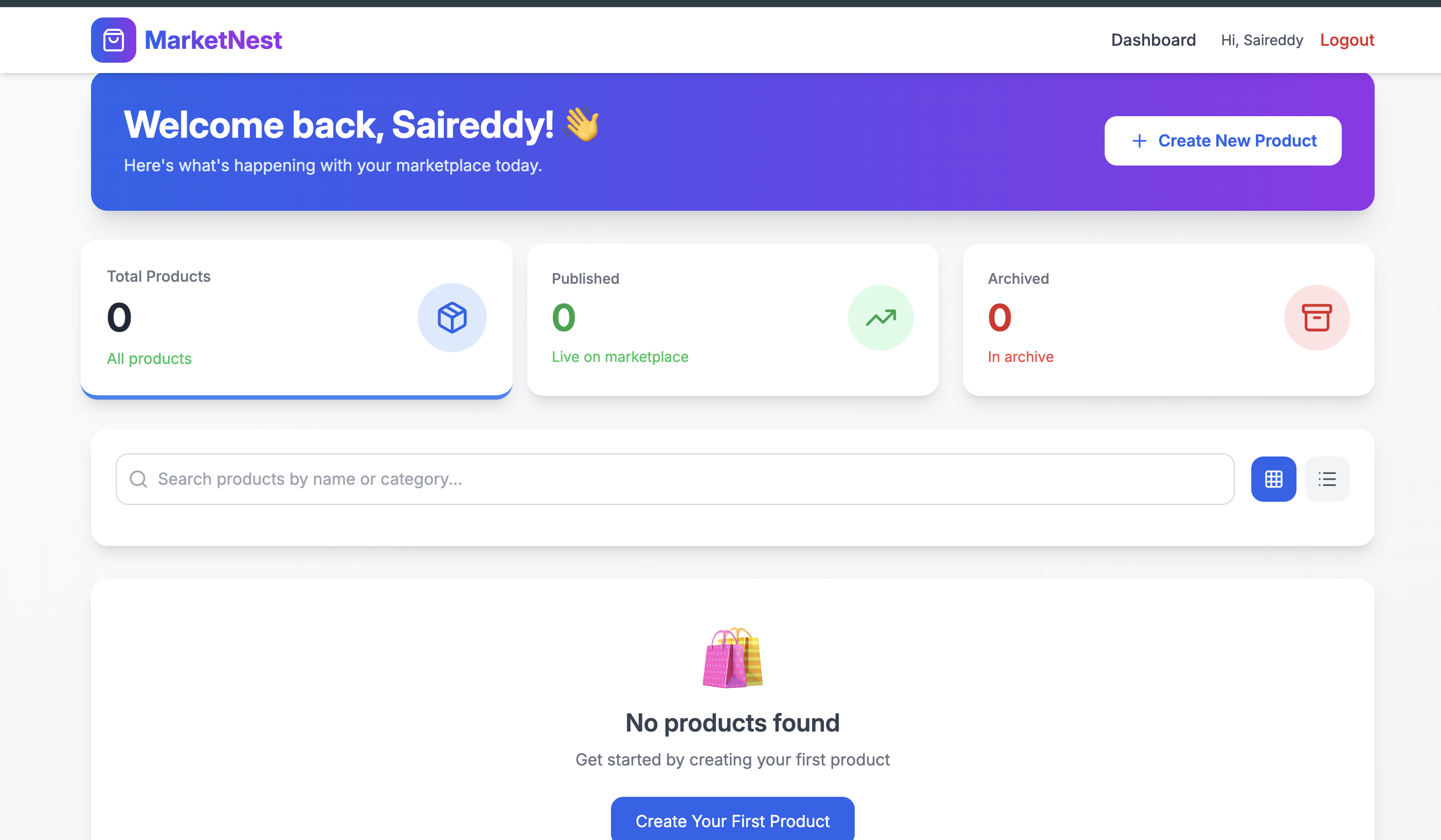
Full-Stack E-Commerce Marketplace Website- MERN Stack
A complete e-commerce platform where brands sell products and customers shop with a full-featured cart, authentication, and secure payments.
 website Development
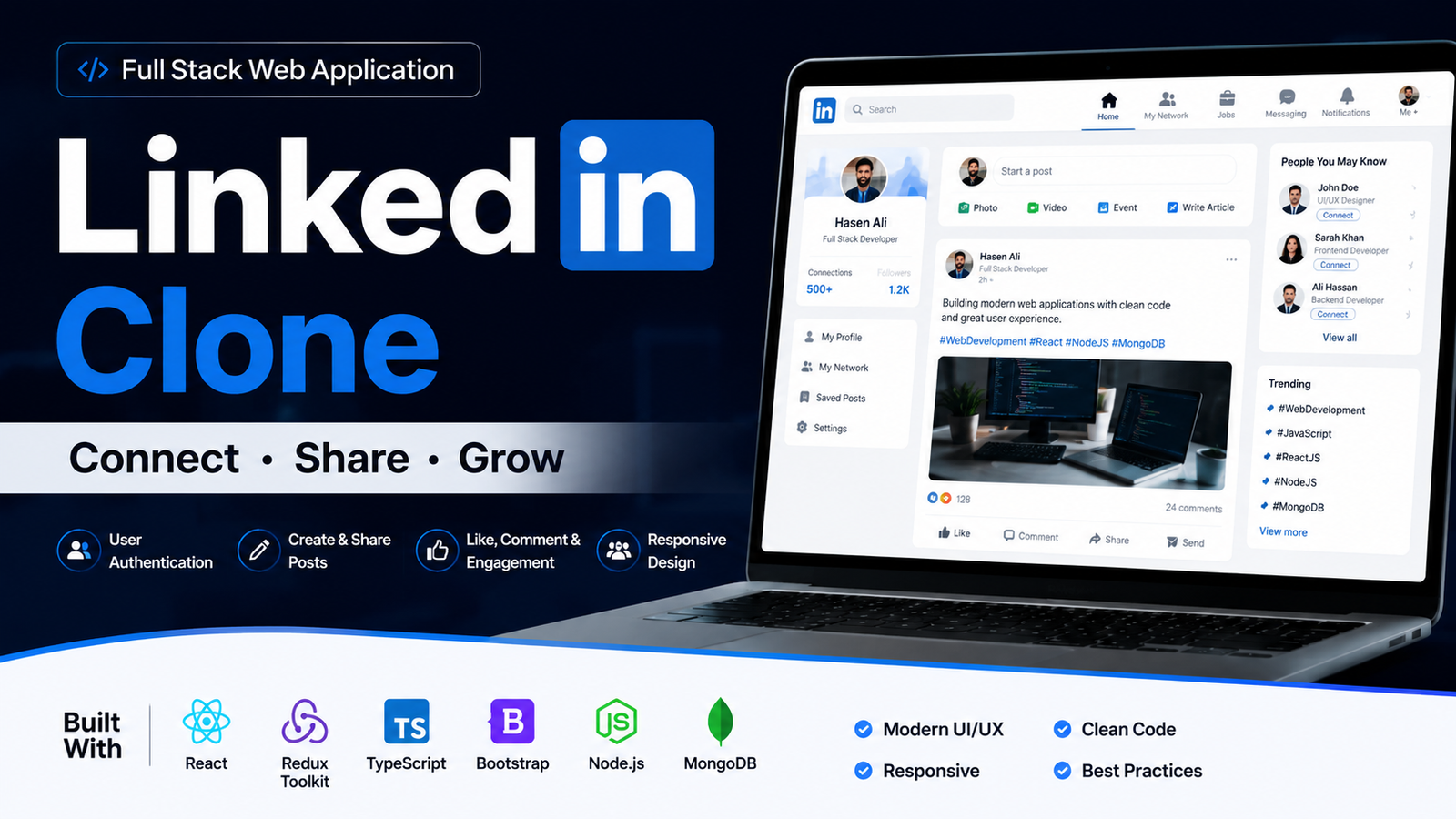
LinkedIn Clone – Professional Social Networking Web Application
A modern LinkedIn-inspired web application built using React.js, Redux Toolkit, Vite, SCSS, Bootstrap, React Router, and responsive UI design.
 website Development
ExploreSphere - Full-Stack Travel & Heritage Discovery Platform
A full-stack MERN platform featuring 100+ campgrounds, interactive maps, secure authentication, and immersive heritage exploration.