AI Powered Virtual Assistant
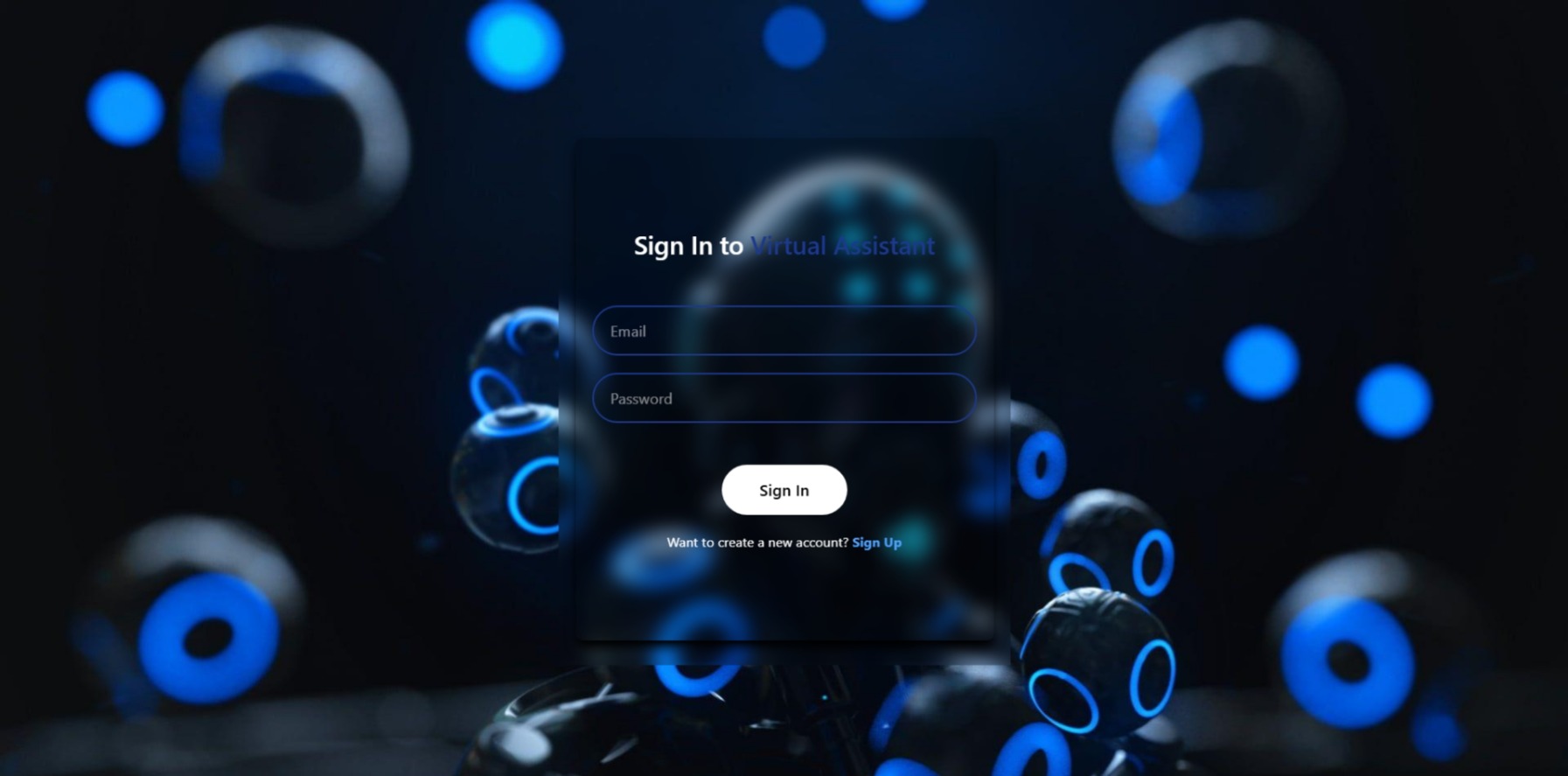
AI-powered virtual assistant with voice commands, Gemini AI, JWT authentication, and personalized user profiles for seamless interaction.
Preview Gallery
6 media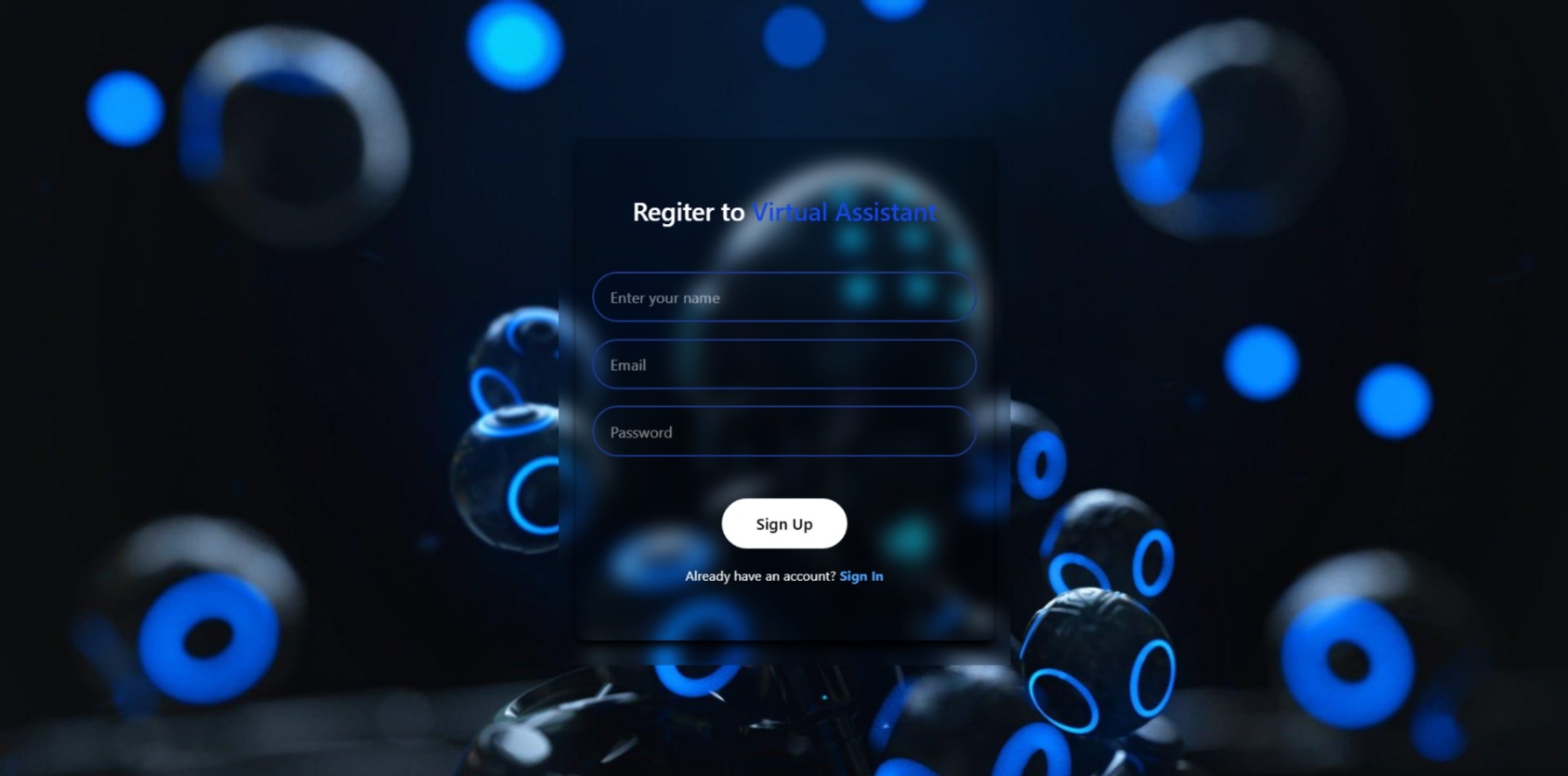

Technologies & Skills
One-time purchase
What's Included
Support & Customization
Resource Links
Purchase this project to unlock source and premium resources. Document/report remain secure preview-based on this page.
AI-Powered Virtual Assistant
AI-Powered Virtual Assistant is a full-stack web application developed using the MERN stack that enables users to interact with an intelligent AI assistant through both text and voice. The application is designed to provide a seamless conversational experience by combining modern web technologies with Google's Gemini AI model.
The assistant understands natural language queries, analyzes user intent, and generates accurate, context-aware responses in real time. It supports voice-based interaction using the Web Speech API, allowing users to communicate hands-free through speech recognition and speech synthesis. The assistant can answer questions, assist with programming, generate content, explain concepts, and perform various productivity-related tasks.
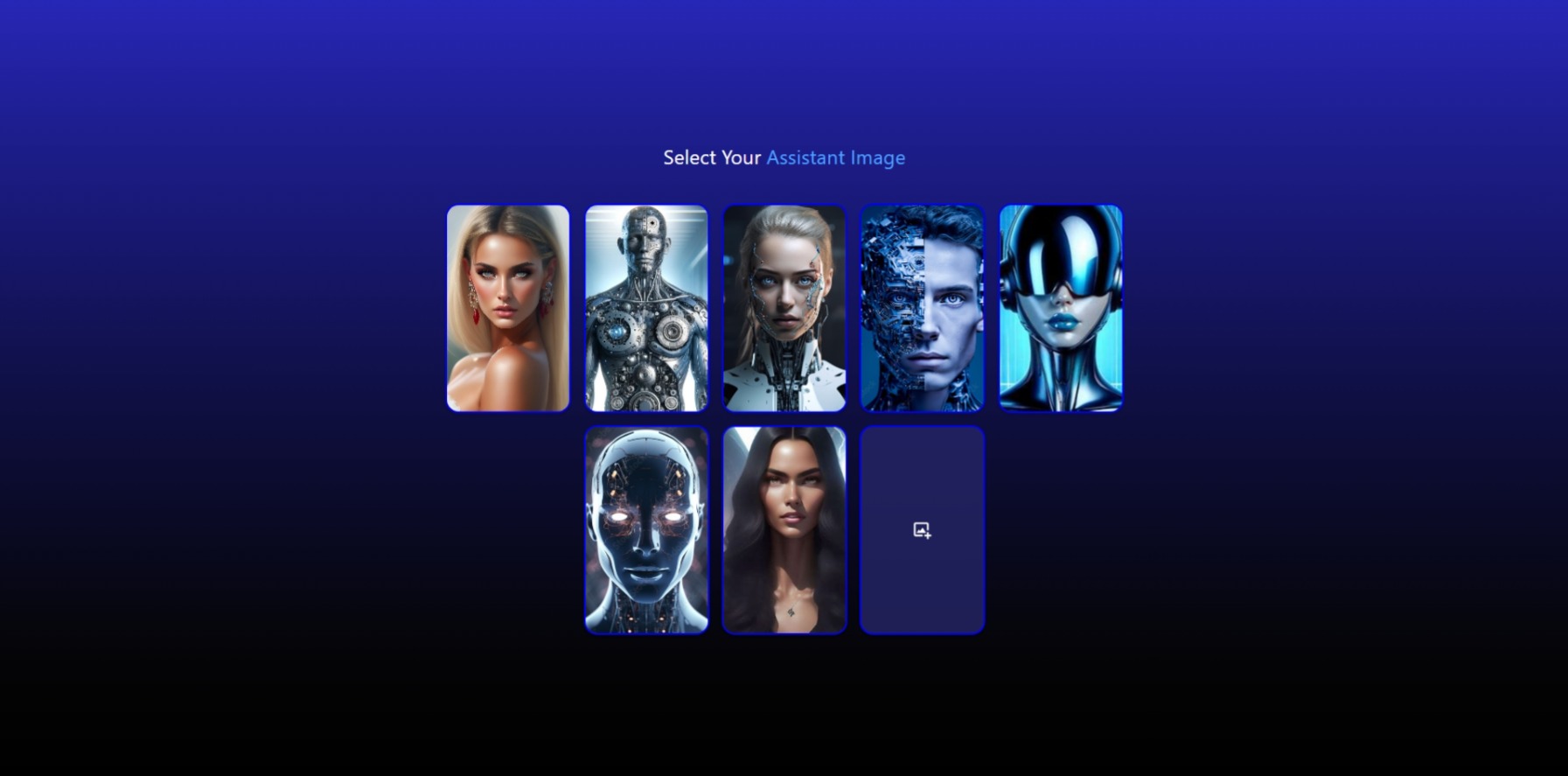
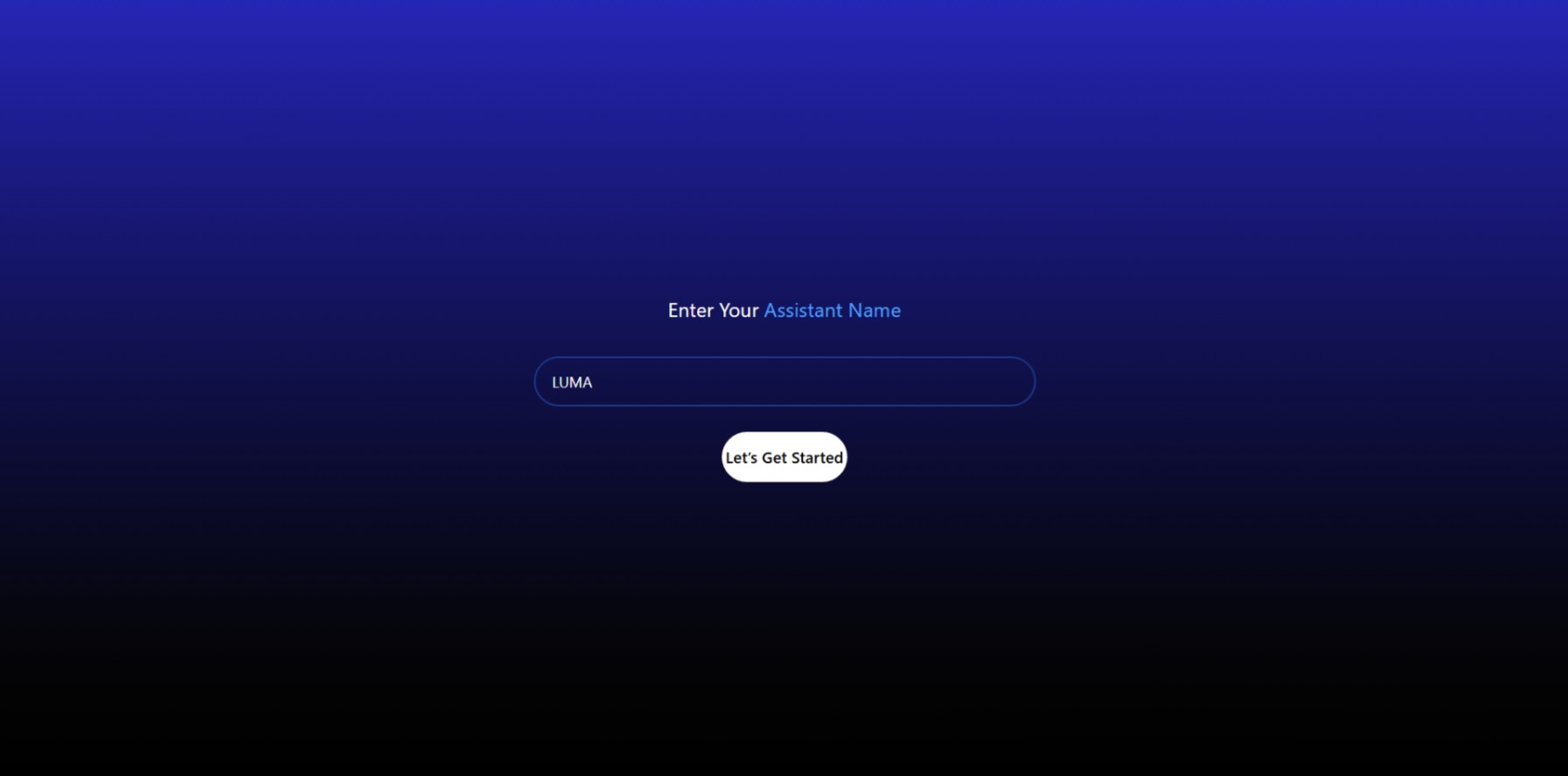
The application also includes a secure authentication system using JSON Web Tokens (JWT), ensuring that only authorized users can access personalized features. Users can customize their virtual assistant by setting a preferred assistant name, selecting an avatar, and uploading a profile picture. Profile images are securely stored using Cloudinary, while Multer handles image uploads efficiently. User information and preferences are stored persistently in MongoDB.
To enhance usability, the assistant supports intelligent command routing through the Gemini API. Based on user requests, it can perform tasks such as searching the web, opening YouTube, launching Google Maps, providing weather information, performing calculations, and assisting with general productivity. The application features a clean, modern, and fully responsive user interface built with React.js and Tailwind CSS, ensuring an excellent experience across desktops, tablets, and mobile devices.
The backend is developed with Node.js and Express.js, providing secure API endpoints, authentication, database management, and AI integration. The entire application is deployed on Vercel, making it easily accessible online while maintaining fast performance and scalability.
Key Features
- AI-powered conversations using Google Gemini API
- Voice recognition and speech synthesis with Web Speech API
- Intelligent command routing for web search, YouTube, Maps, Weather, and Calculator
- Secure JWT-based authentication and authorization
- Personalized assistant name, avatar, and profile customization
- Profile image upload using Multer and Cloudinary
- Persistent user data storage with MongoDB
- Responsive and modern user interface built with React.js and Tailwind CSS
- Fast and scalable backend using Node.js and Express.js
- Cross-platform compatibility for desktop and mobile devices
- Live deployment on Vercel
Technology Stack
Frontend
- React.js
- Tailwind CSS
- JavaScript (ES6+)
- HTML5
- CSS3
Backend
- Node.js
- Express.js
Database
- MongoDB
Authentication
- JSON Web Token (JWT)
AI & APIs
- Google Gemini API
- Web Speech API
Cloud Services
- Cloudinary
- Multer
Deployment
- Vercel
Learning Outcomes
- Developed a complete full-stack MERN application.
- Integrated Google's Gemini AI for intelligent conversational responses.
- Implemented secure JWT authentication and authorization.
- Built voice-enabled functionality using the Web Speech API.
- Managed image uploads with Multer and Cloudinary.
- Designed a responsive and user-friendly interface.
- Gained experience deploying scalable web applications on Vercel.
- Improved understanding of AI integration, REST APIs, and modern web development practices.
Future Enhancements
Known Issues
Installation
Follow the steps below to install and run the AI-Powered Virtual Assistant on your local machine.
Step 1: Clone the Repository
Open a terminal and execute:
git clone https://github.com/SrutiGupta/virtualassistant.git
Move into the project directory:
cd virtualassistant
Step 2: Install Frontend Dependencies
Navigate to the client folder:
cd client
Install the required packages:
npm install
Step 3: Install Backend Dependencies
Open another terminal.
Navigate to the server folder:
cd server
Install the backend dependencies:
npm install
Step 4: Configure Environment Variables
Create a .env file inside the backend folder.
Add the following variables:
PORT=5000

MONGODB_URI=your_mongodb_connection_string

JWT_SECRET=your_secret_key

GEMINI_API_KEY=your_gemini_api_key

CLOUDINARY_CLOUD_NAME=your_cloud_name

CLOUDINARY_API_KEY=your_api_key

CLOUDINARY_API_SECRET=your_api_secret
Step 5: Configure MongoDB
Using MongoDB Atlas
- Create a MongoDB Atlas account.
- Create a cluster.
- Create a database user.
- Whitelist your IP address.
- Copy the connection string.
- Paste it into the
MONGODB_URIvariable.
OR
Using MongoDB Community Server
Install MongoDB Community Server and use:
mongodb://127.0.0.1:27017/virtualassistant
Step 6: Configure Cloudinary
- Create a Cloudinary account.
- Copy the Cloud Name, API Key, and API Secret.
- Add them to the
.envfile.
Step 7: Configure Google Gemini API
- Generate a Gemini API key from Google AI Studio.
- Copy the API key.
- Paste it into the
.envfile.
Step 8: Start the Backend Server
npm run dev
or
npm start
Step 9: Start the Frontend
cd client
npm run dev
The frontend will start at:
http://localhost:5173
The backend server will run at:
http://localhost:5000
Step 10: Launch the Application
Open your web browser and visit:
http://localhost:5173
The AI-Powered Virtual Assistant is now ready to use.
Usage
Usage Instructions
After successfully installing and launching the application, users can interact with the AI-Powered Virtual Assistant by following the steps below.
1. Register an Account
- Open the application.
- Click Sign Up.
- Enter your name, email address, and password.
- Complete the registration process.
2. Login
- Enter your registered email and password.
- Click Sign In.
- The application authenticates the user securely using JWT Authentication.
3. Personalize Your Assistant
After logging in, users can:
- Choose an assistant avatar.
- Upload a custom profile picture.
- Assign a custom name to the assistant.
These settings are securely stored in MongoDB.
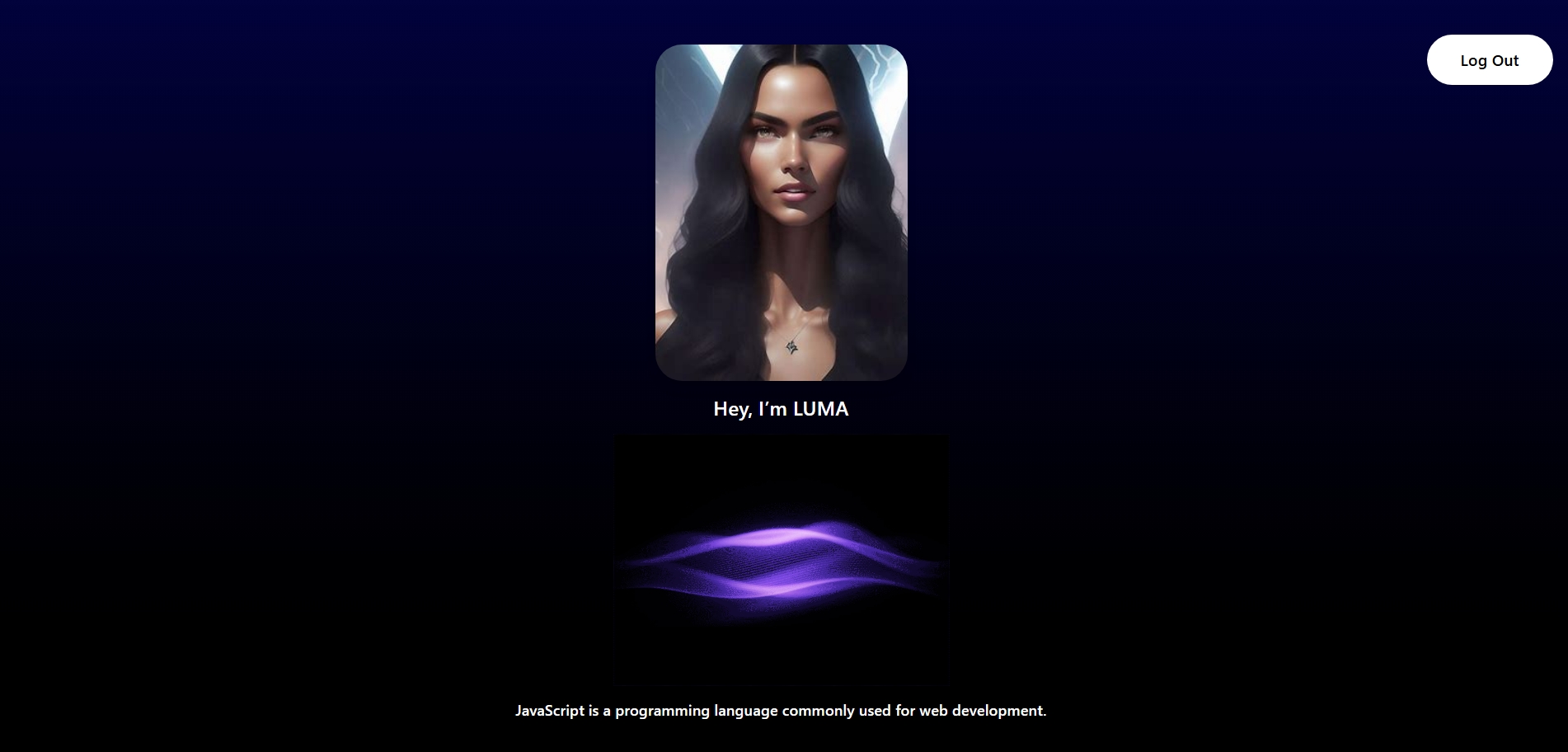
4. Interact with the Assistant
Users can communicate using:
- Voice Commands
- Text Input
The assistant processes requests using the Google Gemini API and returns intelligent responses.
5. Available Functions
The virtual assistant can perform tasks such as:
- Answer general questions
- Provide programming assistance
- Generate text content
- Perform mathematical calculations
- Search information on the web
- Open YouTube
- Open Google Maps
- Provide weather information
- Respond using voice output
6. Voice Interaction
- Click the microphone icon.
- Speak naturally.
- The application converts speech to text.
- Gemini AI processes the request.
- The assistant replies using speech synthesis.
7. Profile Management
Users can:
- Update their assistant's name.
- Change the assistant avatar.
- Upload a new profile image.
- Manage their account information.
8. Logout
To end the session securely:
- Click the Logout button.
- The JWT session is terminated.
- The user is redirected to the login page.
System Requirements
After successfully installing and launching the application, users can interact with the AI-Powered Virtual Assistant by following the steps below.
1. Register an Account
- Open the application.
- Click Sign Up.
- Enter your name, email address, and password.
- Complete the registration process.
2. Login
- Enter your registered email and password.
- Click Sign In.
- The application authenticates the user securely using JWT Authentication.
3. Personalize Your Assistant
After logging in, users can:
- Choose an assistant avatar.
- Upload a custom profile picture.
- Assign a custom name to the assistant.
These settings are securely stored in MongoDB.
4. Interact with the Assistant
Users can communicate using:
- Voice Commands
- Text Input
The assistant processes requests using the Google Gemini API and returns intelligent responses.
5. Available Functions
The virtual assistant can perform tasks such as:
- Answer general questions
- Provide programming assistance
- Generate text content
- Perform mathematical calculations
- Search information on the web
- Open YouTube
- Open Google Maps
- Provide weather information
- Respond using voice output
6. Voice Interaction
- Click the microphone icon.
- Speak naturally.
- The application converts speech to text.
- Gemini AI processes the request.
- The assistant replies using speech synthesis.
7. Profile Management
Users can:
- Update their assistant's name.
- Change the assistant avatar.
- Upload a new profile image.
- Manage their account information.
8. Logout
To end the session securely:
- Click the Logout button.
- The JWT session is terminated.
- The user is redirected to the login page.
Slides Open in New Tab
For better readability, slides are opened directly. Documents remain preview-only with secure backend rendering.
Showing preview pages only. Purchase for full access to all pages and complete source package.
Login for Full AccessNo Q&A available yet
Be the first to ask a question!
Ask a Question
Customer Reviews
Write Your Review
No reviews yet
Be the first to review this project!
Similar Projects
You might also be interested in these projects
 Software Development
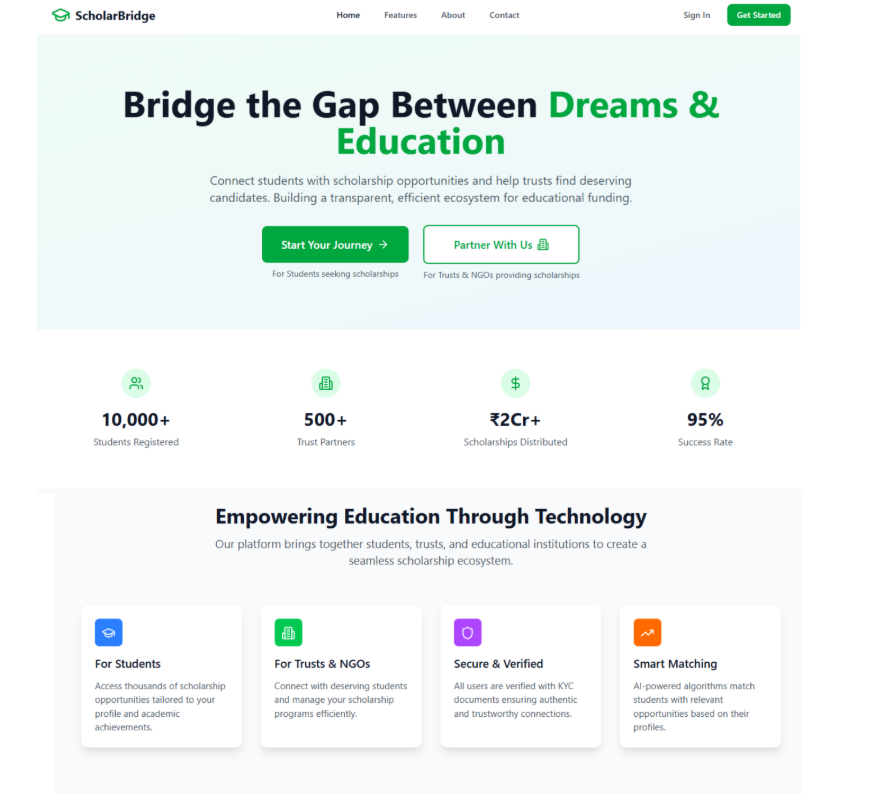
ScholarBridge - Where Every Scholarship Finds You
Full-stack web platform designed to connect students with scholarship opportunities and help trusts/NGOs manage and approve applicacations efficiently
 Software Development
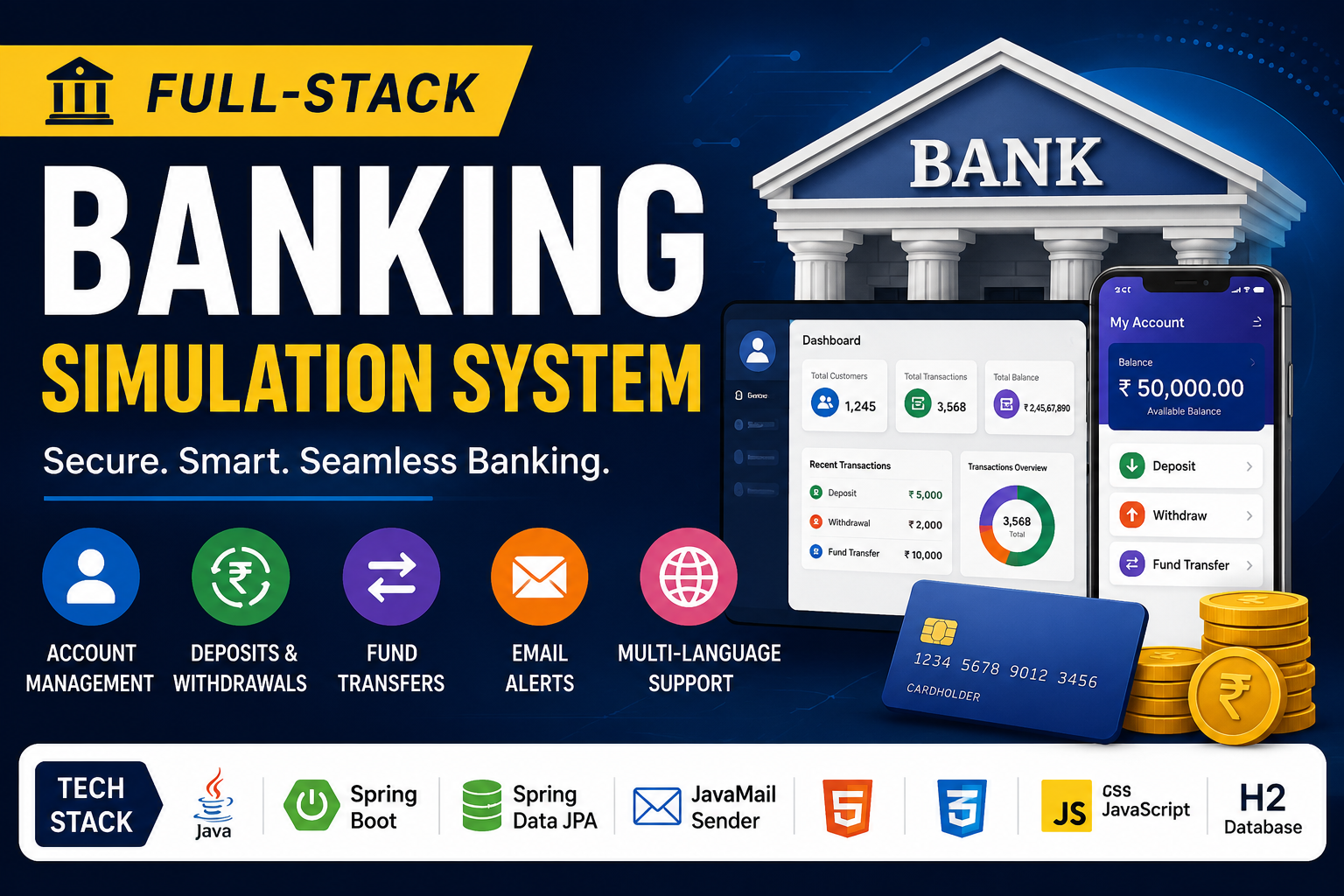
Banking-transaction-simulation-system
Full-Stack Banking Simulation System is a secure web application that simulates real-world banking operations, transactions, and account management.
 Software Development
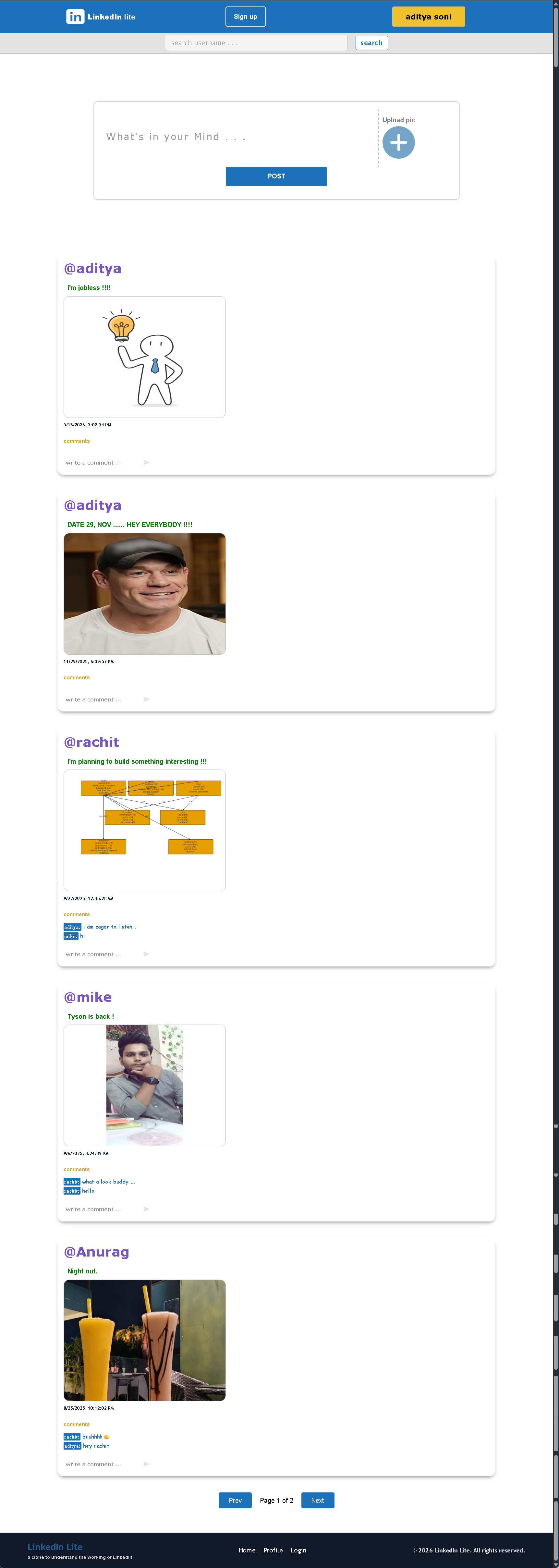
Social Media Clone - Linkedin
"LinkedIn Lite" a scalable social networking web application featuring secure Authentication, Profile management, Post creation, NewsFeed rendering.
 Software Development
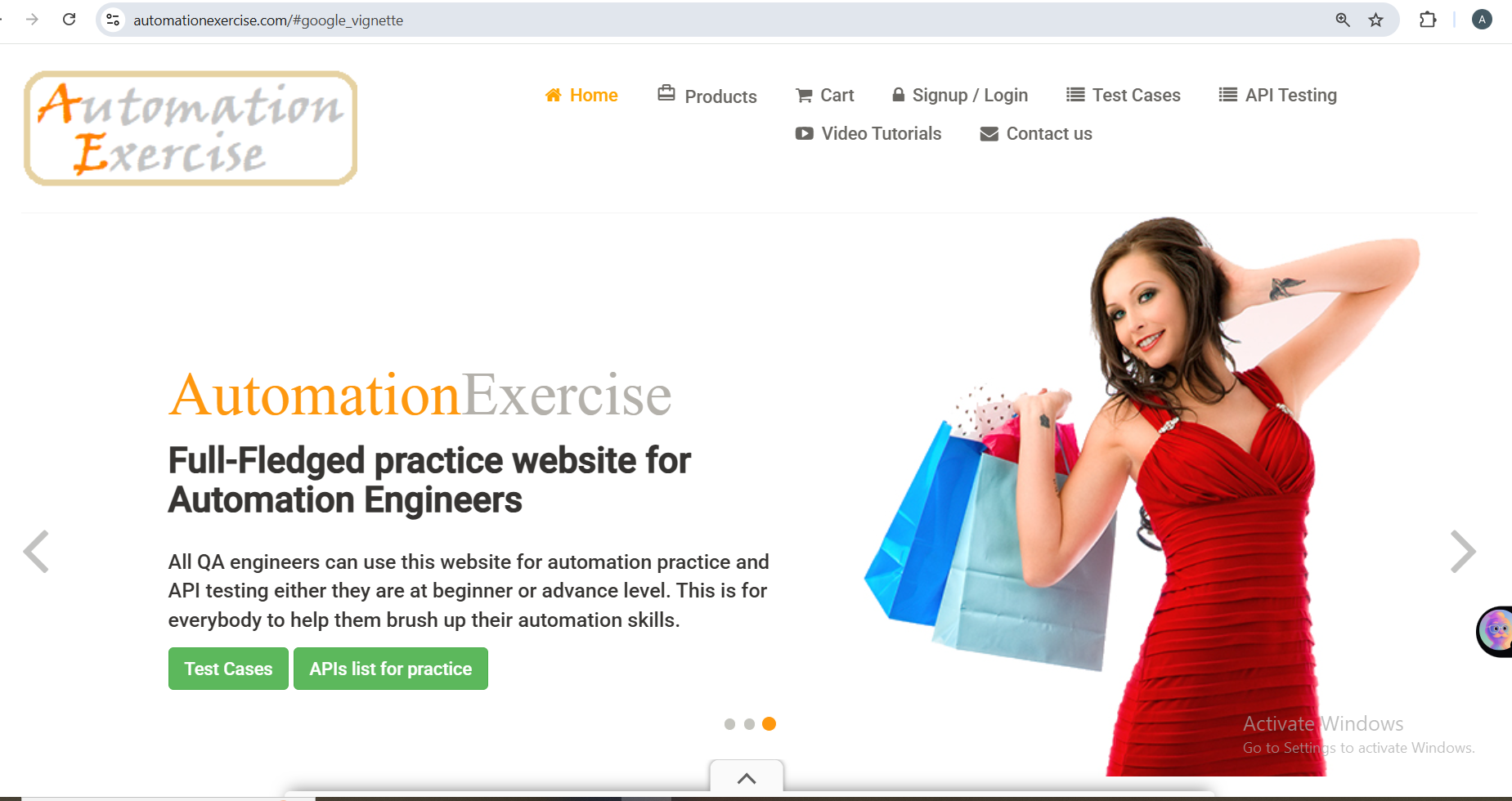
E-Commerce Web Application Testing
A complete Manual Testing project for an E-Commerce website including Test Cases, Bug Reports, RTM, API Testing using Postman, SQL Validation, and QA