SpendSense - AI-Powered Expense Tracker
A full-stack expense tracker with real-time charts, budget alerts, and AI-powered personalized financial insights.
Preview Gallery
5 media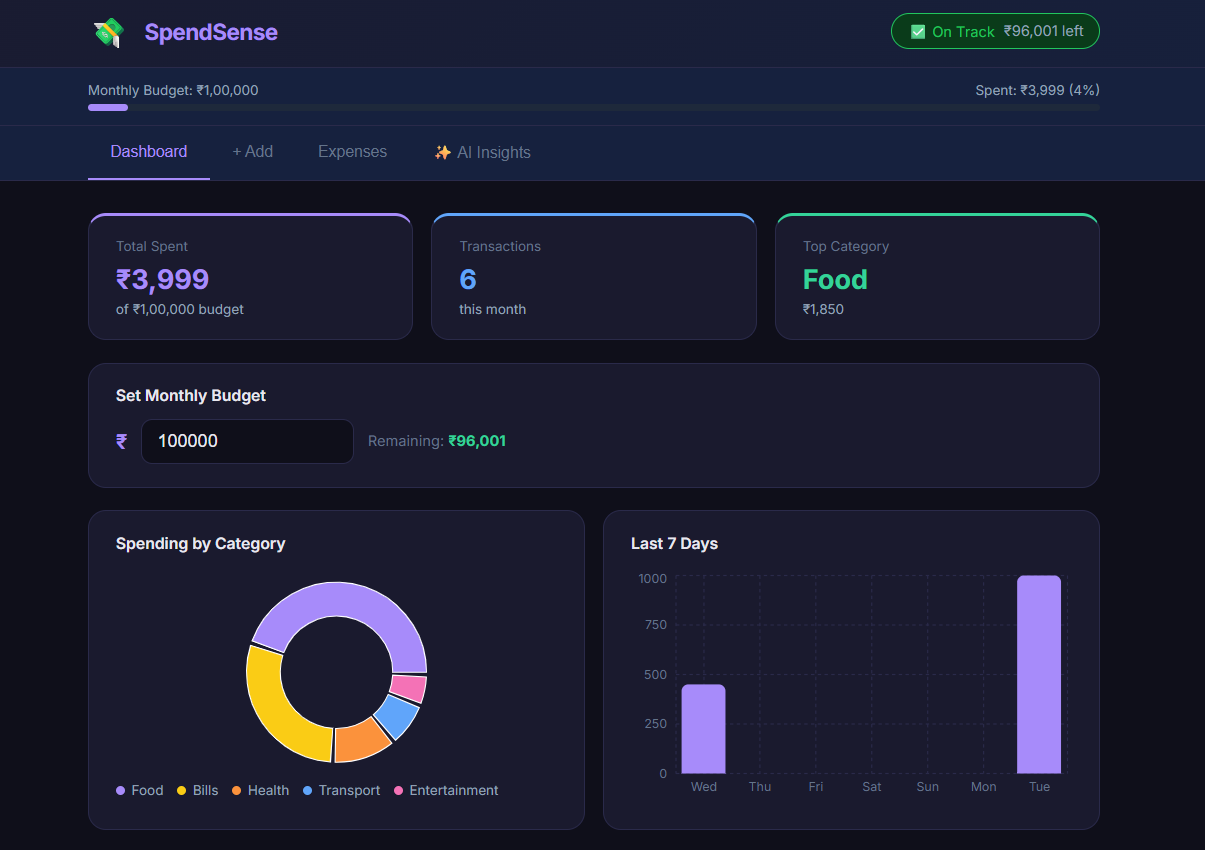

Technologies & Skills
Tags
Download at no cost
What's Included
Support & Customization
Resource Links
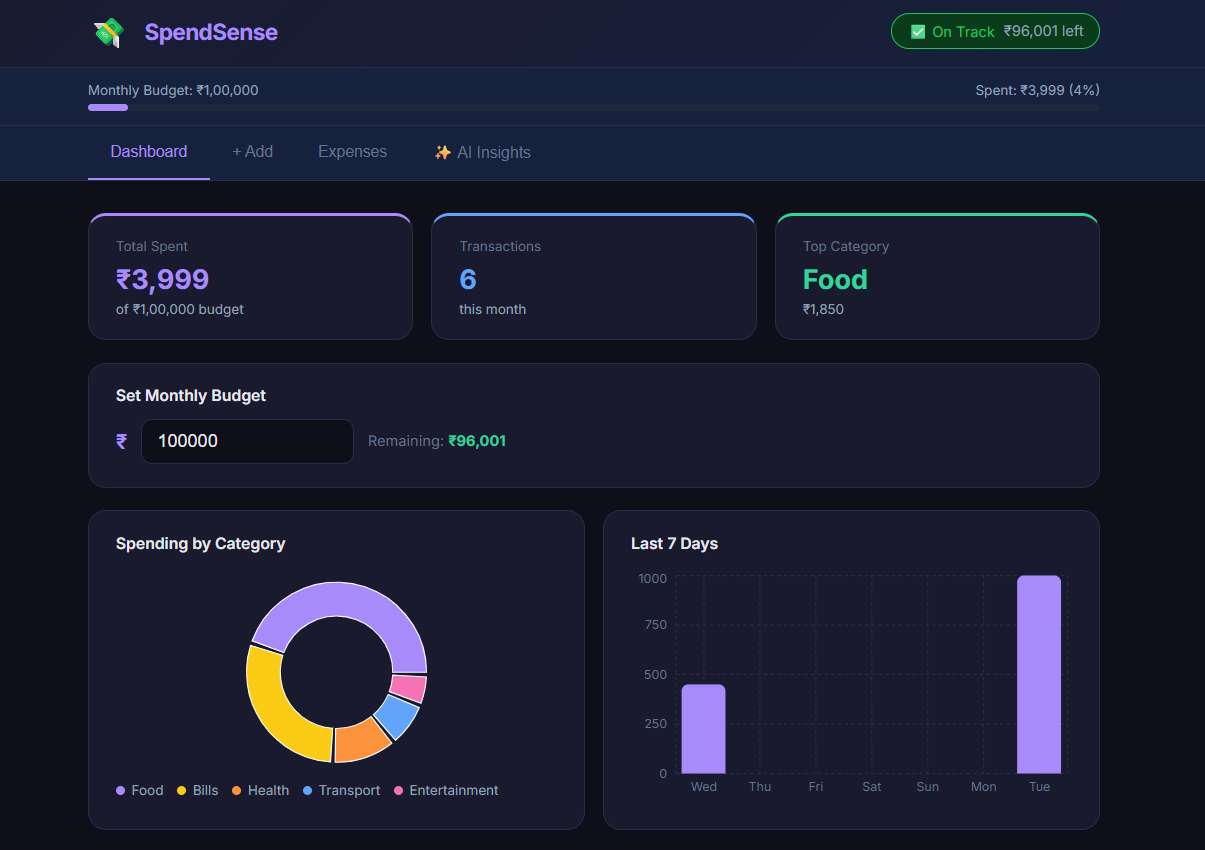
SpendSense is a full-stack expense tracking web app built with React and Node.js. Users can add, filter, and manage their daily expenses while visualizing spending patterns through interactive pie and bar charts. The app includes a smart monthly budget tracker that alerts users when they're close to or over their limit.
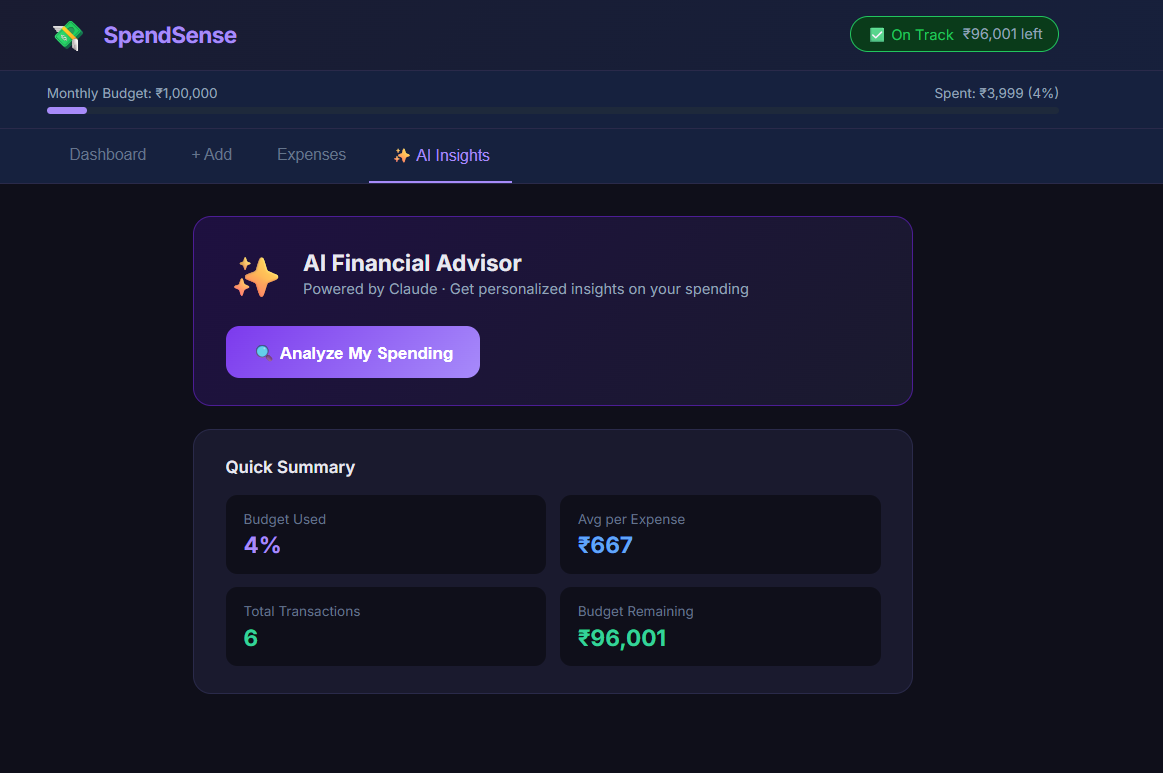
The standout feature is the AI Financial Advisor — powered by Groq's LLaMA 3.3 model — which analyzes a user's spending data and generates personalized, actionable financial insights and saving tips in real time. The AI feature is fully functional on the live demo, with the backend securely deployed on Render.
The project uses a secure Express backend proxy (deployed on Render) to keep API keys safe, local Storage for fast data persistence, and Recharts for clean, responsive data visualization. It's fully responsive and works smoothly across desktop and mobile.
Future Enhancements
- Add user authentication and cloud data sync
- Export expense reports as PDF/CSV
- Add recurring expense tracking
- Add multi-currency support
- Dark/Light theme toggle
Known Issues
No known issues. The AI Insights feature is fully functional on the live demo — the Express backend is deployed on Render and connected to the frontend automatically.
Installation
1. Clone the repository: git clone https://github.com/lalasa496/spendsense-expense-tracker.git
2. Navigate into the project: cd spendsense-expense-tracker/expense-tracker
3. Install dependencies: npm install
4. Start the backend server (for AI Insights): node server.js
5. In a new terminal, start the frontend: npm run dev
6. Open http://localhost:5173 in your browser
Usage
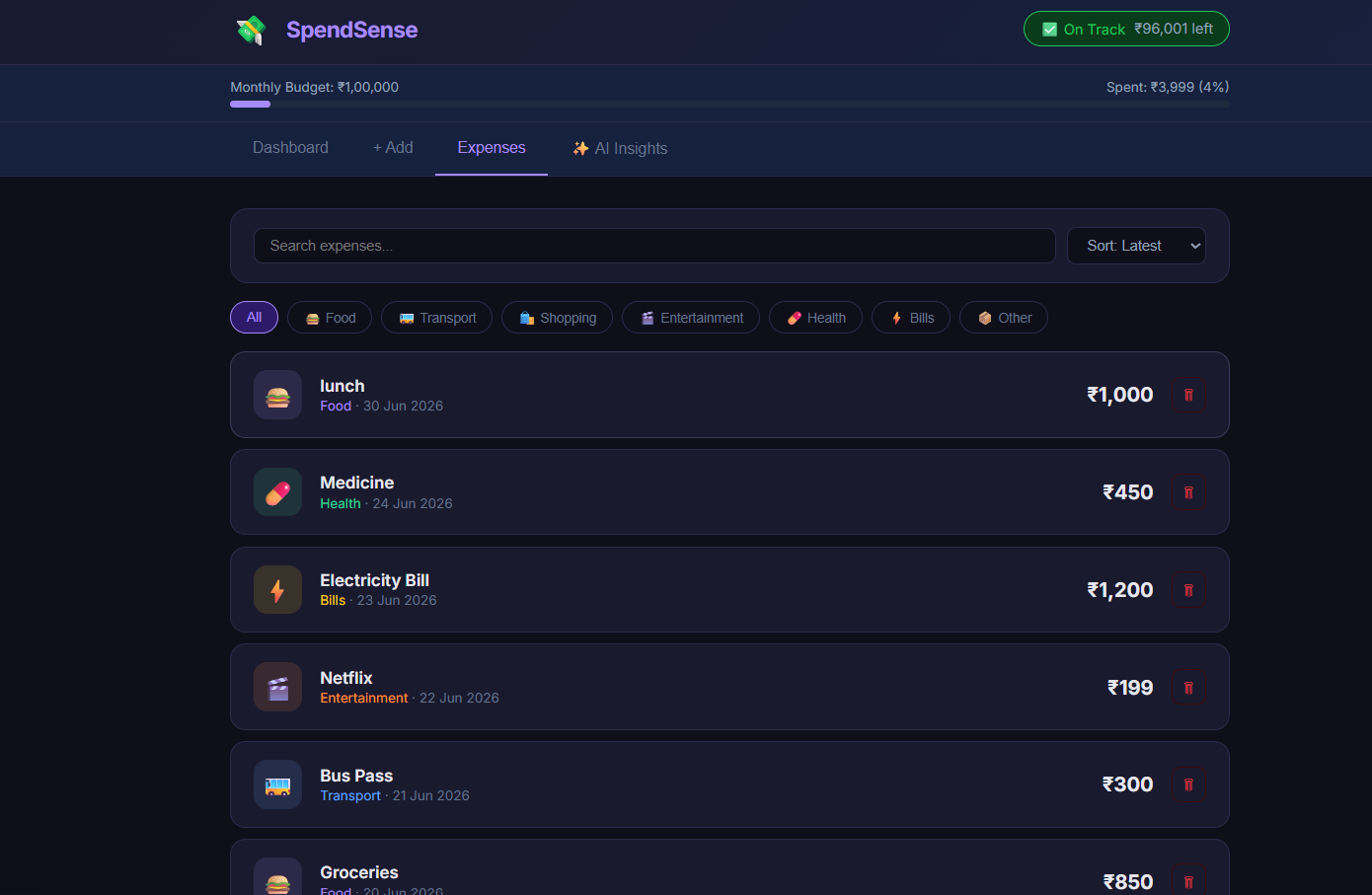
Add your expenses using the "+ Add" tab, selecting a category and date. View spending breakdowns and budget progress on the Dashboard tab. Browse, search, filter, or delete past expenses in the Expenses tab. Click "Analyze My Spending" in the AI Insights tab to get personalized financial advice powered by Groq AI — this feature works fully on the live demo. Set your monthly budget directly from the Dashboard to track how much you've spent versus how much remains.
System Requirements
- Node.js v16 or higher
- npm v8 or higher
- Modern web browser (Chrome, Firefox, Edge)
- Internet connection (required for AI Insights feature)
- No database required — uses browser localStorage
Slides Open in New Tab
For better readability, slides are opened directly. Documents remain preview-only with secure backend rendering.
Showing preview pages only. Purchase for full access to all pages and complete source package.
Login for Full AccessNo Q&A available yet
Be the first to ask a question!
Ask a Question
Customer Reviews
Write Your Review
No reviews yet
Be the first to review this project!
Similar Projects
You might also be interested in these projects
 website Development
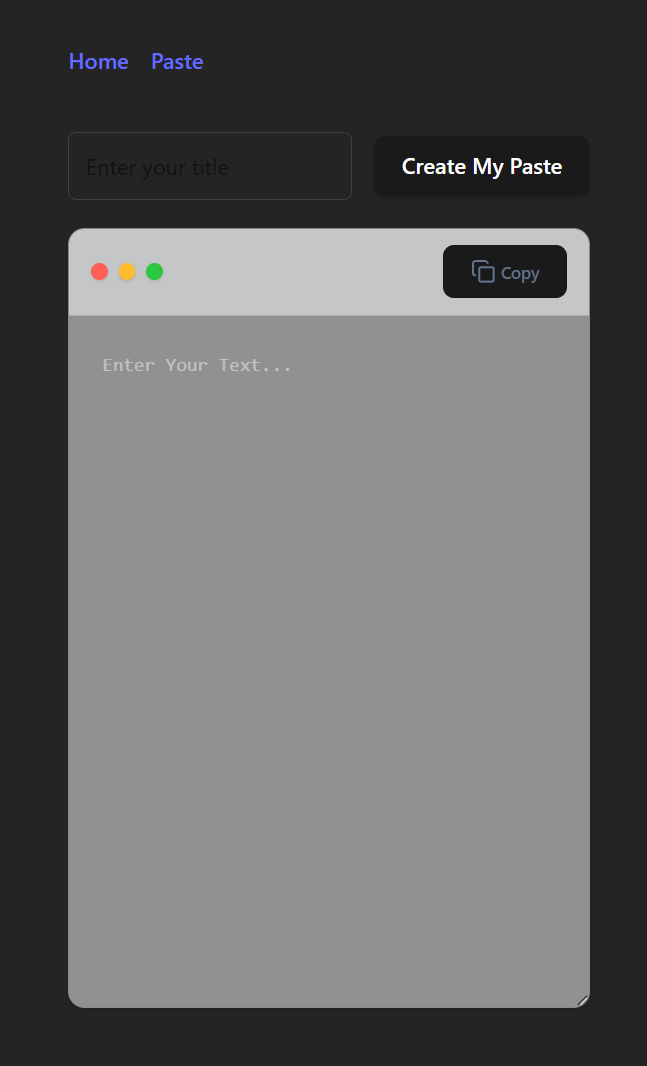
Paste Snippet
Developed a secure full-stack application for managing code snippets in real-time.
 website Development
Terra – Plant Shop E-commerce Web Application
Responsive e-commerce plant store with live search, shopping cart, checkout, admin dashboard, and LocalStorage-based data persistence.
 website Development
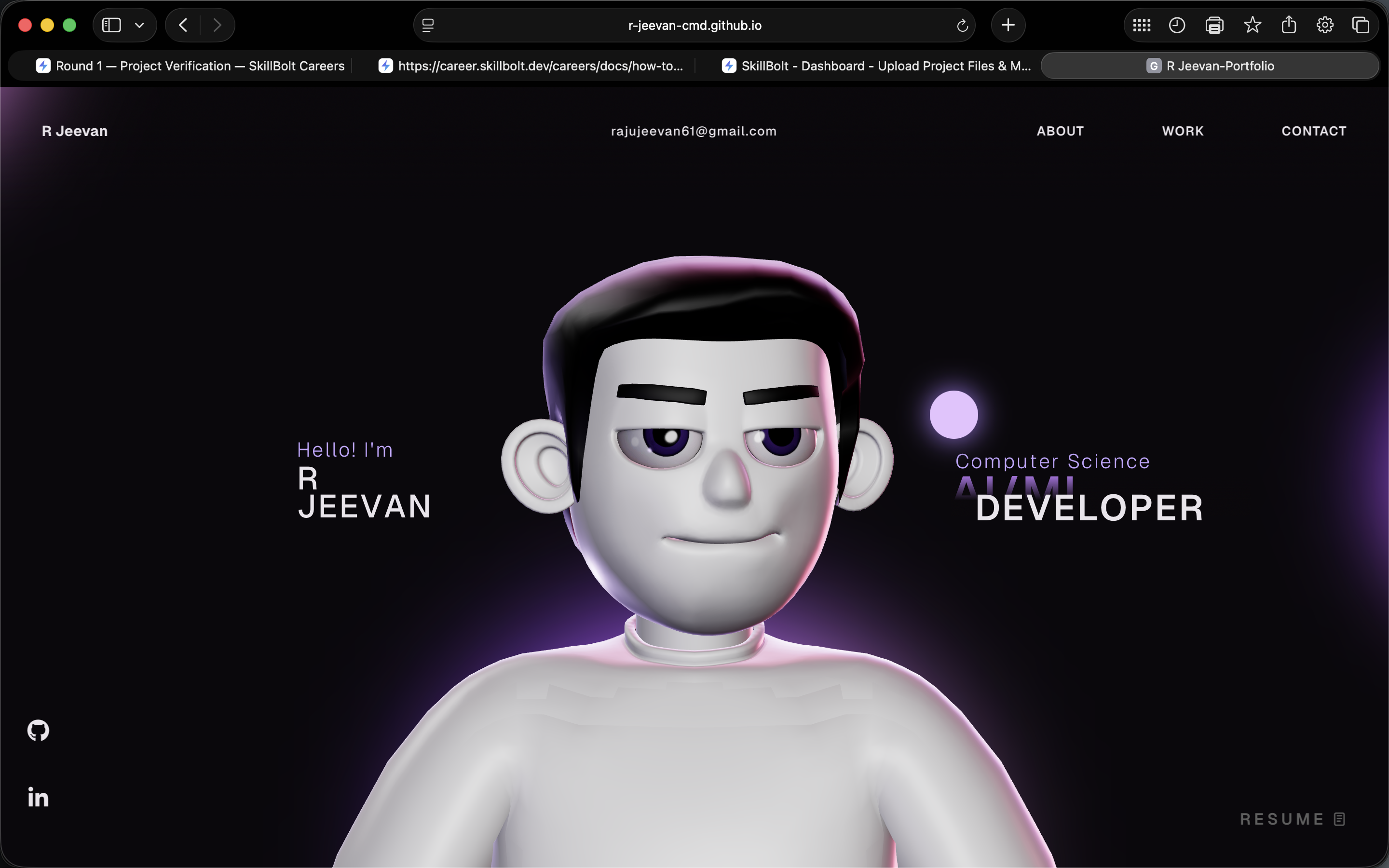
Modern Developer Portfolio Website
A modern developer portfolio website built with React, TypeScript, and Vite to showcase projects, technical skills, education, and experience.
 website Development
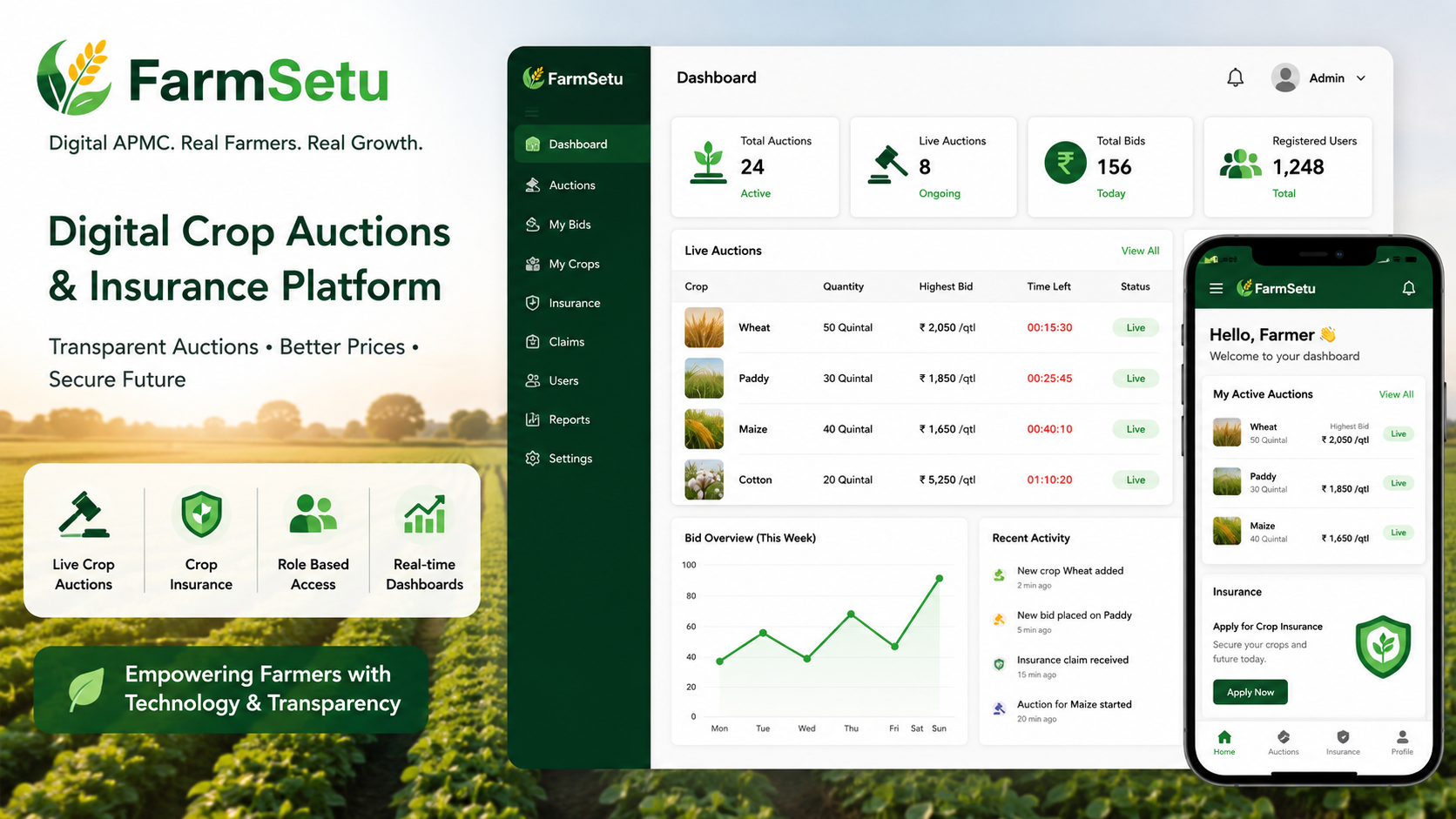
FarmSetu – Microservices Digital Agri Marketplace
A microservices-based platform enabling real-time crop auctions, farmer insurance, and transparent agricultural trading with role-based access