Full Stack Doctor appointment System
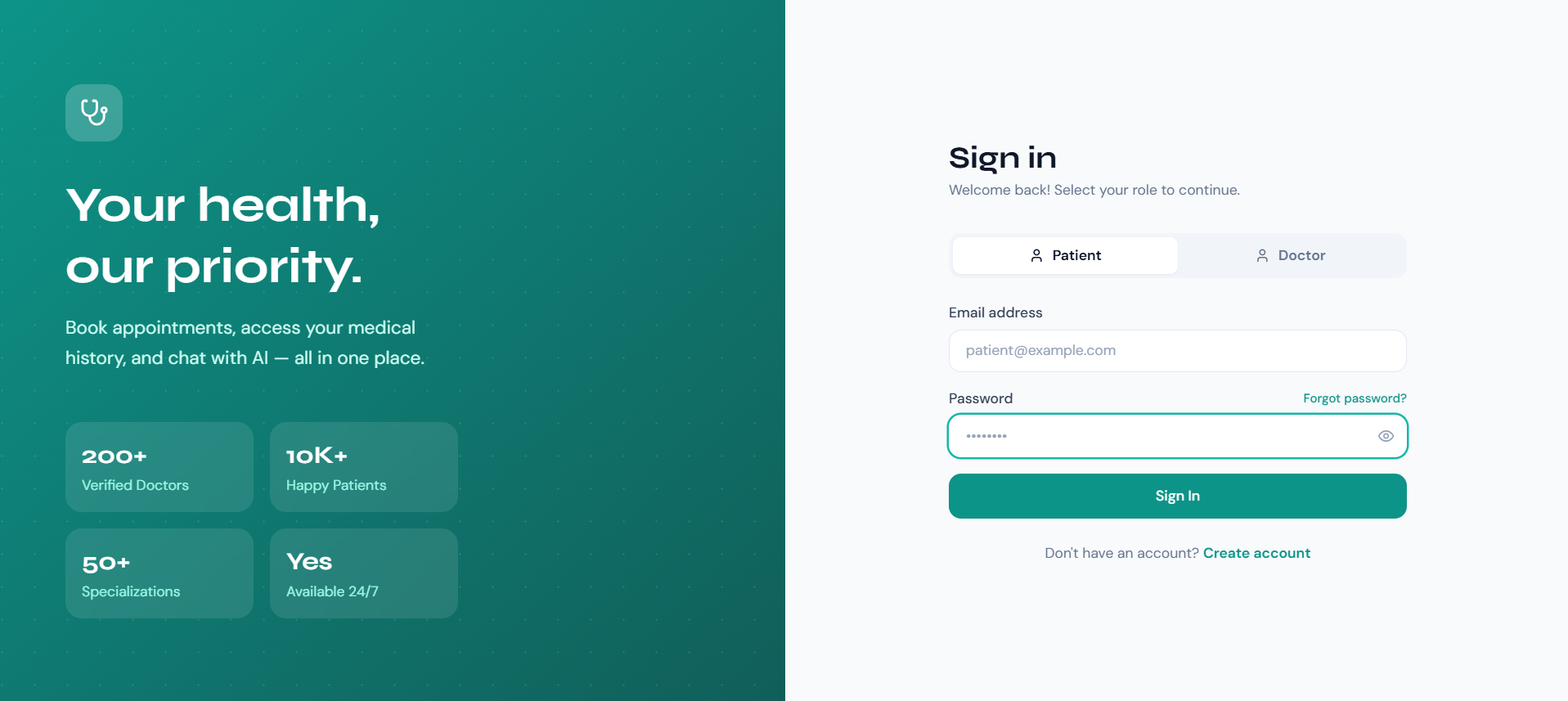
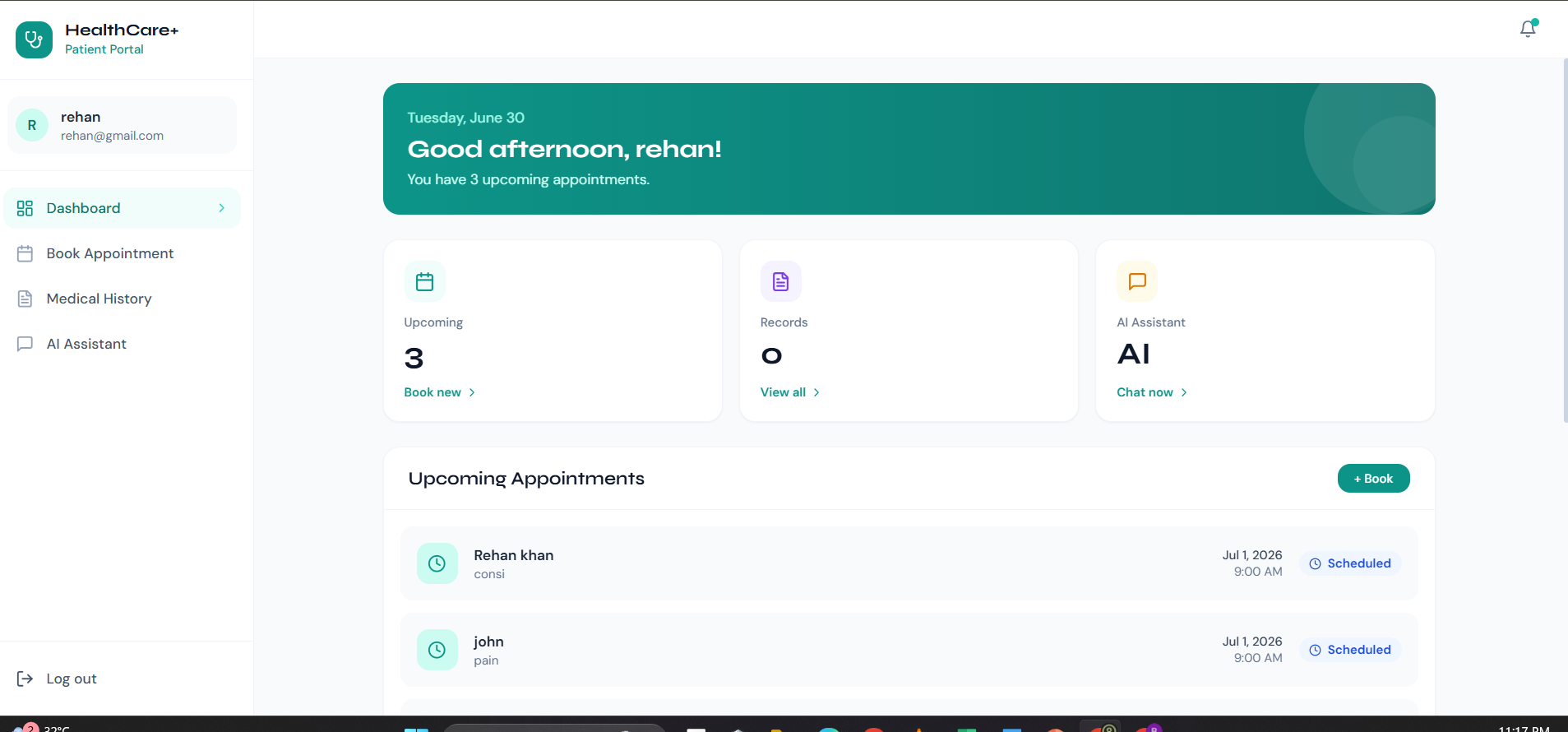
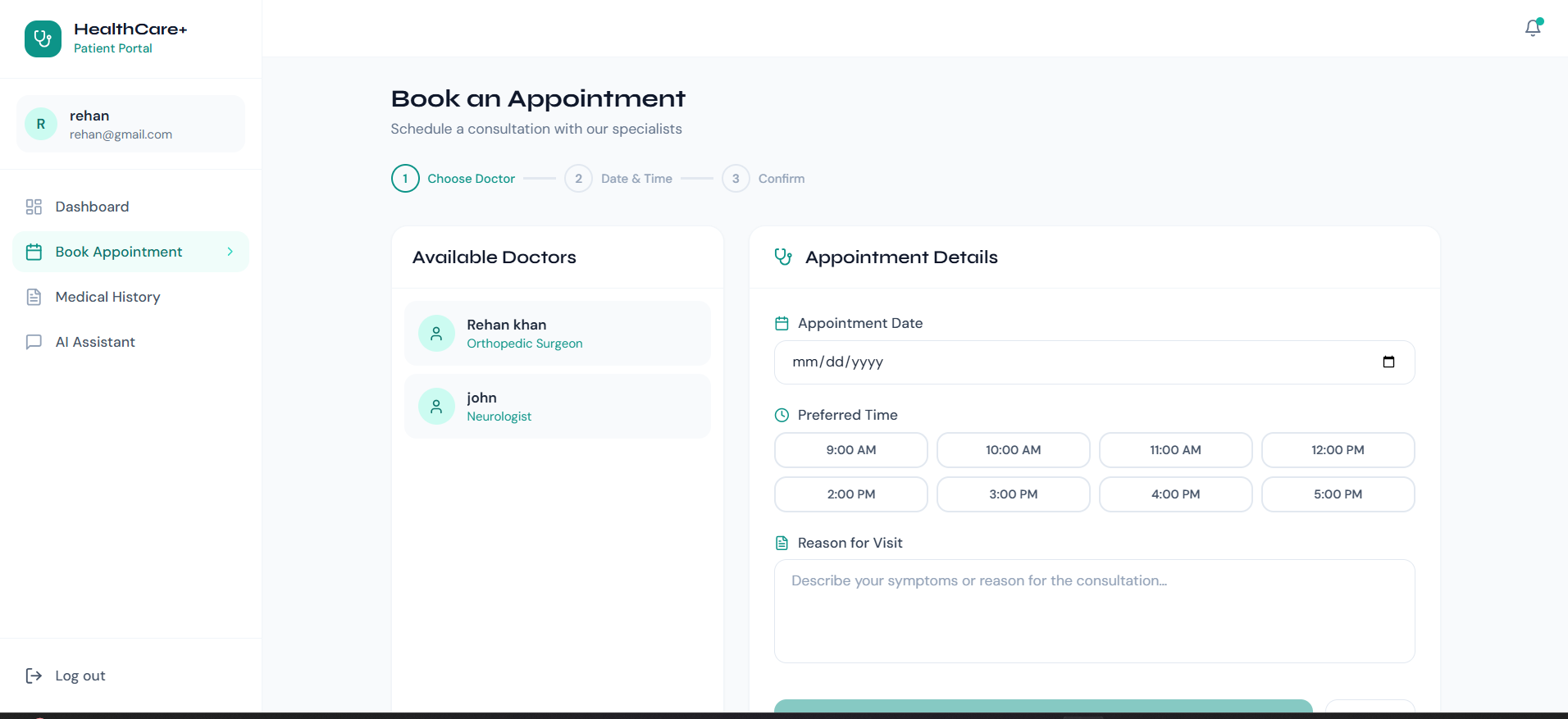
Shipped a full-stack MERN appointment platform with 2 role dashboards (patient and doctor) JWT auth and role-based middleware enforce access across 5
Preview Gallery
4 media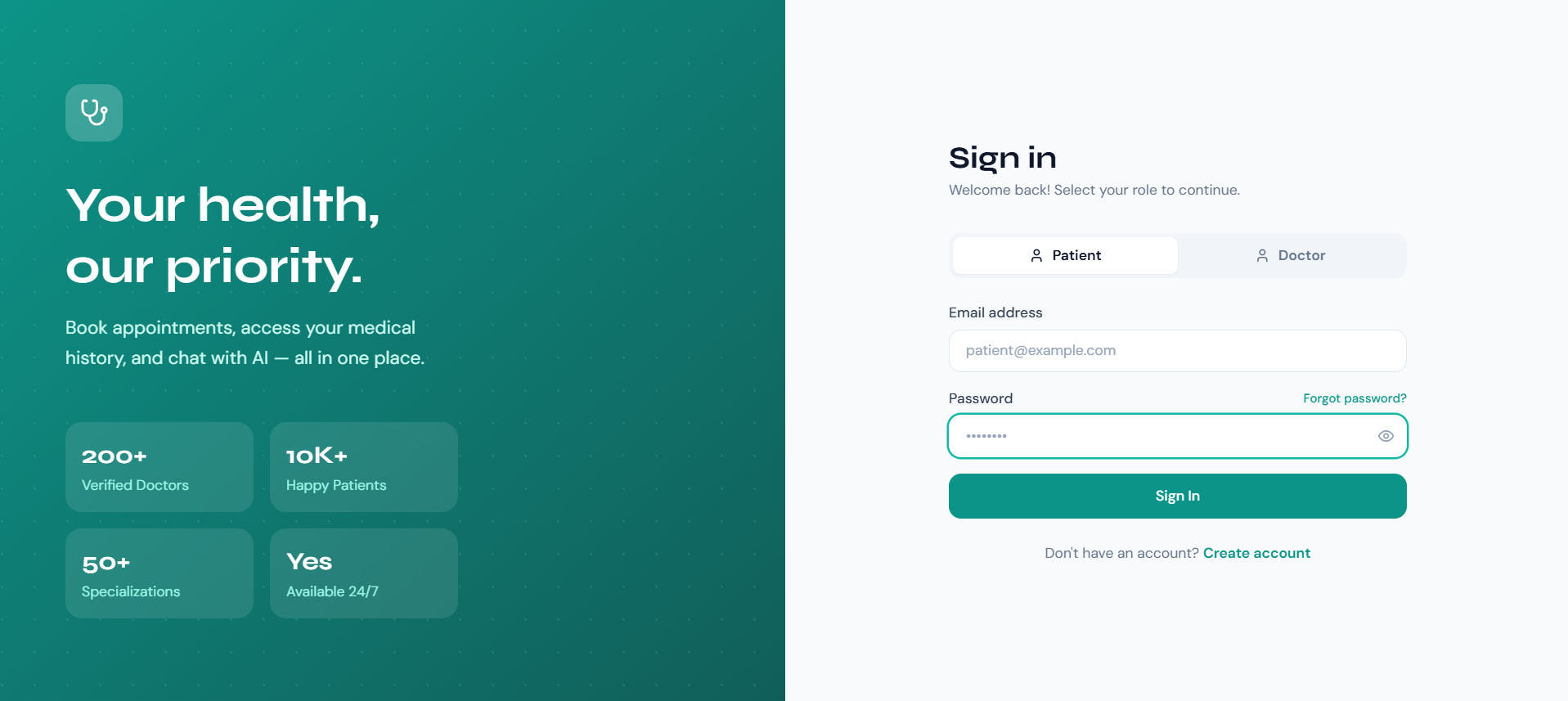
Technologies & Skills
One-time purchase
What's Included
Support & Customization
Resource Links
Purchase this project to unlock source and premium resources. Document/report remain secure preview-based on this page.
•Shipped a full-stack MERN appointment platform with 2 role dashboards (patient and doctor);
•JWT auth and role-based middleware enforce access across 5 route groups — patients book/cancel only, doctors update status only.
• Stored passwords with bcrypt hashing; all protected routes return 401 on missing or expired tokens with no data leakage in the error response.
• Wired an AI health chatbot (MediBot) via Gemini 1.5 Flash API, retaining the last 10 conversation turns in memory and capping each reply at 512 tokens.
• Deployed frontend on Vercel and REST API on Render; average API response time under 400ms for appointment fetch and booking routes in production.
Future Enhancements
Known Issues
Installation
🚀 Getting Started
1. Clone / extract project
cd mern-doctor-app
2. Set up the Backend
cd backend
npm install

# Copy env example and fill in your values
cp .env.example .env
# Edit .env:
#   MONGO_URI=mongodb://localhost:27017/doctor_appointment_db
#   JWT_SECRET=your_strong_random_secret
#   CLIENT_URL=http://localhost:5173

npm run dev        # starts on http://localhost:5000
3. Set up the Frontend
cd frontend
npm install
npm run dev        # starts on http://localhost:5173
Open http://localhost:5173 in your brows
Usage
🚀 Getting Started
1. Clone / extract project
cd mern-doctor-app
2. Set up the Backend
cd backend
npm install

# Copy env example and fill in your values
cp .env.example .env
# Edit .env:
#   MONGO_URI=mongodb://localhost:27017/doctor_appointment_db
#   JWT_SECRET=your_strong_random_secret
#   CLIENT_URL=http://localhost:5173

npm run dev        # starts on http://localhost:5000
3. Set up the Frontend
cd frontend
npm install
npm run dev        # starts on http://localhost:5173
Open http://localhost:5173 in your brows
System Requirements
🚀 Getting Started
1. Clone / extract project
cd mern-doctor-app
2. Set up the Backend
cd backend
npm install

# Copy env example and fill in your values
cp .env.example .env
# Edit .env:
#   MONGO_URI=mongodb://localhost:27017/doctor_appointment_db
#   JWT_SECRET=your_strong_random_secret
#   CLIENT_URL=http://localhost:5173

npm run dev        # starts on http://localhost:5000
3. Set up the Frontend
cd frontend
npm install
npm run dev        # starts on http://localhost:5173
Open http://localhost:5173 in your brows
Slides Open in New Tab
For better readability, slides are opened directly. Documents remain preview-only with secure backend rendering.
Showing preview pages only. Purchase for full access to all pages and complete source package.
Login for Full AccessNo Q&A available yet
Be the first to ask a question!
Ask a Question
Customer Reviews
Write Your Review
No reviews yet
Be the first to review this project!
Similar Projects
You might also be interested in these projects
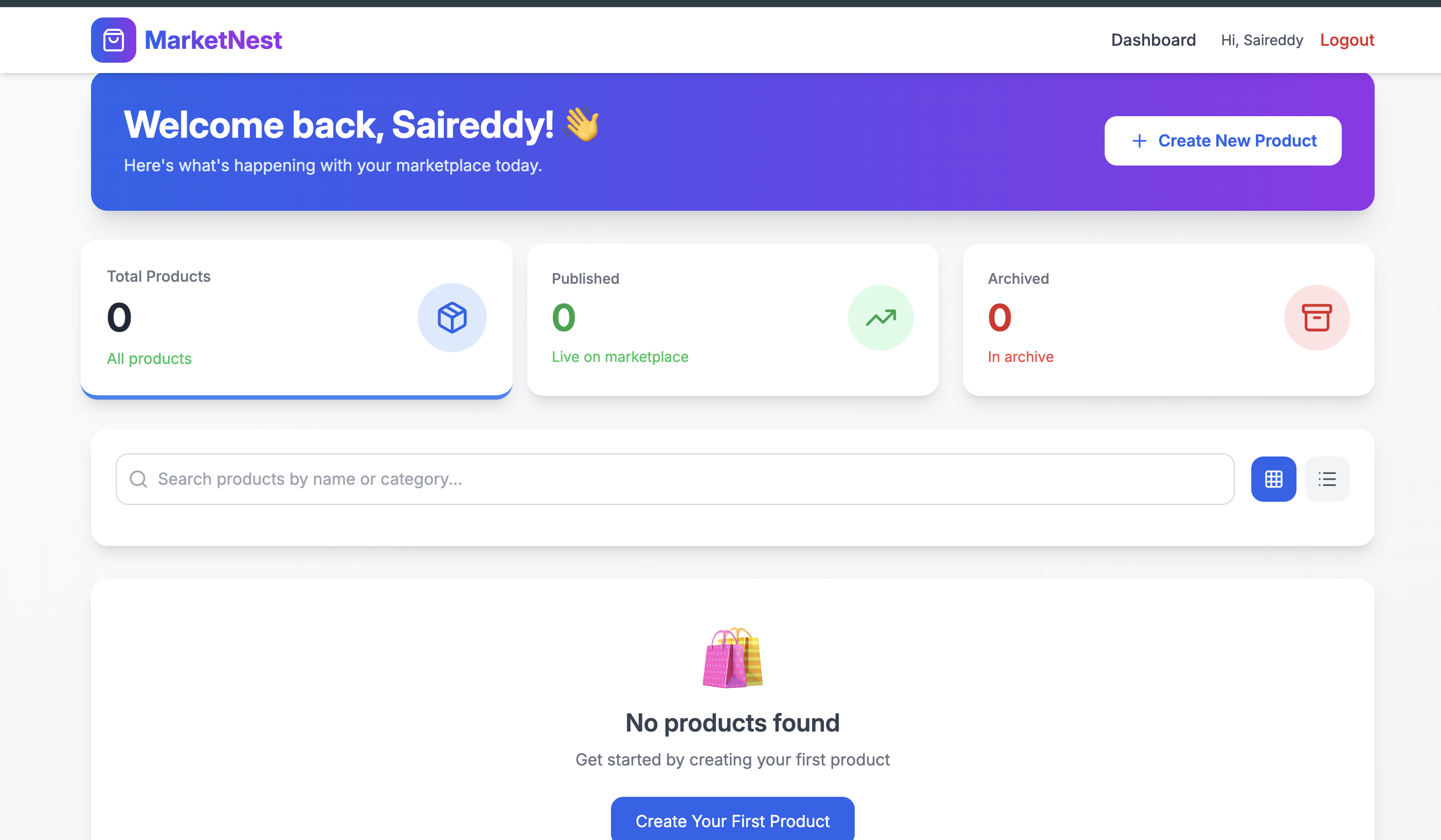 website Development
Full-Stack E-Commerce Marketplace Website- MERN Stack
A complete e-commerce platform where brands sell products and customers shop with a full-featured cart, authentication, and secure payments.
 website Development
FurLink
A MERN Stack-based pet adoption and pet care platform that connects users with pets for adoption while providing pet products, secure authentication.
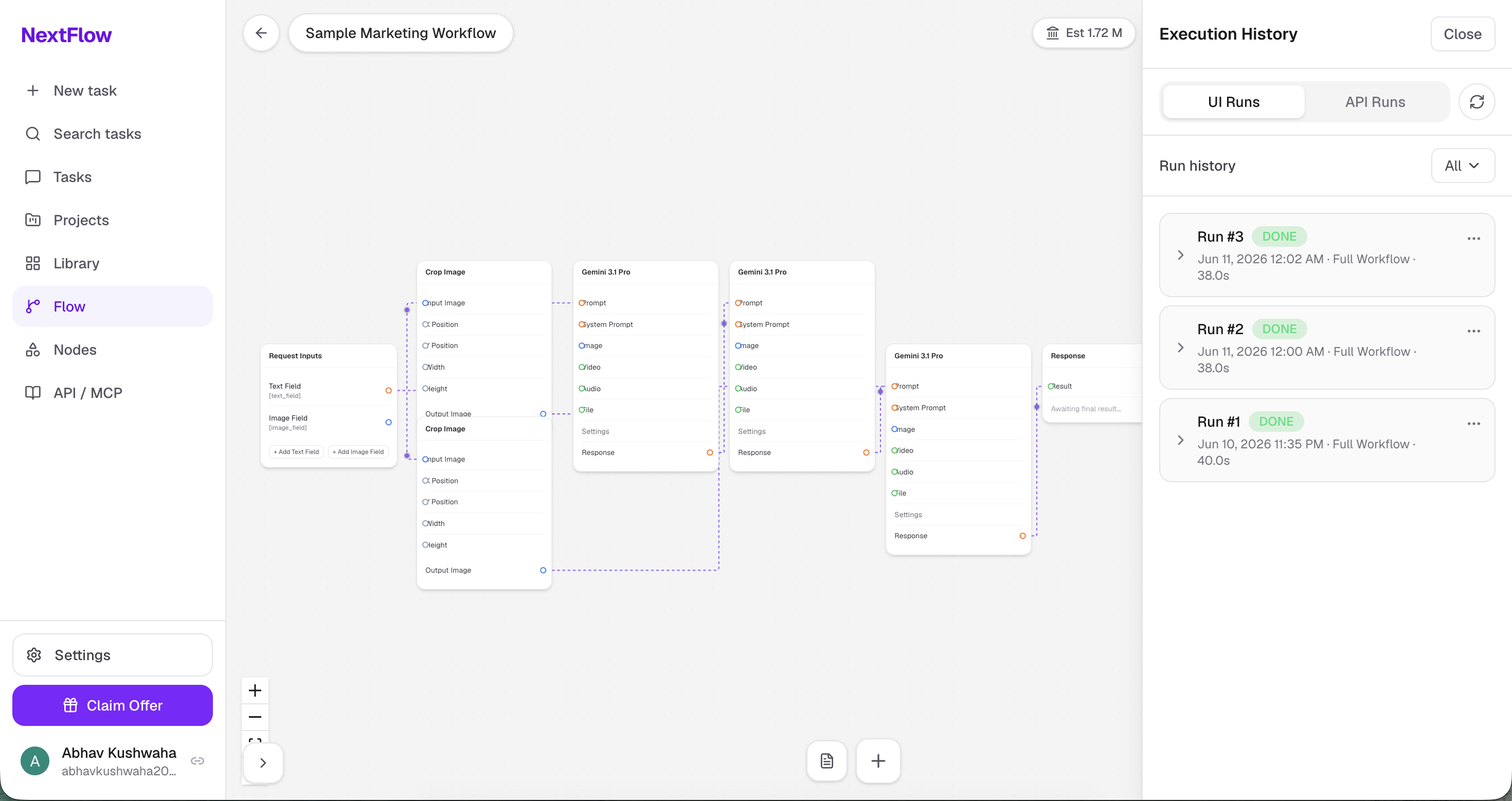 website Development
Nextflow
NextFlow is a visual AI workflow automation platform that lets users build, execute, and monitor AI-powered workflows using a drag-and-drop node edito
 website Development
OrderSetu – AI-powered smart restaurant ordering and management system
Full-stack MERN restaurant ordering system with role-based access, real-time updates, and AI menu assistance.