FULL STACK BLOG WITH AUTH
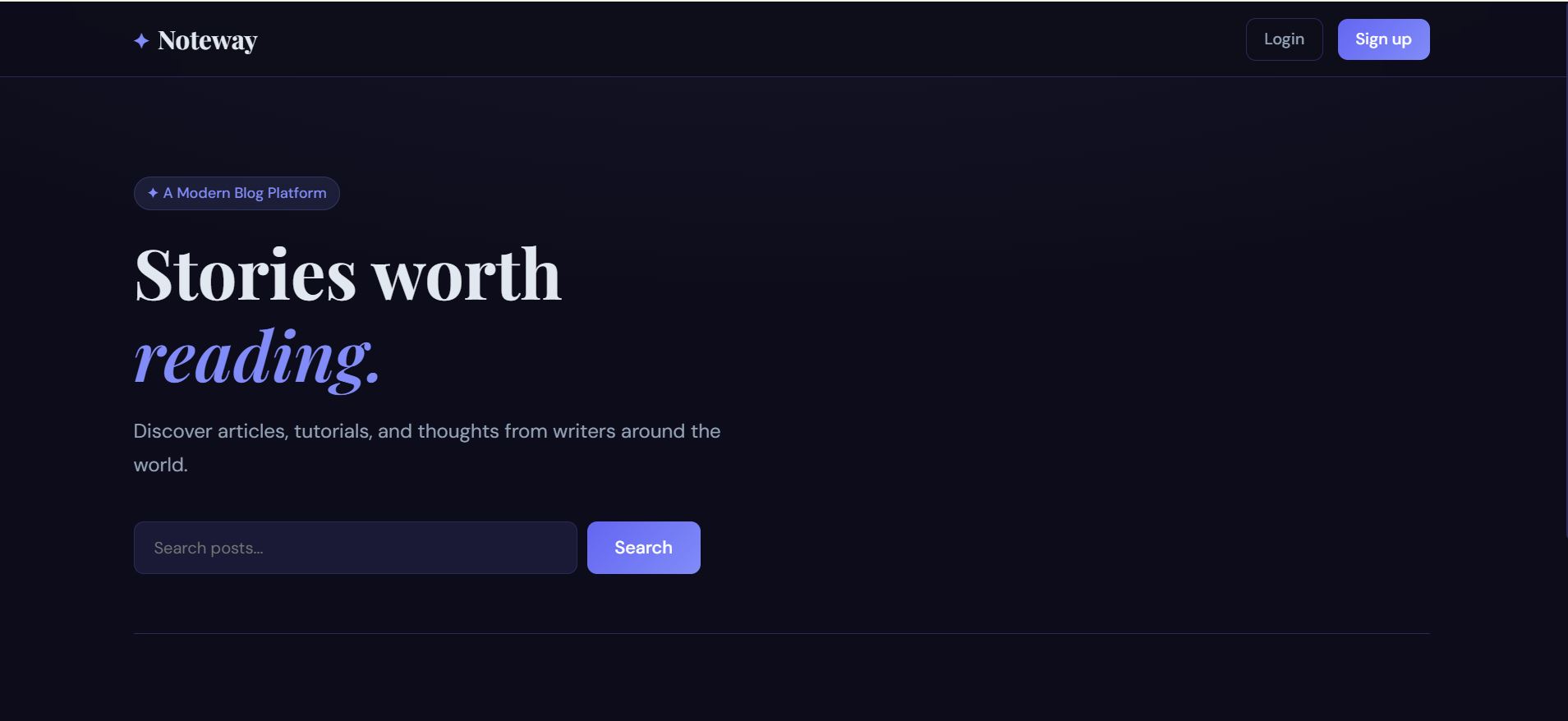
Full Stack Blog Application – A secure and responsive blogging platform that enables users to register, log in, create, edit, delete, and manage blog
Preview Gallery
6 media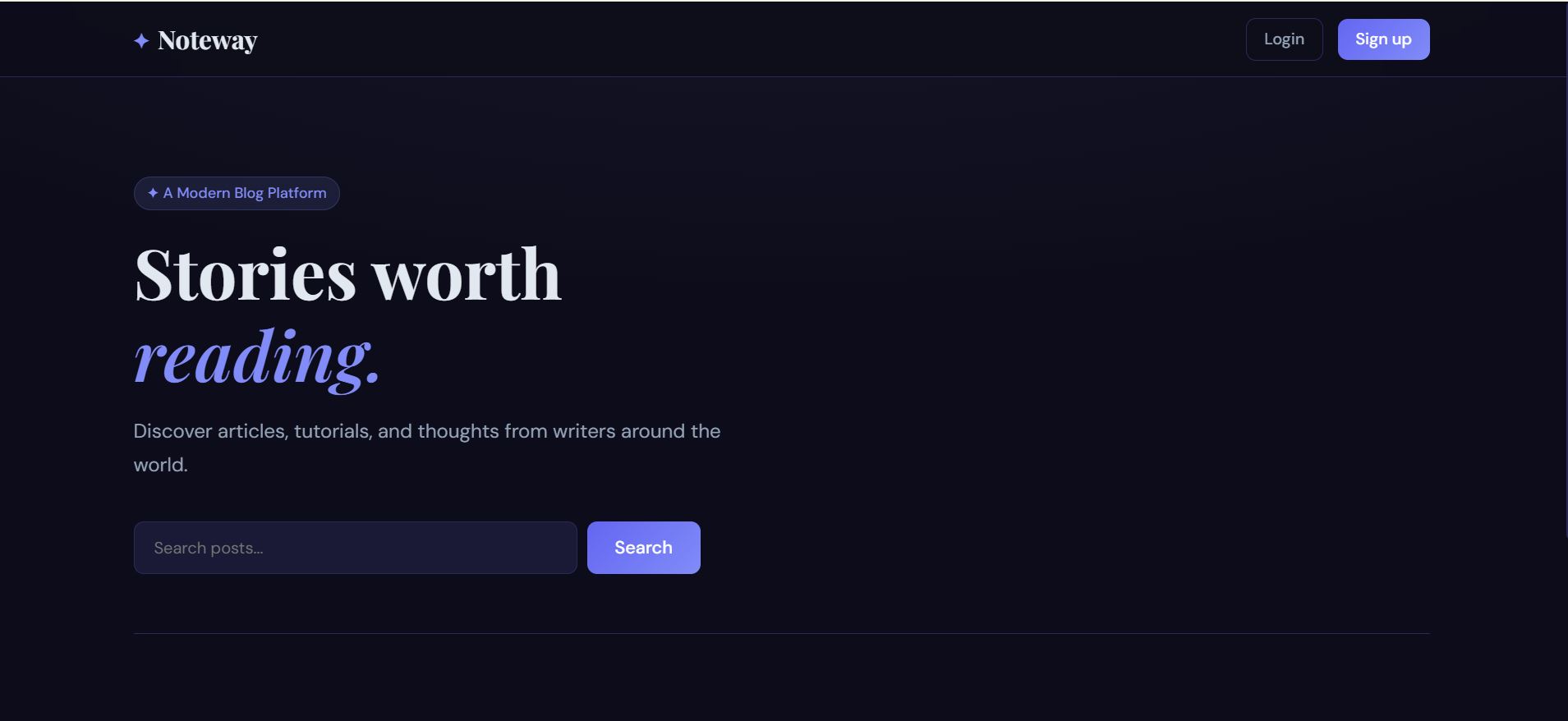
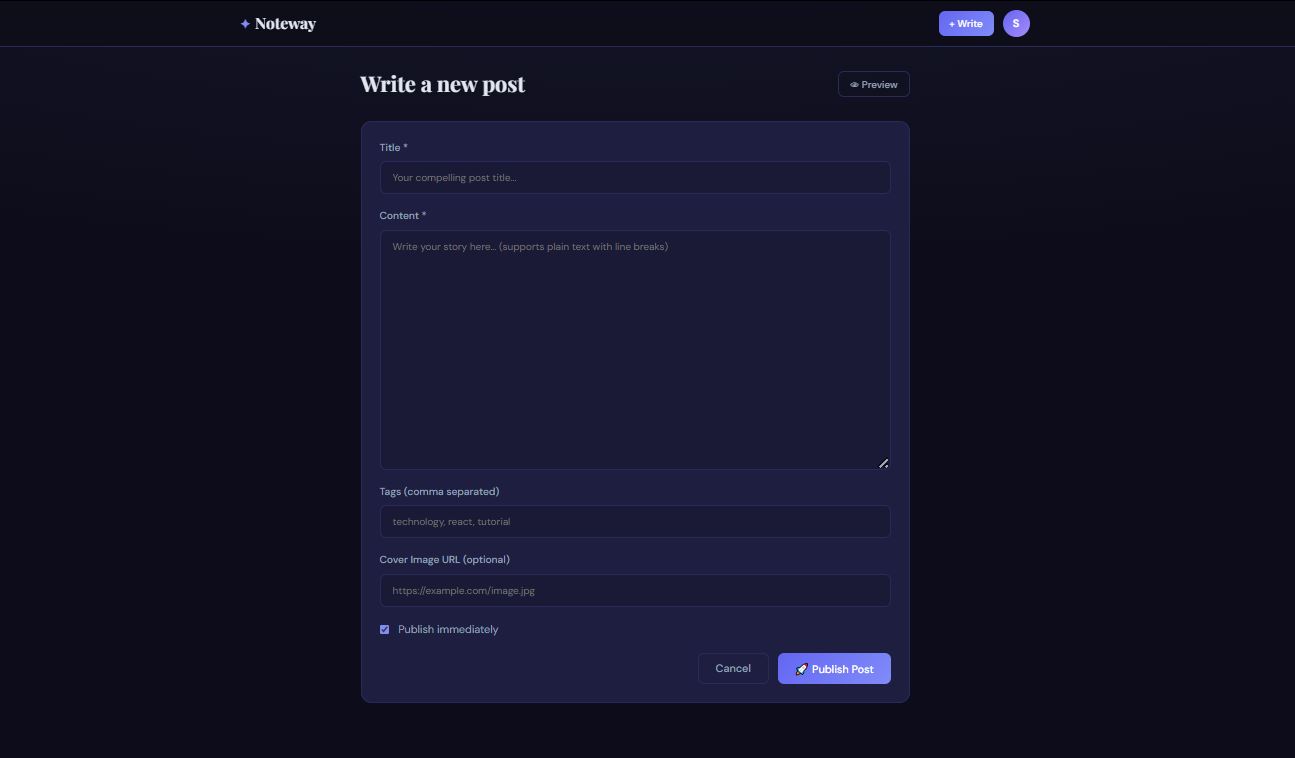
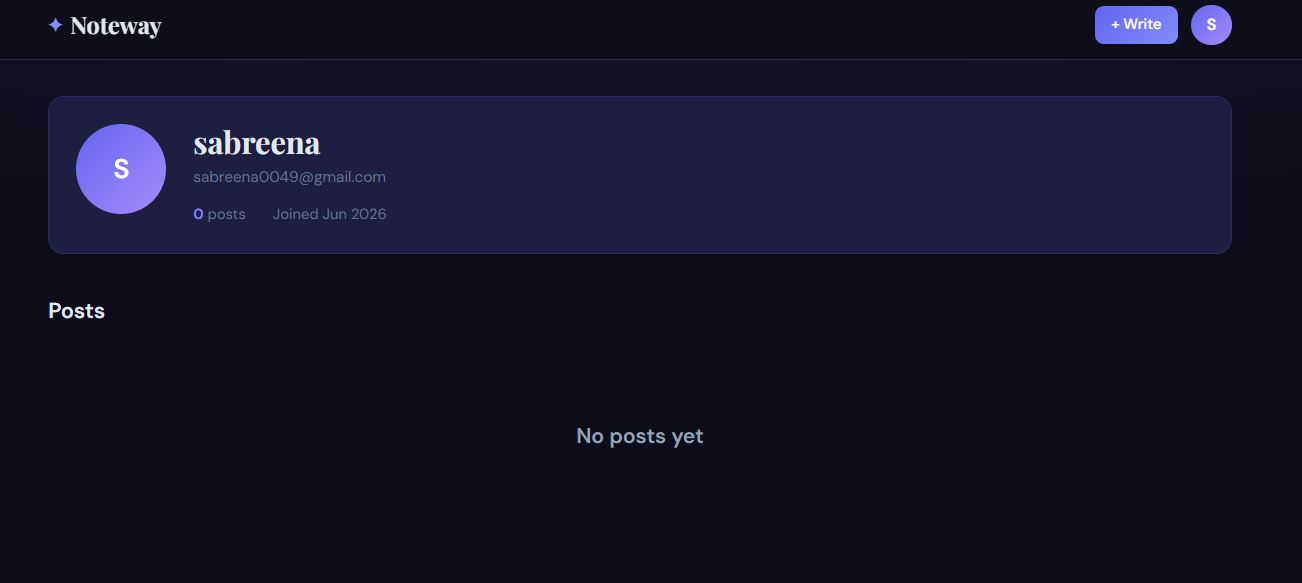
Technologies & Skills
Limited time offer
What's Included
Support & Customization
Resource Links
Purchase this project to unlock source and premium resources. Document/report remain secure preview-based on this page.
The Full Stack Blog Application with Authentication is a web-based platform that allows users to securely create, manage, and share blog posts. It provides a complete blogging experience with user authentication, protected routes, and full CRUD (Create, Read, Update, Delete) functionality. The application follows a client-server architecture where the frontend interacts with the backend through REST APIs, and all blog data is stored in a database.
What the Application Does
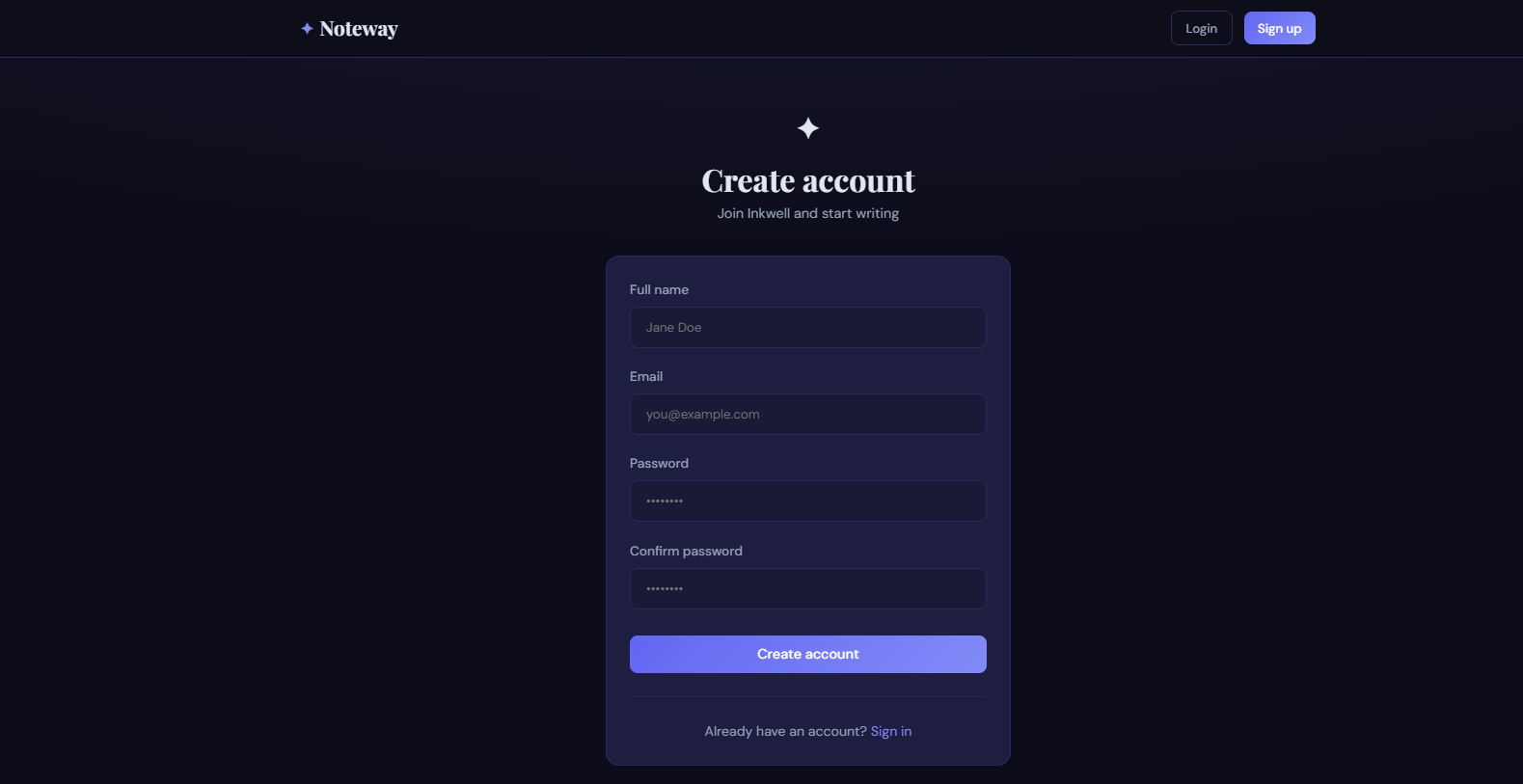
1. User Registration
- New users can create an account by providing their name, email, and password.
- Passwords are securely encrypted before being stored in the database.
- Duplicate email registrations are prevented.
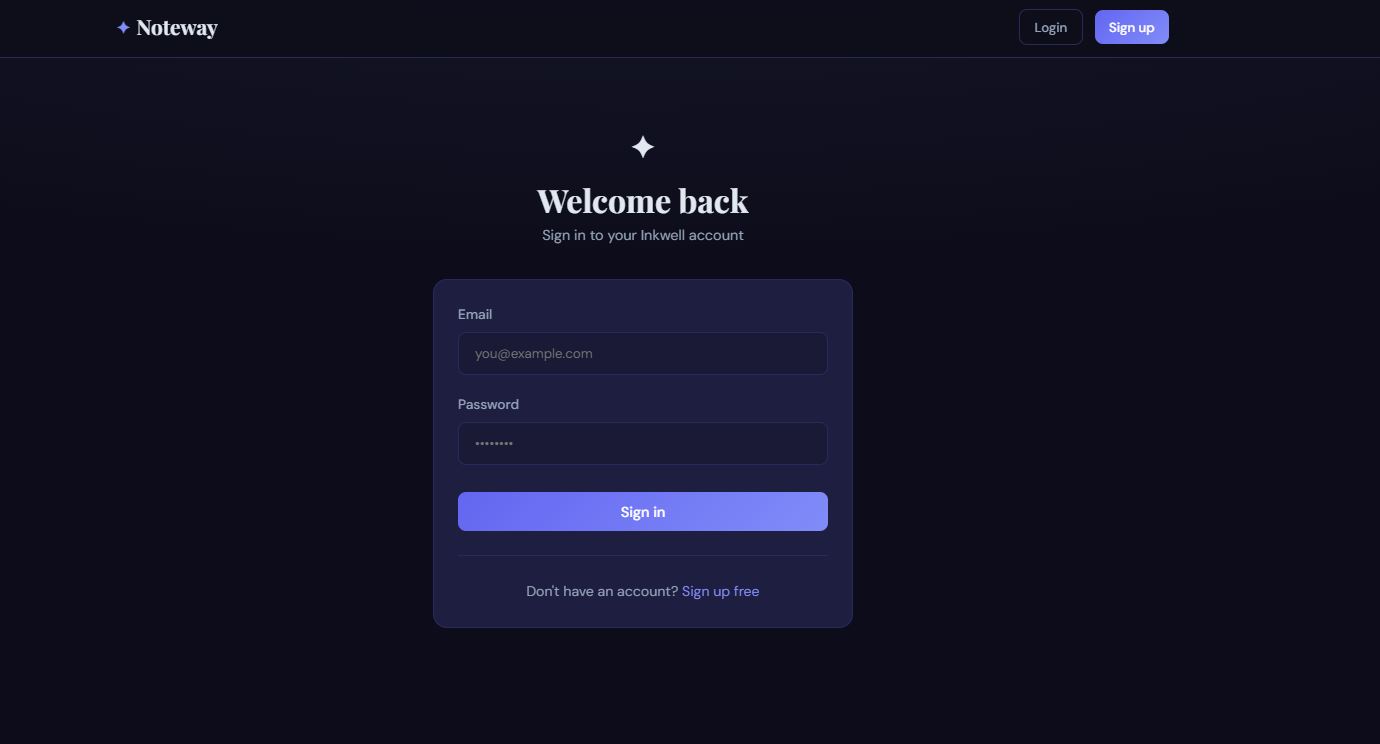
2. User Login
- Registered users can log in using their credentials.
- After successful authentication, a secure token (such as JWT) is generated.
- This token verifies the user's identity for future requests.
3. Authentication & Authorization
- Only authenticated users can access protected features.
- Users can create, edit, and delete only their own blog posts.
- Unauthorized users can browse public blogs but cannot modify content.
4. Blog Management (CRUD Operations)
Users can:
- Create new blog posts
- View all published blogs
- Read individual blog details
- Edit existing blogs
- Delete blogs they own
5. Search and Browse
- Users can browse all blogs.
- Search functionality helps find blogs by title or keywords.
- Blogs can be displayed in chronological order.
6. Responsive User Interface
- The application works on desktops, tablets, and mobile devices.
- The interface is simple, clean, and easy to navigate.
How the Application Works
Step 1: User Registration
The user creates an account.
Step 2: Login
The backend verifies the credentials.
Step 3: Token Generation
A JWT token is generated and sent to the frontend.
Step 4: Protected Access
The token is attached to requests for authenticated operations.
Step 5: CRUD Operations
Users perform create, read, update, and delete operations on blog posts.
Step 6: Database Storage
All user information and blog data are securely stored and retrieved from the database.
Workflow
- User opens the application.
- Registers or logs in.
- Authentication token is generated.
- User accesses the dashboard.
- Creates a new blog.
- Blog is saved in the database.
- Other users can view the published blog.
- The author can update or delete the blog at any time.
Technologies Used (Example MERN Stack)
Frontend
- React.js
- HTML5
- CSS3
- JavaScript
- Axios
Backend
- Node.js
- Express.js
Database
- MongoDB
Authentication
- JSON Web Token (JWT)
- bcrypt (Password Hashing)
Future Enhancements
Known Issues
Installation
1.verify installation:
node -v
npm -v
git --version
2.clone the repositories:
git clone https://github.com/your-username/fullstack-blog-app.git
cd fullstack-blog-app
3.install backend dependencies:
cd backend
npm install
4.Configure Environment Variables:
PORT=5000
MONGODB_URI=your_mongodb_connection_string
JWT_SECRET=your_secret_key
Start the Backend Server:
npm run dev
5. Install Frontend Dependencies:
cd frontend
npm install
6. Start the Frontend:
npm start
Usage
1. Register an Account
- Open the application in your browser.
- Click Sign Up.
- Enter your name, email, and password.
- Create a new account.
2. Login
- Enter registered email and password.
- After successful login, access the dashboard.
3. Create a Blog
- Click Create Blog.
- Enter title and content.
- Submit to publish the blog.
4. View Blogs
- Browse all published blogs.
- Click on a blog to read the full content.
5. Edit a Blog
- Open your blog post.
- Click Edit.
- Update content and save changes.
6. Delete a Blog
- Open your blog.
- Click Delete.
- Confirm deletion.
7. Logout
- Click Logout to securely end your session.
System Requirements
Operating System: Windows 10/11, macOS, or Linux
Node.js: Version 16.x or later
npm: Version 8.x or later
MongoDB: Local installation or MongoDB Atlas account
Code Editor: Visual Studio Code
Web Browser: Google Chrome, Microsoft Edge, Firefox, or any modern browser
Git: Latest version
Slides Open in New Tab
For better readability, slides are opened directly. Documents remain preview-only with secure backend rendering.
Showing preview pages only. Purchase for full access to all pages and complete source package.
Login for Full AccessNo Q&A available yet
Be the first to ask a question!
Ask a Question
Customer Reviews
Write Your Review
No reviews yet
Be the first to review this project!
Similar Projects
You might also be interested in these projects
 Web Apps
https://study-planner-ruddy-five.vercel.app/login
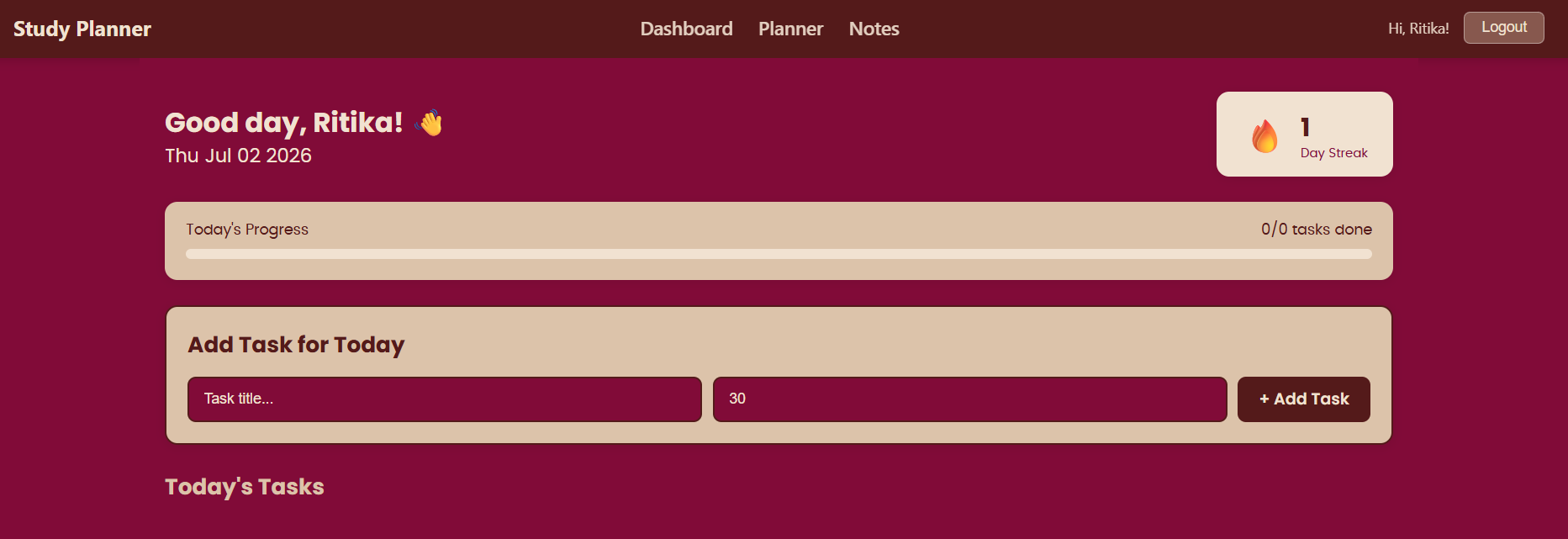
study planner is a planning tool useful for students to organize their tasks and plan their schedule.
 Web Apps
Store Rating System
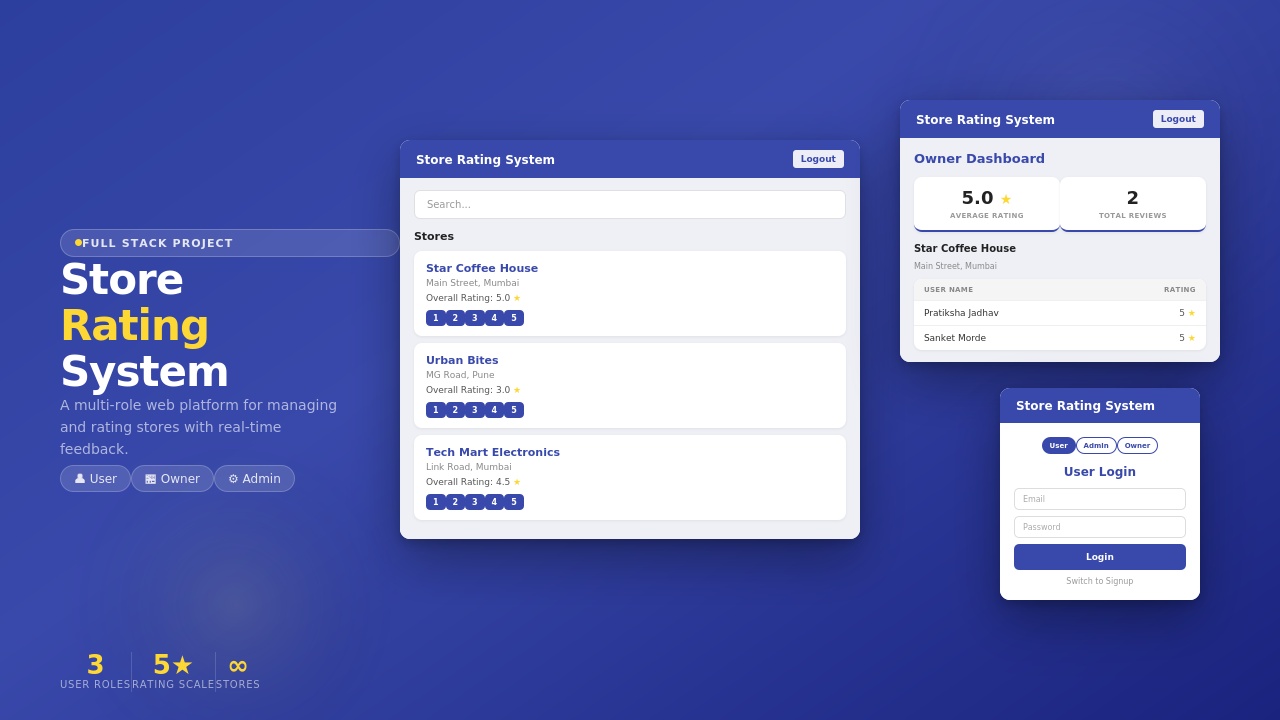
Store Rating System built using MERN Stack with secure login, role-based access, store management, ratings, review
 Web Apps
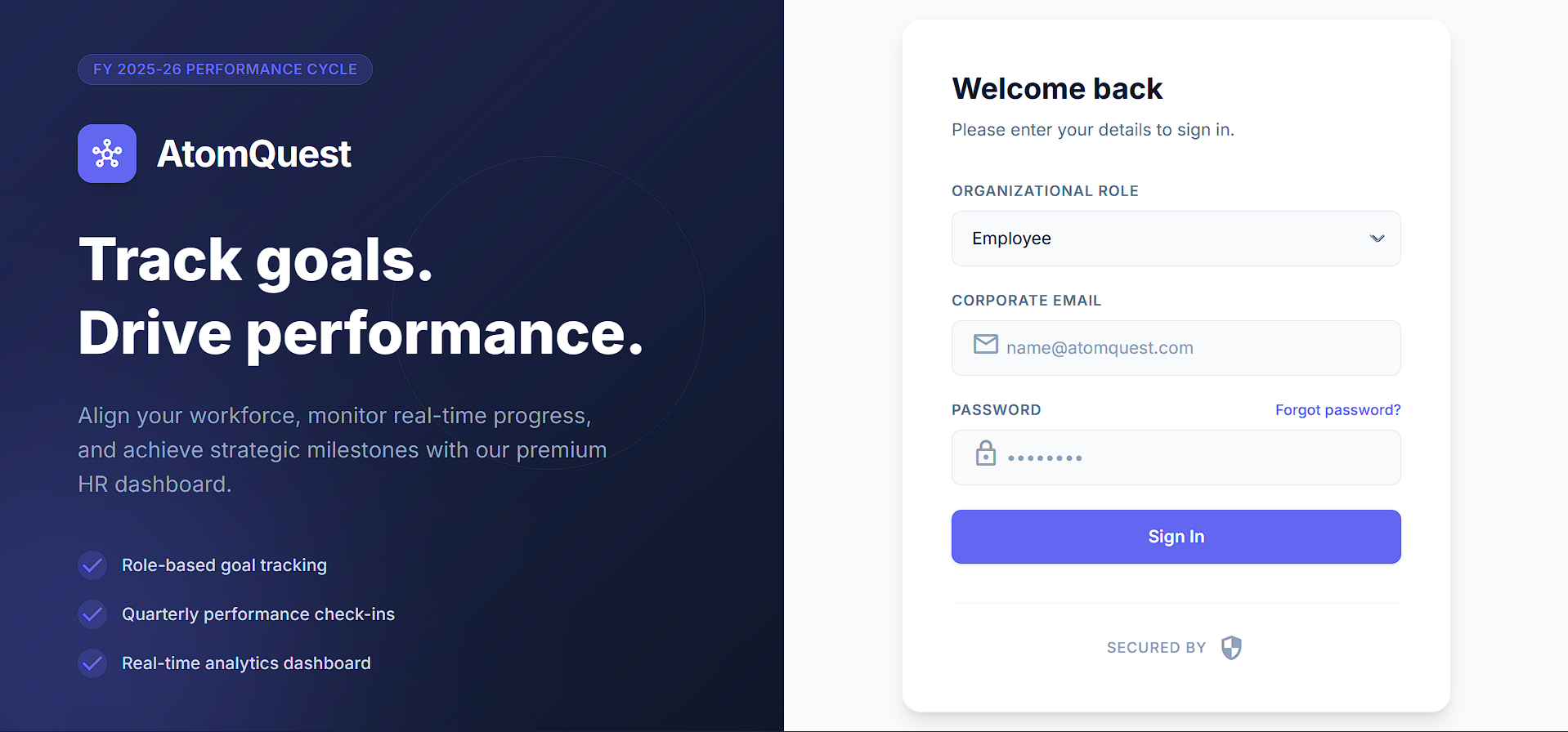
Full-Stack Performance Tracking Portal with Next.js & Supabase
Full-stack goal-tracking portal with role-based access, quarterly check-ins, auto-scoring, audit logs & CSV export. Built with Next.js & Supabase.
 Web Apps
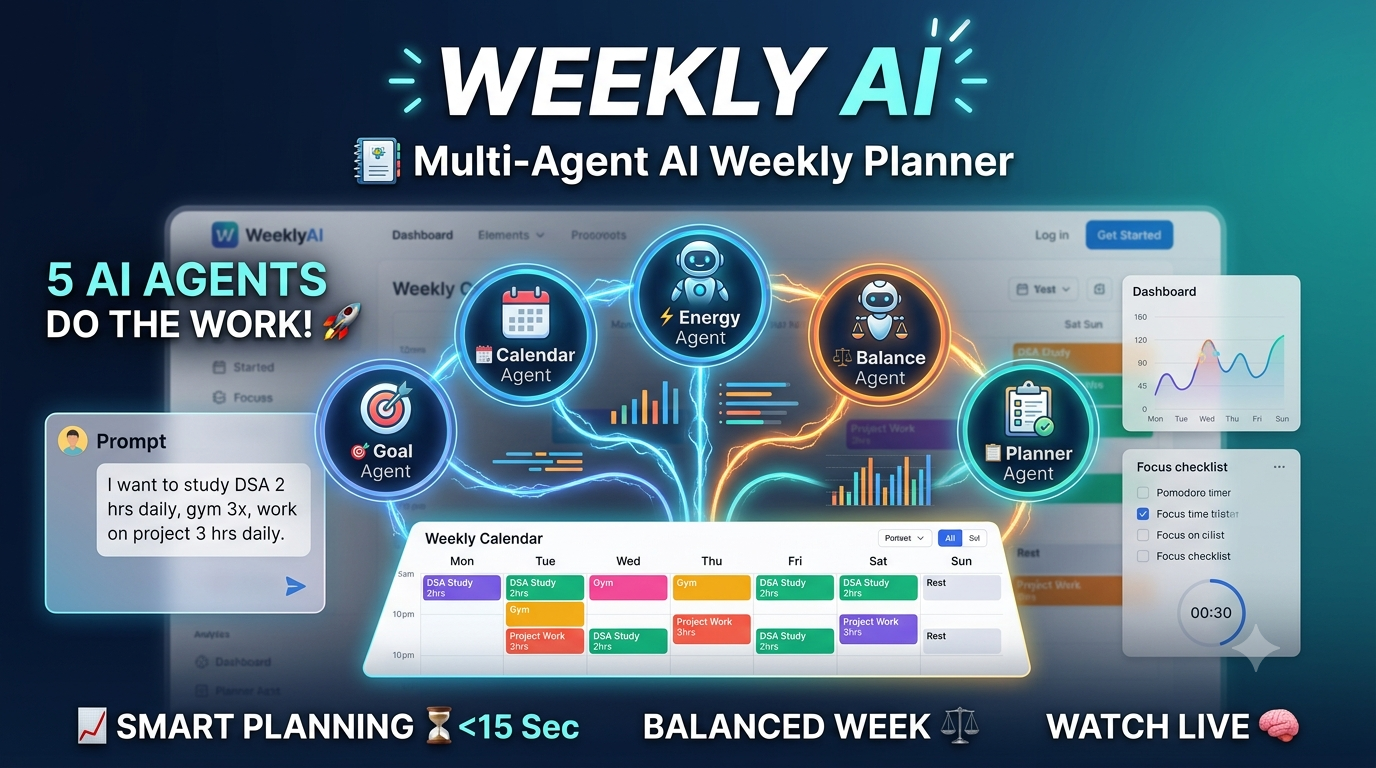
Multi-agent-AI-weekly-planner
WeeklyAI 5 AI agents collaborate in real-time to auto-generate personalized weekly schedules from plain-English goals. Built with LangGraph, FastAPI