Sciverse : AI-powered virtual chemistry laboratory
An AI-powered virtual chemistry laboratory that helps Class 9–12 students perform realistic science experiments safely in a 3D environment.
Preview Gallery
1 media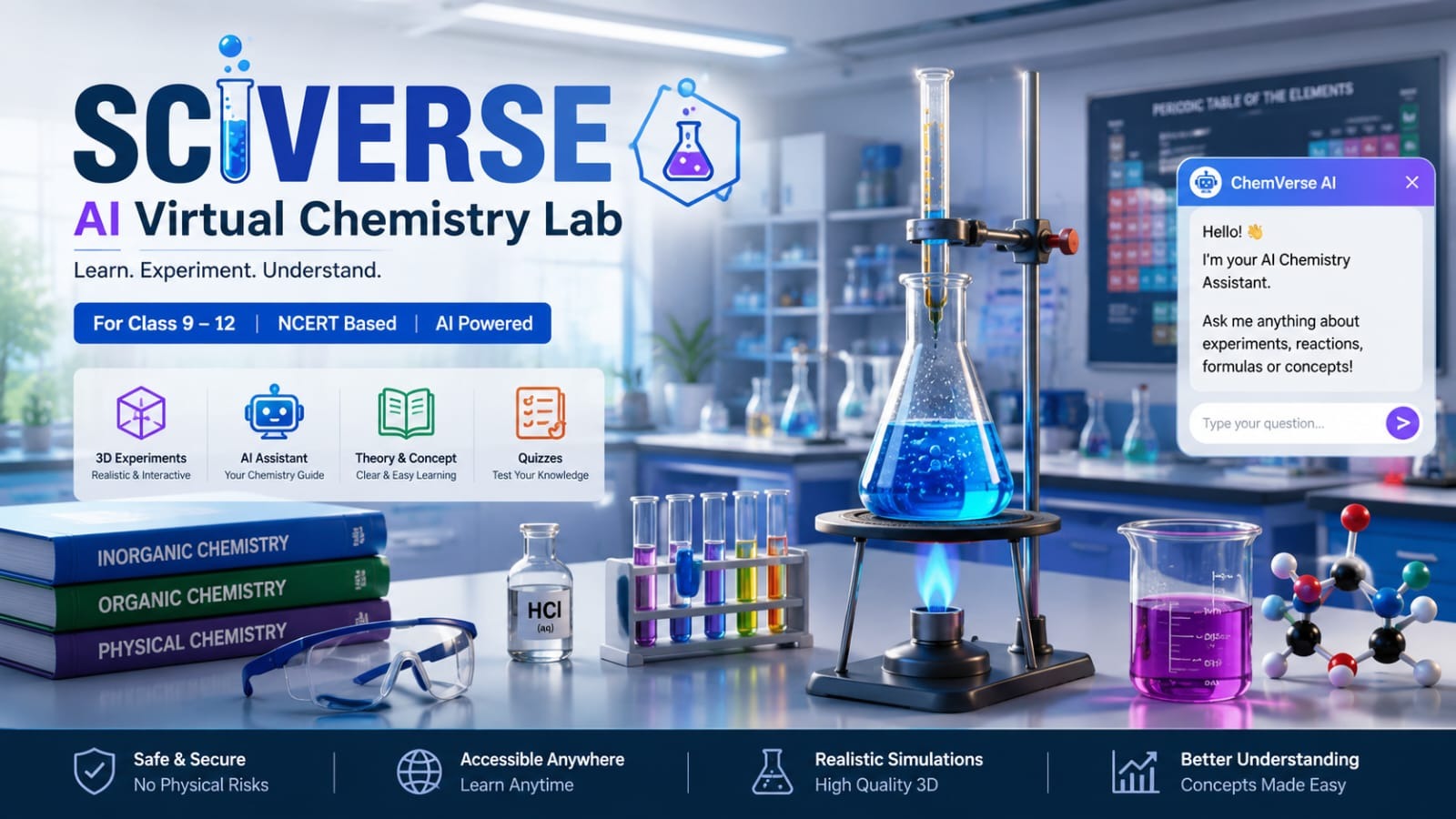
Technologies & Skills
Download at no cost
What's Included
Support & Customization
Resource Links
Sciverse is an AI-powered virtual chemistry laboratory designed for students from Class 9 to Class 12. It provides an immersive 3D environment where students can perform chemistry experiments safely without requiring a physical laboratory.
The platform offers realistic experiment simulations with animations, chemical reactions, color changes, particle effects, smoke, heating, precipitation, and other visual details. Each experiment includes objectives, required materials, theory, step-by-step procedures, observations, precautions, and conclusions.
An integrated AI assistant helps students understand chemistry concepts, answer questions, explain reactions, and provide personalized learning support. The platform also contains quizzes and interactive assessments to improve conceptual understanding.
Key Features:
• Realistic 3D chemistry experiments
• AI-powered chemistry assistant
• NCERT-based practical experiments
• Theory and practical learning in one platform
• Interactive quizzes and progress tracking
• Safe, cost-effective, and accessible from anywhere
Sciverse aims to make chemistry education more engaging, interactive, and accessible for every student.
Future Enhancements
Known Issues
Installation
1. Clone the project repository.
2. Install Node.js (v18 or later) and npm.
3. Open the project folder in Visual Studio Code.
4. Run "npm install" to install all required dependencies.
5. Create a .env file and add your OpenAI API key if required.
6. Start the backend using "npm run server".
7. Start the frontend using "npm run dev".
8. Open the localhost URL in your browser and start using Sciverse.
Usage
1. Launch the Sciverse application.
2. Select a chemistry experiment from the dashboard.
3. Read the theory, objectives, and precautions.
4. Perform the experiment in the interactive 3D virtual laboratory.
5. Use the AI Chemistry Assistant to ask questions and understand reactions.
6. Complete the quiz after the experiment.
7. View your score and learning progress from the dashboard.
System Requirements
Operating System: Windows 10/11, Linux, or macOS
Processor: Intel Core i3 or AMD Ryzen 3 or higher
RAM: Minimum 4 GB (8 GB Recommended)
Storage: At least 2 GB free disk space
Node.js: Version 18 or above
Browser: Google Chrome, Microsoft Edge, or Firefox (Latest Version)
Internet Connection: Required for AI features and updates
Slides Open in New Tab
For better readability, slides are opened directly. Documents remain preview-only with secure backend rendering.
Showing preview pages only. Purchase for full access to all pages and complete source package.
Login for Full AccessNo Q&A available yet
Be the first to ask a question!
Ask a Question
Customer Reviews
Write Your Review
No reviews yet
Be the first to review this project!
Similar Projects
You might also be interested in these projects
 website Development
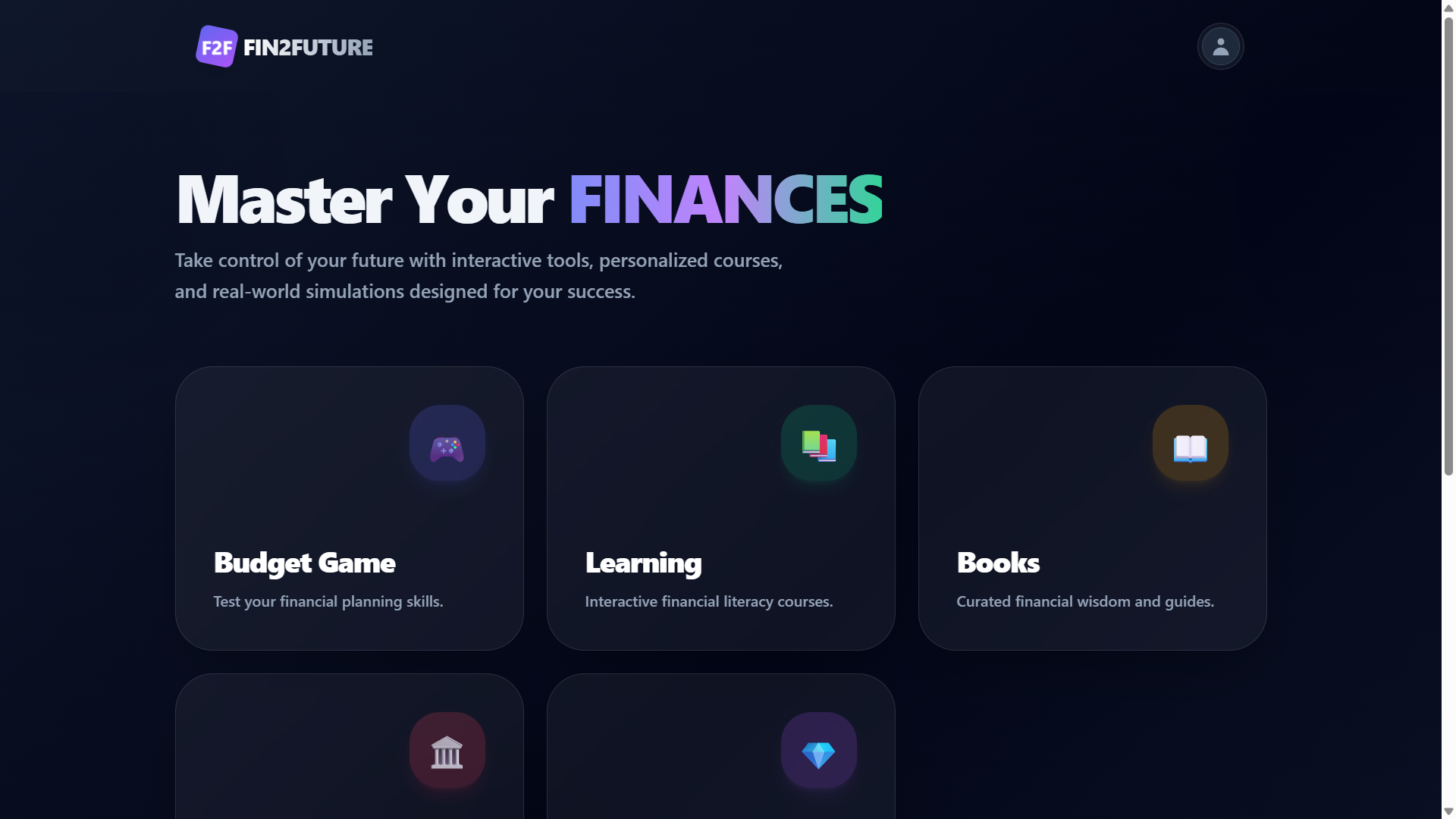
Fin2Future – Gamified Financial Literacy Web Application
A financial literacy platform with secure authentication, interactive learning, quizzes, budgeting, and expense tracking.
 website Development
Quiz Web based application
It contains a application where children and adults also everyone can play games and build their confidence.
 website Development
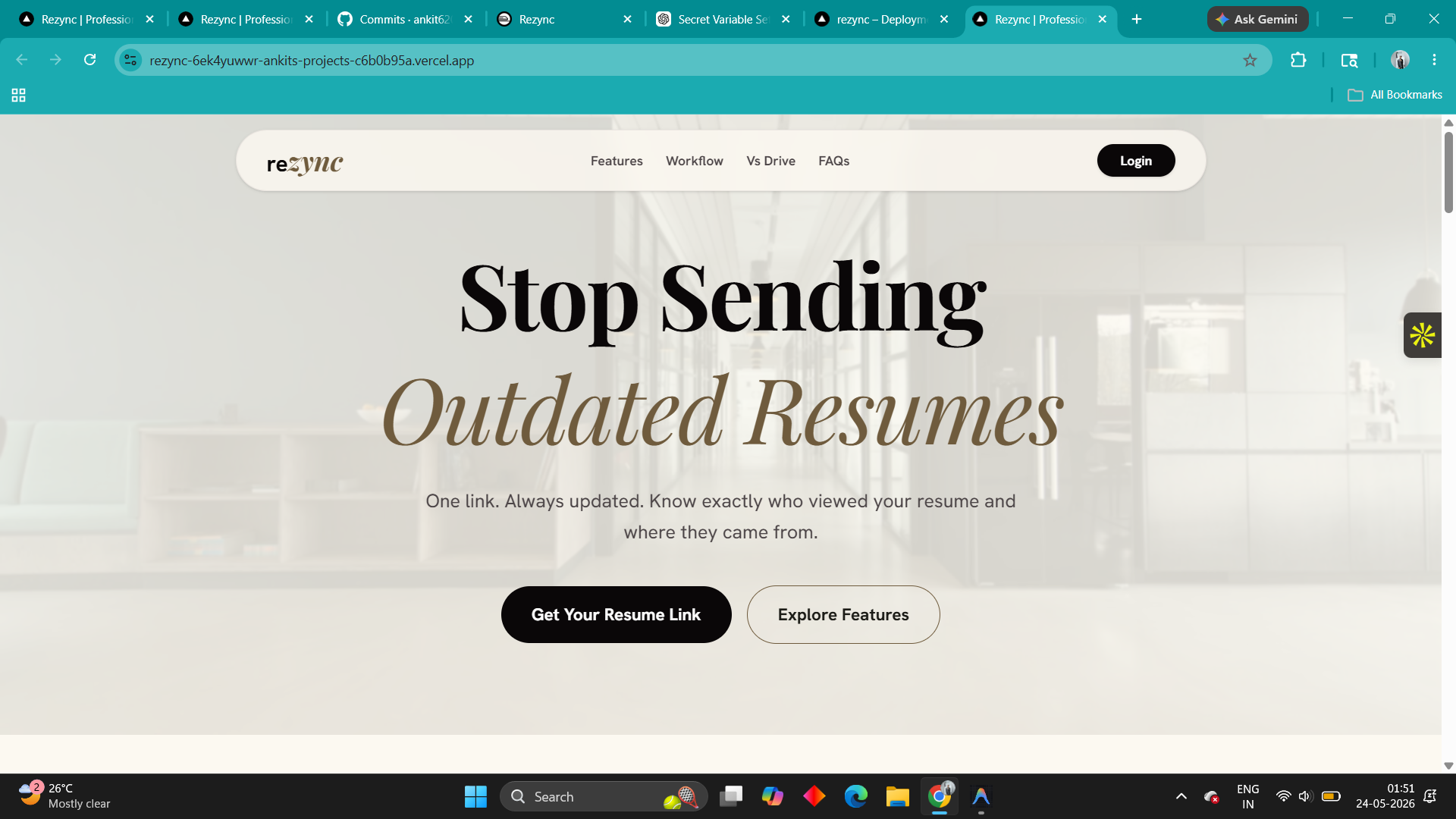
Rezync – Resume Management Platform with Cloud Storage
A secure resume management platform that enables users to upload, organize, and manage resumes with JWT authentication and Cloudinary storage.
 website Development
EduManage - Laravel Student Management System
Complete Laravel-based student management system for academic administration, attendance, exams, fees, assignments and more.