RentSphere: Smart Leasing & Tenant Management
RentSphere is a smart web application designed to simplify rental property management for landlords, tenants, and administrators.
Preview Gallery
6 media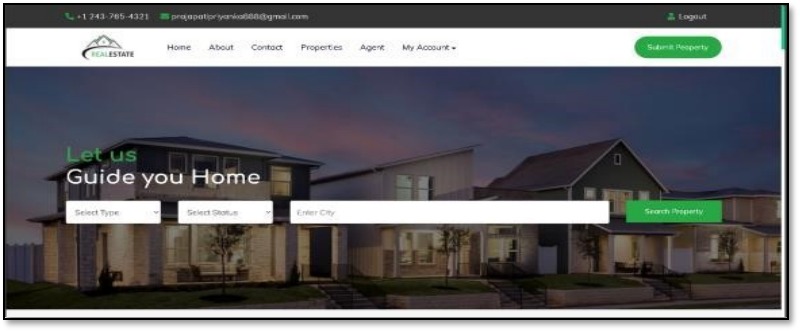
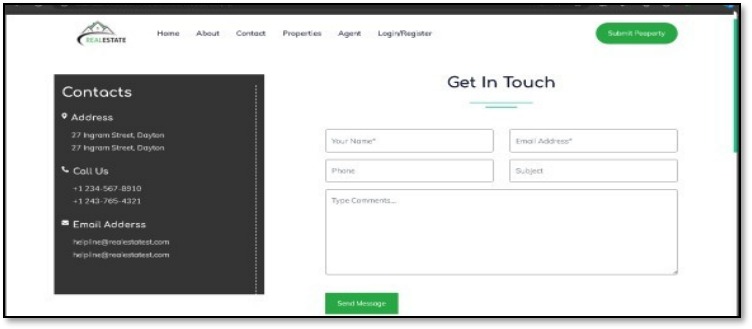
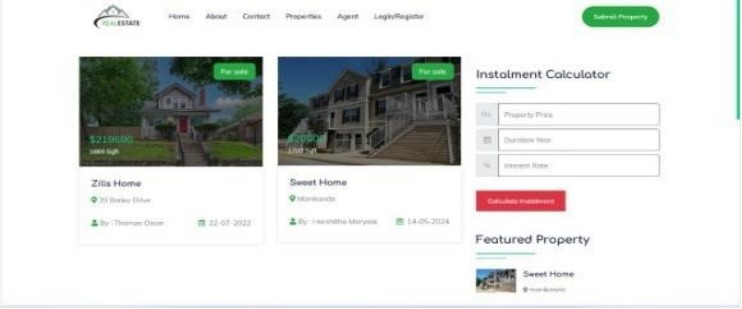
Technologies & Skills
Download at no cost
What's Included
Support & Customization
Resource Links
RentSphere is a full-stack Smart Leasing and Tenant Management System developed to simplify property management for landlords and property owners. The main objective of the project is to automate tenant management, rent collection, and report generation through a single web platform.
The application allows property owners to add, update, and manage tenant records, track monthly rent payments, monitor payment status, and generate reports. It also provides a user-friendly dashboard where all important information, such as tenant details and payment history, can be viewed in one place. This reduces manual paperwork and improves the efficiency of managing rental properties.
For development, I used HTML, CSS, and JavaScript to build the frontend, PHP for the backend, and MySQL as the database to store tenant and payment information.
Through this project, I gained hands-on experience in full-stack web development, database management, CRUD operations, backend integration, and designing user-friendly interfaces. It also improved my problem-solving, debugging, and project development skills.
Future Enhancements
Known Issues
Installation
Installation Steps
- Install XAMPP or WAMP on your system.
- Start the Apache and MySQL services from the XAMPP/WAMP Control Panel.
- Copy the RentSphere project folder into the
htdocsdirectory (for XAMPP). - Open phpMyAdmin in your browser.
- Create a new MySQL database (e.g.,
rentsphere). - Import the provided SQL file (
rentsphere.sql) into the newly created database. - Update the database connection settings in the project's configuration file (if required).
- Open a web browser and visit:
- http://localhost/RentSphere/
- Register a new account or log in using the default credentials (if provided).
- The application is now ready to use.
Usage
1.Launch the application by opening: http://localhost/RentSphere/
2.Log in using your credentials or register a new account.
3.Access the dashboard to view an overview of properties, tenants, and rent details.
4.Add new properties and tenant information using the respective modules.
5.Record and update monthly rent payments.
6.View payment history and track pending or completed payments.
7.Edit or delete tenant and property records whenever required.
8.Generate reports to monitor rental income and tenant information.
10.Log out securely after completing your work.
System Requirements
Hardware Requirements
- Processor: Intel Core i3 or above
- RAM: 4 GB minimum (8 GB recommended)
- Storage: 500 MB free disk space or more
- Internet: Required for downloading dependencies (optional for local use)
Software Requirements
- Operating System: Windows 10/11, Linux, or macOS
- Web Server: XAMPP or WAMP (Apache)
- Backend: PHP 8.0 or above
- Database: MySQL 5.7 or above (or MariaDB)
- Frontend: HTML, CSS, JavaScript
- Web Browser: Google Chrome, Microsoft Edge, Mozilla Firefox, or Safari
- Database Management Tool: phpMyAdmin
- Code Editor (Optional): Visual Studio Code, Sublime Text, or Notepad++
Slides Open in New Tab
For better readability, slides are opened directly. Documents remain preview-only with secure backend rendering.
Showing preview pages only. Purchase for full access to all pages and complete source package.
Login for Full AccessNo Q&A available yet
Be the first to ask a question!
Ask a Question
Customer Reviews
Write Your Review
No reviews yet
Be the first to review this project!
Similar Projects
You might also be interested in these projects
 Final Year & Academic Projects
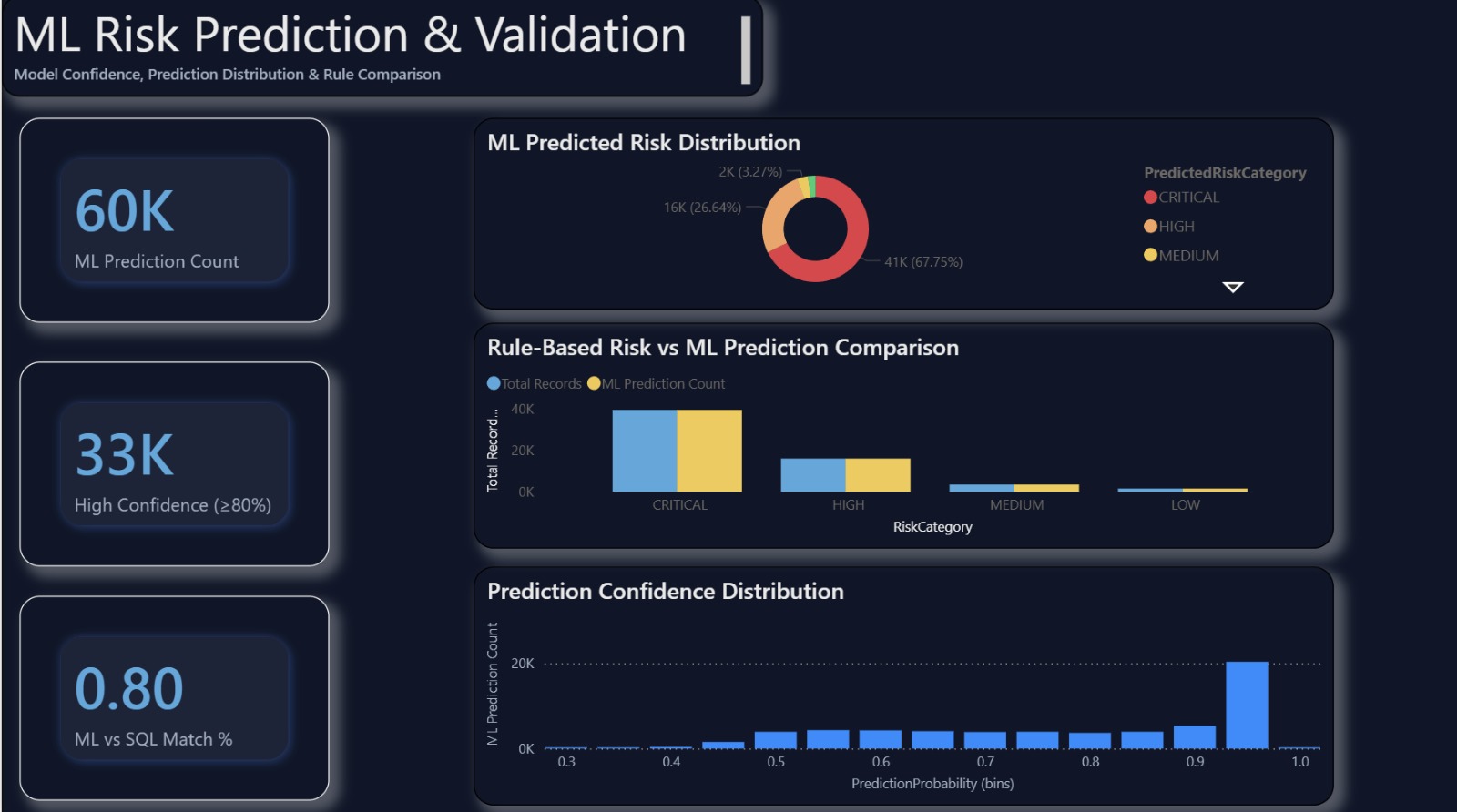
ZURE-BASED HEALTHCARE RISK ANALYTICS WITH MACHINE LEARNING AND POWER B
Cloud-native Azure healthcare analytics system using Power BI to classify patient risk, monitor vital signs, and support faster clinical decisions.
 Final Year & Academic Projects
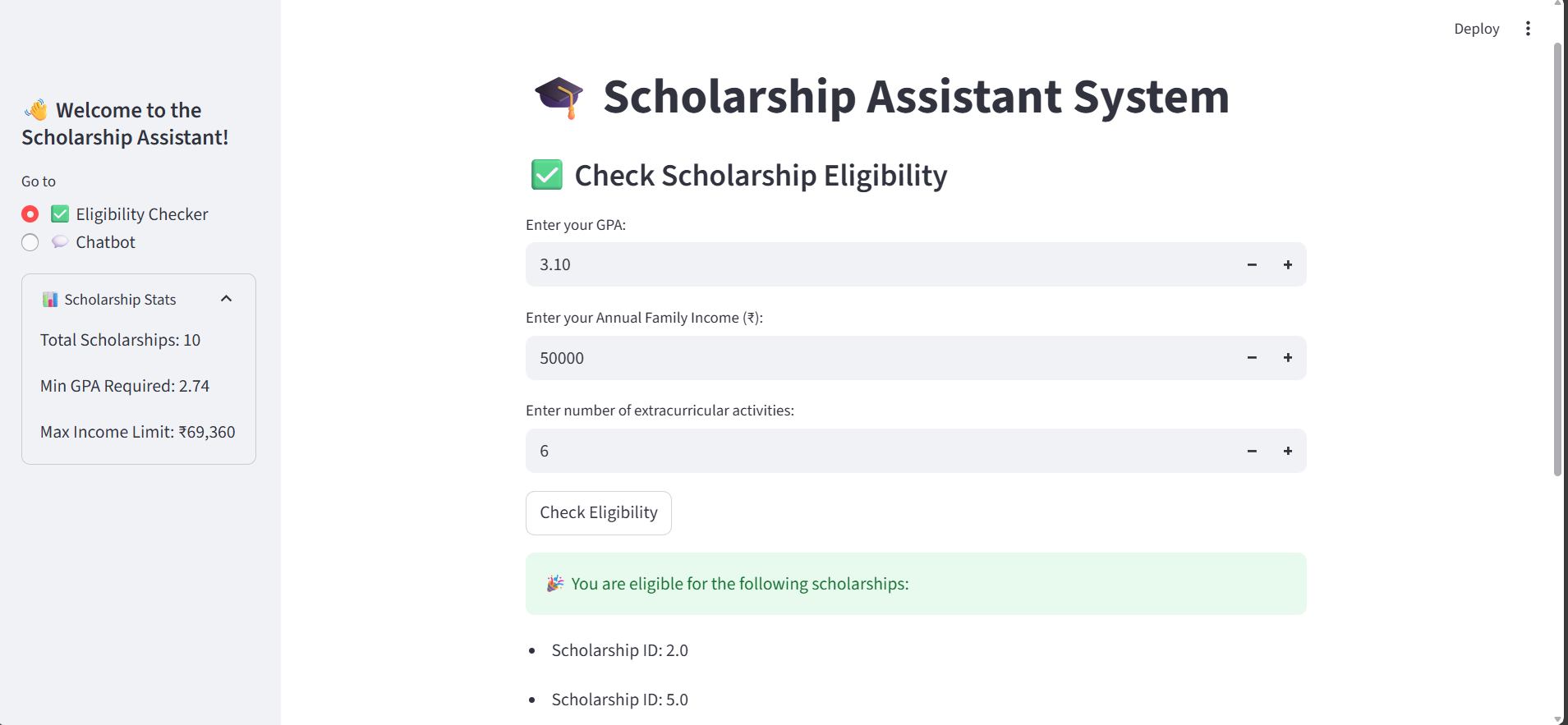
SCHOLARSHIP RECCOMENDATION SYSTEM WITH A CHATBOT USING STREAMLIT
The project is based on providing perfect scholarships to the students , They can check thier suitable scholarship by simply entering thier GPA , Annu