QuizMaster – Interactive Learning Platform
A full-stack online quiz management web application where students take quizzes, view results, and teachers create and manage quizzes securely.
Preview Gallery
6 media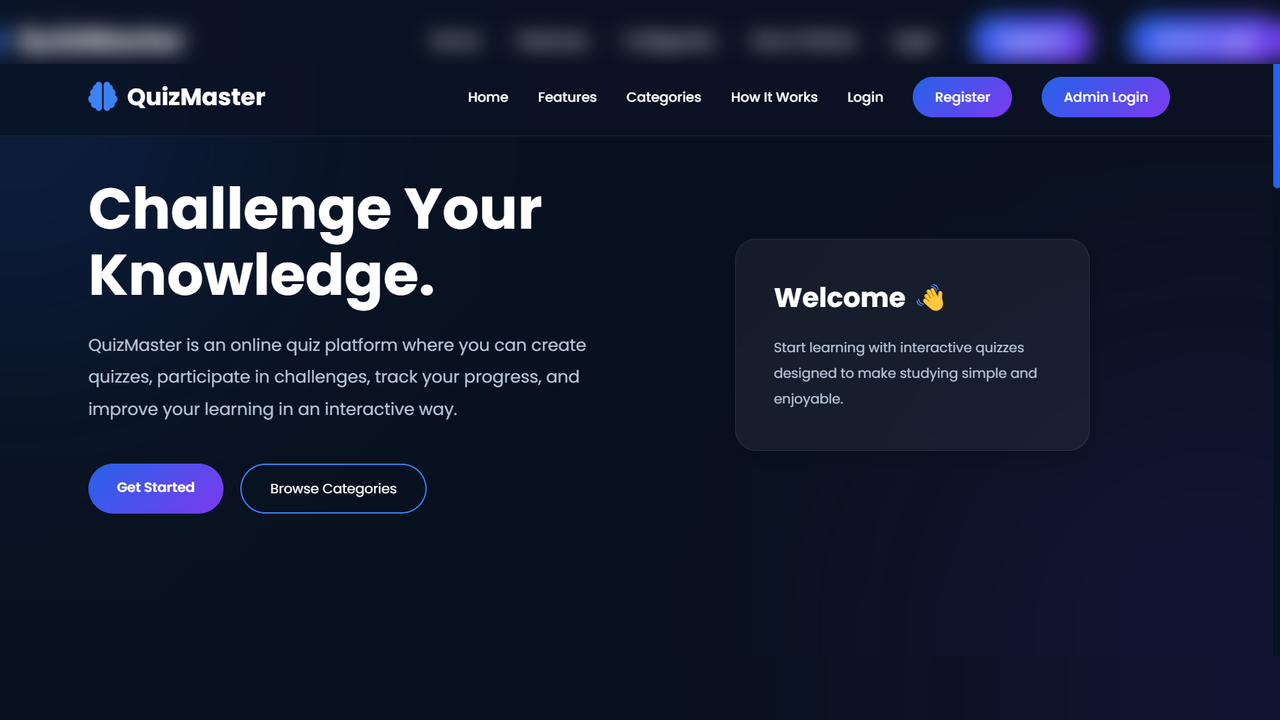
Technologies & Skills
Download at no cost
What's Included
Support & Customization
Resource Links
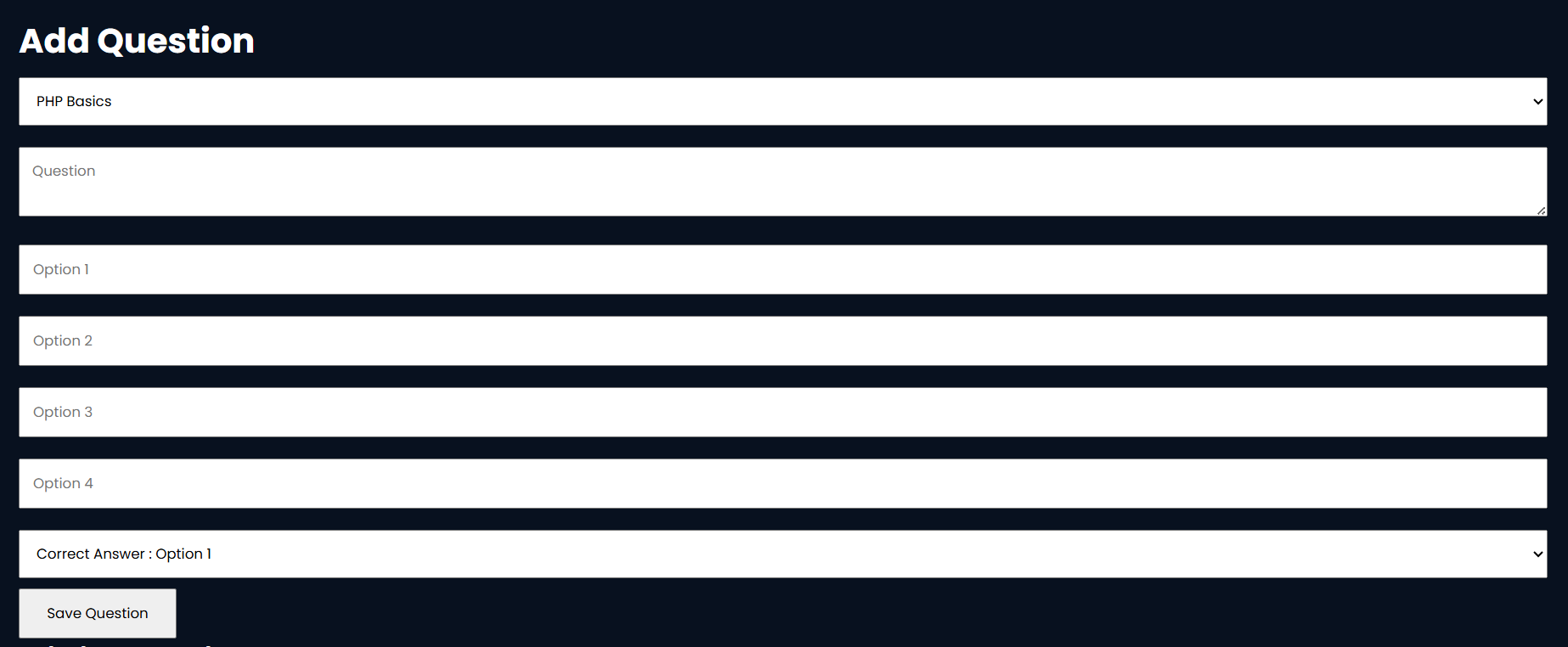
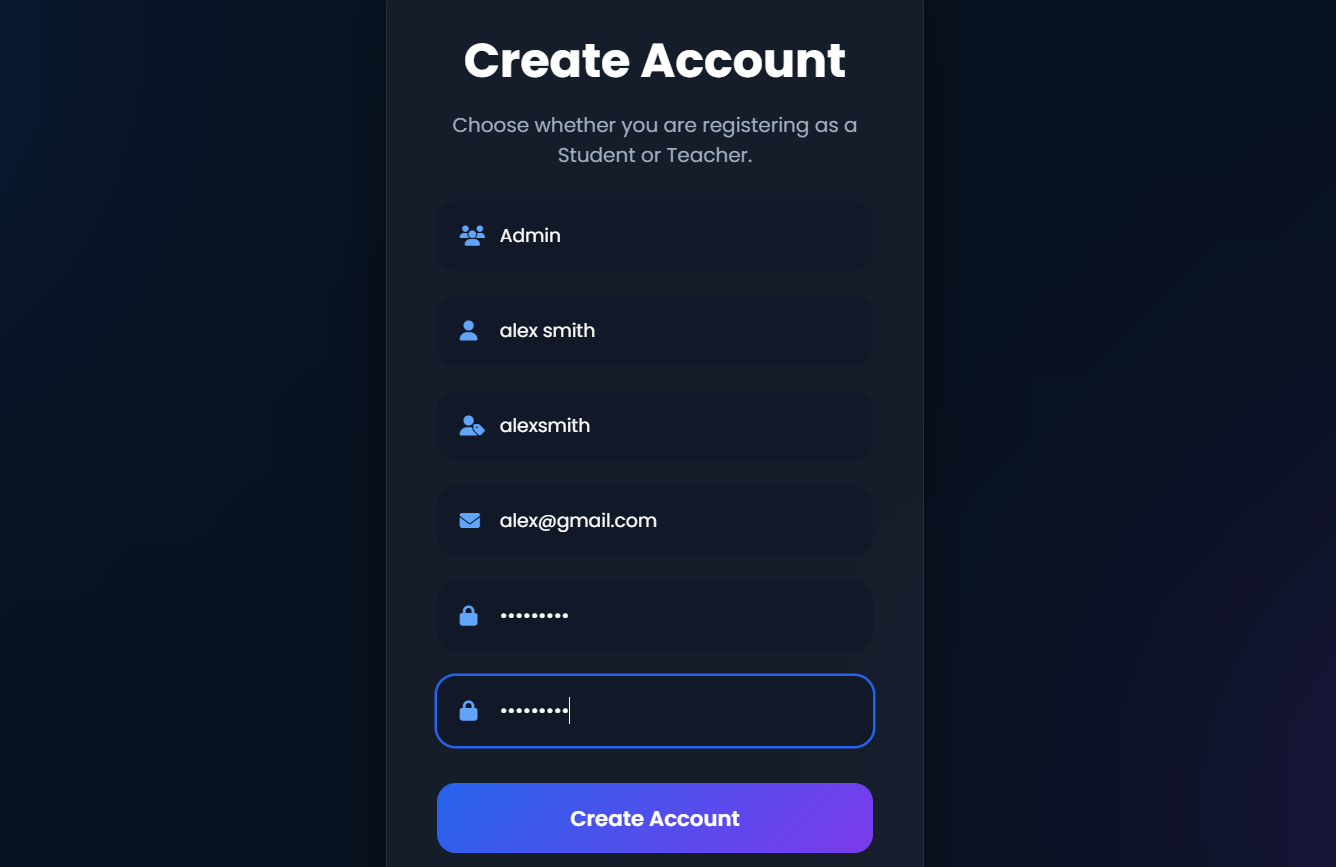
QuizMaster is a full-stack web application designed to provide an interactive online learning and assessment platform for students and teachers. The website enables students to register, log in, attempt quizzes, view instant results, and monitor their performance through a user-friendly interface. Teachers can securely manage quizzes, questions, and categories from a dedicated administration panel.
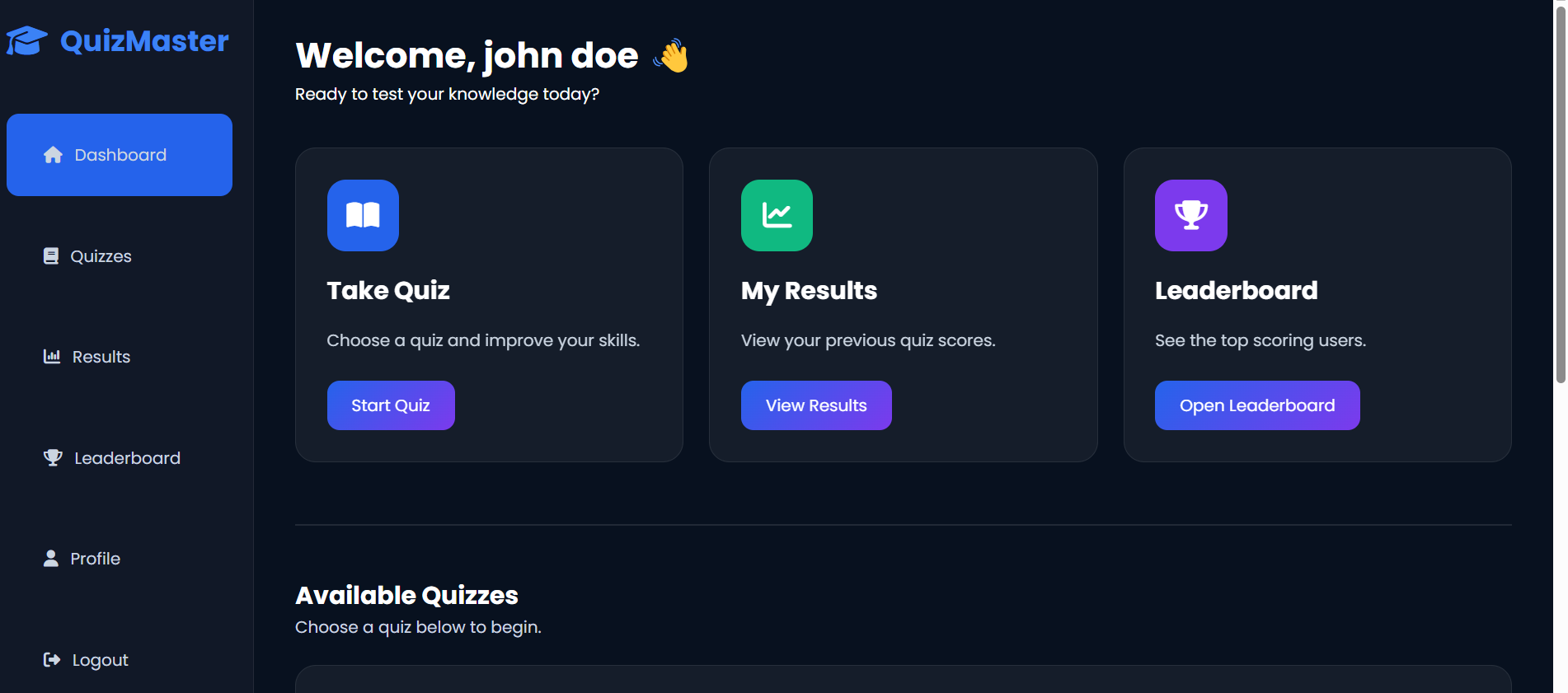
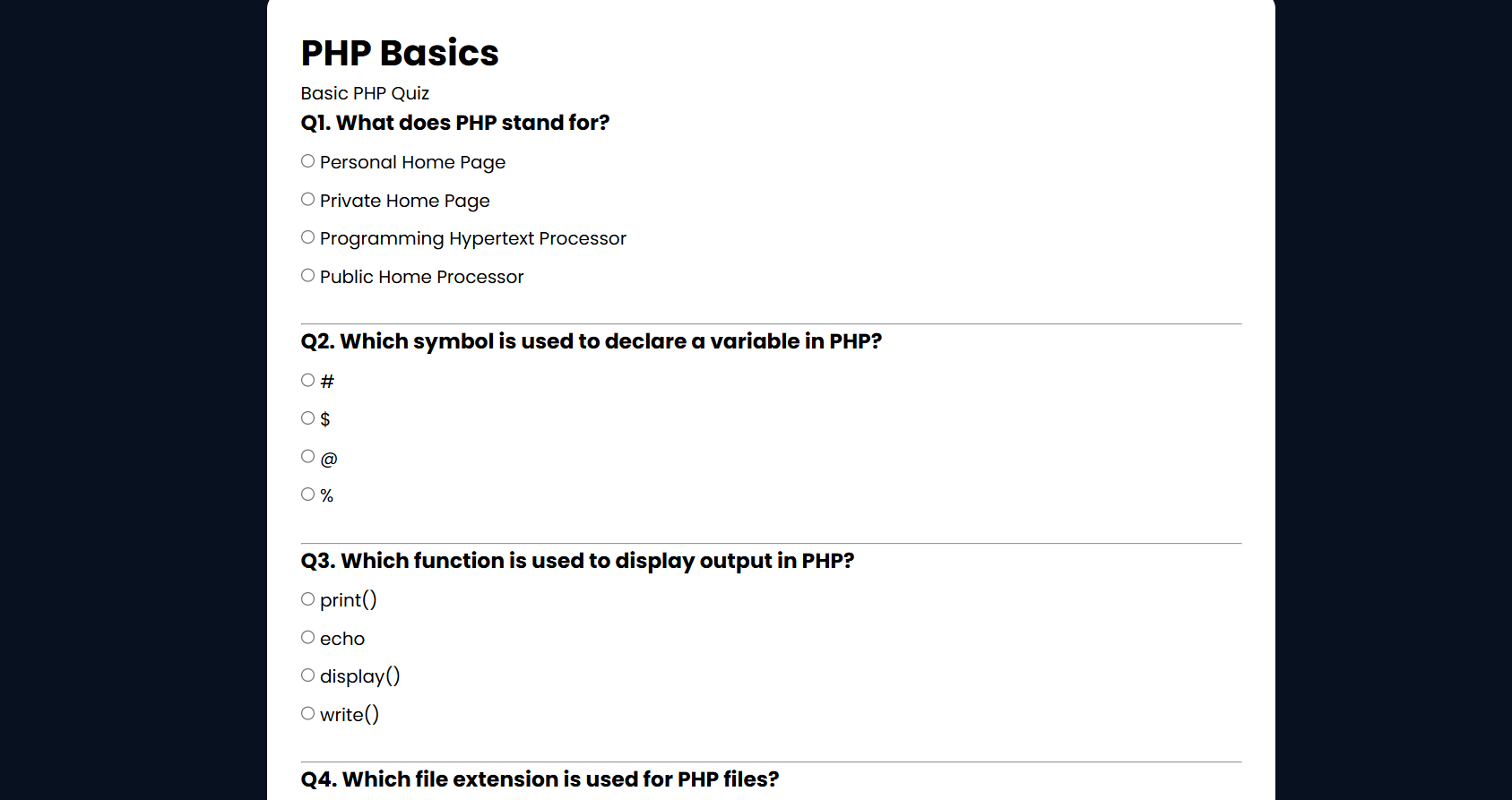
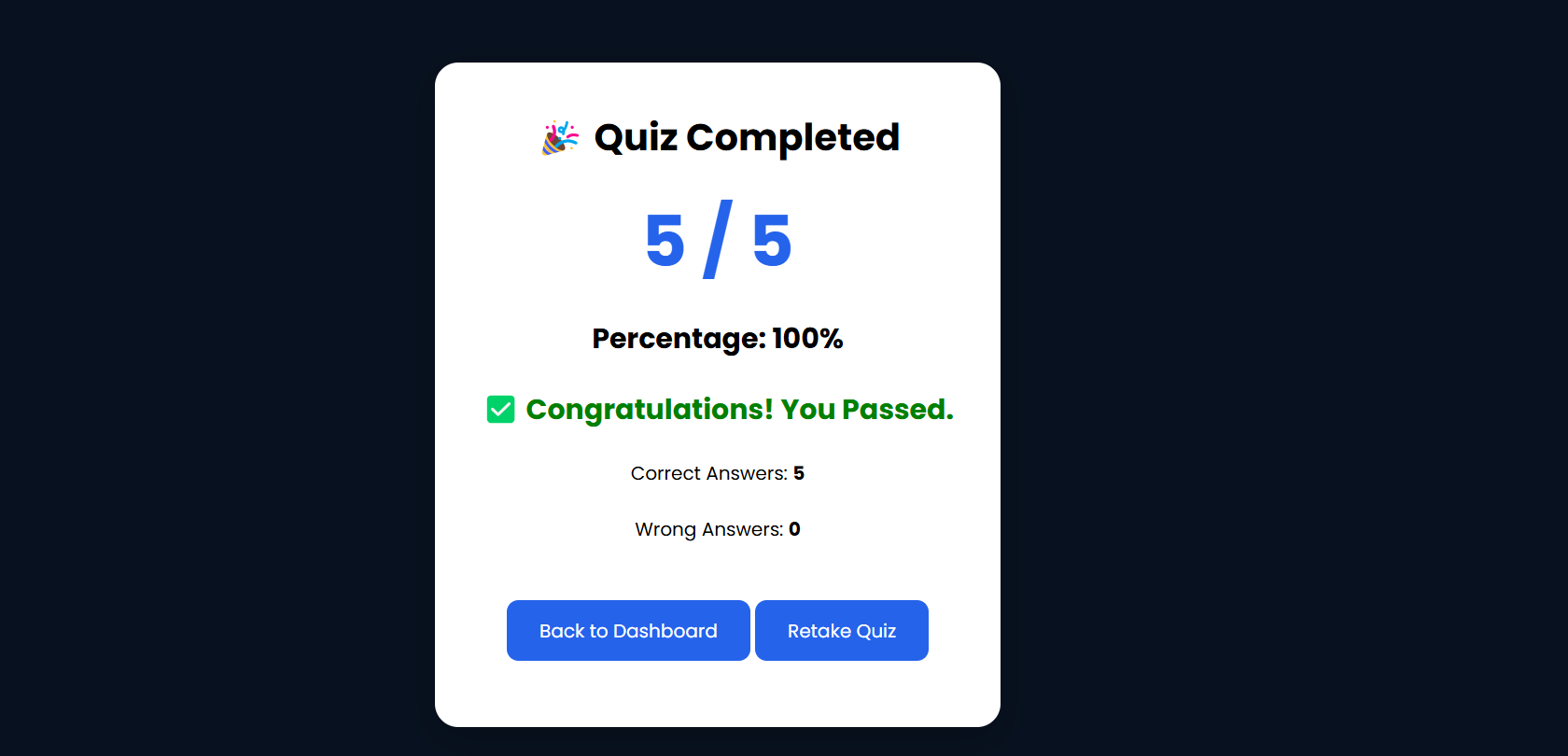
The primary goal of this application is to simplify the process of conducting online quizzes while providing an engaging learning experience. Students can explore available quizzes, answer multiple-choice questions, receive immediate feedback, and compare their scores on the leaderboard. The platform is fully responsive, ensuring a smooth experience across desktop and mobile devices.
The system includes secure authentication, profile management, quiz creation, question management, automatic score calculation, result tracking, and leaderboard functionality. The teacher dashboard allows administrators to efficiently organize quizzes and maintain question banks, making the platform suitable for educational environments.
Technologies Used
Frontend: HTML, CSS, JavaScript, Font Awesome
Backend: PHP
Database: MySQL (phpMyAdmin)
Development Environment: XAMPP
Future Enhancements
Known Issues
Installation
- Download or clone the project source code.
- Install XAMPP on your computer.
- Copy the
quiz-platformproject folder into the XAMPPhtdocsdirectory. - Open the XAMPP Control Panel and start both Apache and MySQL.
- Open your browser and visit:
http://localhost/phpmyadmin- Create a new database named:
quiz_platform- Import the provided
quiz_platform.sqlfile into thequiz_platformdatabase. - Verify the database connection settings in
includes/db.phpif necessary. - Open your browser and navigate to:
http://localhost/quiz-platform/- Register a student or teacher account, or log in with an existing account to start using the application.
Usage
- Launch the application in your web browser.
- Register a new student or teacher account, or log in with an existing account.
- Students can browse the available quizzes from the dashboard.
- Select a quiz and answer the multiple-choice questions.
- Submit the quiz to receive an instant score and view the results.
- Check the leaderboard to compare quiz performance with other users.
- Visit the Profile page to view or update personal information.
- Teachers can log in to the admin dashboard to create, edit, and manage quizzes and questions.
- Log out securely after completing your session.
System Requirements
Hardware Requirements
- Processor: Intel Core i3 or equivalent
- RAM: 4 GB or higher
- Storage: At least 500 MB of free disk space
Software Requirements
- Operating System: Windows 10/11, macOS, or Linux
- Web Server: XAMPP (Apache)
- Database: MySQL
- Database Management: phpMyAdmin
- Programming Language: PHP 8.0 or above
- Web Browser: Google Chrome, Microsoft Edge, Mozilla Firefox, or any modern browser
Development Tools
- Visual Studio Code (or any code editor)
- XAMPP Control Panel
Slides Open in New Tab
For better readability, slides are opened directly. Documents remain preview-only with secure backend rendering.
Showing preview pages only. Purchase for full access to all pages and complete source package.
Login for Full AccessNo Q&A available yet
Be the first to ask a question!
Ask a Question
Customer Reviews
Write Your Review
No reviews yet
Be the first to review this project!
Similar Projects
You might also be interested in these projects
 website Development
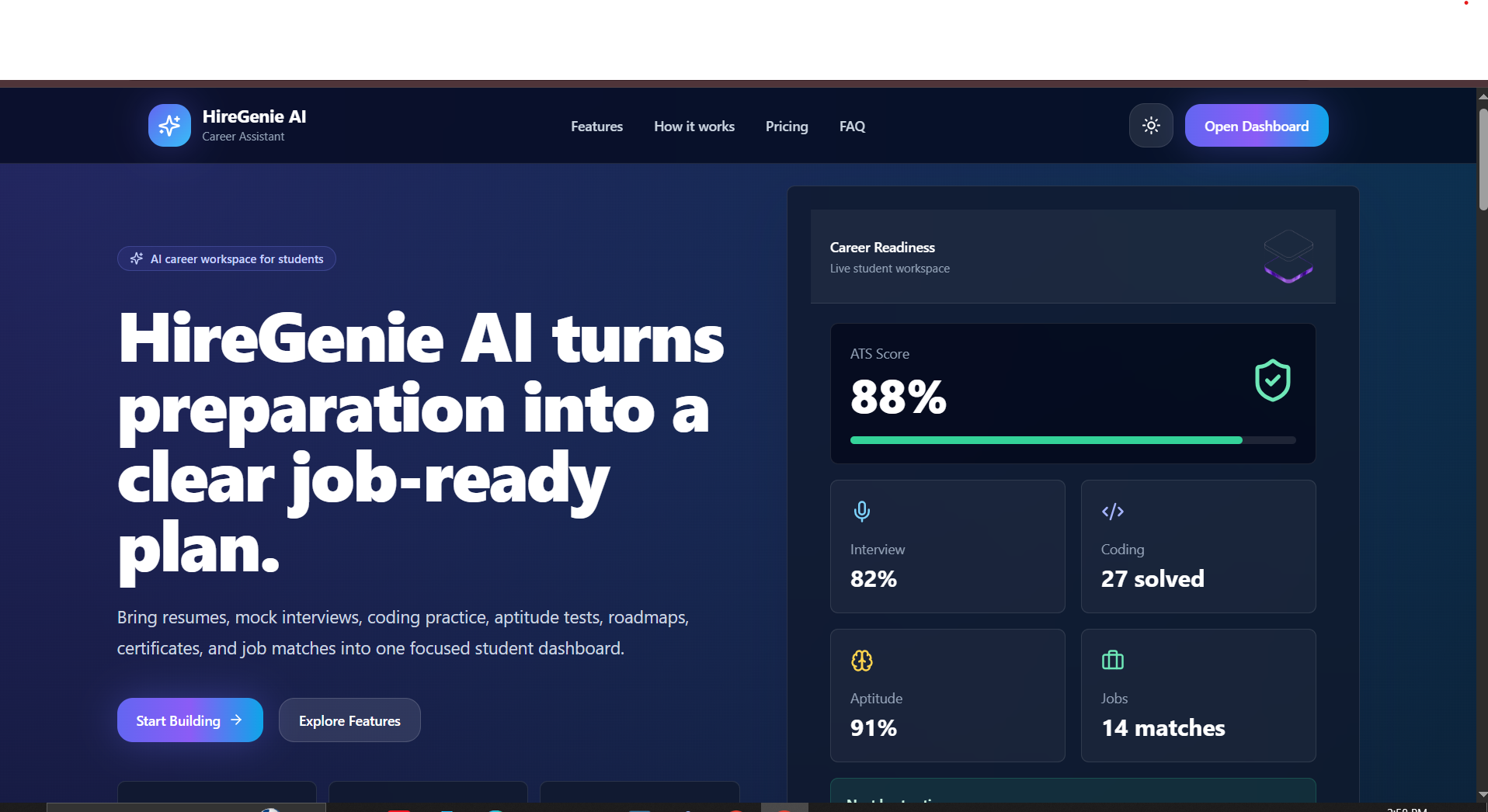
HireGenie AI Career Prep Platform with Django & React
AI career platform for freshers to build ATS resumes, practice interviews, solve coding tasks, and track job-readiness.
 website Development
ExploreSphere - Full-Stack Travel & Heritage Discovery Platform
A full-stack MERN platform featuring 100+ campgrounds, interactive maps, secure authentication, and immersive heritage exploration.
 website Development
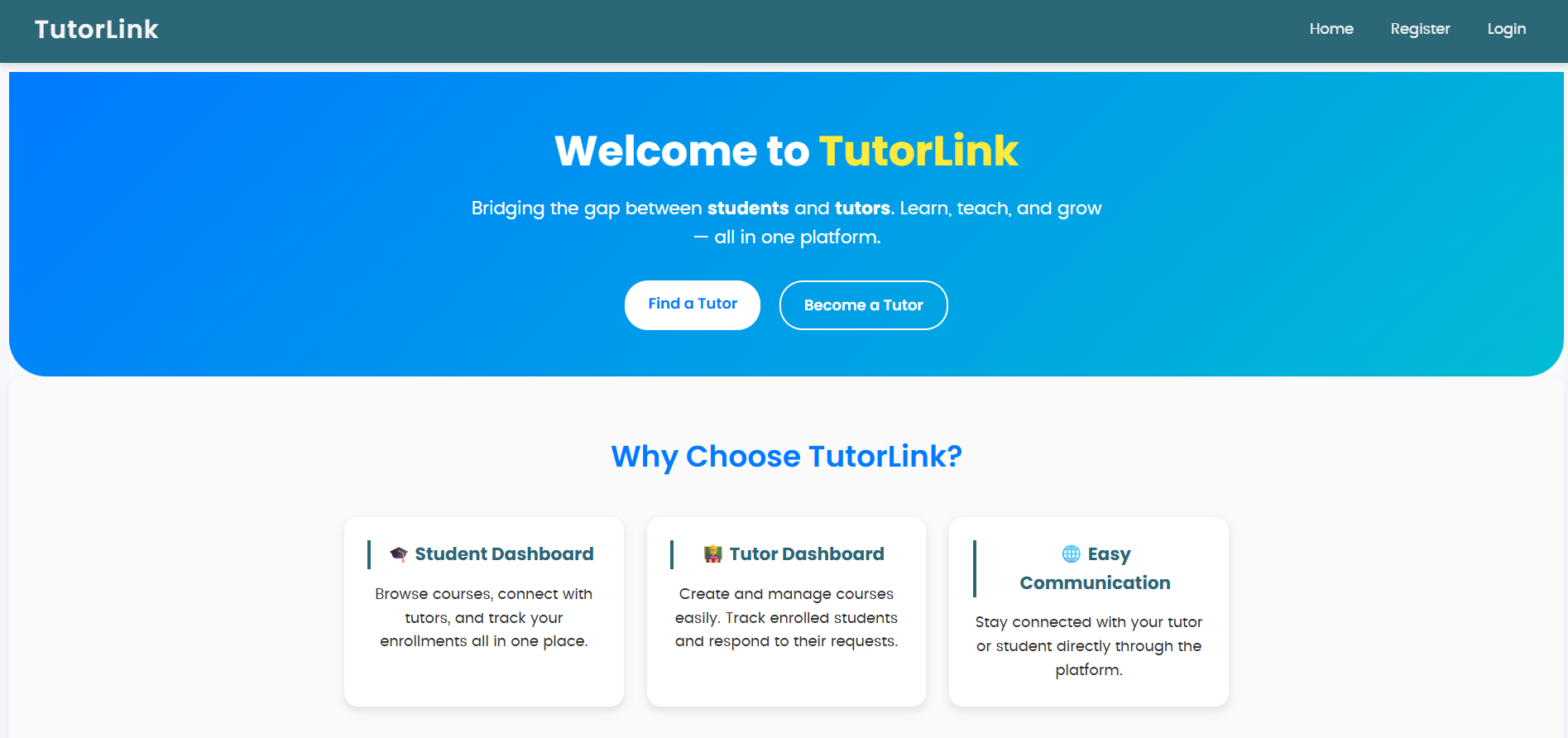
Tutor Link
Tutor Link is a platform that connects students with tutors, offering an easy way to browse, connect, and manage learning.
 website Development
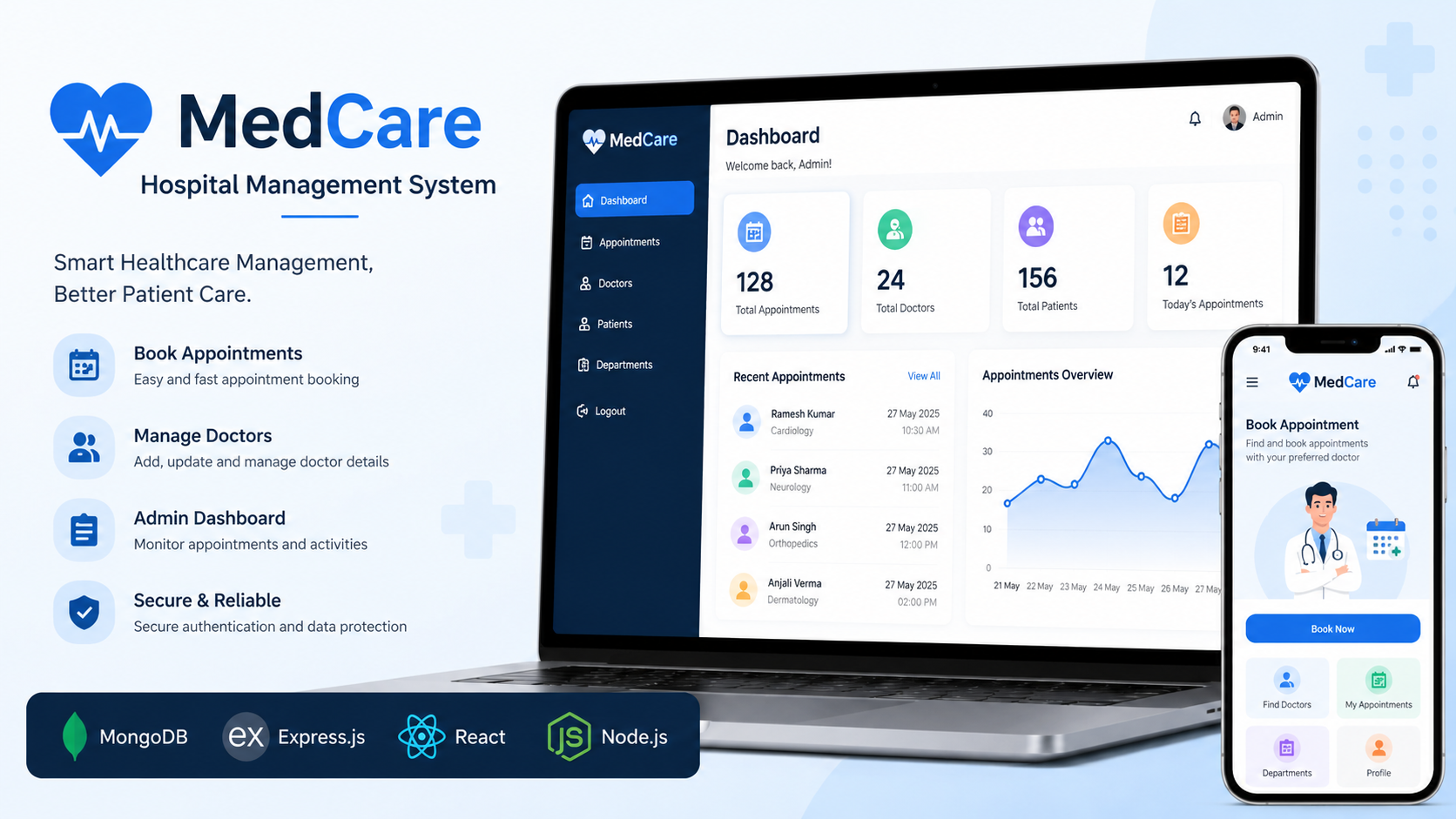
MedCare System
MedCare is a MERN Stack hospital management system that enables patients to book appointments and admins to manage doctors.